
The guide explores how WooCommerce translation can support CRM performance and help businesses deliver a more consistent customer experience across different markets.
A multilingual WooCommerce store generally does more than make the products accessible to customers in different languages. It can also help improve how businesses manage and engage with them through the CRM. When customer language preferences are captured and integrated into CRM workflows, businesses can create more personalized communication, along with smarter segmentation and relevant marketing automation.
What Is a Multilingual WooCommerce CRM?
A multilingual WooCommerce CRM generally combines a WooCommerce store, translation capabilities, and customer relationship management to help businesses serve customers in multiple languages. It also allows customer information, such as language preferences, location, purchase history, and interactions, to be organized and used for more personalized communication.
A multilingual WooCommerce CRM can help businesses with the following:
- Track customer language preferences.
- Segment customers based on language, location, buying behavior, and other attributes.
- Personalize communication by sending emails and offers.
- Automate multilingual campaigns.
- Maintain consistency across the website, CRM, email campaigns, and customer support.
How to Set Up a Multilingual WooCommerce CRM Workflow
Setting up a multilingual WooCommerce CRM workflow generally involves connecting the store's language preferences with customer data, segmentation, and automated communication. The main goal is to ensure that the customer receives a consistent and personalized experience in their preferred language.
To set up a multilingual WooCommerce CRM workflow, users can follow the given steps:
Step 1: Identify the Target Language
Users can start by identifying the language used by the most valuable customer segments and the market they want to target. They can prioritize language based on website traffic, sales, customer location, and growth opportunities.
Step 2: Translate WooCommerce Store
Translate the customer-facing elements of the store, which include product names and descriptions, product categories and attributes, checkout and cart pages, shipping and return information, FAQs and help content, forms and error messages, and promotional banners and offers.
Step 3: Capture Customer Language Preferences
Once the store supports multiple languages, make language preference a part of the customer data. This information can be collected from the selected storefront language, account preferences, location, or other relevant interactions with the customer.
Step 4: Connect WooCommerce with CRM
Sync relevant WooCommerce data with the CRM so customer profiles can include information such as names and contact details, language preferences, country or region, products purchased, order history, customer value, and email engagement.
Step 5: Create Language-Based Customer Segments
Use collected data to create targeted customer segments. Users can also combine language with customer behavior to create more specific segments and campaigns.
Step 6: Create Multilingual CRM Automations
The next step is to connect these segments with automated workflows. This ensures that automation remains personalized even as your customer base grows.
Step 7: Keep Messaging Consistent Across Channels
The website translation and CRM communication should use consistent terminology and messaging. A centralized translation and content management process can help reduce inconsistencies.
Step 8: Monitor Performance by Language Market
Measure how each language segment performs. Users can track metrics such as conversion rate, email open and click-through rates, average order value, repeat purchase rate, customer retention, and cart abandonment rate.
Language Supports Data Accuracy
Customer expectations are evolving. Visitors want relevant content in their own language, accurate product details, and clarity during checkout. This is especially true when stores begin attracting users from various regions organically. If these users cannot find localized content, the path to conversion becomes unpredictable. While a CRM might capture lead data or track engagement, it relies heavily on how well the content was received in the first place.
CRM Segmentation Improves with Multilingual Input
Language and data are connected. The moment content is presented in a familiar format, user behavior becomes more measurable. CRM tools and marketing automation platforms start collecting cleaner interaction data when the experience is aligned with user preferences. If a customer browses a translated product page and proceeds to checkout, the language match increases trust. That trust becomes visible in the analytics and in downstream workflows like abandoned cart follow-ups or email segmentation.
From an operational standpoint, multilingual stores also benefit CRM strategy through deeper segmentation. When users interact with localized versions of a site, they can be grouped more effectively. This allows for campaigns that are not only region-specific but also language and behavior-specific. The more precise the data, the more targeted your automations become.
Consistency Across Platforms Matters
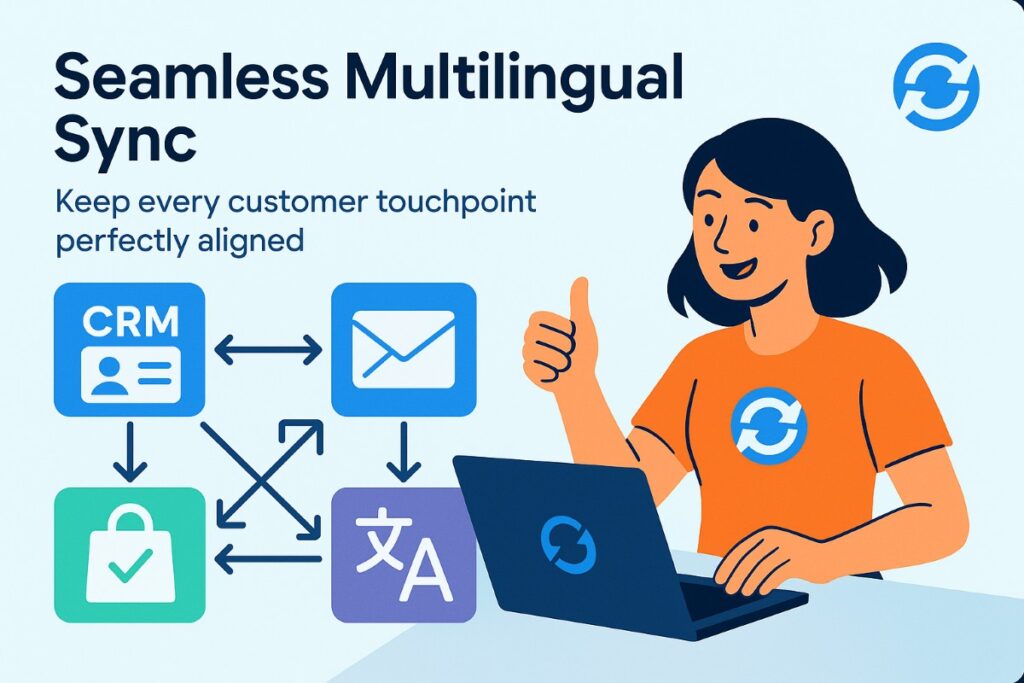
Integrating translation does not need to interrupt your current tech stack. Solutions today are designed to work alongside CRM platforms, email systems, and backend inventory tools. However, choosing a plugin or service without considering CRM compatibility can lead to data inconsistencies. For example, if a product description is translated but not synced with your outbound emails or customer journey messages, the experience feels disjointed. This reflects on the CRM as poor engagement or lower open rates, even when the product itself is relevant.
A streamlined translation layer helps solve this. When all versions of a site are centrally managed and synced with your existing content, it becomes easier to maintain consistency across customer touchpoints. CRM users benefit from cleaner workflows, support teams face fewer communication issues, and product messaging remains aligned with the storefront.
Expanding your WooCommerce store to support multiple languages not only improves user experience but also enhances global SEO through AI-powered website translation and CRM automation, you can boost your visibility across different regions and languages.
Automation Requires Language Awareness
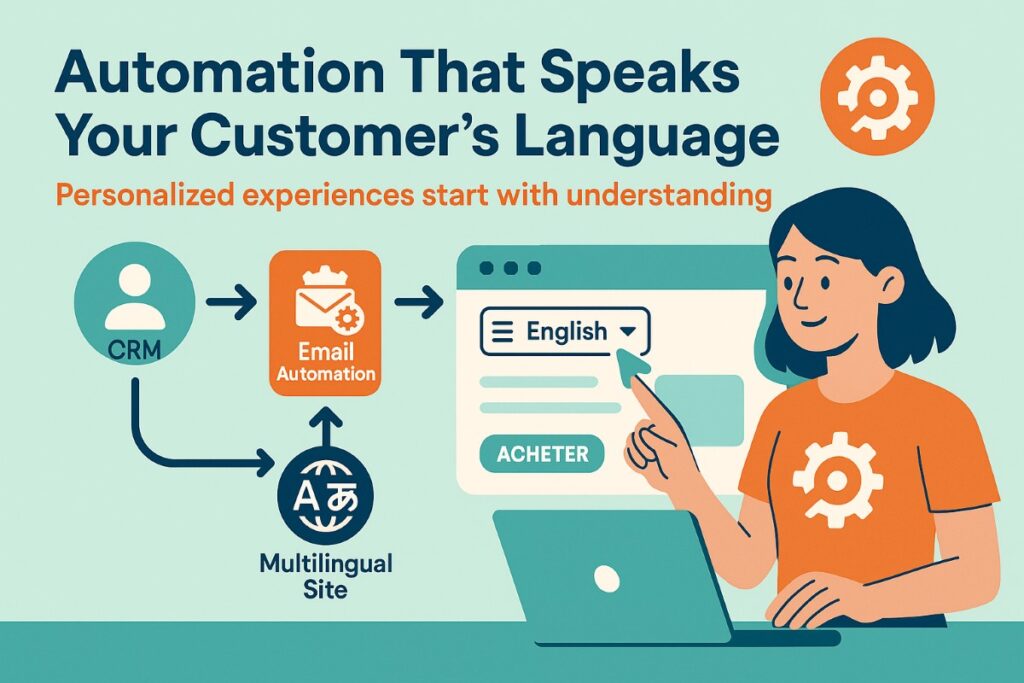
Multilingual support also contributes to smarter automation triggers. For instance, a user navigating through a translated site in French should not receive email sequences in English unless they have clearly opted in. This kind of logic is only possible when the translation system is integrated with backend tools or shares metadata with your CRM.
As competition increases in the e-commerce space, customer retention is often linked to personalization. And personalization begins with relevance. Language is one of the most fundamental forms of relevance. A CRM system that tracks customer interactions, preferences, and order history can only be effective if the content those actions were based on made sense to the customer in the first place.
Translation as a CRM Performance Enhancer

Adding language options is not about volume. It is about clarity and control. And when managed correctly, it adds value to both the customer journey and the systems behind it. Teams can see how different segments respond, test variations, and refine messaging across markets without duplicating effort.
For those building on WooCommerce, the process can be made easier through an integrated solution such as the one described at ConveyThis. It aligns with broader platform needs without requiring a full infrastructure rebuild. More importantly, it supports CRM-centered growth by helping unify communication across languages without compromising on data structure or automation flow.
Multilingual WooCommerce SEO Best Practices
Expanding a WooCommerce store into multiple languages can help businesses reach new markets, but simply translating product pages isn't enough. Each language version should be optimized so search engines can understand its purpose, its relation to other versions, and its target audience. Users should follow the given best practices for setting up a multilingual WooCommerce store.
- Use Separate URLs for Each Language
Users need to give each language version its own crawlable URL. For most WooCommerce stores, language subdirectories are a straightforward option, as they keep different language versions organized under the same domain.
- Implementing Hreflang Correctly
Users need to use hreflang annotations to tell search engines which language and regional versions of a page should be shown to customers.
- Translate SEO Elements
Optimize the important SEO elements for every language version, such as page titles, meta descriptions, H1 and other headings, product names, image alt text, and URLs/slugs where appropriate.
Conclusion
In modern e-commerce, language choice is not just a frontend setting. It is a data point, a personalization trigger, and a foundation for better segmentation. And when combined with a strong CRM strategy, it becomes a lever for growth across multiple regions and customer profiles.
Frequently Asked Questions
How does WooCommerce translation improve CRM performance?
WooCommerce translation helps CRM systems capture and organize customer information according to language preferences and regional needs.
How does language affect customer segmentation in CRM?
Language offers an important customer segmentation attribute. By identifying a customer's preferred language, businesses can create targeted groups and send localized emails, offers, and product recommendations.
How can multilingual WooCommerce stores personalize customer experiences?
With multilingual WooCommerce stores, businesses can use customer language preferences, location, purchase history, and behavior to personalize the shopping experience.
How can businesses create language-specific customer segments in a CRM?
Businesses can add language preferences as a customer attribute and use them to create dedicated segments.
%201.png)

%201.png)

%201.png)