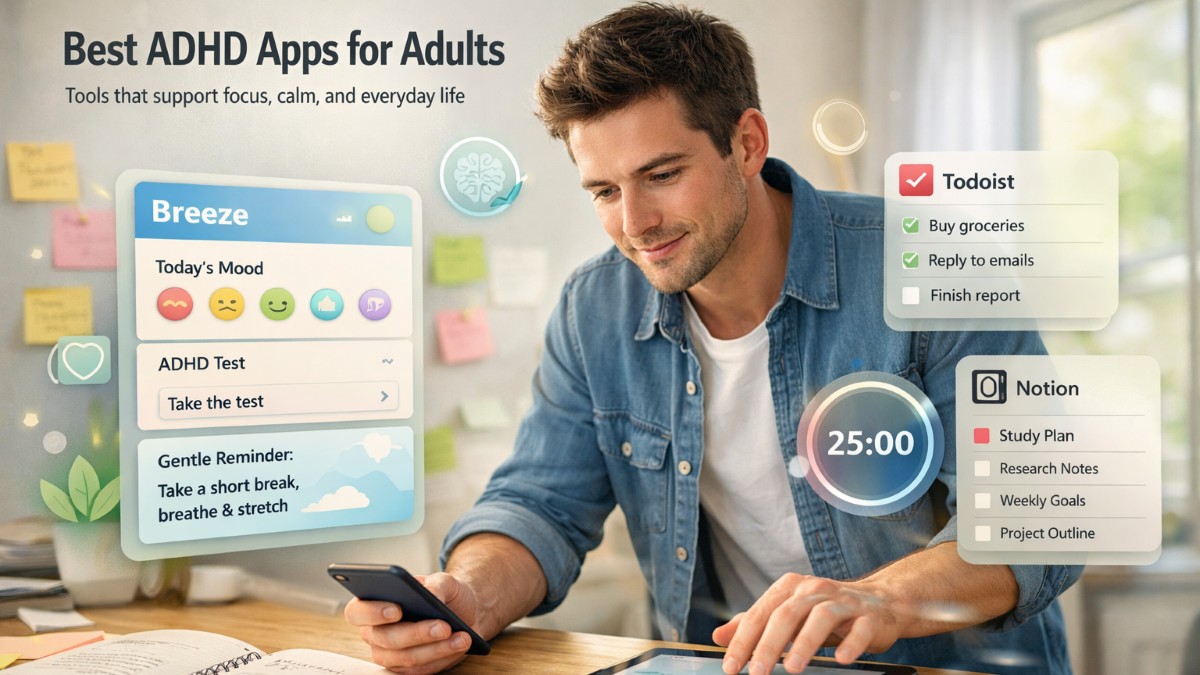

Apps designed specifically for ADHD can be a great help in managing everyday tasks. But it's important to understand why you need an ADHD app. If you're chasing productivity, the outcomes might be disappointing. Sure, an app can increase your productivity, but will you be peaceful and happy?
If you're not sure which tools fit your needs, I, as an ADHDer with 10 years of experience, will share my experience and invaluable knowledge collected over these years. Here are the 10 best unique ADHD apps for adults I liked most and why they actually work.
11 Unique ADHD Apps I Liked a Lot
If you have already tried searching for a good, balanced ADHD app, you now know that it's not the easiest task. For some reason, most of the apps seem, if not similar, then underwhelming and not enough, right?
I had a lot of bad experiences with apps designed specifically for ADHD. Hence, I am glad to share it here so that you can avoid making the same mistakes.
These 10 apps stood out because they are different and suit different needs. Whether you keep them in rotation or stick to a favorite one, they can be equally effective.
1. Breeze Wellbeing
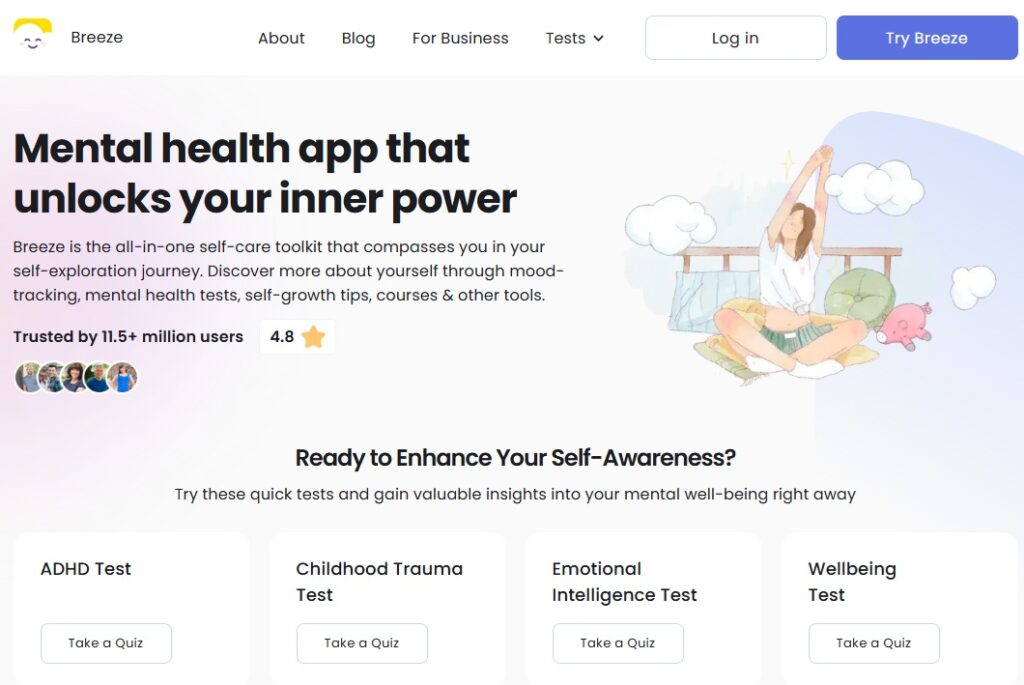
Breeze Wellbeing is a self-discovery app designed to support your mental wellbeing daily and without intrusion. Breeze has excellent users' reviews with an average rating across platforms of 4.5/5.
There is a reason why I put Breeze Wellbeing as the first in the list of the best apps for ADHD. This reason is the Breeze's ADHD Test, which should be your first step if you're not sure whether you have ADHD or ADHD-like symptoms. It doesn't replace a formal diagnosis, but it is a great starting point to understand your signs and act accordingly.
Breeze Wellbeing itself is one of the most ADHD-friendly apps I've tried. It combines mood tracking, daily routines, grounding exercises, gentle reminders, and personalized mental-health insights in a low-cognitive-load, yet not underwhelming design.
My favourite Breeze feature is the routine planner, where you can break down your goals and habits, and the app turns them into routines. Breaking down a big objective into small, supportive steps reduces decision fatigue and provides emotional tools for the days when my brain feels scattered.
2. Notion
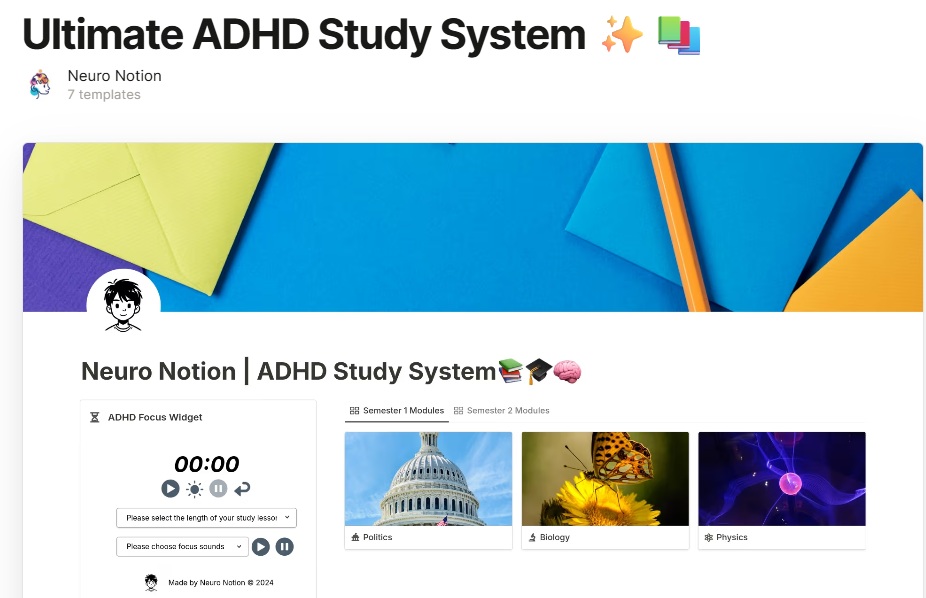
Notion was initially a productivity and note-taking service, but over time, it evolved into a comprehensive data system used by companies worldwide. Even your company may use Notion for internal planning. But how can this plain corporate tool be used for managing ADHD?
Notion can be the best ADHD app if you know how to customize in-app systems, organize information there, and build dashboards. But if you're like me, you probably don't know how to do that. That's when I started using templates.
Yes, Notion has a free library, full of templates made by users, and a huge portion of them is made specifically for ADHD. My favourite ones are "Ultimate ADHD Study System" and "ADHD Planner All-in-one" if you don't know where to start.
3. Todoist
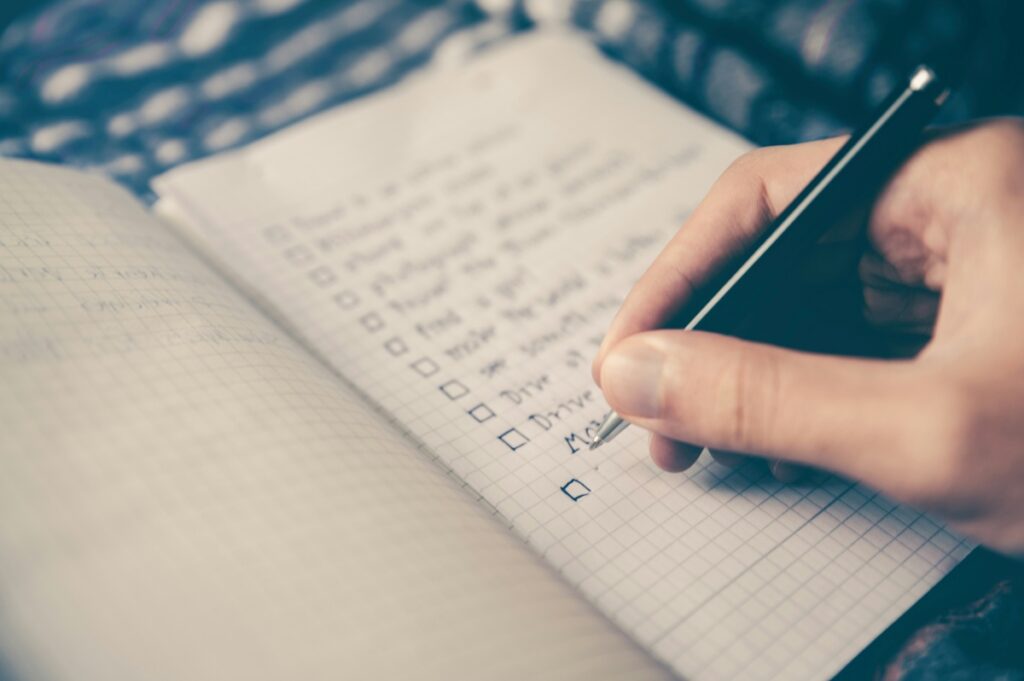
Todoist is the best app for adults with ADHD. It's simple and doesn't have too many features. The main thing you can do is create lists. But the lists for me, as a person with ADHD, are a holy grail.
Todoist's functions I liked the most:
- Clean interface with minimum to no distractions.
- Natural language input.
- Priority levels (shoutout to Eisenhower matrix).
- Recurring tasks that are great for household chores.
Just a small tip for using an app: don't just create a to-do list. Create lists for everything: grocery list, movies to watch list, things I like list, etc. Honestly, lists make life so much easier because they eliminate additional mental load for making decisions.
4. Google Calendar
People with ADHD are always recommended to use calendars. I was sceptical as well, and for the longest time, any calendars, neither physical nor digital, were working for me. Until I discovered customization options in Google Calendars.
Honestly, I didn't realize that I only needed color-coded events and repeating events to reduce my time blindness and overcome procrastination. Now, I strongly believe that calendars for ADHDers do work; you just have to find the right calendar.
5. Forest
Forest is a more sophisticated and gamified timer and a focus app. It's one of the best ADHD apps for concentration because, unlike boring timers on phones or YouTube, it actually engages you.
So how does the app work? When you start a focus session, the app grows a virtual tree. You cannot leave the app because otherwise the tree dies. It's very dramatic, and I didn't like it when the tree I worked so hard on died.
The app indeed teaches accountability and gives a dopamine reward for staying on task, but it's not perfect. For example, I am not a person who's learning from punishment. The tree dying felt like a punishment and discouraged me. So, if you relate to that, it may also not be the most motivating for you.
6. Flora
So, you tried Forest and didn't like? Don't worry, because I found a great alternative called Flora. It functions similarly to Forest, but doesn't use punishment as motivation.
I prefer Flora to Forest because it's more radical. Why? It completely blocks other apps on your phone during the focus time. I found for myself that it's the only way I can concentrate. (Of course, in case of emergencies, you can leave Flora).
Flora uses plant-growing visuals, soft colors, and community options that allow you to focus together with friends. I also really enjoy discovering new plants and trees. This sense of novelty keeps me going.
7. Goblin Tools
Hands down, Goblin Tools is the best ADHD-specific app available, built to directly support executive dysfunction. I use its standout feature, the "Magic To-Do," for almost every new task I have.
What does Magic To-Do?
- You type in a task that needs to be completed. For example, "Organize Christmas party."
- "Magic To-Do" breaks down the big goal into smaller steps, such as "Create a guest list," "Write a menu," "Invite guests," etc.
- You can delete unnecessary steps or add your own.
- You can also ask "Magic To-Do" to estimate how much time each step will take.
I know that it works for me because planning all of these steps would take me at least one additional day and too much mental load. In addition, I no longer live in ambiguity that tends to trigger avoidance in people with ADHD. "I don't know how to do it, so I won't do it altogether."
8. Finch
Finch is a self-care app disguised as a cozy digital pet. You complete tiny tasks, like drinking water, stretching, journaling, tidying your space, and your Finch friend grows stronger. I really like the idea behind this because not only is it a gamified self-care approach, but it also reinforces the idea of progress over perfection, which I am a huge fan of.
Why it works for my ADHD:
- It's easier for me to complete small, achievable tasks like drink three cups of water today than an ambiguous "stay hydrated."
- It's rewarding. The ticking of tasks is enjoyable in itself, but imagine how happy you'd be when seeing your digital pet growing up?
- Journaling for the lazy. You can track your mood inside the app, and it doesn't require extra effort.
- Reduces shame by celebrating imperfect effort.
9. Opal
I discovered Opal through TikTok, and the first thing I did was go into Opal and block TikTok. Opal is a distraction-blocking app designed to reduce screen time without punishment. It temporarily locks access to apps that trigger impulsive checking, such as social media, messaging, and other digital rabbit holes.
If you have ADHD or concentration problems, you know that going to certain apps is automatic. And as soon as you are inside, it feels like a trap. So, when you prevent entry to such apps, you make the first most important step to stop doomscrolling. And Opal helps with that.
You still can unblock the apps, but unlike regular iPhone's blocker, it's not as easy. You have opened Opal, choose an "Unblock" option, indicate the reason, and so on. I am usually lazy enough not to do all of these steps; hence, I just don't open social media.
10. Blank Spaces
Blank Spaces is a minimal iPhone launcher that strips your home screen down to a distraction-free interface, no app icons, no notification badges, no visual noise competing for your attention.
For ADHD brains, the home screen itself is a trigger. Every icon is an invitation to open something impulsively. Blankspaces eliminates that decision fatigue at the source. You still have access to your apps, but you have to intend to open them, and there is no accidental tap into a rabbit hole.
What makes it work for ADHD:
- Removes visual clutter that triggers impulsive app-opening
- Forces intentional phone use rather than reflexive scrolling
- Works passively, with no timers to set and no sessions to start
- Reduces the mental load of seeing a cluttered home screen every time you unlock your phone
If you have tried various approaches and still find yourself mindlessly picking up your phone, Blank Spaces attacks the problem at the source.
11. Planta
The last recommended best app for adults with ADHD is very specific. Planta is a plant-care app, and what can be more adult than having your own plants? But to be serious, forgetting to take care of my plants is one of my biggest troubles.
Planta is great because it uses species-specific reminders, lighting guidance, and simplified care instructions to make plant parenting manageable. What I also appreciate is that you can go down a rabbit hole of information about different plants and species. If you want your hyperfocus to be productive. I recommend going to Planta.
Finally
Unfortunately, neurodivergent people still have to adapt to live in a neurotypical world. Although it's wrong and the world deserves to be accessible, we have to learn to thrive under these circumstances.
This shift toward digital support is part of a broader movement, where modern technologies revolutionizing mental health care are making tools more accessible, personalized, and supportive for neurodivergent people.
What I want readers to carry from this article is that finding the best app for ADHD as an adult isn't about forcing yourself into a system. It's you learning to live, not survive, for the sake of your future and the future of the next neurodivergent generations.
Experiment, try something new, be impulsive, and don't be ashamed of it. Embrace yourself and your unique abilities. The apps I recommended are there to highlight your strengths that may be considered weaknesses. But you dictate what's your power, right?
%201.png)

%201.png)

%201.png)