
Choosing the right AI video face swap tool is critical, as it affects your production speed, output quality, and hardware costs. Even though web-based platforms give priority to cross-device processing and accessibility, businesses prefer local software to maintain offline privacy and granular control over the rendering pipelines. Those exploring face swap online solutions will find browser-based options particularly convenient. This article evaluates some specific tools in the market and highlights their major differences to help you select the best one that aligns with your business needs and fits your workflows.
TL;DR: Web-Based vs Software-Based AI Video Face Swappers
The core difference lies in where the "brain" (computation) lives. Web-based tools process data on remote cloud servers while offering unmatched accessibility and speed. However, they often follow the "pay-per-use" model with standardized quality. Whereas software-based tools use local hardware (GPU) to provide high privacy and granular control. But software-based tools demand significant technical expertise and costly hardware.
Top AI Video Face Swappers in 2026
Below are discussed 5 popular face swap video AI tools in 2026. The table covers both online platforms and downloadable software solutions. If you are in a hurry, here’s a quick overview of these tools.
| Product | Type | 4K Support | Free Trial |
| Vidmage | Hybrid Cloud/Desktop | Yes | 15 free photo swaps and 20s of video credits daily. |
| Akool | Web-Based | Yes | Basic plan offers a free trial, within 5 minutes. |
| Remaker AI | Web-Based | Limited | Daily Free Credits |
| FaceFusion | Software (Local) | Yes | Need to purchase the software based on Windows or MacOS. |
| DeepFaceLab | Software(Windows & Linux | Ultra (Offline) | Free, open-source. |
1. Vidmage
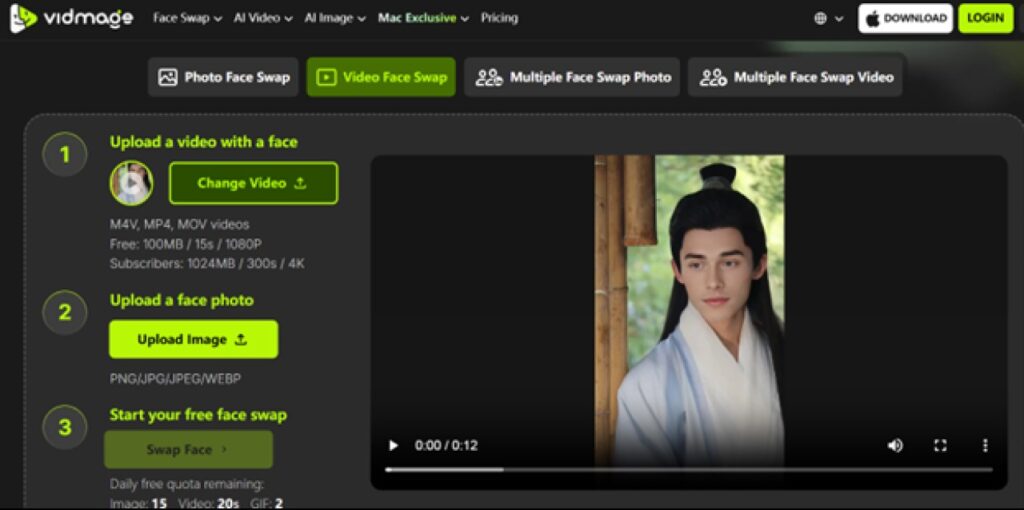
Type: Dedicated Mac Client /Hybrid Cloud
Overview: In this testing, Vidmage has successfully bridged the gap for professionals. They found web tools too basic and local software too troublesome to work with. It performs well at maintaining cinematic integrity and 4K resolution across diverse formats such as videos and GIFs. It is designed specifically for the Mac ecosystem as its native optimization leverages Apple Silicon to deliver low-latency live swapping and localized privacy. This makes it high-end multi-face processing, which is easily accessible to creators even if they do not have a technical background.
Features that standout:
- Native M1-M4 Optimization: Direct hardware acceleration on macOS.
- Cinema-Grade Stability: Proprietary algorithms that remove face flickering in high-motion clips.
- Hybrid Workflow: Local interface for privacy with cloud-based power for rendering.
Pros:
- Unmatched ease of use for Mac users.
- Superior 4K export quality compared to standard web tools.
- Massive inspiration gallery for rapid prototyping.
Cons:
- Full features are accessible with subscription plan.
Best For: It is ideal for marketing teams, YouTubers, mac-based users, and professionals who are looking for high-fidelity outputs with various templates options.
2. Akool
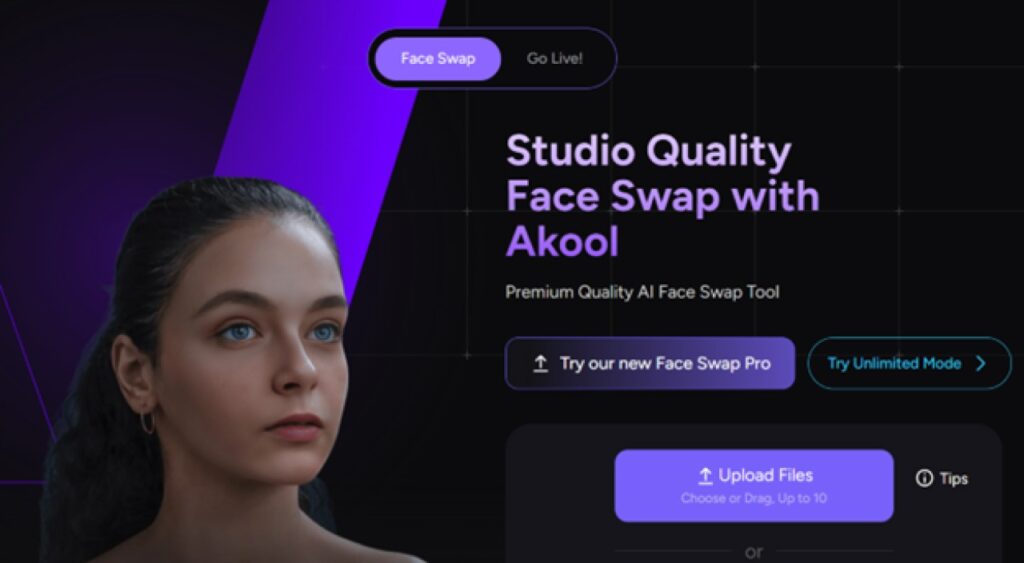
Type: Web-based
Overview: Akool acts more like an industrial solution rather than just a creative tool. Experience with its API signals that it is designed for volume. It has a clean and simple UI. It can maintain consistent skin textures across demographics. This makes it a good, reliable choice for global corporate branding. That's where its real value lies.
Features that standout:
- Enterprise-Grade API: It is ready for integration into automated CRM workflows.
- High-Fidelity Blending: It offers advanced lighting and shadow matching.
- Commercial Compliance: It has a clear licensing for professional use.
Pros:
- It is perfect for large-scale, automated campaigns.
- Very high realism in static or low-motion shots.
Cons:
- It can feel expensive for individual creators.
- It has limited manual refinement tools for carrying out complex VFX.
Best For: It is ideal for E-commerce brands and advertising agencies looking for scalable, automated video production.
3. Remaker AI
Type: Web-based
Overview: Remaker AI is the go-to for "speed-to-market." Tests show it is unbeatable for social media memes where "perfection" is less important than "virality." It manages low-resolution source files surprisingly well. However, it has been observed that it struggles with occlusion (objects passing in front of the face).
Features that standout:
- One-Click Batch Processing: It can easily swap multiple faces across images and videos at the same time.
- Viral Template Library: It provides instant access to trending movie scenes and memes.
Pros:
- It has an extremely low entry barrier (pricing and technical).
- It shows the fastest turnaround for short-form content.
Cons:
- It has been noticed that its quality drops in 4K or high-motion videos.
- It has limited privacy controls.
Best For: it works best for casual users and social media managers who need quick turnarounds for trendy and viral content.
4. FaceFusion
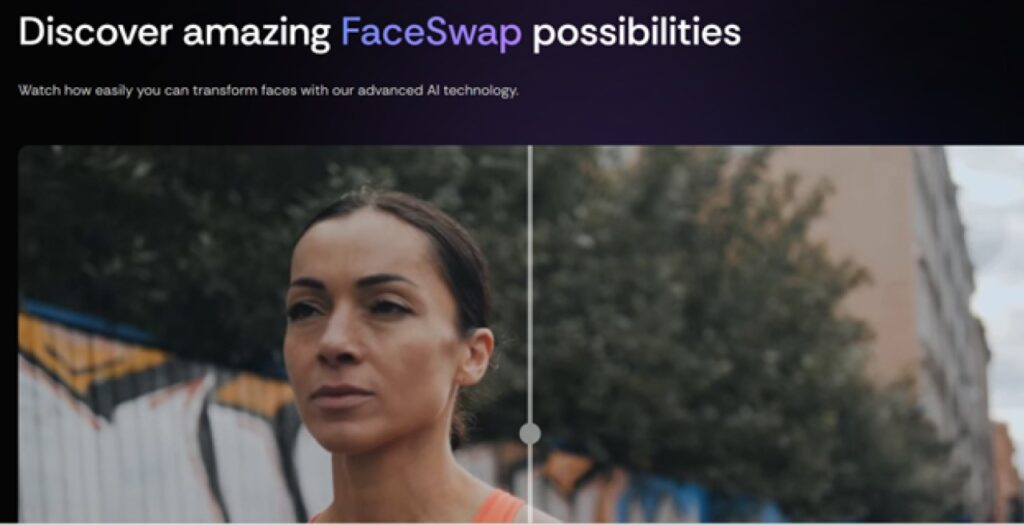
Type: Software-based
Overview: For those who prefer local hosting, FaceFusion is currently the most balanced option. Having used it on various Linux and Windows rigs, the Gradio-based UI is a breath of fresh air compared to command-line tools. It provides a real-time preview that is essential for testing "face-fit" before committing to a full render.
Features that standout:
- Real-time Preview Engine: Offers instant feedback on parameter adjustments.
- Multiple Execution Providers: Supports CUDA (NVIDIA), CoreML (Mac), and OpenVINO (Intel).
Pros:
- Total data privacy (100% offline).
- There is no recurring subscription fees needed.
Cons:
- Installing can be tricky as you might encounter Python/Conda environment issues.
- The quality of the output depends highly on your local GPU power.
Best For: It is ideal for tech-savvy hobbyists who give emphasis to local processing and privacy over cloud convenience.
5. DeepFaceLab
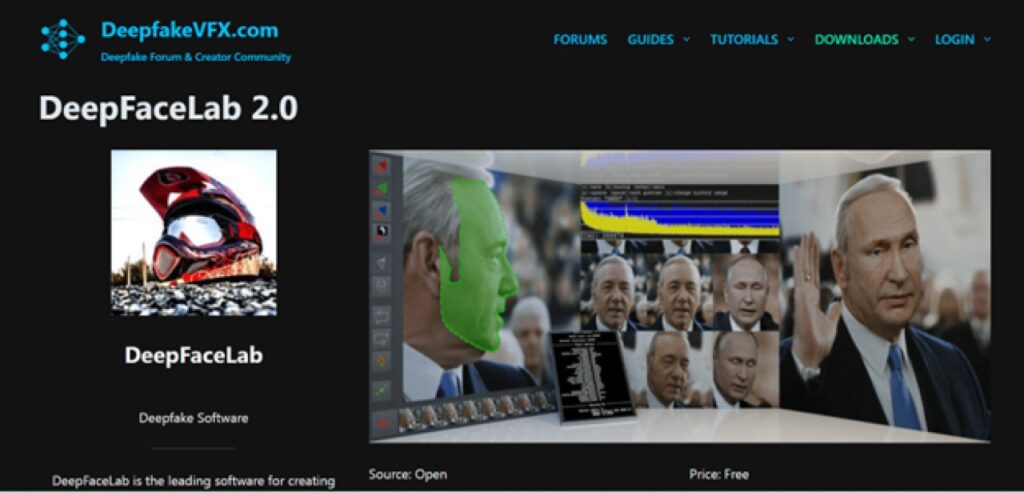
Type: Software-based (Windows/Linux)
Overview: DeepFaceLab, also known as DeepfakeVFX, is more than just a tool. It works as a full-scale research project. It asks you to manually extract faces, train a custom neural network, and perform complex compositing. It’s resource-intensive and has a steep learning curve, but the results are the only ones that can truly bypass most AI detection filters.
Standout Features:
- Custom Model Training: You get to train a specific neural network for a single identity.
- Advanced Masking: It provides granular control over face boundaries and XSeg editing.
- LCT & Color Transfer: It has advanced post-processing tools to match the lighting and skin tone of the desired video perfectly.
Pros:
- The most realistic and cinema-quality output possible today.
- Total offline privacy; no data ever leaves your local machine.
- Free and Open Source with a massive community.
Cons:
- Requires high-end NVIDIA GPUs (RTX 4090/5090 class).
- Not suitable for beginners or quick turnarounds.
Best For: VFX professionals and researchers who require absolute control over neural network training.
Web-Based vs. Software-Based: Which One Should You Choose in 2026
Both web-based and software-based face swap tools solve similar problems, but they fit very different workflows. Online platforms prioritize speed and accessibility, while desktop programs focus on performance, privacy, and production-ready results.
| Feature | Web-Based Tools | Software-Based Tools |
| Setup & Config | Instant (Browser) | High (Environment Setup) |
| Hardware Reqs | Minimal | Extreme (Dedicated GPU) |
| Privacy Control | Limited | Stronger |
| Ease of Use | Very easy | Moderate |
| Large Video Files | Slower uploads | Faster local handling |
| Best Use Cases | Quick marketing clips | Pro content & campaigns |
How to choose (key decision factors):
- Hardware Availability: If you are a Mac user or working on a mobile workstation, Vidmage or web-based services are essential to bypass local GPU bottlenecks.
- Project Precision: For social media assets, web-based tools are most efficient. For feature-film-quality VFX where you must train a specific face model for weeks, local software is required.
- Compliance Requirements: For sensitive enterprise data or celebrity likenesses, prioritize tools like Vidmage that offer clear encryption and data deletion policies, or keep all data offline via local software.
To Sum Up
In a nutshell, the choice between cloud and local AI video face swap tools is no longer about which is "better," but which fits your specific operational needs. For creators and marketing teams looking for a cloud and Mac-compatible desktop option with business-ready features, Vidmage stands out as a practical choice.
%201.png)

%201.png)

%201.png)