
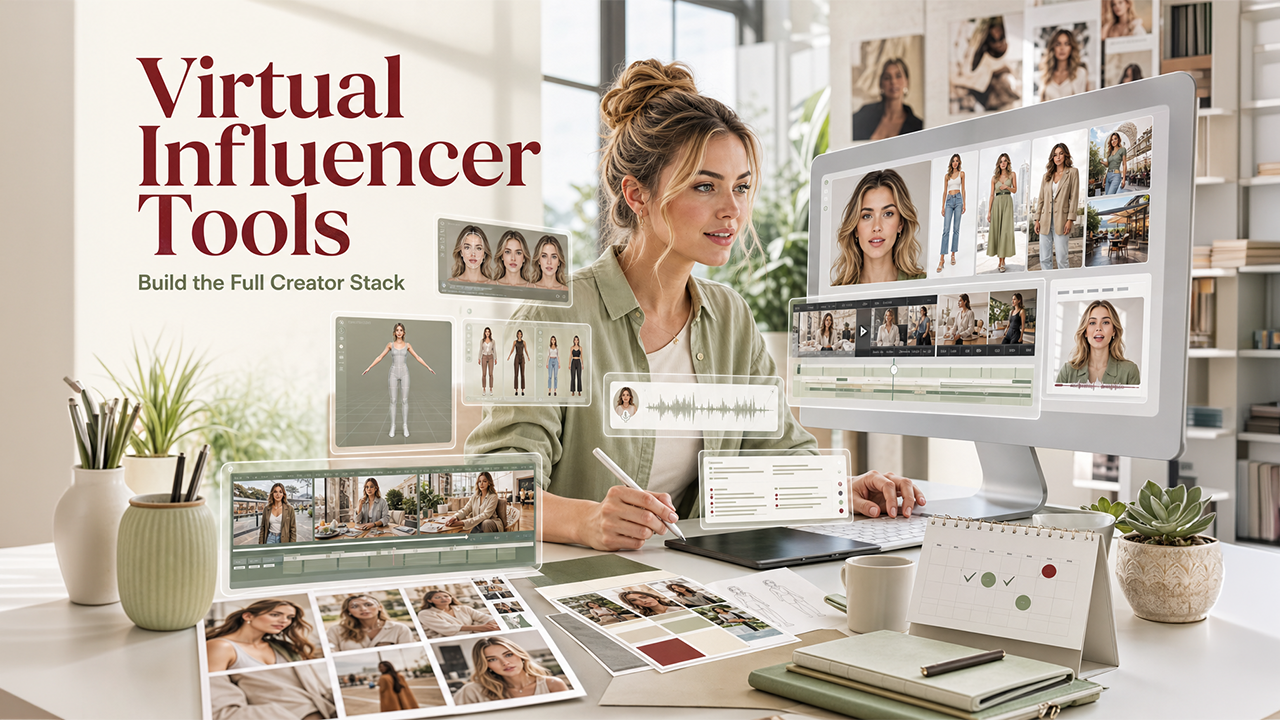

The virtual influencer category has graduated from novelty to working business. There are accounts on Instagram and TikTok with hundreds of thousands of followers, full sponsorship slates, and weekly content schedules. The creators behind them are running real production pipelines built on AI tools that didn't exist three years ago.
Building a virtual influencer is not a single tool; it's a stack. Below are the ten tools that the creators producing serious virtual influencer work are using, organized by what each one does in the pipeline.
1. The character locking layer
The foundation of any virtual influencer is a face that holds across hundreds of shots. The dedicated character locking tools (QWEN Image 2 Pro, Nano Banana 2 with character preserve, or a custom-trained Stable Diffusion LoRA) are the foundation everything else builds on.
Without this layer, every post looks like a slightly different person. With it, the influencer feels like a continuous identity.
What to look for: consistent face across pose changes, environment changes, and outfit changes.
2. The body-pose generation layer
Once the face holds, the next problem is body pose variety. Influencers in real life cycle through poses constantly: candid, posed, mid-action, sitting, walking. Virtual influencers need the same range.
Tools like ControlNet (for Stable Diffusion users) or pose reference workflows in QWEN let you specify the pose explicitly. Provide a reference image of the pose you want, and the model generates your character in that pose with the face preserved.
What to look for: pose adherence without face drift.
3. The outfit and styling layer
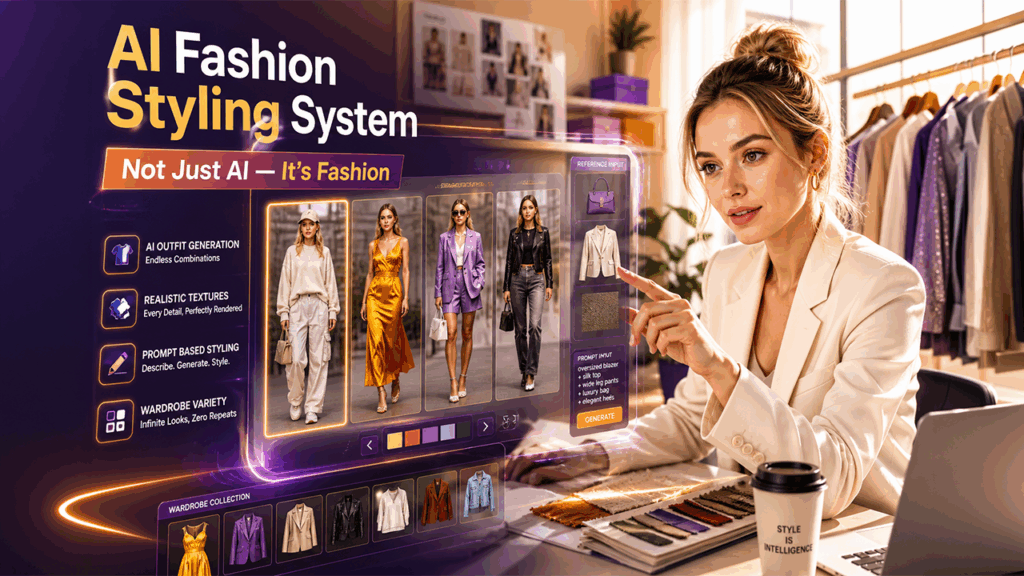
Outfit variety is what makes a virtual influencer feel like a real person rather than the same image regenerated. The styling workflow uses prompt-based outfit changes, sometimes paired with reference images of specific clothing items, to produce a wardrobe across many posts.
For influencers in fashion-adjacent niches, this is where most of the per-post creative work happens.
What to look for: outfit adherence with strong texture rendering on fabrics.
4. The environment and location layer
Real influencers post from real places. Virtual influencers need believable locations. The environment generation work uses prompt-based scene specification or reference images of real locations to place the character in plausible settings.
A practical pattern is to build a library of "the influencer's apartment," "the influencer's regular cafe," "the gym they use," and rotate through these for ongoing posts to reinforce the impression of a continuous life.
What to look for: environment consistency across multiple posts in the same location.
5. The video generation layer
Static images alone don't sustain an influencer account in 2026. Reels, shorts, and TikToks are where the audience growth happens. Video generation tools like the AI video generator by Clipfly, along with Pika, Runway, Wan for dialogue, and Veo for action, handle the moving content.
The character lock from your image workflow needs to carry into the video workflow. The tools that handle this transition cleanly are what make virtual influencer video viable. A dedicated Virtual Influencer Creator workflow can stitch the image character into video shots without manual reconstruction.
What to look for: character preservation that survives the image-to-video transition.
6. The voice cloning layer
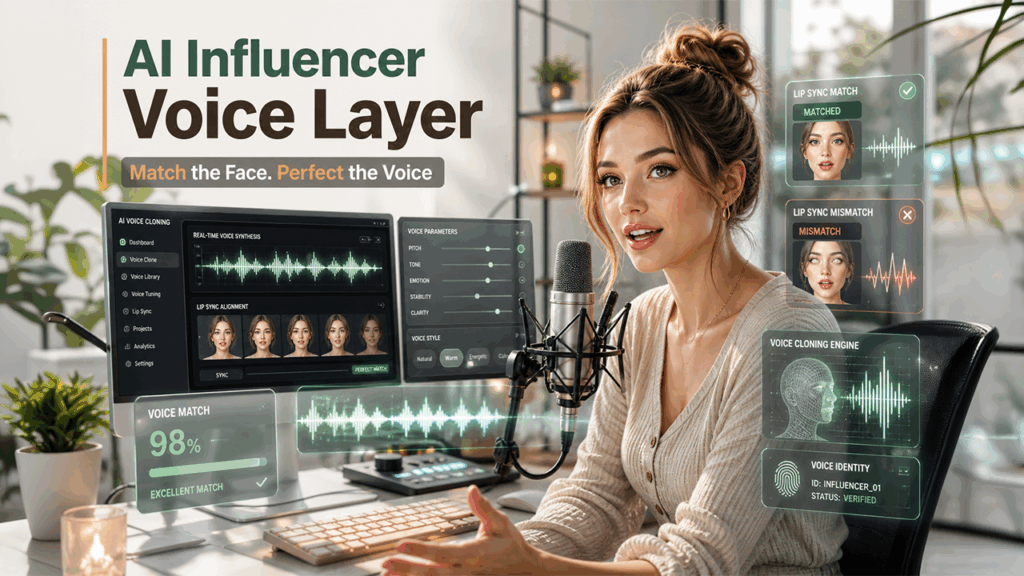
If your influencer talks, they need a voice. Voice cloning tools (ElevenLabs, the Wan voice integration, or specialized voice tools) let you commit to one voice and use it across every audio post.
The voice should match the visual character. A young creator-style face paired with an older voice breaks the illusion immediately. Most working virtual influencer creators iterate on voice match before committing.
What to look for: voice quality at conversational length, not just short clips.
7. The talking-head animation layer
Pairing a generated face with a generated voice and getting them to lip sync convincingly is its own problem. Tools like Wan and HeyGen handle this directly. Provide a portrait of your character and a voice clip, and the tool generates a talking-head video with synced lips.
For influencer content with frequent direct-to-camera talking, this layer is what makes the workflow scale.
What to look for: lip sync that holds at conversational pace, not just in slow speech.
8. The caption and copy layer
Influencer posts are not just images. They have captions, hashtags, and a written voice that needs to feel consistent. Tools that draft captions in a defined voice (most modern LLMs handle this with a few examples in the prompt) speed up the per-post copy work.
The voice should match the visual identity. A polished aspirational character should not have casual unhinged captions. The mismatch is one of the easiest ways to break the illusion.
What to look for: consistent voice across many posts.
9. The scheduling and publishing layer
A working influencer account posts on a schedule. The publishing tools (Buffer, Later, Hootsuite, Metricool) handle the queueing and scheduling so the creator can batch-produce content and publish on cadence.
For virtual influencer accounts where the production happens in batches but the publishing needs to feel like a continuous person, this layer is what creates the impression of a real life happening in real time.
What to look for: native scheduling for the platforms you actually post to (Instagram and TikTok at minimum).
10. The all-in-one studio approach
A category that has emerged is bundled studios that combine the image, video, voice, and character lock layers under one workflow. For creators producing virtual influencer content as a serious endeavor, the bundled approach beats stitching together five separate tools.
The character carries across image and video. The voice carries across audio posts. The asset library accumulates in one place. The scheduling and publishing typically integrate with platforms directly.
What to look for: real character lock across all modalities, not just within one.
How the production calendar actually works
A working virtual influencer producing 5-10 posts per week typically batch-generates content in weekly or bi-weekly blocks. The pattern looks like:
- Plan the next 10-20 posts in a content calendar with shot type, location, outfit, and copy hook.
- Batch-generate the images and video shots, locked to the character.
- Generate the voice and talking-head shots for the dialogue posts.
- Draft the captions in a tone-consistent way.
- Queue everything in the publishing tool.
The total production time, with a working stack, is typically 4-8 hours per week for a steady cadence of posts. The tools above are what make that math possible.
The creators who are growing virtual influencer accounts in 2026 are not the ones with the best prompt engineering. They're the ones who have built tight, repeatable workflows across the full stack.
%201.png)

%201.png)

%201.png)

