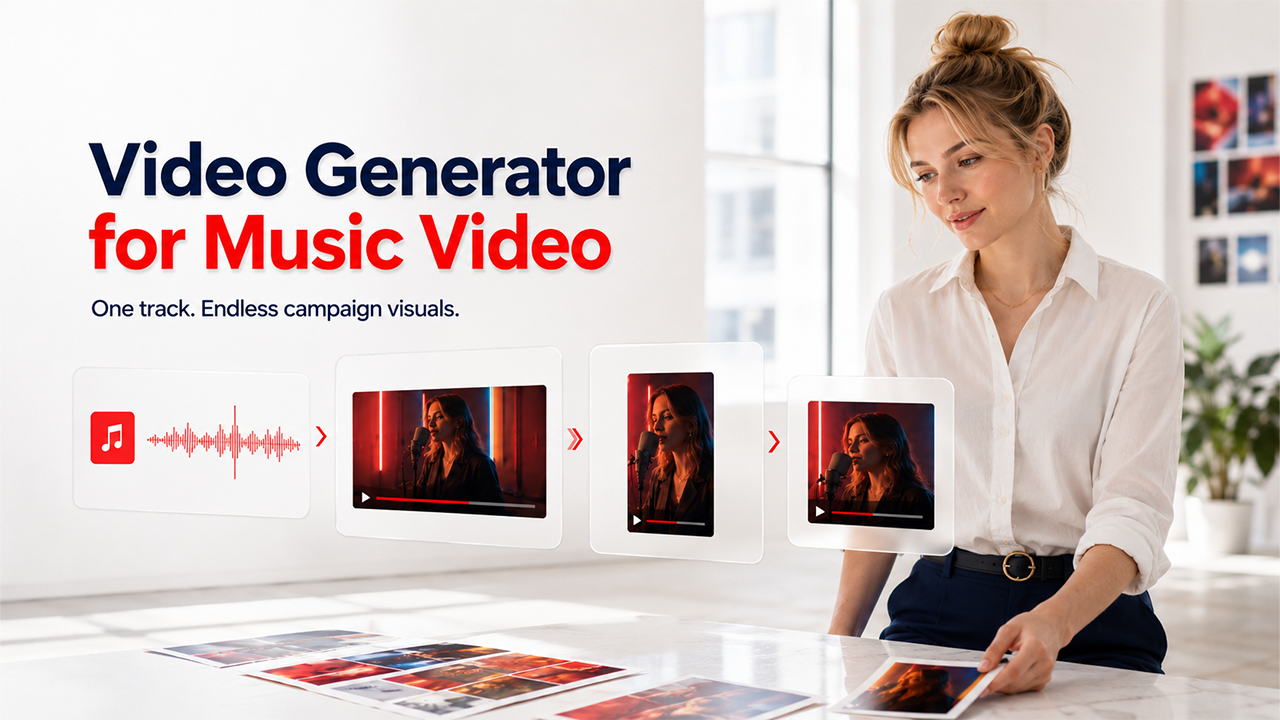

Content teams, agencies, and social media managers are producing more audio-driven video content than ever — but the production pipeline has not kept pace. A product launch needs a teaser video. A brand campaign needs short-form clips for TikTok, Reels, and Shorts. An influencer partnership needs reusable visual assets that can be adapted across platforms. Manually editing all of this is slow, expensive, and difficult to scale. That is why the Video Generator for Music Video category has become relevant not just for musicians, but for marketing operations teams, content agencies, and small businesses that use audio as part of their campaign strategy.
Music video is no longer only a music industry concern. It is a content production format — and the teams that can generate music video assets quickly, in multiple formats, from a single audio source, have a measurable advantage in campaign output and cost efficiency.
Where a Music Video Generator Fits in the Campaign Pipeline
Understanding where a music video tool sits in a broader workflow helps teams make smarter decisions about which tool to use and why. Here is a simplified campaign pipeline:
| Pipeline Stage | What Happens | Tool Role |
| Audio asset | Song, AI track, brand jingle, podcast intro, product soundbite | Input source — the starting point for all visual generation |
| Visual concept | Theme, mood, character, campaign message | Brief or prompt that guides the generation |
| AI video generation | Music Video Generator produces scenes, edits, and transitions | Core production stage — where the tool does the work |
| Editing and refinement | Adjust scenes, captions, timing, style | Optional post-processing depending on tool and use case |
| Platform exports | 16:9 for YouTube, 9:16 for TikTok/Reels, 1:1 for feeds | Format optimization for each distribution channel |
| Campaign distribution | YouTube, TikTok, Instagram, landing pages, email campaigns | Publishing and deployment |
| Performance testing | Watch time, CTR, engagement, conversions | Measurement and iteration |
The tools reviewed in this guide operate primarily at the generation, refinement, and export stages. The best ones reduce the distance between audio asset and campaign-ready output.
Decision Matrix: Operational Fit for Marketing and Content Teams
| Tool | Best Operational Role | Automation Level | Manual Editing Load | Campaign Asset Output | Best-Fit Team | Score |
| Freebeat | Automated music-to-video production system | 9/10 | Low | High — full videos, clips, lyrics, Canvas | Musicians, marketers, agencies, social teams | 9/10 |
| Runway Gen-3 | Cinematic clip generator for creative teams | 5/10 | High | Medium — raw clips need assembly | Creative teams with editing resources | 6/10 |
| Kaiber | Stylized visual mood engine | 6/10 | Medium | Medium — loops and short clips | Brand social teams, aesthetic campaigns | 6/10 |
| Neural Frames | Abstract visual experiment tool | 6/10 | Medium | Low — niche formats only | Experimental audio, ambient content | 4.5/10 |
| Pika | Fast visual ideation tool | 5/10 | Medium | Low — fragments need assembly | Concept testing, quick social clips | 4.5/10 |
| Rotor Videos | Template-based release asset tool | 7/10 | Low | Medium — templates limit originality | Independent artists, simple promos | 5.5/10 |
1. Freebeat — 9/10
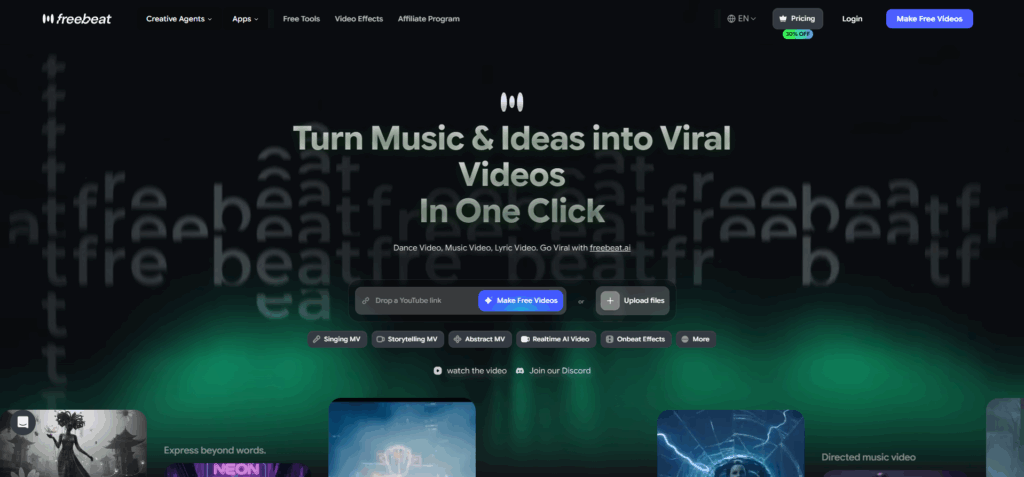
Freebeat is the tool in this category that most closely resembles a production system rather than a single-output generator. It starts from audio — not from a text prompt or a footage library — and builds a structured video edit by analyzing the track's rhythm, BPM, energy changes, and section-by-section composition. Verse sections receive slower pacing. Chorus sections get faster cuts and higher visual energy. Beat drops trigger scene changes. The output reflects the actual arc of the song rather than a generically assembled sequence of clips.
One practical capability that sets it apart for content teams is full-length video support. While most AI video tools cap out at short clips or lose visual coherence beyond 30 seconds, Freebeat can generate a complete, structured music video up to six minutes long — maintaining consistent character appearance, color palette, and stylistic mood from the first scene to the last. For a product launch campaign that needs a full-length hero video alongside short-form social cuts, that matters. The same audio source produces both: a six-minute YouTube centerpiece and a set of 15–30 second vertical clips for TikTok and Reels, all from a single generation session.
For marketing teams, the operational value is in the output volume and format flexibility. A single audio input can produce a full-length YouTube video, a set of vertical short-form clips for TikTok and Reels, a looping Spotify Canvas visual, and a lyrics video — all from the same session. That kind of asset multiplication from one source file is what reduces campaign production costs without requiring additional editing work.
For teams that want a practical way to turn finished audio into platform-ready campaign visuals, Freebeat is a strong candidate for the best ai music video generator in a modern content workflow.
Key operational features:
- Direct input from Suno, Udio, YouTube, SoundCloud, TikTok links, or MP3/WAV/MP4 — no format conversion required
- Beat-aware and song-structure-aware generation — edits adapt automatically to musical sections
- Six creation modes: Singing MV with ~90% lip-sync accuracy, Storytelling Mode, Abstract Video, Lyrics Video with beat-synced captions, Music Cover Video for streaming platform loops, and Viral Shots for social-first clips
- Full-length video generation up to 6 minutes — visual consistency maintained across the entire runtime, not just the first 30 seconds
- Short-form clips from the same source, ready for TikTok, Reels, and Shorts without re-editing
- Scene-by-scene storyboard editing and selective regeneration — individual scenes can be revised without restarting the full project
- Multi-format export: 16:9 for YouTube and landing pages, 9:16 for TikTok and Reels, 1:1 for social feeds
- MCP and CLI integration for teams building automated audio-to-video publishing pipelines
- Character consistency across scenes for performance-style and branding content
- Pricing from $4.99/week with free credits to start
Where it could improve: teams with highly specific brand guidelines may need prompt refinement to align outputs with strict visual identity requirements.
2. Runway Gen-3 — 6/10
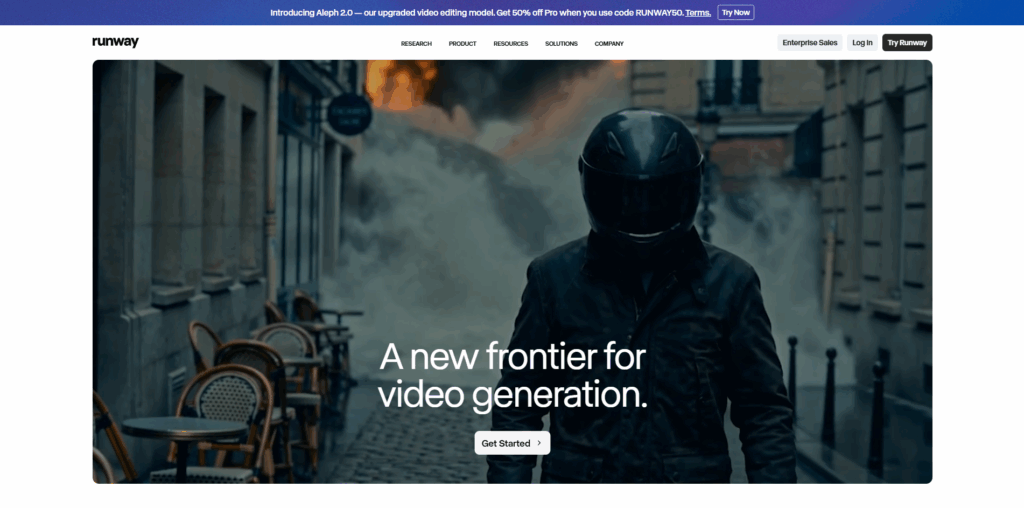
Runway Gen-3 produces the highest raw visual quality of any tool in this category. Cinematic motion, realistic lighting, and detailed scene composition make its outputs look genuinely premium. For creative teams that want AI to handle the visual generation portion of a professional production workflow, it is a powerful component.
The operational limitation is significant. Runway has no music awareness — it does not analyze audio, detect BPM, or generate beat-synced edits. Every clip is generated independently from a text or image prompt, and assembling those clips into a finished music video requires a separate editing application and manual audio syncing.
Key operational observations:
- No direct audio input or music-to-video workflow
- Each clip generation is independent — continuity across a full video requires manual production work
- High editing load makes it impractical for teams without post-production resources
- Strong output quality, but the workflow does not reduce production friction — it shifts it
- Better as a high-end visual asset tool than as a standalone music video maker for campaign teams
3. Kaiber — 6/10
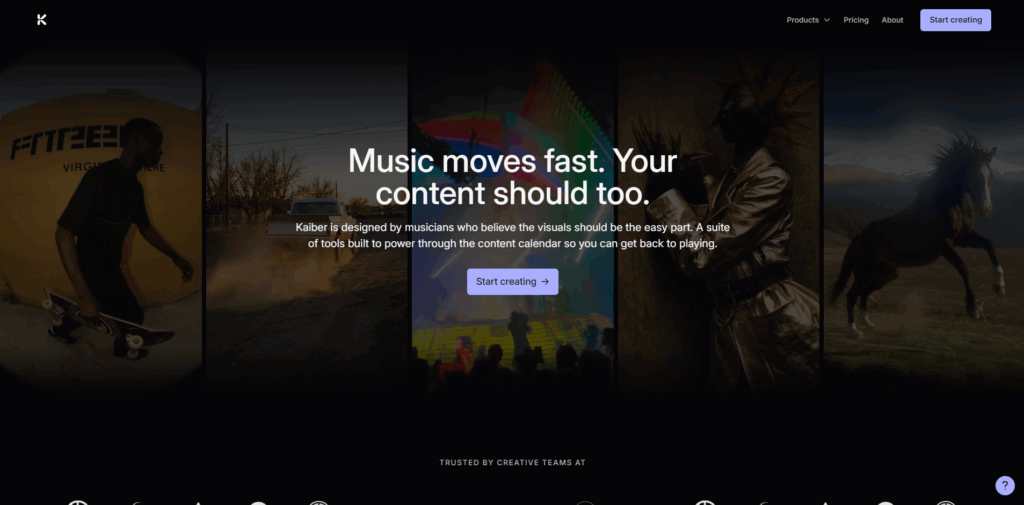
Kaiber generates stylized animated loops and mood-driven clips with a painterly aesthetic that works well for brand campaigns where visual atmosphere carries the content. For short teasers, social campaign visuals, and animated brand moments, the output quality is genuinely distinctive.
Audio reactivity responds to general energy levels, which produces visuals that feel alive without requiring manual animation. For teams that want a consistent aesthetic mood across a campaign rather than a structured music video narrative, Kaiber delivers.
Key operational observations:
- No direct Suno or AI music platform integration — audio must be uploaded manually
- Audio reactivity is energy-based, not structure-based — verse and chorus are not differentiated
- Better for campaign loops and short-form mood clips than for full music video production
- Limited brand consistency controls for teams with strict visual guidelines
- Useful as a supplementary tool in a broader content workflow
4. Neural Frames — 4.5/10
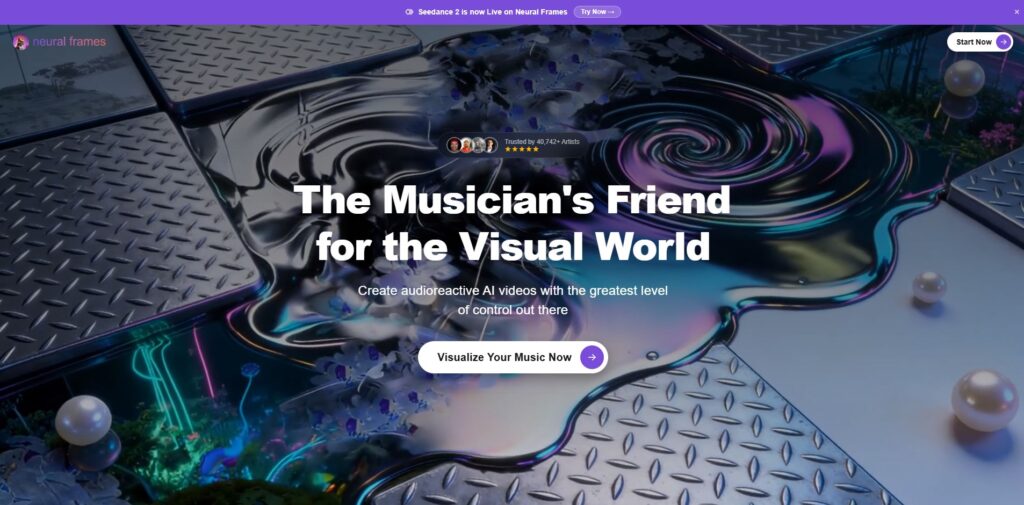
Neural Frames generate abstract, frequency-reactive visuals that respond to the detailed audio content of a track. High, mid, and low frequency bands each drive separate visual elements, producing evolving textures, geometric patterns, and color fields that pulse with the music.
For ambient audio, electronic tracks, and experimental content, the visual match can be strong. For mainstream marketing campaigns, product launches, or any content that needs recognizable characters or branded clarity, the abstract output style is generally not a fit.
Key operational observations:
- Strongest audio reactivity in the category from a frequency-analysis standpoint
- Output is abstract by design — not suited to narrative campaigns or character-led content
- Deep prompt customization for visual direction, but a learning curve for new users
- Not a practical ai music to video tool for standard marketing use cases
- Useful for a narrow set of creative briefs in ambient, electronic, or experimental contexts
5. Pika — 4.5/10
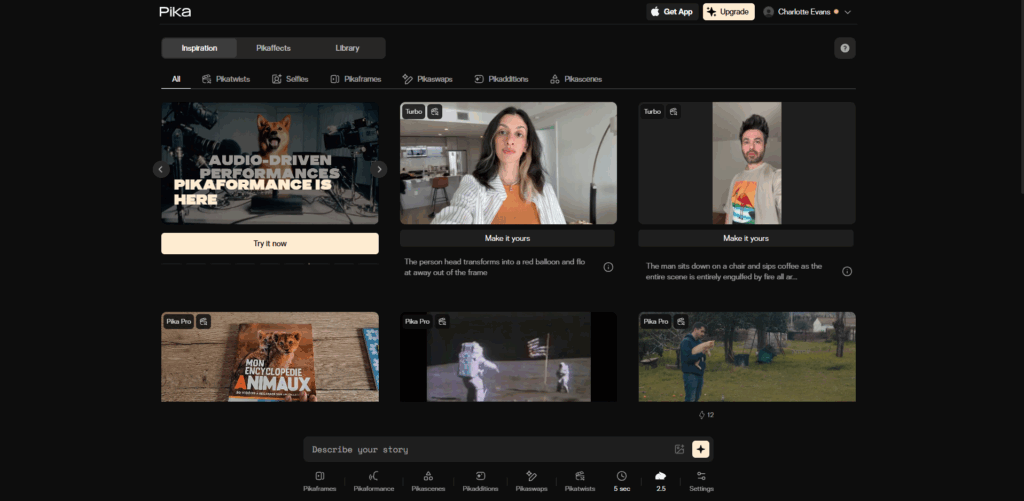
Pika is fast, accessible, and easy to use — making it a practical option for teams that need to test visual concepts quickly before committing to a full production. Short clips, social fragments, and creative direction tests can be produced in under a minute.
As a complete music video tool, it does not function as a standalone workflow. Pika does not analyze audio structure, and generating a full music video from its outputs requires external editing and manual audio syncing. It works best as a front-end ideation tool rather than a production platform.
Key operational observations:
- No music awareness or BPM detection
- Clips are generated independently — no continuity across a multi-scene video without editing
- Fast generation speed is its primary operational advantage
- Better for concept testing and social micro-content than for campaign-scale video production
- Useful when combined with other tools in a larger workflow
6. Rotor Videos — 5.5/10
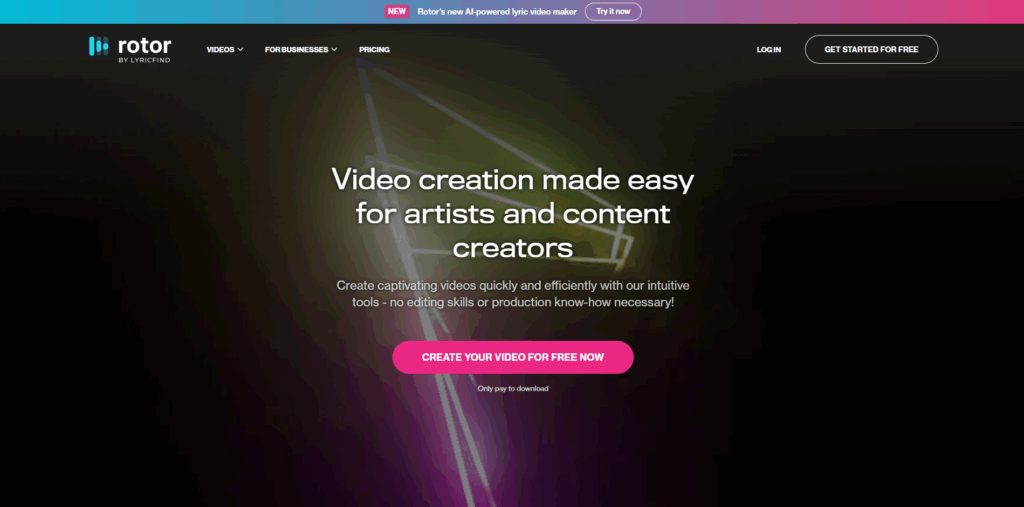
Rotor Videos offers a reliable, template-based workflow for music promotion content. The platform is designed for speed — audio in, video out, with minimal configuration required. For teams that need functional release assets or simple lyric-style videos on a tight timeline, it delivers consistently.
The operational ceiling shows in brand differentiation. Template-based outputs look like templates, and for brand campaigns that need a distinctive visual identity, the aesthetic constraints can be a liability.
Key operational observations:
- Fast end-to-end workflow with low manual editing load
- Good for lyric videos, simple promos, and release-adjacent content
- Template library limits originality for brand-forward campaigns
- No AI music platform integration — manual audio upload required
- Practical for functional content, less so for campaigns where visual distinctiveness matters
Campaign Use Cases: From One Audio Track to Multiple Assets
A single track or audio concept can generate a full campaign asset set when routed through the right Video Generator. Here is how that looks in practice:
- YouTube launch video: full-length video from the complete track, optimized for watch time and search
- TikTok and Reels clips: 15–30 second vertical clips from the hook or chorus section
- Email campaign teaser: short animated clip embedded in a launch email to drive click-through
- Landing page hero video: looping visualizer or short music video segment used as background media
- Event promo: beat-synced clip with event details overlaid, distributed across social channels
- Influencer campaign asset: branded clip package delivered to partners for their own posting
- Brand jingle visual: animated motion graphic version of a brand audio identity
- Podcast intro visual: waveform or abstract animated visual for YouTube podcast uploads
- Retargeting ad creative: short-form clip tested across paid channels with different thumbnail variations
Using a music video maker that supports multi-format export means all of the above can come from a single generation session rather than a separate production job for each asset.
Buying Criteria for Content and CRM Teams
Before selecting a generate music video tool for a content operation, teams should evaluate against these criteria:
- Can the tool accept audio as a direct input — link or file — without manual format conversion?
- Does it reduce manual editing time, or does it shift editing work to a different stage?
- Does it export platform-specific formats (16:9, 9:16, 1:1) without external processing?
- Can it produce both full-length videos and short social clips from the same source?
- Does it allow scene-level revisions without regenerating the entire project?
- Can outputs maintain visual consistency across a campaign series or release cycle?
- Does it fit into a repeatable workflow that a non-technical team member can operate?
- Does it support multiple input formats, including AI music platform links?
- Are outputs suitable for both organic and paid channel distribution?
Tools that score well across most of these criteria are the ones that reduce production friction at scale. Tools that require significant manual work after generation add cost back into the workflow in a different form.
Which Tool Fits Which Workflow?
- Freebeat: best for automated music-to-video production, multi-format campaign assets, and ai music to video workflows with minimal manual editing
- Runway Gen-3: best for cinematic clip generation when a team has dedicated editing resources and post-production capacity
- Kaiber: best for stylized campaign loops, aesthetic brand visuals, and mood-driven short-form content
- Neural Frames: best for abstract and experimental visual content in ambient or electronic creative briefs
- Pika: best for fast creative testing and short social fragments before committing to full production
- Rotor Videos: best for simple, fast, template-based release assets and lyric video content
Conclusion
Music video generation is becoming part of standard marketing operations, not just music industry production. The teams that treat audio as a campaign asset — and use a Video Generator for Music Video to turn that audio into reusable visual content at scale — are the ones that can sustain higher output without proportionally higher production costs.
The best tool is not the one that makes the most impressive single clip. It is the one that helps teams move efficiently from audio input to campaign-ready output across multiple formats, with the least amount of manual intervention in between. For most content teams and marketing operations in 2026, that means starting with a tool that was built around the music — not one that treats audio as an optional add-on to a generic video workflow.
%201.png)

%201.png)

%201.png)