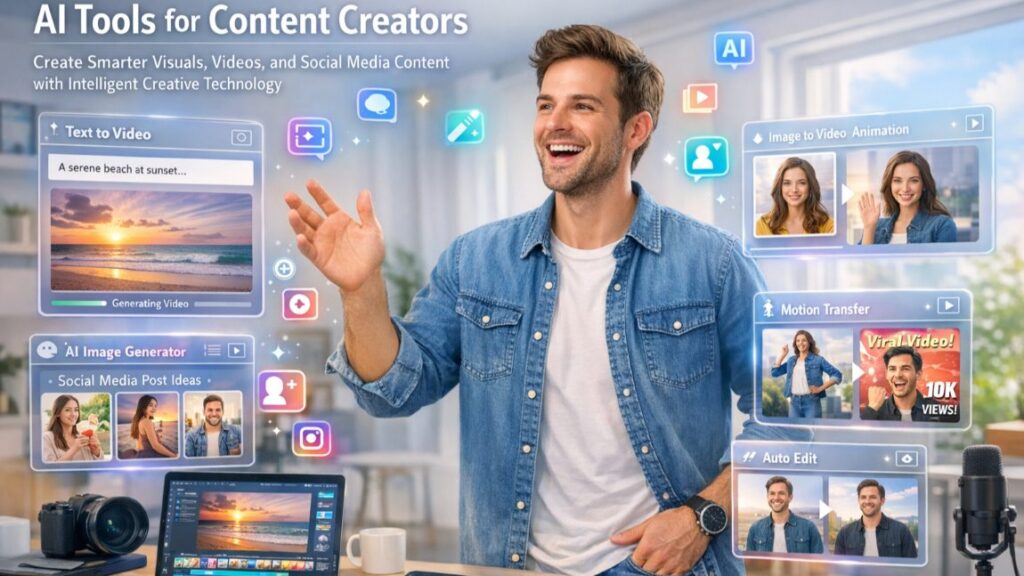

Content creation has become faster and more competitive. I don’t think creators need to be the best designers or video editors anymore. AI tools help me do exactly that. They act like creative assistants that help me generate visuals, edit videos, and create marketing content without spending days on production.
If I want a platform that combines multiple AI creation tools in one place, you can check Loova.
Loova is an example of how AI platforms are evolving into all-in-one creator studios.
In this article, I will break down how I use AI tools for content creation, which features actually matter, and how influencers can use AI to grow faster.
Why AI Tools Matter for Content Creators and Influencers
I think of AI tools as production multipliers.
Instead of making one video, I can make 10 variations. Instead of hiring designers for every post, I can generate visuals instantly.
The biggest advantages of AI tools for creators are:
- Faster Content Production – Short-form content platforms reward frequency. AI helps me create content faster without sacrificing quality.
- Lower Production Costs – I can create marketing visuals, social posts, and video content without large teams.
- More Creative Testing – I can try different styles, hooks, and formats quickly.
- Consistent Branding – AI tools help maintain visual identity across platforms.
What Makes the Best AI Tools for Content Creators?
When I evaluate AI creator tools, I focus on practical usefulness.
AI Video Generation
Good tools should support:
- Text to video
- Image to video
- Video style transformation
This helps me create content from ideas quickly.
AI Image Generation
I use this for:
- Social media posts
- Marketing campaigns
- Influencer branding visuals
AI Editing Automation
Editing should be fast. I prefer tools that help with:
- Background changes
- Visual enhancements
- Scene modification
Viral Content Features
These are the fun tools that help content stand out:
- Character swap
- Mimic motion
- Creative effects
Multi-Model AI Creation
Using multiple AI models inside one platform saves time and money.
Best All-in-One AI Content Creation Platform — Loova
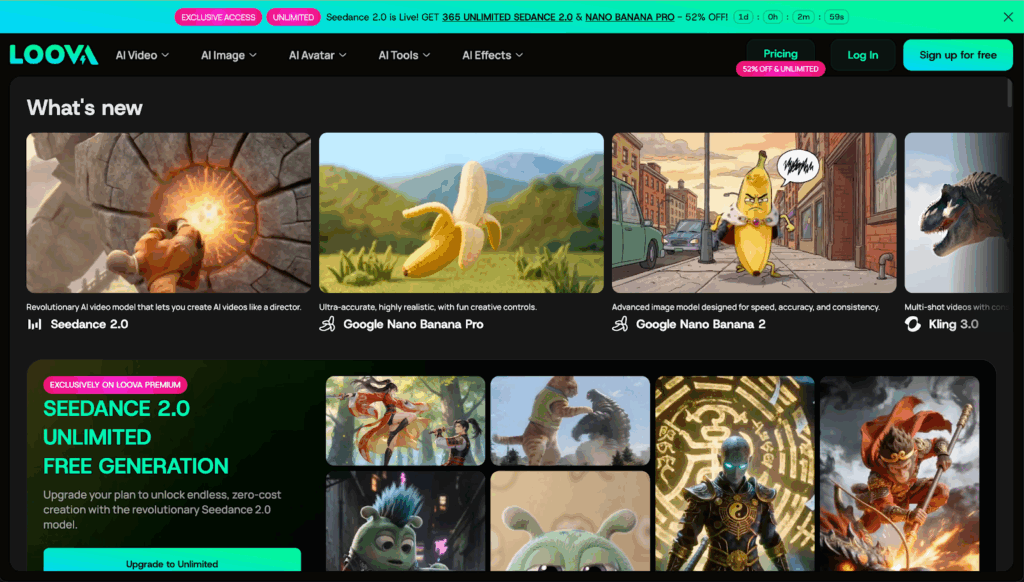
Loova is designed as a full creator ecosystem rather than just a single AI generator.
Instead of jumping between different tools, I can finish most content production inside one platform.
This is especially helpful for creators who publish content frequently.
Text to Video
This allows me to turn ideas into visual scenes quickly.
I usually use text-to-video when:
- Testing new content ideas
- Creating storytelling clips
- Making educational content
Image to Video
This is one of my favorite features.
I can start with a design or illustration and add motion.
For social media, motion usually improves viewer retention.
Video to Video Transformation
This helps me repurpose existing footage.
For example, I can:
- Change video style
- Modify lighting tone
- Apply cinematic effects
This is useful for content scaling.
AI Image Creation Tools
Text to Image
I use this for:
- Social posts
- Ads
- Content storytelling visuals
Image to Image
This helps me modify existing designs without starting from zero.
Character Swap
Character swap is very powerful for storytelling content.
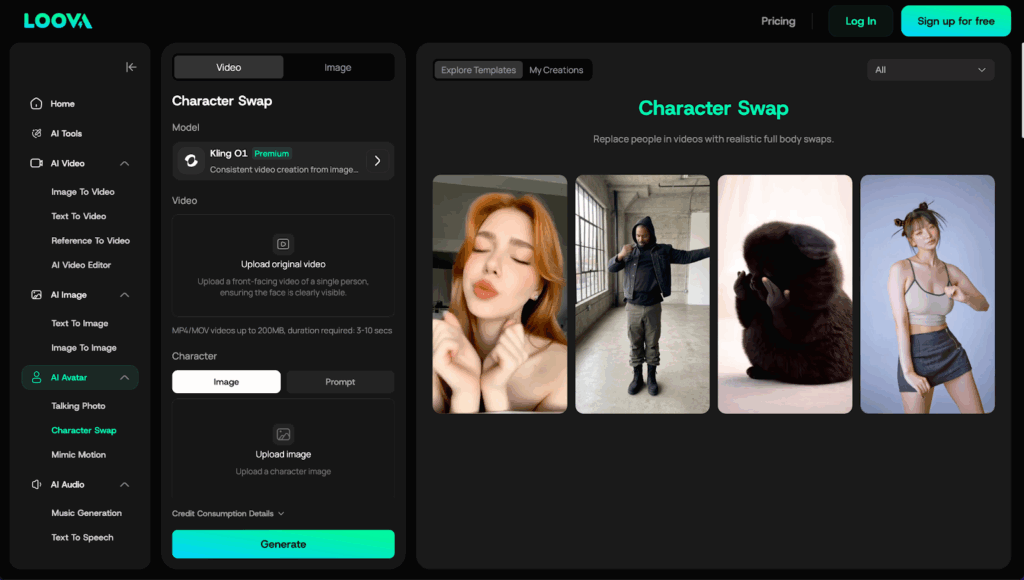
With this feature, I can:
- Replace characters inside videos
- Create multiple versions of one story
- Generate marketing content variations
Influencers often use this to create engaging narrative content.
Mimic Motion
Mimic motion is one of the most interesting AI trends in 2026.
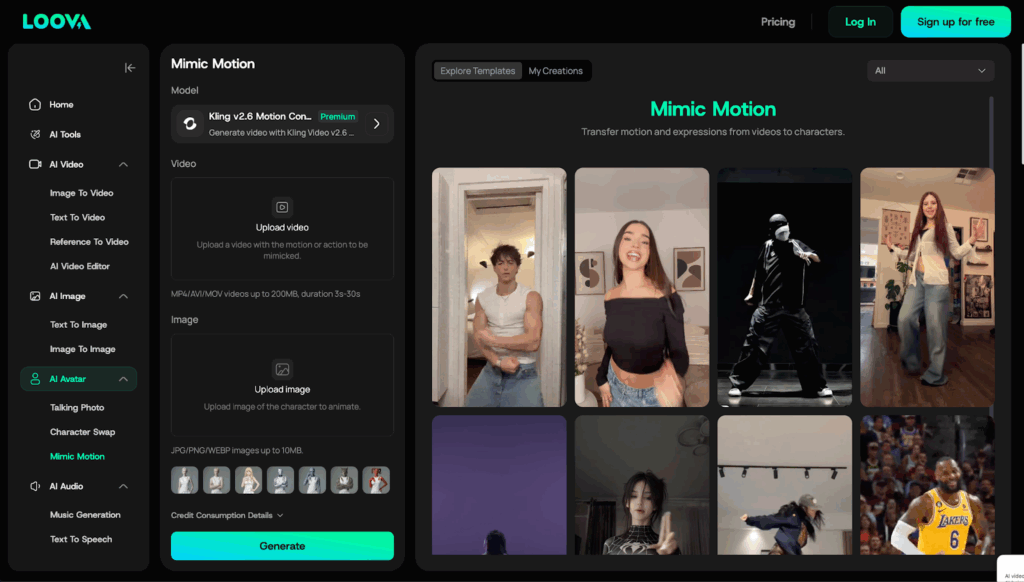
This feature allows me to:
- Transfer movement from one video to another
- Create dynamic social videos
- Produce trend-style content faster
Motion is important because moving visuals usually hold attention longer than static images.
Viral Social Content Tools
Loova also includes entertainment-style creation tools.
AI Kiss – Used for emotional storytelling or fun social content.
AI Hug – Helps create friendly, emotional brand content.
These features work well for entertainment-focused social media posts.
Marketing and Branding Content Tools
If I work with brands, these tools help a lot.
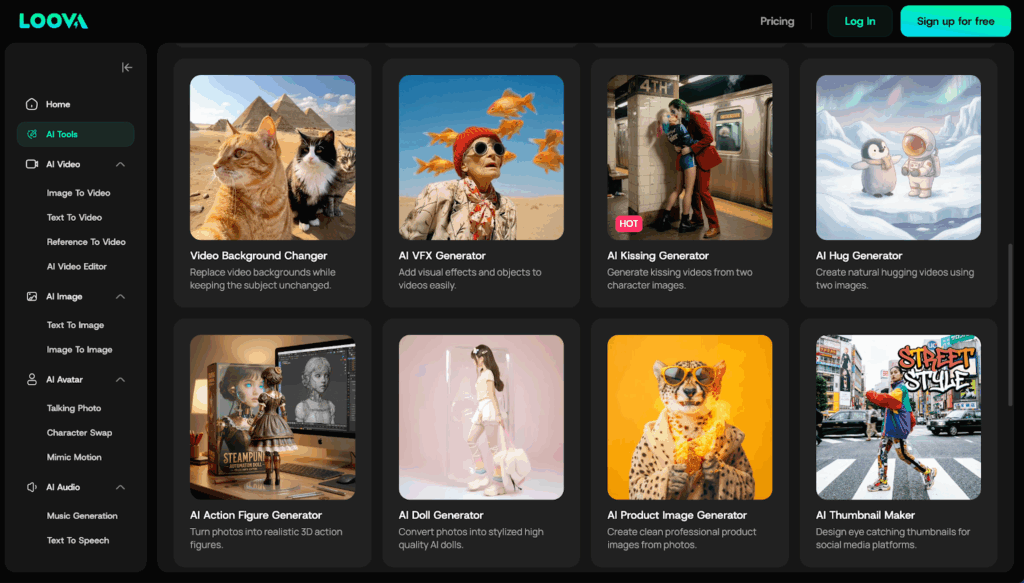
For example:
- Poster Generation – Good for marketing campaigns.
- Social Cover Design – Helps maintain brand consistency.
- Product Display Visuals – Useful for e-commerce and influencer marketing.
Visual Enhancement Tools
Sometimes I want to improve older content instead of creating new footage.
Loova provides tools for that.
- Image HD Upscaling – Improves low-quality photos.
- Video HD Upscaling – Upgrades older video footage.
- Image Expansion – Extends background visuals.
- Video Element Addition – Adds objects or effects to videos.
- Video Background Editing – Changes environment scenes.
Fashion and Style Transformation Tools
These tools are very popular for lifestyle content creators.
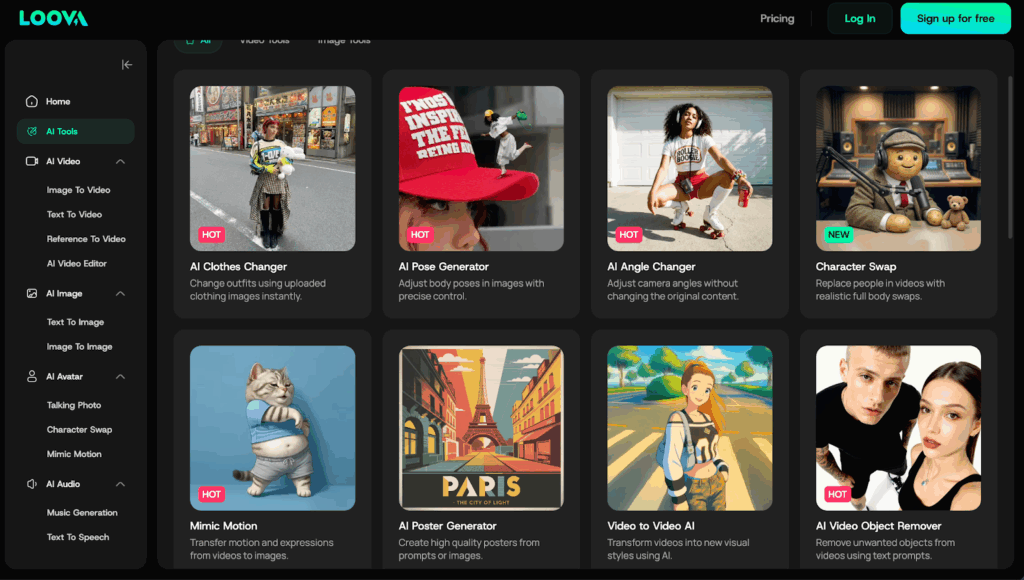
I can change:
- Hairstyle
- Hair color
- Clothing styles
- Character art styles
This helps me create multiple variations of one content idea.
Entertainment and Fun Content Creation
These tools are great for viral social media content.
- Photo to 3D Toy Models – Turns photos into toy-style characters.
- Photo to Toy Style Images – Creates playful social visuals.
- Tattoo Design Generation – Good for aesthetic lifestyle content.
How I Use AI Tools to Go Viral
There is no single formula for virality, but I follow a simple process.
Step 1 — Find Content Ideas
I look at:
- Trending formats
- Popular video hooks
- Viral visual styles
I focus more on format than topic.
Step 2 — Generate Visual Content
I use AI tools to create multiple versions of one idea.
Testing variations increases my chances of finding winning content.
Step 3 — Add Motion Effects
Motion improves engagement.
I use:
- Mimic motion
- Style transformation
- Character swap effects
Small visual changes can significantly improve retention.
Step 4 — Create Thumbnails
Even short videos benefit from strong thumbnails.
I test:
- Color contrast
- Facial expressions
- Text placement
Step 5 — Publish and Test Variations
Instead of posting one version, I usually post:
- Different titles
- Different visuals
- Different hooks
Testing is the key to growth.
Best AI Tools by Creator Type
YouTube Creators
- Video generation
- Thumbnail design
Influencers
- Branding visuals
- Viral storytelling effects
Faceless Channels
- Automation workflows
- Script-to-video content
Common Mistakes Creators Make
- Posting Only One Version – AI allows multiple variations. Use it.
- Ignoring Audience Preferences – Always check what viewers actually watch.
- Overediting Content – Short videos usually perform better with clean, simple visuals.
Final Thoughts
AI tools are changing content creation. The biggest advantage is not quality — it’s speed and scalability.
The best AI creator platforms combine:
- Video generation
- Image creation
- Editing tools
- Viral effects
- Branding design
AI won’t replace creators. But creators who use AI will likely produce more content, test more ideas, and grow faster. As AI technology continues to evolve, creators and businesses are adopting intelligent systems that improve productivity and automation. Many organizations are now implementing enterprise AI to integrate artificial intelligence across their digital platforms and workflows.
Frequently Asked Questions
What are the best AI tools for content creators in 2026?
Popular choices include Loova and other AI creation platforms that support video and image generation.
Can AI help influencers go viral?
AI helps by speeding up production and allowing creators to test more content styles.
Is Loova good for social media content?
Yes. It supports video creation, image generation, and viral creative tools.
Are AI creator tools expensive?
Many tools use credit-based pricing or affordable subscriptions.
What is character swap in AI tools?
It allows creators to replace or transform characters inside videos.
What is mimic motion?
It transfers movement patterns from one video to another.
Can AI replace content creators?
No. AI helps with production, but creativity and strategy are still important.
%201.png)

%201.png)

%201.png)