

Student life involves many tasks. Hard work helps, yet good organization matters as much. Artificial intelligence now plays a role in how students read, write, and prepare assignments. A basic assistant often does not cover all academic needs. Many students now look for the best AI apps for study that support research and writing in a practical way.
This guide looks at five platforms that go beyond simple text prompts. Some help analyze documents; others assist with research or automate parts of the study process. From AI homework tools to full research assistants, the right choice depends on what your academic workload actually demands. With the right tools, students can handle complex tasks faster and free up time for other priorities.
Edubrain – The Ultimate Educational AI Assistant
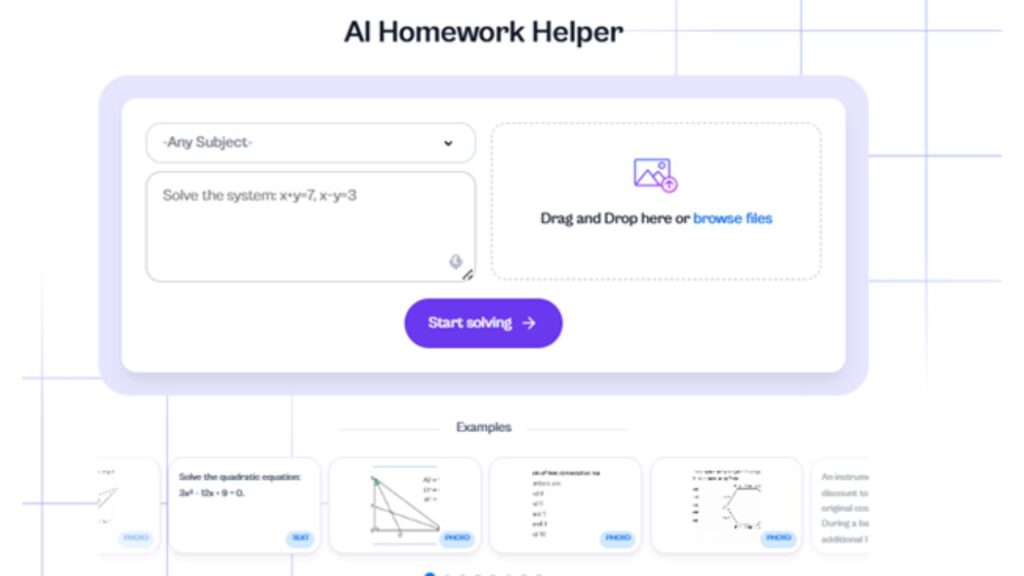
When discussing the best AI apps for study , Edubrain consistently ranks at the top for students as an ai homework helper with no sign up. Unlike generic AI chatbots, it is built specifically to address the rigorous demands of academia, ensuring that the answers it provides are both accurate and verifiable.
- Deep Research: Capable of conducting deep research to gather data for comprehensive essays.
- Expert Verification: You can expect human tutors to review critical assignments.
- Multi-Modal Answers: It answers questions based on text, a photo, or an uploaded document.
- Image Generation: Includes image generation to create diagrams for presentations.
Edubrain works as a study support tool for students. Many AI tools have difficulty with advanced math or specialised subjects. Edubrain focuses on these areas. It uses AI models together with a review system that checks answers, which helps students handle more complex academic tasks.
Pricing
The tool offers three main options depending on how much support a student needs. A free version includes basic access to the tools. Paid plans remove ads and add more features or expert help.
| Plan | Price | What You Get |
| Free | $0 / week | AI tools with ads, download answers and study materials |
| AI-Plus | $3.99 / week | Ad-free use, diagram and presentation generators, flashcards, research tools |
| Expert Help | From $3.99 | Human help with presentations, homework, STEM tasks, writing, editing |
Edubrain makes perfect sense for students who need reliable answers for their homework. If you want to expect high grades and need a tool that can pull context from complex textbooks, this is the tool for you.
ChatGPT – The Most Versatile of All AI Apps
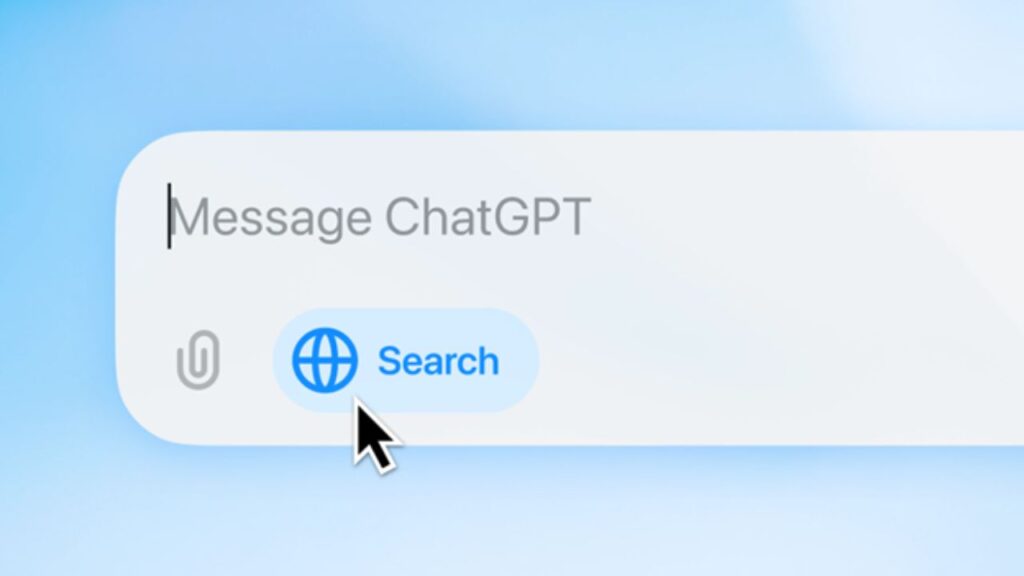
ChatGPT appears in many lists of the best AI apps used by students. It works as a chat tool that answers questions and helps with writing or research. You can use it on a computer or a phone. This allows you to continue the same conversation across devices. Once your draft is ready, pairing it with AI humanizer tools can help your writing sound more natural and polished before submission.
Pros
- You can create custom agents for different subjects
- Voice mode lets you speak with the AI
- It can help with coding and debugging
- Some versions support video creation tools
Cons
- Access to some models requires a paid plan
- Web search results may take more time than a search engine
It is ideal for users who need an all-purpose ai assistant. Whether you are generating code, outlining a job application, or engaging in casual conversations, it gets the job done with impressive speed.
Pricing
The free plan allows basic conversations, writing help, and general research support. A paid plan called ChatGPT Plus costs about $20 per month. This plan gives access to newer AI models, higher usage limits, and additional tools. Some users or teams may choose higher plans designed for professional work. These plans can cost around $25–30 per user per month for team access, while advanced professional plans may reach about $200 per month for expanded capabilities and fewer limits.
Microsoft Copilot – The Seamless Integrator
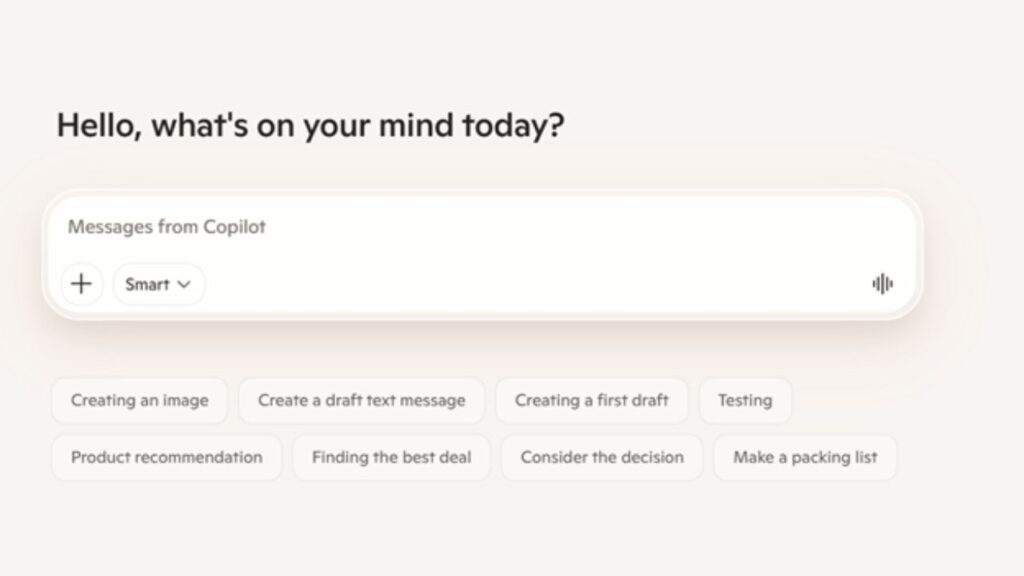
Microsoft Copilot is beneficial for students who use Windows and Microsoft applications. It provides the artificial intelligence directly within the usual Word, Excel, and PowerPoint tools. Copilot is attached to Microsoft services and Bing search. This enables it to create text, summarise documents, analyse tables, or find out information via the web. Microsoft has been introducing Copilot into its products since 2023 and is currently being applied to Microsoft 365 by millions of users. Main features:
- Deep Integrations: Works within Word, Excel, and PowerPoint to help you complete tasks.
- Web Search: Uses Bing's web search to cite live data.
- Image Creation: Can generate images and create images for your slide decks.
- Email Assistance: Perfect for generating emails to professors.
It is the best AI for students who want to keep all their writing and research reports in one place. If you rely heavily on Windows on your computer, Copilot seamlessly enhances your workflow.
Pricing
Some Microsoft services include Microsoft Copilot, though a paid plan can be necessary to have all the features. The primary one is Microsoft 365 Copilot, which costs $30 per month per user and operates within Word, Excel, PowerPoint, and Outlook. Сertain Microsoft 365 subscriptions already have restricted Copilot functionality, which is not charged as an additional option.
Notion AI – The Organizational Mastermind
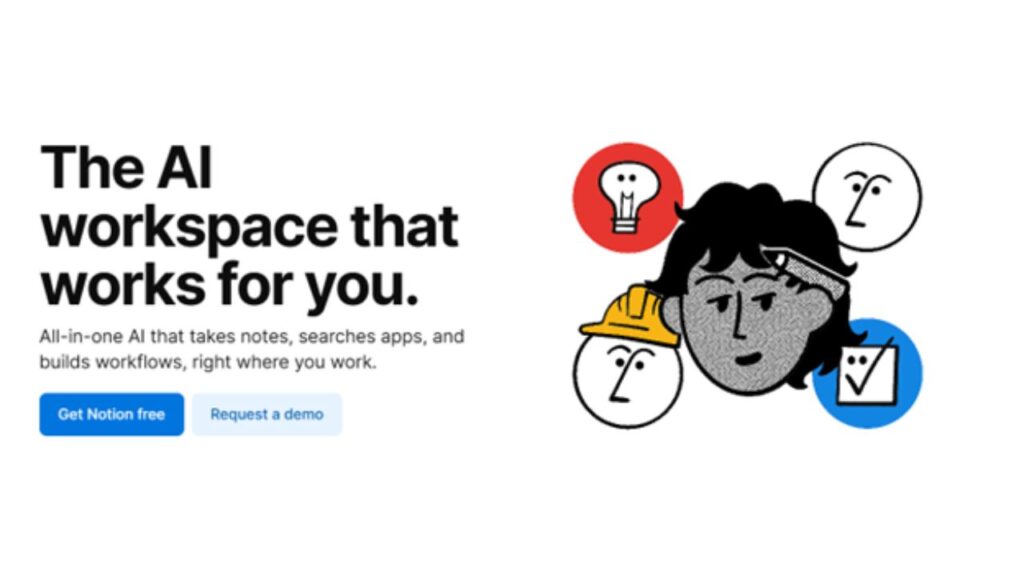
Comparing project management tools, Notion AI is unique because it enables AI implementation into your workspace. For students searching for the best AI apps for study, Notion AI stands out by letting you organise your entire academic life in one place. It is much more than regular assistant programs since you can organize your whole academic life with it. Services and Features:
- Data Extraction: Easily extract data from long notes or imported YouTube transcripts.
- Custom Workflows: Build custom workflows to track assignments and calendar events.
- Text Generation: Uses a simple prompt to generate text or summarize reading materials.
- Follow Ups: Automatically generates follow-ups and to-do lists from your notes.
It is popular among those who prefer to systematise information and create their own dashboards with assignments, schedules, and research. Notion is popular with students who like working in organized workspaces, tracking projects, storing lecture notes, and scheduling deadlines.
Pricing
Notion offers several plans. The Free plan allows individuals to use the workspace without a monthly fee. Paid plans start with Plus, which costs about $10 per user per month and adds features such as larger file uploads and more collaboration options. The Business plan costs around $20 per user per month and includes advanced permissions and full AI access in many cases.
Claude – The Analytical Powerhouse
Claude is an AI chatbot created by Anthropic. It is often used for research tasks, coding questions, and document analysis. Users can upload long files, including books or reports, and the system can review the content and respond with explanations based on the material.
The system keeps track of conversation history, which helps when working on long tasks or research projects. Claude can analyse web pages through a browser extension and help with programming questions or written reports. Students and researchers often use it when they work with large documents, technical material, or data that requires careful reading and explanation.
Pricing
Claude offers a free plan with limited daily use. A paid plan called Claude Pro costs about $20 per month and provides higher usage limits and access to more models. For users who need much higher limits, Claude Max plans start around $100 per month. Teams can use Claude through business plans that usually cost about $25–30 per user per month.
Conclusion
Finding the best AI apps for study comes down to understanding what you actually need whether that is help with research, writing, organisation, or complex assignments. The five tools covered in this guide each serve a different purpose, and the right one depends on your workload and learning style. Start with a free plan, explore what fits, and let the right tool work quietly in the background while you focus on what matters most — learning
Frequently Asked Questions (FAQ)
Q1. Are free AI chatbots enough for university work?
AI chatbots can assist in simple tasks and brief queries because they are free. They are effective when it comes to fast responses or brief writing. Paid plans can be more effective and offer more functionality in cases of research or a larger assignment.
Q2. How do these tools help with complex assignments?
AI tools can help organise ideas, check information, and review data. They can also help structure essays or reports. Many tools remember previous messages, which helps when you continue the same task.
Q3. Can AI apps create visual content?
Yes. Many of the best AI apps can create images and diagrams. Students often use them for presentations or study materials.
Q4. Will using these tools affect academic integrity?
It depends on how you use them. AI tools should help you understand topics and organise your work. You should always review the answers and make sure the final work shows your own understanding.
%201.png)

%201.png)

%201.png)