

Editorial Disclaimer: This review is based on personal testing of these tools in early 2026. No compensation was received to hide flaws, and the goal is to save time and money.
For bloggers, the struggle is familiar. Hours are spent researching; ChatGPT is used to help structure a draft, and then — bam. It gets flagged. A client, an editor, or just paranoia about Google's algorithm makes it tempting to "humanize" that text.
So, "free AI humanizer" gets Googled. A dozen tools come up. Text gets pasted. And then the nightmare starts.
"Upgrade to Premium to see results." "Daily limit reached (0/100 words)." "Enter Credit Card for 3-day trial."
Getting sick of this is understandable.
Spending $20 a month on five different subscriptions just to see which one worked wasn't the goal. So, the most popular "free" humanizers on the market were tested over the last week. Raw AI text was thrown at them, results were checked against detectors, and the focus was specifically on one thing: who is actually letting users work for free without crippling limits?
Here is what the testing found.
The Methodology
To keep this fair, the test input wasn't just "Hello world." A 500-word blog post section generated by ChatGPT-4o was used. The test covered:
- True Cost: Is it actually free, or is it a "freemium" trap?
- Usage Limits: Can it humanize a whole article, or just a tweet?
- Quality: Does the output make sense, or does it look like a thesaurus exploded?
- Pass Rate: Results were run through standard detectors.
These criteria are also commonly used when evaluating Online Essay Rewriter Tools for accuracy, readability, and real-world usability.
Quick Comparison: Who Wins on "Free"?
If you are in a rush, here is the breakdown. These are the tools that don't force a credit card on you immediately.
| Tool Name | True Cost | Free Limit | Pass Rate (the Tests) | Verdict |
| GPTHumanizer AI | Free | Unlimited Free Lite Model | High (5/5) | Best Overall |
| Clever AI | Free | Unlimited | Medium | Good, but messy |
| StealthWriter | Freemium | 1,000 words/day | Medium (6/10) | Good for small tasks |
| Undetectable.ai | Paid (Trial) | None (Requires Card) | Mixed (5/10) | Not actually free |
| ZeroGPT | Free | None | Low (3/10) | Avoid |
| Humbot | Freemium | 200 words/month | High | Too restrictive |
Detailed Reviews: The Good, The Bad, and The Pricey
1. GPTHumanizer AI
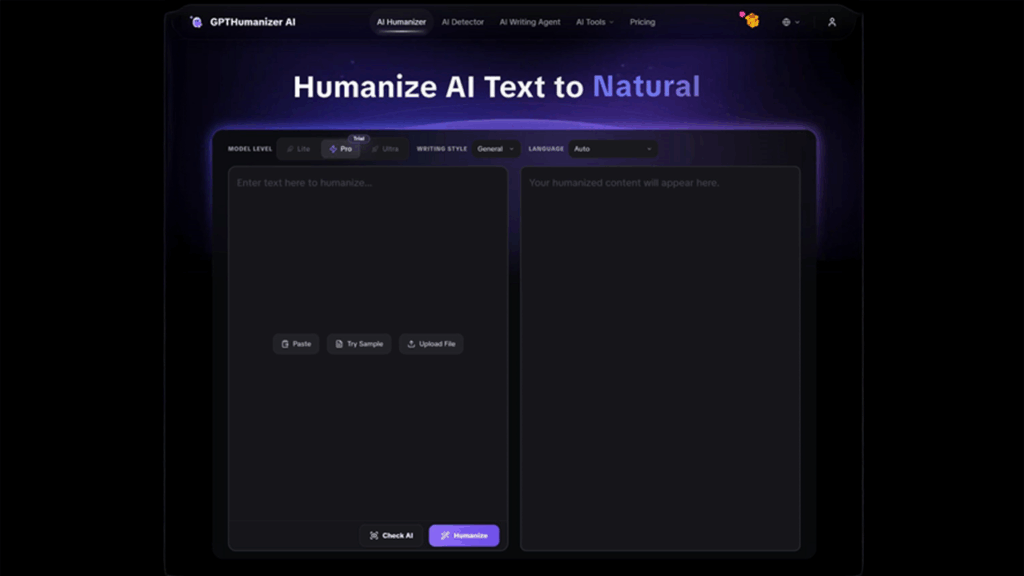
Honestly, this one hadn't been used much before this test, but it was a surprise. It is positioned as an AI humanizer that focuses on natural flow rather than just swapping words.
- The "Free" Reality: It is a truly Free AI humanizer you can actually use without limits. You don't need to sign up to use the Lite model. The only "catch" is that you have to process text in chunks of 300 words at a time. But since you can do that unlimited times, it’s a fair trade-off.
- Performance: In the tests, it hit a 5/5 pass rate. The biggest win was formatting. Text was pasted with bullet points, and it kept them. Most tools turn lists into a giant block of text.
- Key Takeaway: If working in sections is acceptable, this is currently the best option for high-quality rewriting without paying a dime.
2. Clever AI
This tool is popping up everywhere in 2026. It claims to be completely free for the next year or two, which sounds great.
- The "Free" Reality: Truly free. No word caps were apparent during the testing.
- Performance: This is where it struggled. A direct comparison was made against GPTHumanizer AI using the same text. While Clever AI did rewrite the text, it deleted the formatting (bullet points were gone) and the sentences felt a bit choppy, like a bad translation.
- Key Takeway: It's a solid backup if you need to process a huge block of text at once and don't care about formatting but be prepared to edit the output heavily.
3. StealthWriter
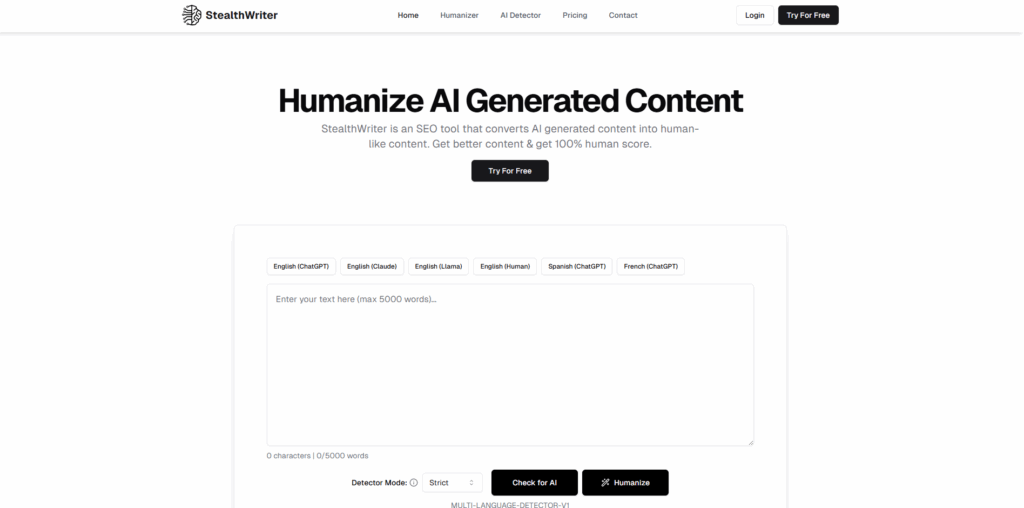
This is a popular name. They offer a lot of customization, letting you choose the "level" of humanization.
- The "Free" Reality: You get about 1,000 words per batch and roughly 10 uses a day. That’s generous enough for a casual blogger.
- Performance: It was unstable. Out of 10 tests, 4 failed detection. The issue is that with so many settings, it's hard to know which "level" works. Sometimes the output was great; other times it was unreadable.
- Key Takeway: Good tool, but the inconsistency makes it risky if you are in a hurry.
4. ZeroGPT
You have probably seen this one because of its name similarity to the detector.
- The "Free" Reality: It’s free, but at what cost?
- Performance: It failed 7 out of 10 times in my testing. The sentences were stiff and long. Worse, it kept trying to pushing to a different tool called "Undetectable AI" every time it failed.
- Key Takeway: It feels less like a tool and more like a funnel to get you to buy something else. Skip it.
5. Undetectable.ai
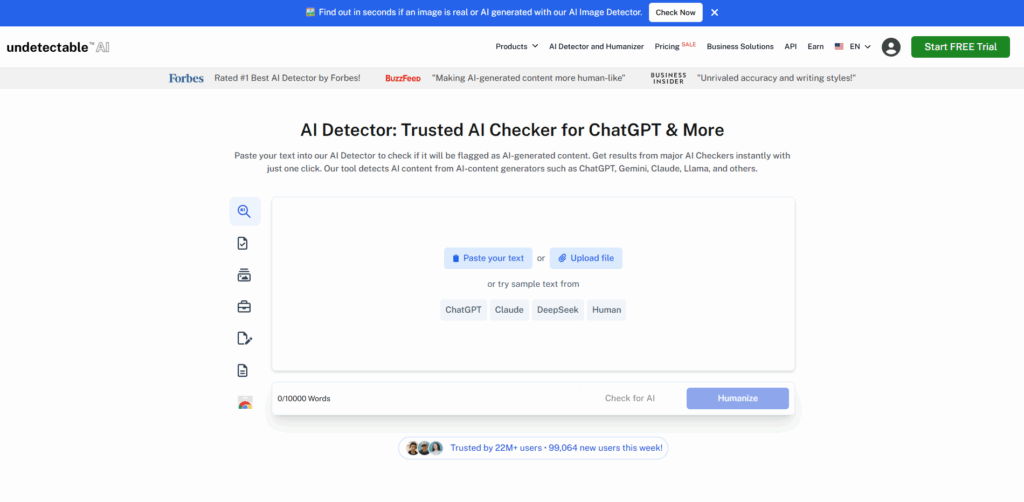
This is the "advanced" tool ZeroGPT points to. It’s a heavy hitter in the industry with a 10,000-word input limit.
- The "Free" Reality: It is not free. It says "free trial," but you need to bind a credit card. If you are looking for a quick, no-strings-attached fix, this isn't it.
- Performance: It’s decent, but slow. Also, despite the premium positioning, it only passed detection 50% of the time in some specific tests.
- Key Takeway: If you are willing to pay, it’s an option. If you want free, look elsewhere.
6. Humbot
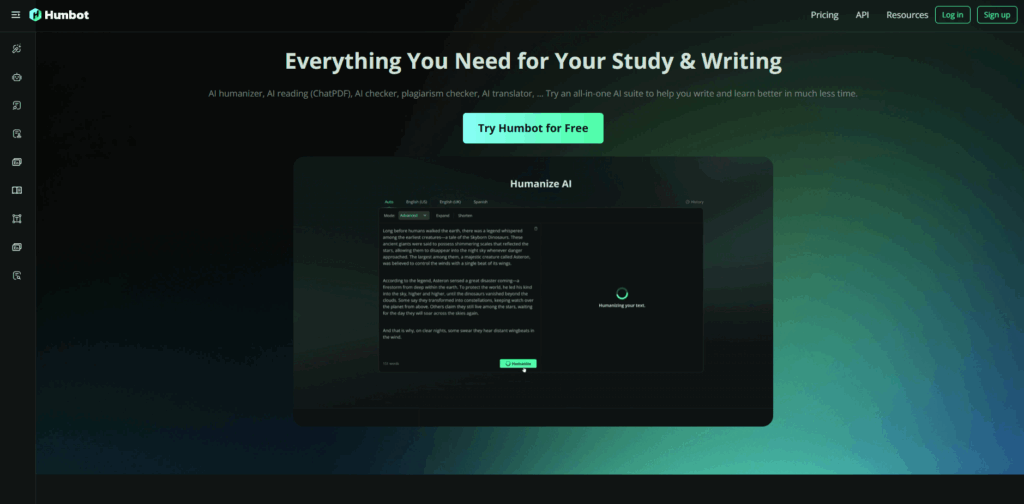
Humbot is fast and the interface is clean. Hopes were high for this one.
- The "Free" Reality: This was the biggest disappointment. They offer 200 words a month. That is not even enough for one email, let alone a blog post.
- Performance: The quality is actually quite good (7/10 pass rate), but you will hit the paywall before you finish your first paragraph.
- Key Takeway: Useless for free users.
7. Rewritify AI
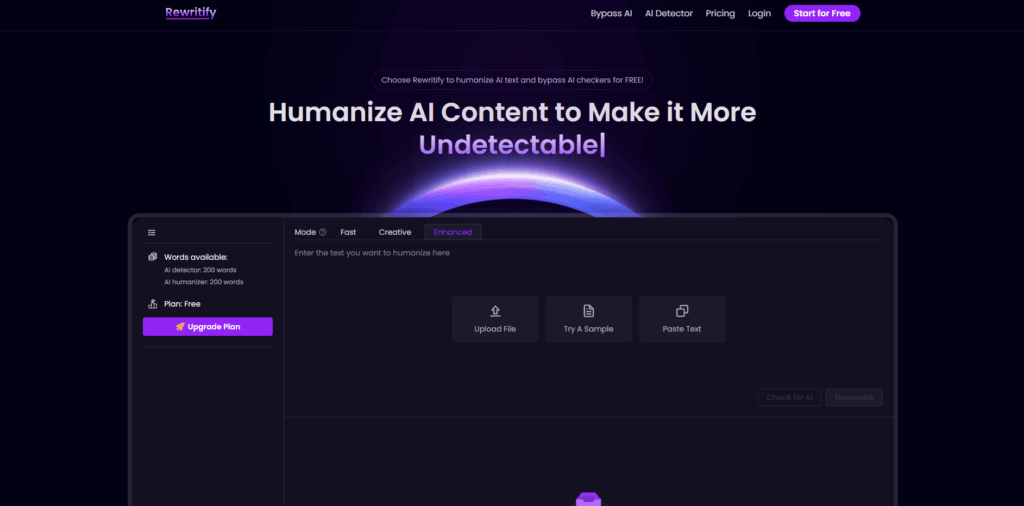
This tool has a very cool, sci-fi UI.
- The "Free" Reality: You get one free shot without login. After login, you get 200 words total.
- Performance: It only supports English and had a low pass rate (2/5).
- Key Takeway: Looks cool, works poorly.
So, Which One Should You Use?
After trying almost a dozen tools, if you won’t open your wallet, the field quickly narrows down.
Your best options for a truly free experience with no usage limits are GPTHumanizer AI and Clever AI. Between the two, GPTHumanizer AI wins on quality. Clever AI was faster on bulk text, but it often messed up the formatting and meaning as well. GPTHumanizer requires breaking your text up into 300-word chunks, but the output kept tone, preserved bullet points, and actually passed the detectors.
But if you have more modest volume needs and care about customization, StealthWriter is a strong second. It isn’t unlimited, but the daily free allotment is typically adequate for regular chores, and it has plenty of settings if you enjoy tinkering with some of the specific flavors of the output.
Frequently Asked Questions
Q1. Are free AI humanizers safe to use for SEO?
Generally, yes, but you need to be careful. The goal of using an AI humanizer isn't just to trick a detector; it's to make the content engaging for readers. Google penalizes low-quality, spammy content regardless of who wrote it. If a free tool spins your content into garbage, that hurts your SEO more than AI detection ever would. Always proofread the output.
Q2. Do AI humanizers guarantee 100% bypass of detection?
No tool can guarantee 100% success because detection algorithms (like GPTZero or Originality.ai) are constantly updating. A tool that works today might fail tomorrow. That is why it is smart to use a humanizer that includes its own built-in checker, so you can verify the work before publishing.
Q3. What is the difference between an AI rewriter and a humanizer?
A standard rewriter (or spinner) just swaps synonyms (e.g., changing "happy" to "joyful"). This often results in awkward phrasing. An AI humanizer, on the other hand, restructures the sentence logic, varies sentence length, and alters the "burstiness" of the text to mimic human writing patterns.
Q4. Can I use AI humanizers for academic papers?
You should not use AI humanizers to hide the fact that you didn't write your assignment. Academic integrity is serious. However, using these tools to improve the readability of your own rough drafts or to help with language barriers (if you are a non-native speaker) is a valid use case, provided you follow your institution's guidelines.
%201.png)

%201.png)

%201.png)