

Switching CRM platforms feels risky. Your team has invested months training on Salesforce. Processes are built around it. Historical data lives there. The thought of migration triggers the same anxiety that accompanies any major system change. CRM migration, when approached correctly, is far less disruptive than most teams anticipate.
But that anxiety often proves worse than the migration itself.
The truth is: well-planned CRM migrations succeed. Teams move their operations without significant disruption. Sales cycles continue. Revenue flows. The key is understanding what actually breaks during migration and planning to prevent it.
This guide walks through a proven approach to salesforce to twenty crm migration that minimizes operational friction and keeps your sales team productive throughout the process.
Why Teams Leave Salesforce (And Why It's Becoming More Common)
Five years ago, leaving Salesforce meant accepting lower functionality and less market support. That calculation has shifted.
Open-source CRM platforms have matured. They've attracted investment. Teams like yours have successfully migrated. The ecosystem has developed. And most importantly, the cost-to-value proposition has inverted.
Teams leave Salesforce for specific, documented reasons. Understanding these helps you evaluate whether migration aligns with your actual constraints.
Storage overages drive unexpected costs. When you exceed your Salesforce data allocation, the platform charges $250 per gigabyte monthly. Teams hit this faster than expected as customer history accumulates.
API limitations create integration friction. Salesforce limits you to 100,000 API calls daily plus 1,000 per user. Automation and third-party integrations consume calls quickly. You either reduce integrations or pay for overages.
Custom object limits force architectural compromises. The 200-custom-object ceiling means you eventually redesign data structures to fit constraints instead of designing structures that fit your business.
Adoption plateaus despite investment. According to Johnny Grow's research, 55 percent of CRM implementations fail due to poor adoption. Teams often cite Salesforce's complexity as a barrier. The platform demands configuration expertise. Small sales teams struggle with features designed for enterprise processes.
Feature bloat increases training burden. Salesforce adds new features regularly. Many remain unused by your team. Yet maintaining adoption across these features requires ongoing training investment.
If these resonate, migration becomes strategic, not reactive.
Pre-Migration: The Planning That Prevents Chaos
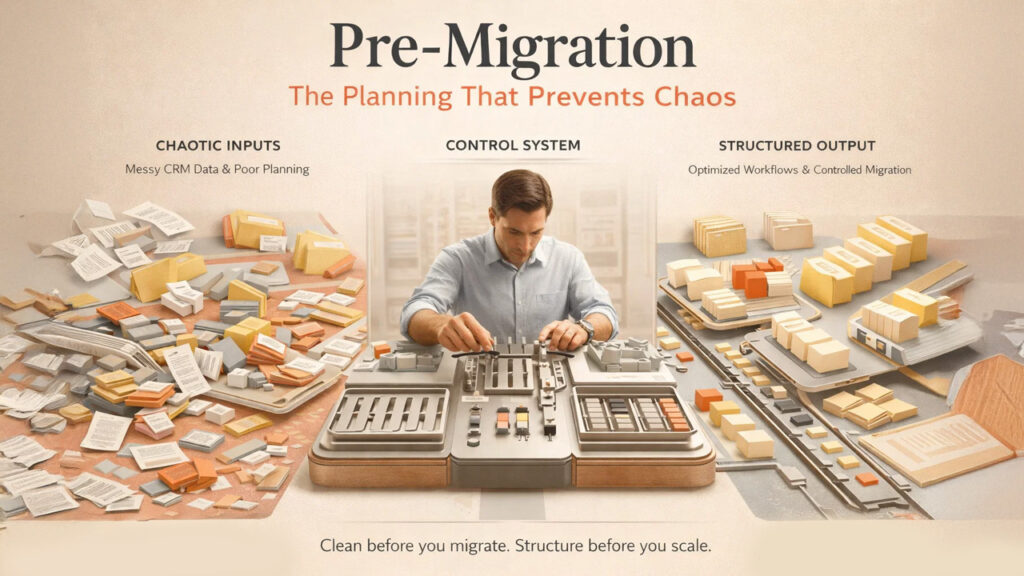
Successful CRM migration doesn't happen during migration. It happens during planning.
The worst migrations rush into data export and re-import. The best migrations spend weeks in planning.
Audit your current data before you move anything. Pull a sample of your Salesforce records. How much data is accurate? How many duplicate accounts exist? Which fields actually matter? Which are legacy fields nobody uses?
Data quality directly impacts migration success. Dirty data in Salesforce becomes dirtier when migrated. You multiply problems instead of solving them.
When you discover that 30 percent of your accounts have duplicate entries or incomplete fields, migration becomes your opportunity to clean house. You can migrate only clean, current data. You leave legacy complexity behind.
Document your current workflows. Which Salesforce workflows support your sales process? Which exists for reporting that nobody actually uses? Map the workflows you depend on versus the workflows you maintain out of inertia.
Open-source platforms won't replicate every Salesforce workflow. You don't want them to. Instead, you want to migrate the workflows that matter and redesign processes to leverage your new platform's strengths.
Identify your integration dependencies. Which systems feed data into Salesforce? Which systems consume data from Salesforce? Which integrations are critical? Which could you live without during migration?
Integration strategy determines migration complexity more than any other factor. If you have 15 third-party integrations, you're managing 15 migration tasks. If you have 3 critical integrations, you're managing 3 tasks.
Interview your sales team about pain points. Don't ask them what they like about Salesforce. Ask them what frustrates them. What takes too long? Where do they lose data? What features do they never use?
Sales teams provide honest feedback when asked about friction, not about features. This feedback guides which Salesforce processes you're happy to abandon.
The Migration Approach: Staged Rollout, Not Big Bang
Teams often imagine migration as a single weekend event: Friday night, everyone works on the old system. Saturday and Sunday, migration happens. Monday morning, everyone works on the new system.
This approach breaks things.
Staged migration proves safer. You migrate departments or product lines sequentially, not simultaneously. You learn from the first migration before executing subsequent migrations—an approach often recommended in any crm migration survival guide.
Start with a non-critical department. Not your largest revenue-generating sales team. Instead, use your smallest team as the test group. They migrate first. You watch what breaks. You fix it. Then larger teams follow.
This department provides early feedback on data quality, workflow translation, and user adoption. You discover that your custom field naming convention doesn't work in the new platform. You find that a critical report is impossible to recreate. You uncover integration issues.
Better to discover these problems with 3 people than with 30 people.
During CRM migration, maintain both systems in parallel for 2-4 weeks. Your sales team works in the new system. But your ops team keeps Salesforce synchronized for data redundancy. If something goes wrong, you roll back.
This parallel period feels inefficient. You're maintaining duplicate workflows. But you're purchasing certainty. You know migration is successful before committing fully.
Once the first team proves stable, migrate to the next department. Each subsequent migration becomes faster and cleaner because you've identified and resolved the previous blockers.
Data Migration: The Practical Steps
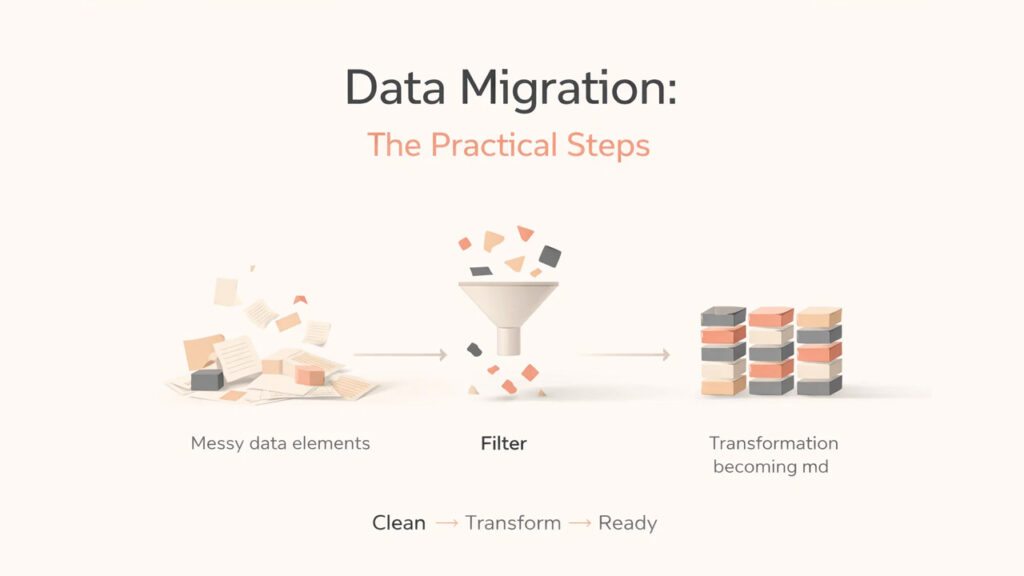
Data moves in phases. Understanding each phase prevents panicked Monday mornings. Structuring your CRM migration in phases is what separates a clean cutover from a chaotic one.
Export your Salesforce data into structured format. Standard CRM exports produce CSV files. These files contain all your records across all objects. You're working with weeks or months of data, depending on your organization size.
Before import, validate the data. Parse CSV files. Run checks for formatting errors, missing values, and incompatible data types. Find records that don't conform. These become your data cleaning candidates.
Transform the data to match your target system's structure. Salesforce object names don't map directly to your new platform. Field names differ. Data types don't always align. Transformation scripts convert Salesforce format into target format.
This step is technical. You need someone who understands both systems and can write transformation scripts or use migration tools. Don't skip this. Bad transformation creates impossible-to-debug problems downstream.
Import into your target system in the test environment first. Not your production environment. A test environment is where you discover problems before they affect your sales team.
Validate the imported data. Do account counts match? Do historical records import completely? Do relationships between objects (accounts to contacts to opportunities) import correctly?
If you find problems, fix the transformation scripts and re-import. Test environments exist for this reason.
Only after validation passes do you import into production.
User Adoption: The Overlooked Migration Blocker
Data moves successfully. Systems function. But your sales team still uses Salesforce because they know how.
Adoption requires training plus time.
Don't train everyone two days before migration. Train teams two weeks before. Give them time to practice. Let them make mistakes in a low-stakes environment.
Focus training on how your new system accomplishes their actual sales tasks, not how the platform technically works. Sales reps don't care about data models. They care about: "How do I log calls?" "How do I create forecasts?" "Where is my dashboard?"
Connect new workflows to business outcomes. Show how the new system reduces friction compared to Salesforce. If your new platform requires fewer clicks to log activity, demonstrate it. If reports load faster, prove it.
Assign power users as peer trainers. These are the people on your sales team who naturally gravitate toward the system. Train them thoroughly. Then let them train their peers. Peers often accept advice from other sales reps more readily than from a training consultant.
Plan for onboarding support the first week post-migration. Assign someone (ideally not your full-time sales ops person) to field questions. A fast response to confused users prevents frustration.
Expect adoption resistance from 10-15 percent of your team. Some people resist any system change. Don't spend disproportionate energy converting them initially. Let them experience improved efficiency. Adoption follows.
Post-Migration: The 30-Day Stabilization Period
CRM Migration success doesn't end on launch day. It ends 30 days later when all critical processes have run through your new system once.
The first month matters. Watch for patterns. Are there recurring error messages? Are certain workflows consistently problematic? Is adoption tracking where you expected?
Collect feedback from your sales team. Not in formal surveys. In conversations. What's harder than they expected? What's surprisingly smooth?
Use this feedback to make adjustments. A workflow tweak that takes hours now could save 100 hours monthly once you implement it.
By day 30, your team has operated through a full sales cycle (or close to it) on the new platform. You've discovered critical issues and fixed most of them. You've reached stabilization.
%201.png)

%201.png)

%201.png)