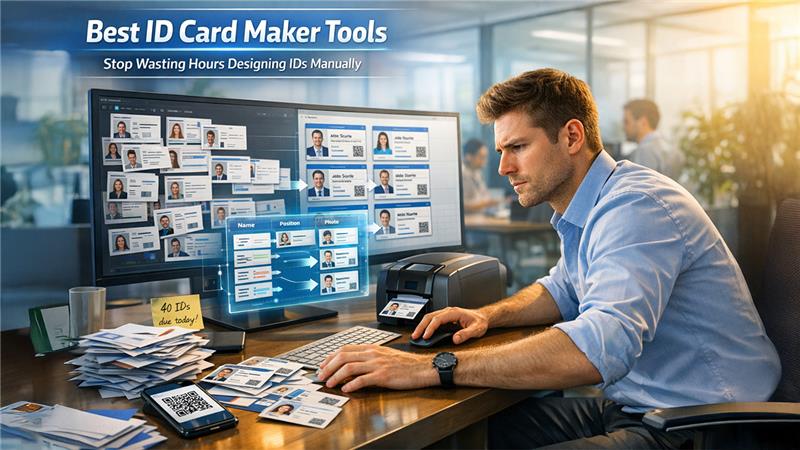

Someone in your office always ends up designing ID cards at the worst possible time.
It’s usually right before onboarding day, a school term, or an event kickoff. You open Canva, duplicate a template, adjust a few names… and then realize you need 40 more cards. Each is slightly different. Each needing a QR code. Each needing to print correctly.
That’s when most teams realize: not all ID Card Maker Tools are built for this kind of work.
Some tools are great for design. Others are built for actually producing ID cards at scale.
This guide compares three of the most commonly used tools in 2026 but starting with the one that’s actually built for the job.
What Actually Matters in ID Card Maker Tools
Before comparing tools, here’s what separates a usable tool from a frustrating one:
- Correct CR-80 card sizing (standard ID format)
- Bulk generation (names, photos, roles in one go)
- Built-in QR or barcode support
- Print-ready exports without manual adjustments
- Ease of use for non-designers
Most general design tools handle design well. Fewer handle production.
Quick Comparison Table
| Feature | Zoviz ID Card Maker | Canva | Adobe Express | ID Card Workshop |
| Ease of Use | Very easy | Very easy | Easy | Moderate |
| ID-Specific Templates | 5,000+ | Limited | Limited | Strong |
| CR-80 Sizing | Built-in | Manual | Manual | Built-in |
| QR/Barcode | Native | External workaround | External workaround | Native |
| Bulk Creation | Yes (paid) | No | No | Yes |
| Cloud-Based | Yes | Yes | Yes | No |
| Best For | Teams & organizations | Quick designs | Adobe users | High-volume printing |
| Where It Wins | End-to-end workflow | UI & templates | Adobe ecosystem | Enterprise batch printing |
1. Zoviz ID Card Maker (Best for Real-World ID Workflows)
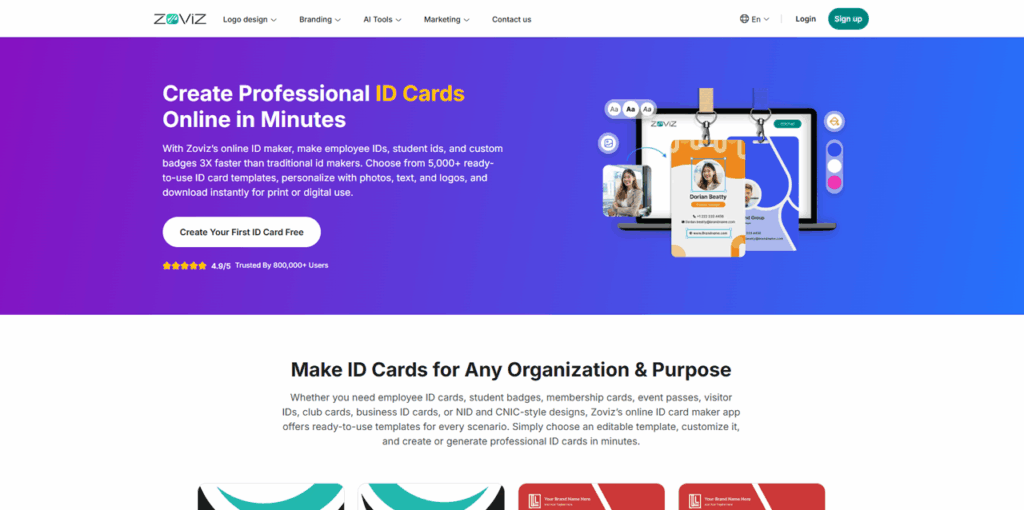
If you’ve ever struggled with resizing templates, generating QR codes separately, or manually duplicating dozens of cards, this is where a purpose-built tool makes a noticeable difference.
The ID card maker by Zoviz is designed specifically for ID creation not adapted from a general design platform.
What Zoviz Does Well
- 5,000+ ID-specific templates (employee badges, student IDs, event passes, membership cards)
- Pre-sized to CR-80 dimensions (3.375" × 2.125")
- Built-in QR code and barcode generator no external tools needed
- Bulk ID creation by uploading datasets (names, photos, roles)
- AI-powered layout generator for custom designs
- Supports 100+ languages, including non-Latin scripts
- Export formats: high-resolution PDF, JPG, PNG ready for print
The biggest advantage isn’t just features, it's removing repetitive work. What takes hours in general tools can often be done in minutes here.
Where It Falls Short
- Bulk creation and multi-brand management require a paid plan
- No smart card encoding for access control systems
- Not ideal for very high-volume enterprise printing (1,000+ cards/year)
Best For
HR teams, schools, and event organizers who need reliable, repeatable ID creation not just design.
If you're comparing tools seriously, the Zoviz ID card maker is often the point where teams stop patching workflows together and start streamlining them.
2. Canva
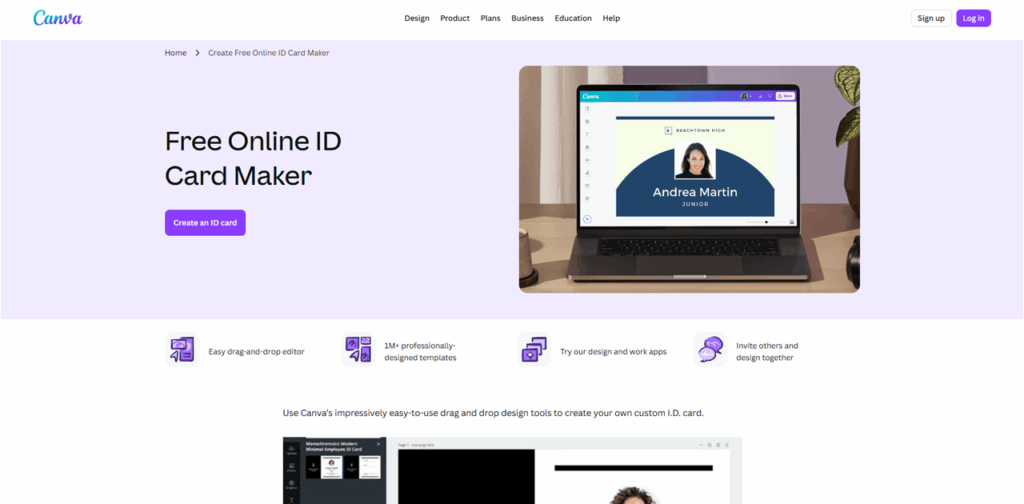
Canva is still one of the most commonly used tools, mostly because it’s already part of many teams’ workflows, and with the Canva AI Image Generator, it has become even more powerful for creating quick and visually appealing designs.
What Canva Does Well
- Extremely easy to use
- Large template library (though not ID-focused)
- Great for quick, one-off designs
- Strong collaboration features
For a single ID or a quick mockup, Canva is perfectly fine.
Where It Falls Short
- No native QR or barcode generation
- Card sizing must be set manually
- No bulk creation — everything is duplicated manually
- Print alignment can be inconsistent
Once you move beyond a handful of cards, the manual work adds up quickly.
Best For
Small teams or individuals create a few cards occasionally.
3. Adobe Express
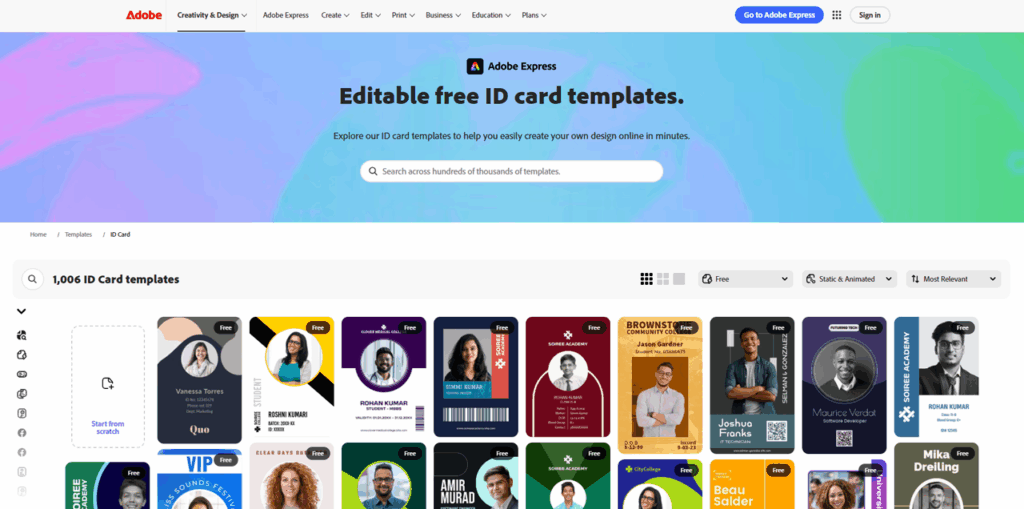
Adobe Express sits between casual design tools and professional Adobe software.
What It Does Well
- Clean, polished design experience
- Better typography and branding controls than Canva
- Works well within Adobe’s ecosystem
Where It Falls Short
- Not built for ID card workflows
- Limited ID-specific templates
- No QR/barcode integration
- No automation or batch creation
It’s a design tool first, not a production tool.
Best For
Users already working with Adobe tools who need occasional ID designs.
Other ID Card Maker Tools Worth Considering
Depending on your use case, these tools might be a better fit.
ID Card Workshop
Strengths
- Strong batch printing capabilities
- Built for high-volume environments
Limitations
- Desktop-only (Windows)
- No cloud access
- Outdated interface
Best For
Organizations producing large volumes of cards regularly.
Smartcard Studio
Strengths
- Advanced smart card encoding
- Integrates with access control systems
Limitations
- Complex setup
- Expensive enterprise pricing
Best For
Large enterprises managing secure access systems.
BadgeMaker
Strengths
- Professional badge production
- Event-focused workflows
Limitations
- Expensive (~$499/year)
- Overly complex for small teams
Best For
Event organizers handling large conferences.
Avery Design & Print
Strengths
- Free to use
- Works well with Avery card stock
Limitations
- Basic templates
- No QR or advanced features
Best For
Simple, no-budget needs.
Google Slides / PowerPoint / Word
Strengths
- Easily accessible
- No additional cost
Limitations
- Not designed for ID cards
- Frequent print alignment issues
- No automation or data handling
Best For
Last-minute, one-off use not scalable workflows.
Pricing Comparison
| Tool | Free Plan | Paid Plan |
| Zoviz | Yes (full design + export) | Free to Start |
| Canva | Yes (limited) | $14.99/month |
| Adobe Express | Yes (limited) | $9.99/month |
| ID Card Workshop | No | ~$99 one-time |
| BadgeMaker | No | ~$499/year |
Zoviz’s free plan covering full design and export is a practical advantage, especially for small teams testing workflows before committing.
Canva vs Zoviz vs Adobe Express: Which One Should You Choose?
Here’s the honest breakdown:
- Choose Zoviz if you need a complete workflow — design, data handling, and printing in one place
- Choose Canva if you’re creating a small number of cards and already use it
- Choose Adobe Express if design polish matters more than production efficiency
If your workload involves recurring ID creation — onboarding, school IDs, event badges — a dedicated solution like Zoviz simply reduces manual effort.
When a Dedicated ID Card Maker Tool Becomes Necessary
There’s a clear tipping point most teams hit:
- 1–10 cards → any tool works
- 10–50 cards → manual work becomes noticeable
- 50+ cards → automation becomes necessary
This is where purpose-built ID Card Maker Tools start saving real time, not just improving design, but reducing repetition.
Final Takeaway
Most teams don’t start with the wrong tool — they outgrow it.
Canva and Adobe Express are great for quick designs. But once ID cards become a recurring task, the limitations become obvious.
That’s where dedicated ID Card Maker Tools stand out — not because they look better, but because they remove the repetitive work behind the scenes.
Frequently Asked Questions
Q1. What is the best ID card maker tool in 2026?
For most teams, dedicated tools like Zoviz are more practical because they combine design, automation, and print-ready outputs in one place.
Q2. Can I create ID cards for free?
Yes. Tools like Canva, Adobe Express, and Zoviz offer free plans, though advanced features like bulk creation may require payment.
Q3. Do I need special software to print ID cards?
Not necessarily. Many online tools export print-ready files, but high-volume printing is better handled by desktop software.
Q4. What size should an ID card be?
The standard size is CR-80 (3.375" × 2.125"), which ensures compatibility with most printers and holders.
Q5. Can I add QR codes to ID cards?
Yes, but not all tools support this natively. Some require external generators, while others include it directly.
Q6. Which tool is best for schools?
Schools benefit from tools that support bulk creation and templates, especially when managing hundreds of students.
Q7. Is Canva good for ID cards?
It works for simple designs, but lacks automation, QR integration, and precise print workflows.
Q8. What’s the difference between design tools and ID card software?
Design tools focus on visuals, while ID card software focuses on production — including sizing, data handling, and printing accuracy.
%201.png)

%201.png)

%201.png)