
Client relationships are the lifeblood of a professional services firm. Growth requires a careful balance of retaining your most valuable and loyal clients as you welcome new ones. The problem is, you can only manage so many clients before you overload your team and standards slip.
This is where the right customer relationship management (CRM) platform unlocks the capacity to serve more clients. By reducing the admin work of managing client relationships, you can focus on delivering services and increasing revenue without compromising quality.
Why Do Professional Services Firms Need a CRM?
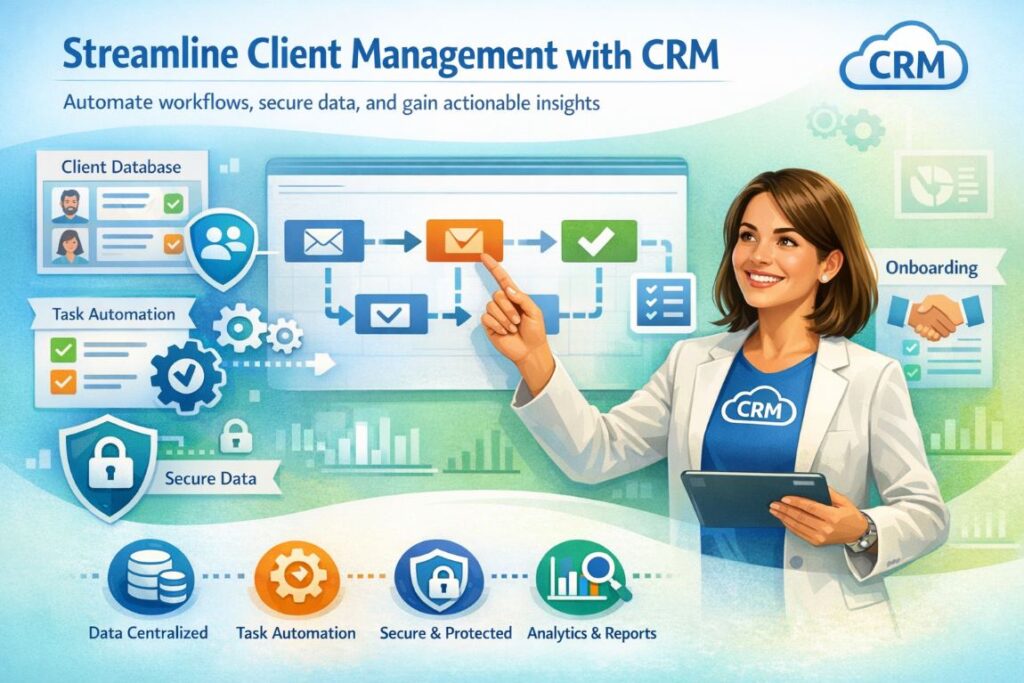
Professional services firms need a CRM to streamline client management. Instead of getting bogged down by manual data entry and updates, you dedicate more resources to high-value client work.
In practical terms, here are the key benefits of a CRM for tax professionals, accountants, and consultants:
Centralize Client Data
A CRM brings all of your client data into one system where you can manage every stage of the relationship.
Why this matters:
- Keep client records consistent, easily updated, and accessible
- Spend less time manually updating client profiles
- Record and store all client interactions
This allows anyone on your team to step in and deliver for clients, as everyone has access to the same information.
For example, one firm of eight staff serving 500+ clients reduced client intake by 50% and increased response times by 90% after implementing TaxDome’s CRM.
| If there’s another manager working on the project, they could get the information — even though the client sends the email to me. Because all the emails that connect to the client are logged within the client account, it’s easier for us to access that. — Jason Mathew, Director of JM Tax Advisors |
Automate Repetitive Tasks & Workflows
A good CRM automates repetitive tasks and workflows, such as client onboarding, communication, and status updates.
Why this matters:
- Reduce the manual workload of managing client relationships
- Handle a higher volume of clients without increasing workloads
Improve Client Relationships & Retention Rates
Improving the quality and visibility of data helps your team focus on delivering the best quality of service to every client. By combining CRM systems with virtual assistants, firms can further streamline workflows, respond faster to client requests, and enhance overall service quality.
Why this matters:
- Simplify onboarding and deliver value to new clients faster
- Respond to client requests faster
- Address the needs of each client on a deeper level
Manage Client Data Securely
Professional services firms handle sensitive client information, and the best CRMs help you collect and store this data securely.
Why this matters:
- Protect client data with class-leading security
- Minimize security risks by centralizing data in one place
- Control access to client data
Gain Insights From Client Relationships
With all of your client data in one place, you can analyze trends to inform smarter business decisions.
Why this matters:
- Get actionable insights from the people who matter most to your firm
- Identify your most valuable clients and services
- Get a clearer picture of how to grow your firm
What Do Different Firm Types Need From a CRM?
Most CRMs offer the same basic features for client management, but each firm type has unique needs.
Accounting Firms
Accounting firms may need a CRM that supports a wide range of accounting, taxation, and bookkeeping services. You’re not going to get this kind of functionality from a CRM designed for the average business.
| 🧩 Key features for an accounting CRM |
| Accounting workflow automation Client onboarding Client portal for communication and accounting tasks Document requests Secure document management Templates for accounting, tax, and bookkeeping Roles for admins, accountants, bookkeepers, etc. Accounting software integrations |
Tax Practices
Firms specializing in tax services have similar needs from a CRM as accounting practices. The main difference is they’re more specialized for tax-specific services, such as tax preparation and filing.
| 🧩 Key features for a tax practice CRM |
| Accounting workflow automation Client onboarding Client portal for communication and tax preparation Document requests Secure document management Templates for client intake and tax prep E-signatures Client reminders for tax filings Tax software integrations |
Consulting Firms
Financial consulting firms need a different kind of CRM — one that supports reporting, forecasting, and client advisory services. For example, where an accounting firm needs a client portal to simplify tasks like document exchanges, consultants need a portal that gives clients access to a wealth of reports and insights.
| 🧩 Key features for a consultant CRM |
| Extensive support for financial reporting Client portal to access actionable insights Consultation and meeting scheduler Customizable dashboards Templates for reports and forecasts Financial reporting integrations |
How to Choose the Right CRM For Your Firm
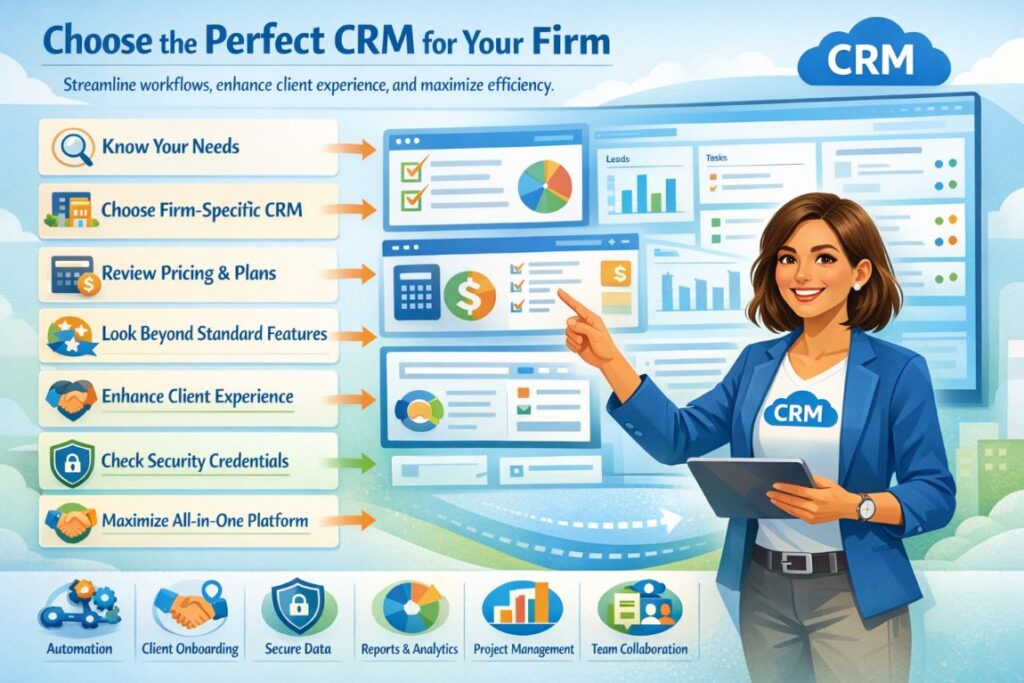
With so many CRMs on the market, choosing the right one for your firm can be challenging. With these steps, you can draw up a shortlist of options in no time, and find the perfect CRM for your team.
1. Know What You Need From a CRM
Make sure you know what you need from a CRM before you start looking at options. We’ve already looked at some key features for different firm types, and now it’s time to run the numbers:
- How many clients do you have?
- What’s your client growth rate?
- How many team members do you have?
- What’s your budget for a CRM?
- What’s your target ROI from a CRM?
2. Choose a CRM Designed For Your Firm
Most CRMs are built for general business purposes with basic contact management features. The problem with these tools is that they lack the more advanced features that firms need. You can spend weeks trying to customize them, but they’ll never match specialist tools designed for firms like yours.
Search for the best crm systems for accounting firms and choose a platform built specifically for your firm’s workflows, compliance needs, and client experience.
3. Review Pricing Models, Plans, and Features
Once you have a shortlist of potential CRMs, carefully review their pricing models, plans, and features. Pay close attention to how they split features across plans, and what the upgrade path looks like as your firm grows.
Also, keep an eye out for usage limitations, hidden fees, and paid add-ons. Make sure you know what you’re getting for your money, and the long-term cost of each CRM.
4. Look Beyond the Standard CRM Features
A CRM built for professional services firms should offer more than the standard features designed for general businesses. So, look beyond the basics for features that can improve efficiency at every level of your firm:
- Workflow automation
- Project management
- Integrated email, chat, and SMS
- Client onboarding
- Client portal and mobile apps
- Team collaboration
- Secure file sharing
- Document management
- Billing and payments
- Reporting and insights
5. Choose a CRM That Enhances the Client Experience
A CRM shouldn’t just make things easier for your team — it should make every interaction smoother for your clients. Look for features that simplify onboarding, client communication, document sharing, and other client tasks.
Give each client their own secure portal to access their account, complete tasks, and collaborate with your team. These are the details that retain the most valuable clients for accounting and tax firms.
6. Scrutinize Security Credentials and Onboarding
Before you sign up for a CRM, thoroughly check the security credentials of each provider. You’re dealing with sensitive client data, and this is probably the most important reason to choose a CRM designed specifically for firms. Make sure providers have class-leading security certificates, such as SOC 2 Type II.
You’ll also want to learn everything you can about the onboarding process and support provided by each vendor. The more advanced your CRM is, the more important this becomes.
7. Get As Much As You Can From One Platform
A CRM doesn’t solve all of the problems a professional services firm deals with on a daily basis. You also have projects, teams, and workloads to manage. You have complex workflows to automate, recurring services to manage, and stringent security requirements.
Before you know it, you’re implementing dozens of tools to run your firm and the software fees spiral out of control. Eventually, your team spends more time jumping between tools than delivering services to clients.
Avoid the trap of overloading your team with too many tools. Look for a practice management platform that includes a dedicated CRM and all of the features you need to run your firm.
CRM vs Manual Processes: A Clear Comparison
Manual processes are both time consuming and prone to error. A CRM reduces the admin work of client management, so you spend less time updating files and sending emails, and more of it delivering real value to clients.
This unlocks the capacity and resources that your team needs to handle more clients without letting standards slip.
| ⚡With a CRM | 🕓 Manual processes | |
| Client data management | All client data stored in one, secure platform. | Data scattered across spreadsheets, inboxes, and other tools. |
| Task tracking | Complete visibility of task statuses. | Manual checklists; easy to miss deadlines. |
| Document handling | All client documents linked to their profile. | Disconnected storage and management. |
| Communication | Communication history logged on client profiles. | Conversations fragmented across tools and channels. |
| Reporting & insights | Real-time dashboards with client and firm metrics. | Slow, manual reports from outdated data. |
| Client experience | All resources dedicated to delivering the best client experience. | Your team wastes valuable time on unnecessary admin work. |
With the right CRM on your side, you can remove the bottlenecks of managing higher client volumes and realize your true growth potential.
Conclusion: Choose a CRM Built For Professional Services Firms
There’s no shortage of CRM platforms designed for general businesses, but most are designed for the average business. As a professional services firm, you can rule these out right away. They’re not built to handle the complex needs of accounting, tax, or consulting practices.
As a professional services firm, you’re dealing with more client interactions than most. You’ve got a complex onboarding process, sensitive documents to exchange, and important discussions to have.
You need more than a database from a CRM; you need a platform that simplifies these interactions through every stage of the client experience. Which means you need a CRM built specifically for a practice like yours.
%201.png)

%201.png)

%201.png)