
Let's be honest: video editing in 2026 is very different from how it was just two years ago. The tools are smarter, the platforms feel complex to use, and your audience's patience? Shorter than ever. However, managing the post-production phase is one of the challenging parts of the overall production process that determines whether your video gets watched or skipped. Whether you're a motion designer, a brand videographer, or a solo creator juggling multiple projects, choosing the best tool and approach is essential.
A strong edit transforms raw footage into a compelling story. A weak one makes even great footage feel flat. The difference comes down to the decisions you make in the edit — and the habits you build around them.
Here is the comprehensive blog covering top insights on what the best creators, studios, and editing platforms are doing and putting together the most useful video editing tips in 2026 you can use to start your editing journey.
Before You Edit: Set Yourself Up for Success
The edit starts before you open your software. The smartest editors think about post-production while they're shooting. Below are a few rules followed by top video editing tips; following them helps you establish the foundation for efficient video editing.
- Follow the 3-2-1 shooting rule: Capture 3 different camera angles (wide, medium, close-up), 2 different shot types (establishing, over-the-shoulder, reaction), and 1 cutaway shot — a detail, a reaction, something that gives you a visual escape hatch in the edit. This simple habit alone gives you enough coverage to build a clean, flexible timeline.
- Record more than you need. Start rolling a few seconds before the action and keep recording a few seconds after. Always capture at least 10 seconds per clip, even if the moment lasts two. Equipment needs time to stabilize — those extra seconds are often what saves a shot.
- Grab the room tone at every location. Record 20–30 seconds of ambient silence wherever you film. It sounds like nothing, but it's invaluable for filling audio gaps in the edit without a jarring cut to dead silence.
- And back everything up. Use the 3-2-1 backup rule: 3 copies of your footage, stored on 2 different media types, with 1 copy offsite (cloud storage counts). Losing footage is devastating and entirely preventable.
Also Read: Picuki in 2026 Complete Guide, Features, Safety, and Best Alternatives
10 Video Editing Tips Every Beginner Should Know
Whether you're cutting your first YouTube video or leveling up as a budding filmmaker, these are the tips that actually shape the future of content creation in 2026.
1. Organize Before You Edit
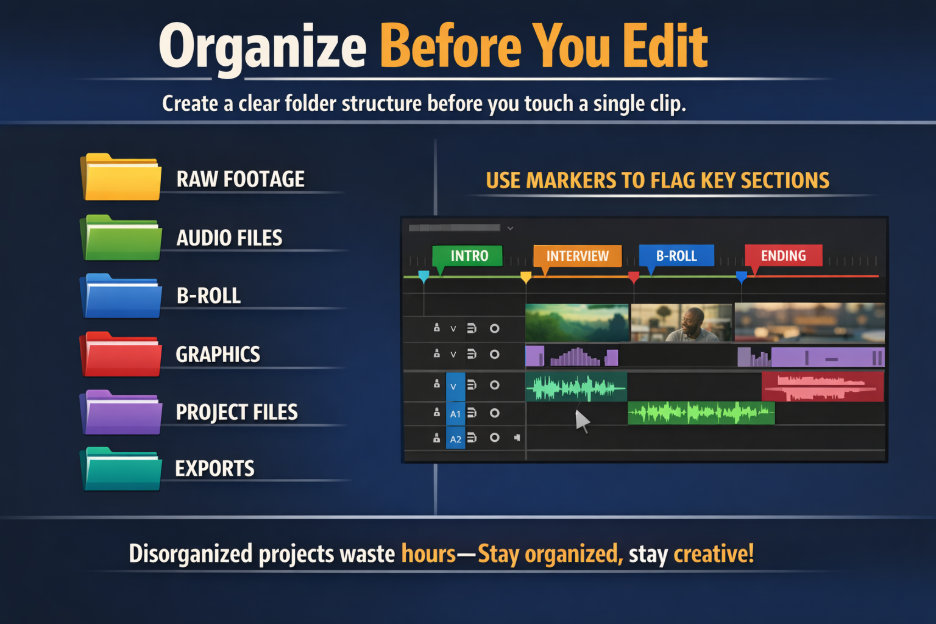
Create a clear folder structure before you touch a single clip: separate folders for raw footage, audio, B-roll, graphics, project files, and exports. Inside your editing software, use markers to flag key sections of your timeline. Disorganized projects waste hours----make sure to organize them to stay in creative flow.
2. Make a Plan First
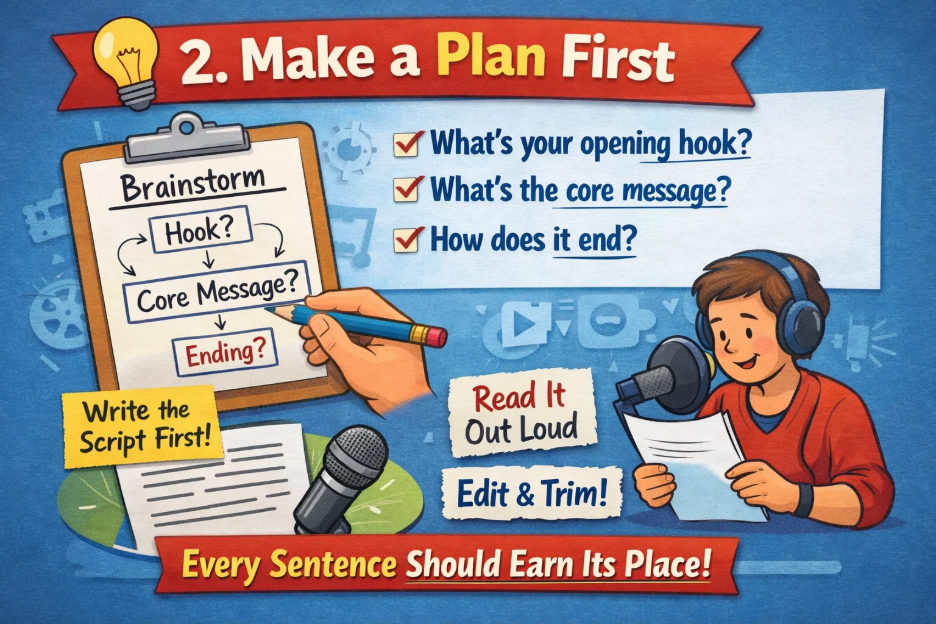
A rough outline before you start cutting saves enormous time. What's your opening hook? What's the core message? How does it end? If you're including voiceover or narration, write the script first, read it out loud, and trim it until every sentence earns its place.
3. Hook Your Viewer in the First 3 Seconds

The 3-second rule is one of the most crucial video editing tips that helps viewers on every platform decide whether to keep watching almost immediately. Lead with something visually compelling, ask a direct question, or drop straight into the action. There is no time for a slow warm-up before you've earned their attention.
4. Trim Precisely— Eliminate Unwanted Elements
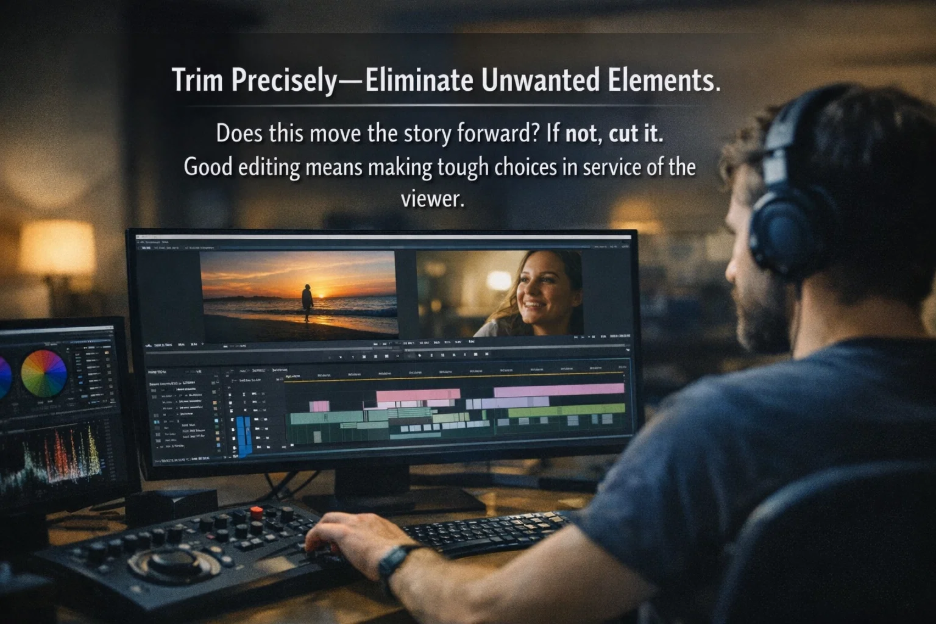
Ask yourself about every clip: Does this move the story forward? If not, cut it. It's natural to feel attached to footage you worked hard to capture, but good editing means making tough choices in service of the viewer. Start with a rough cut, then tighten it again. The best edits come from multiple passes.
5. Use Establishing Shots and Match Cuts
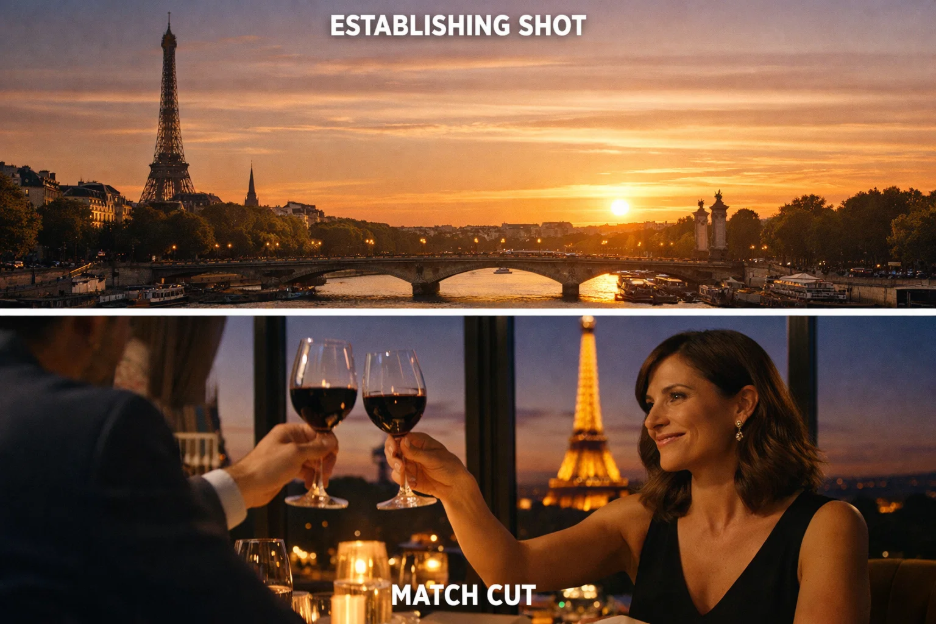
Establishing shots align with your viewer — they show the broader environment before you go close. Use them whenever you change location or open a new scene. Match cuts take this further, cutting between two clips that share a visual element: a similar motion, shape, or framing. Leveraging these video editing tips makes your edits feel invisible and professional.
6. Use Transitions Sparingly
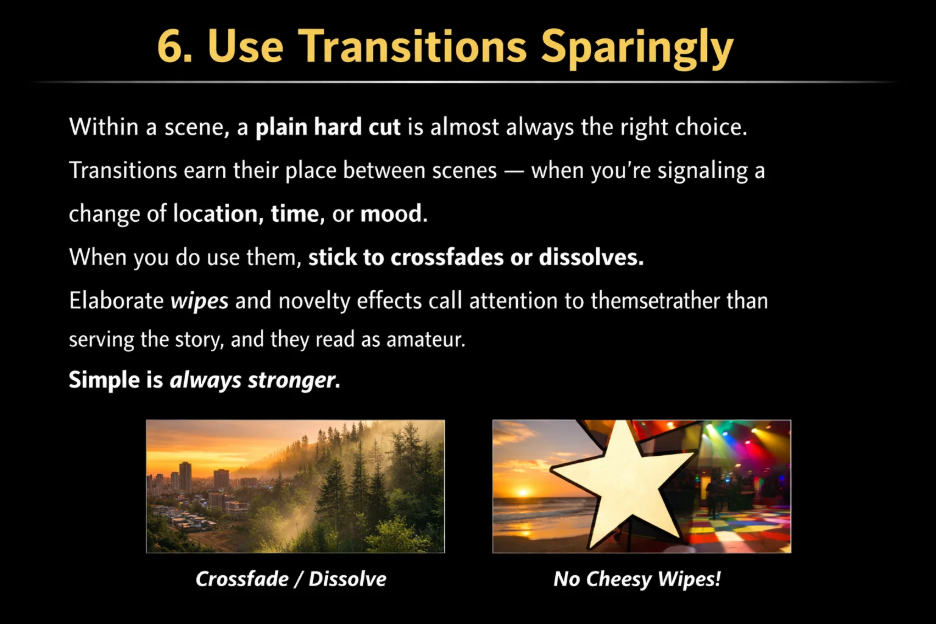
Within a scene, a plain hard cut is almost always the right choice. Transitions earn their place between scenes — when you're signaling a change of location, time, or mood. When you do use them, stick to crossfades or dissolves. Elaborate wipes and novelty effects call attention to themselves rather than serving the story, and they read as amateur. Simple is always stronger.
7. Control Your Pacing
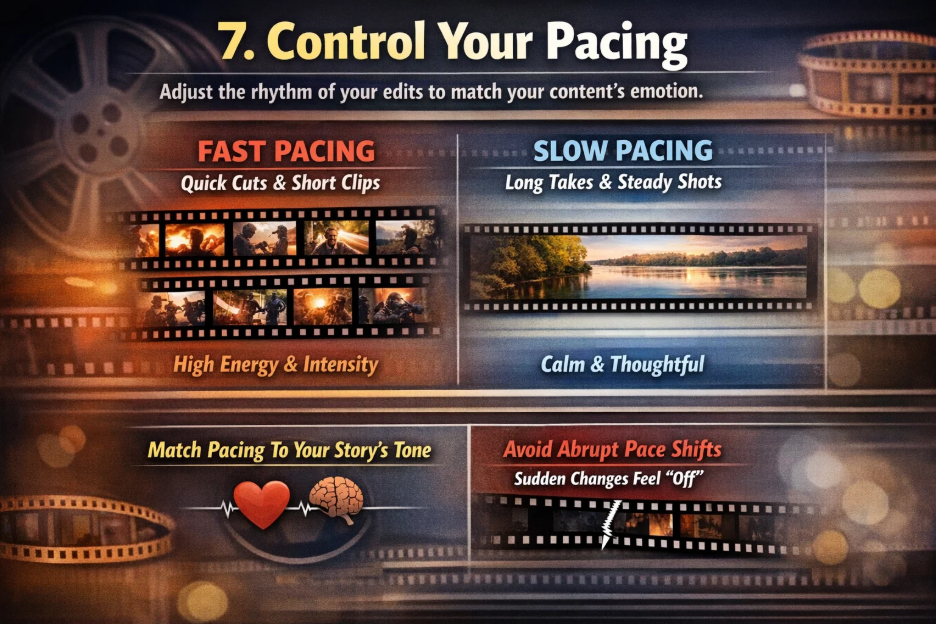
Pacing is the rhythm of your edit — controlled by the length of your clips and how often you cut. Fast cuts and short clips create energy and intensity. Longer takes create a contemplative, authoritative feel. Match your pacing to your content's emotional intent, and keep it consistent within scenes. Abrupt pace changes without narrative reason are jarring — even if viewers can't explain why the video feels "off."
8. Never Neglect Audio
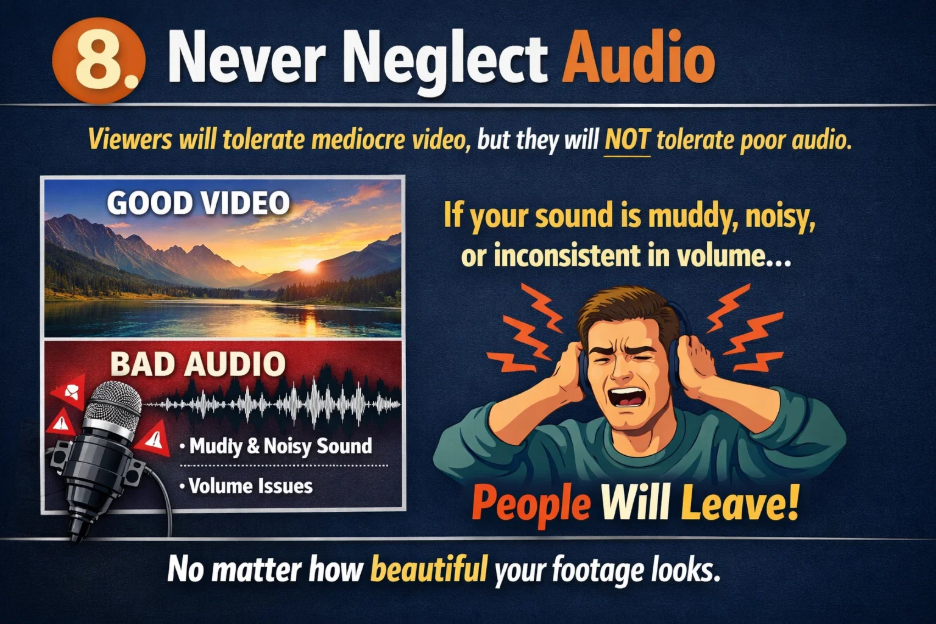
This is the essential video editing tip professionals emphasize most, and beginners underestimate most: viewers will tolerate mediocre video, but they will not tolerate poor audio. If your sound is muddy, noisy, or inconsistent in volume, people will leave — no matter how beautiful your footage looks.
Balance your levels so dialogue is clear and consistently audible. Use your room tone recordings to fill gaps. Invest in even a basic external microphone if you're recording your own voice. And use AI-powered noise removal tools — Descript's Studio Sound, Adobe Podcast Enhance, and DaVinci Resolve's Fairlight all do an impressive job cleaning up imperfect recordings in just a few clicks.
9. Use Split Edits (J-Cuts and L-Cuts)
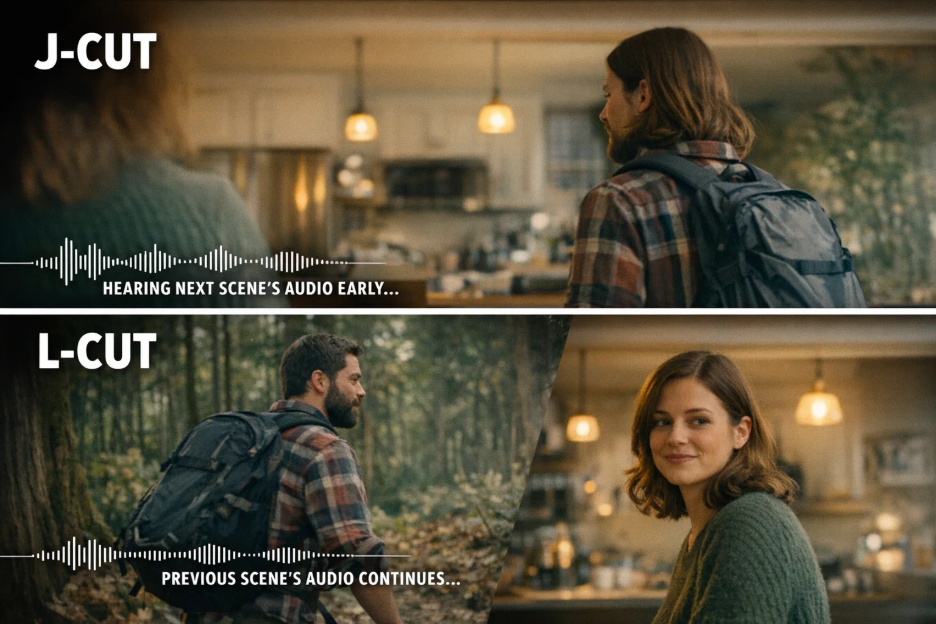
This single technique immediately elevates the feel of any edit. A J-cut lets the audio from the next clip begin before the video cuts to it — creating anticipation and a natural flow. An L-cut does the opposite: you cut to the new video while the previous audio lingers briefly underneath. Both techniques are simple to execute in any editing software, and they make your transitions feel seamless rather than mechanical.
10. Make Sure for Color, Grade, And Export

Color correction is technical: fix exposure, white balance, and consistency across your clips so everything looks natural. Color grading is creative: once corrected, add a mood — warmer tones for nostalgia, cooler tones for drama. Always correct first, then grade. And go subtle — small adjustments carry significant impact. Overdoing it looks processed, not cinematic.
When exporting, match your aspect ratio to your platform (16:9 for YouTube, 9:16 for Reels and TikTok). Use MP4 with H.264 for universal compatibility. Previewing your export before sharing is one of the best video editing tips that can help identify sync issues, dropped frames, or anything that wasn't visible inside the editor.
How AI Is Changing Video Editing in 2026
AI-powered graphic design tools are genuinely transforming what beginners can think about manual video editing. Like, Descript for generating auto-captions and CapCut for fast and accurate results. Filler word removal lets you clean up dialogue without manual scrubbing. AI noise reduction tools fix bad audio in seconds. Smart clip suggestions can generate a rough assembly from your raw footage, saving hours on the first pass. Likewise, many free AI video generator tools online
The right mindset: use AI for the complex and repetitive work — captions, cleanup, rough cuts — so your creative energy goes toward the story decisions that require real judgment.
Final Thoughts
Video editing in 2026 is more accessible than ever, but the fundamentals haven't changed. Organize before you edit. Build your story before you stylize it. Treat audio as seriously as you treat visuals. Keep transitions simple and intentional. And always prioritize the viewer's experience over your attachment to any particular clip. These crucial video editing tips help you improve the quality and speed of your creative process.
The only real path to getting better is finishing projects. Start simple, keep track of edits back critically, make sure what's working and what isn't, and then do it again. Your instincts sharpen with every cut you make.
%201.png)

%201.png)

%201.png)