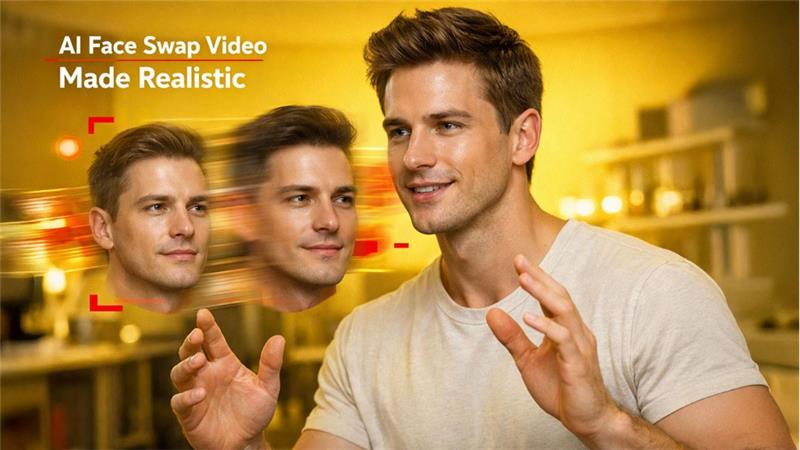

The technology of AI face swap video is more than just novelty filters. It is not a clumsy visual trick anymore. This tool has now become one of the most powerful mediums. It is used across different social media platforms for marketing and digital storytelling purposes. AI models make face swapping smooth and more expressive. Face swapping is not a herculean task; with the right approach, it has become natural and easy.
This comprehensive guide aims to explore what an AI face swap video is, how it functions, what it is used for, and how it helps to create realistic results for both beginners and professionals without any technical knowledge. It also aims to show how tools like EaseMate AI face swap video make the process accessible to anyone.
What Is an AI Face Swap Video
AI face swap video is when AI (artificial intelligence) replaces one person’s face with another. While swapping faces, it makes sure to preserve natural expressions, movements, background, and timing. While swapping faces in videos, it must maintain consistency across hundreds or even thousands of frames. It does not produce static face swaps results.
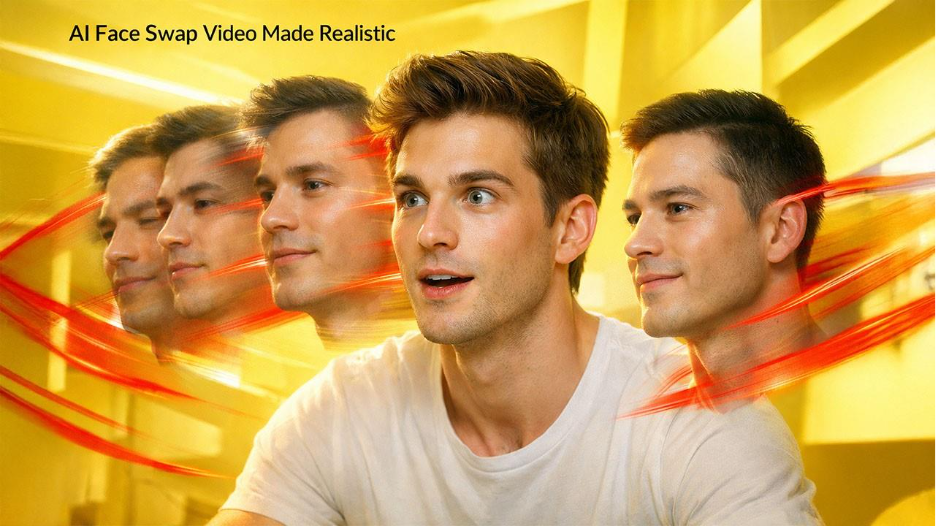
Simply pasting a face on top of a video is not how modern AI face swap tools work. They analyze intricate details such as structure of the face, natural expressions, lighting conditions, and movement patterns to recreate the face dynamically for all individual frames. The focus is not on resemblance or similarity but realism. It aims to maintain smoothen motion, original and right expressions, and face swapping that blends with the original video seamlessly. This is the reason why AI face swap videos are now visible on platforms like TikTok, Instagram, YouTube Shorts, Reels, including creative marketing campaigns.
How AI Face Swap Video Technology Works
AI face swap video generation follows a few systematic key steps in the background:
The system starts with identifying and mapping facial landmarks such as eyes, nose, mouth, and jawline frame by frame. By doing this, AI (artificial intelligence) understands facial movements over a period of time. The next step is separating identity. AI detach the face that is being swapped from the expressions, such as movements and emotions from the original video. Why does this matter? Because it ensures that face smiles, talks, or turns are swapped naturally instead of appearing misaligned or stiff.
Finally, consistency is ensured with motion tracking. Modern AI models maintain temporal awareness instead of independently generating each frame. This prevents facial features from shifting or flickering unexpectedly. This results in a continuous, expressive, natural, and believable-looking video of a face swap.
AI Face Swap Videos: Use Cases, Quality Factors, and Tool Selection
Common Use Cases
The uses of AI face swap videos include:
● Short-form social media content – in this, creators experiment with different personas or trends
● Entertainment and parody – the entertainment industry uses face swapping for playful or humorous transformations
● Marketing and promotions – help communicate the brand story and create personalized video content
● Creative experimentation – filmmakers, educators, and artists test and experiment with unique ideas quickly
Because video face swaps retain original expressions and motion, they’re particularly effective for engaging storytelling in various domains rather than just bringing visual novelty to the table.
What Affects Face Swap Video Quality
Not all AI face swap videos look the same. There are various factors that strongly influence the final result:
● Source video quality – to get the best results, clear, well-lit videos are a must
● Face visibility and angle – frontal or slightly angled faces are easier to map
● Motion intensity – smoother movements minimize face distortion
● Video length – shorter clips are easier to process smoothly and consistently
Having basic knowledge of these elements helps users avoid failed attempts and disappointments. This also allows you to choose the right input materials.
How to Choose the Right AI Face Swap Tool
With numerous AI face swap tools available in the market, users struggle to select the right tool that is not overly complex and easy to use. If you're weighing your options, comparing the top 5 AI face swap tools can help you identify which platform best fits your needs. The common issues that users encounter includes confusing settings, long processing times, watermarks, and unstable or inconsistent outputs.
Let's take a look at what a good AI face swap video tool should offer:
● Easy uploads with minimal setup complexity
● Consistent face alignment throughout the video
● Fast previews to review and check video quality
● Clean exports that are suitable for sharing
User-friendly interfaces are just as important as AI capability, especially for beginners.
EaseMate Face Swap Video: A Beginner-Friendly Solution
EaseMate Face Swap Video is designed to eliminate technical barriers that hold people back from experimenting with AI videos. It does not need advanced, high-level editing skills or complex workflows to produce good results. Its main goal is to deliver results that look natural and real using a simple interface.
EaseMate automatically manages the heavy lifting: face alignment, motion tracking, and blending work in the background. There is no need for users to type complex prompts, fine-tune parameters, or fix errors manually.
It’s particularly well-suited for:
● Content creators who work with short-form videos
● Marketers to experiment with personalized visuals
● Casual users who are curious about AI video tools
● Anyone who wants fast and clean results without much editing experience
For those users who are familiar with tools like ChatGPT, free EaseMate offers a similarly accessible experience. There is a powerful AI functionality that is present in the simplest and most user-friendly way.
Quick Start: How to Make an AI Face Swap Video with EaseMate
Creating a face swap video with EaseMate takes just a few steps.
Step 1: Upload Your Video and Face Image
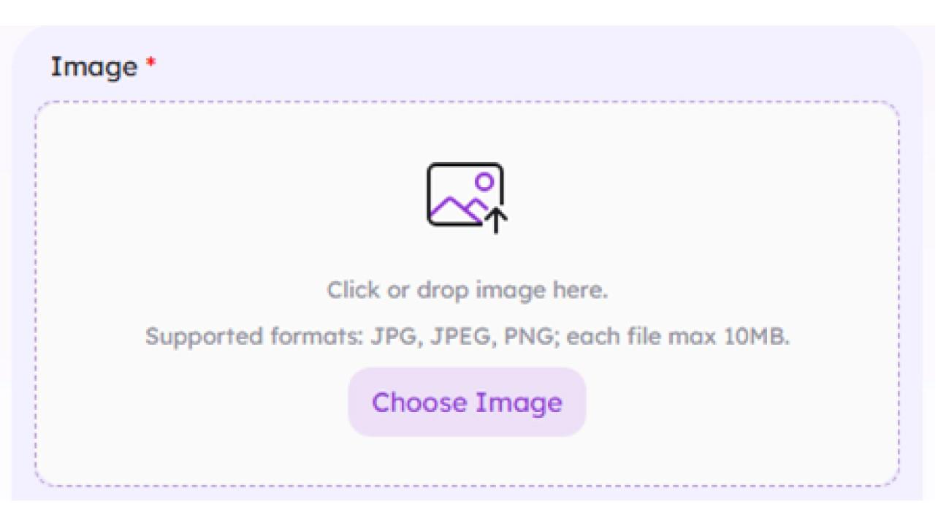
Start by uploading the video you want to edit and a clear image of the face you want to swap in. For best results, choose a well-lit photo with the face clearly visible.
Step 2: Let the AI Process the Face Swap
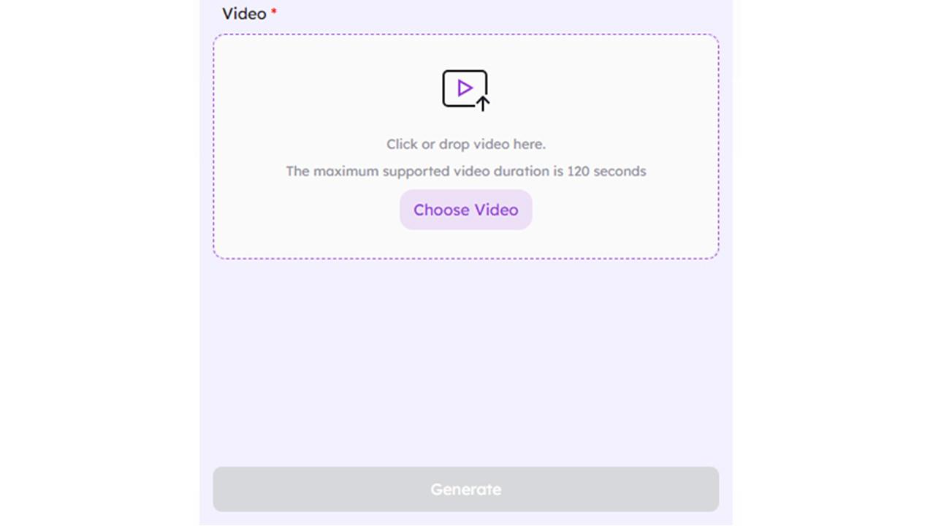
Once uploaded, EaseMate automatically analyzes the video, maps facial movements, and applies the new face across all frames. There’s no need to adjust technical settings or worry about timing.
Step 3: Preview and Download
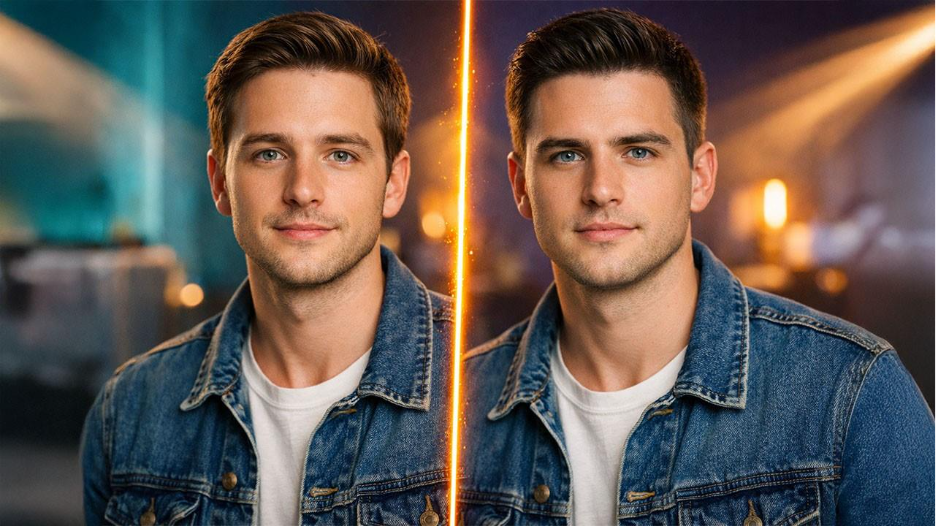
Within moments, you can preview the result. If everything looks right, download the final video and share it on your preferred platform—no watermarks, no complicated export steps.
FAQs About AI Face Swap Video
Q. Is AI face swap video difficult to use?
A. Not with modern tools. Platforms like EaseMate are designed for beginners and require no editing background.
Q. Can I use face swap videos on social media?
Yes. Many creators use AI face swap videos on platforms like TikTok, Instagram, and YouTube, as long as content guidelines are followed.
Q. How realistic are AI face swap videos?
A. When using high-quality source material and a capable tool, results can look smooth and convincing, especially for short-form content.
Q. Do I need professional software or hardware?
A. No. AI face swap video tools run online, so there’s no need for advanced equipment or software installation.
Conclusion
With the rise of AI face swap video technology, there's no longer a need to hire an expert to produce high-quality videos. Now, anyone can easily create professional-looking, expressive, and engaging video content using the right tools.
Understanding how face swapping works is key to setting expectations for the final product. More importantly, when using a beginner-friendly platform like EaseMate Face Swap Video to create your face swap, eliminates most of the technical hurdles that often deter people from creating their own videos.
AI face swapping is an exhilarating way to expand the limits of creative expression. Whether you are creating content for enjoyment, telling a story, or marketing your product or brand, AI face swap videos are your go to solution. One such platform is EaseMate. It is an easy-to-use platform that makes it easy to get started creating your own videos.
%201.png)

%201.png)

%201.png)