

Most professionals know the struggle of spending hours adjusting layouts, aligning text boxes, and finding the right visuals just to make a presentation look polished. Thanks to AI, that process has become dramatically simpler. With just a few prompts, these tools can design, write, and brand a complete deck so you can focus on the message instead of the formatting.
For mid-market companies managing constant client pitches, sales proposals, and team updates, AI presentation software is becoming a true competitive advantage. It helps teams stay consistent with branding, deliver faster, and create presentations that look like they came from a professional design studio.
After testing dozens of platforms built to make presentation creation faster and smarter, we identified seven that stand out in 2026. Each offers its own strengths in automation, design quality, and collaboration features..
1. Prezent.ai
Key Features
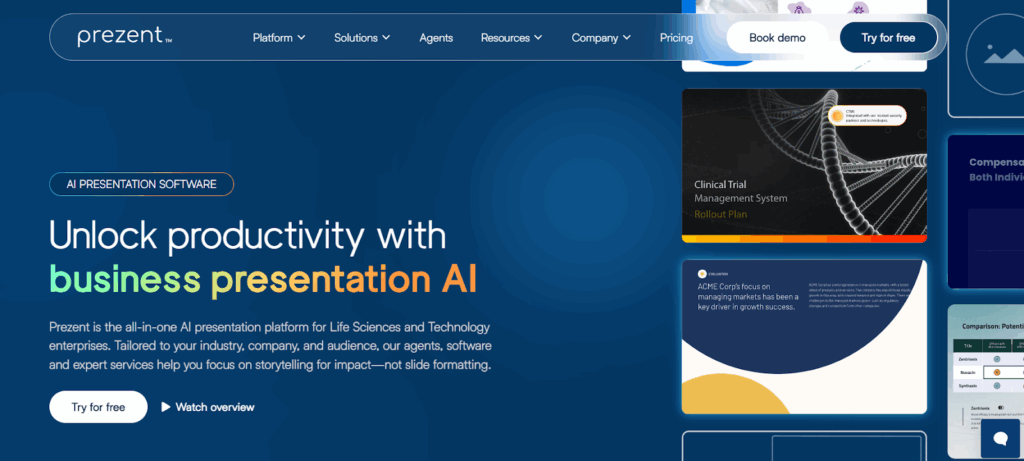
Prezent’s AI presentation software for mid-market companies is an all-in-one platform designed to help teams create customized, on-brand presentations in minutes. Its contextual AI agent, Astrid, understands your company’s voice, audience, and goals to generate polished, professional decks that resonate.
- AI-powered presentation creation from prompts, files, or data
- Instant brand template conversion for existing decks
- Library of ready-to-use slides, storylines, and best practices
- Enterprise-grade security with compliance tools, SSO, and human-in-the-loop validation
Pros
- Exceptionally easy to use, even for non-designers
- Speeds up presentation creation while maintaining professional quality
- Provides elegant, on-brand templates that simplify storytelling
- Offers extensive customization options for tailored, branded decks
- Intuitive design and user-friendly interface make collaboration seamless
- Saves significant time on formatting and visual design tasks
Cons
- Some users would like to see additional template variety over time
- Occasional need to refine AI-generated slides
- Short onboarding period helps users maximize results
Pricing
Prezent.ai offers multiple plans to fit different business needs:
- Lite: $40 per user/month, includes unlimited AI-generated decks
- Standard: Custom pricing with full library access and success management
- Premium: Custom pricing with industry-specific AI and API access
- Pro: Custom pricing including expert services such as overnight presentations and workshops
2. Visme
Key Features
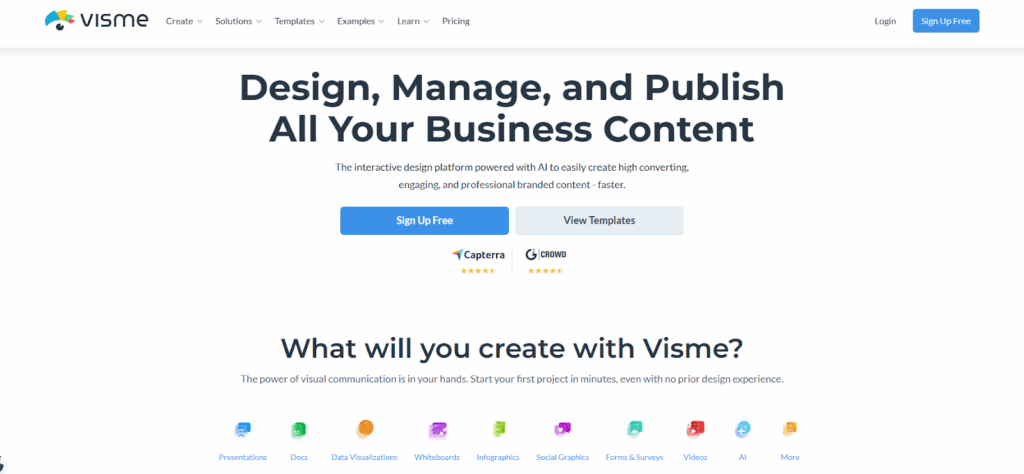
Visme is an interactive design platform powered by AI that enables teams to easily create presentations, documents, and branded content. It’s designed for professionals who want to produce engaging, high-quality visuals without needing advanced design skills.
- AI Designer generates complete presentations and graphics from text prompts
- Vast library of templates for presentations, documents, and visuals
- Tools for animations, interactivity, and data visualization
- Real-time collaboration for feedback and teamwork
- Centralized asset management to maintain brand consistency
Pros
- Easy to use with minimal learning curve
- Wide selection of templates and design assets
- Enables quick creation of professional, visually engaging content
- Great fit for marketing and sales professionals
Cons
- Limited advanced tools for data visualization and complex layouts
- Occasional interface glitches or slow performance on large projects
- Premium templates and assets require a paid plan
Pricing
Visme offers several plans to meet different user needs:
- Basic: Free forever, includes limited templates and design assets
- Starter: $12.25 per month, unlocks full access to premium templates and downloads
- Pro: $24.75 per month, includes brand kit, analytics, and advanced export formats
- Enterprise: Custom pricing with advanced security, workspace management, and dedicated onboarding
3. Pitch

Key Features
Pitch is a modern presentation platform that helps teams design, collaborate, and share professional slides efficiently. It combines AI-assisted creation tools with powerful collaboration and analytics features, making it popular among startups and creative teams.
- AI-assisted templates for quick presentation creation
- Real-time collaboration and commenting across teams
- Engagement analytics to track viewer interactions
- Integrations with HubSpot, Slack, Loom, and Notion
- Access to millions of photos, icons, and design elements
Pros
- Easy to use with an intuitive and modern interface
- Great for real-time collaboration and version control
- Professional templates for marketing and sales presentations
- Built-in analytics for tracking engagement and slide performance
- Smooth integration with popular productivity apps
Cons
- Limited customization and formatting options for advanced design needs
- Occasional inconsistencies when importing or exporting PowerPoint files
- Some essential business features require paid upgrades
- Lacks deeper enterprise capabilities such as communication training or expert support
Pricing
Pitch offers several plans tailored to different team sizes:
- Free: €0 per month, includes up to 5 members and unlimited presentations
- Pro: €20 per month (€17 with yearly billing), includes advanced links, custom fonts, and pitch rooms
- Business: €80 per month (€68 with yearly billing), includes unlimited rooms, version history, and asset libraries
Enterprise: Custom pricing with SSO, tailored onboarding, and dedicated support
4. Prezi
Key Features
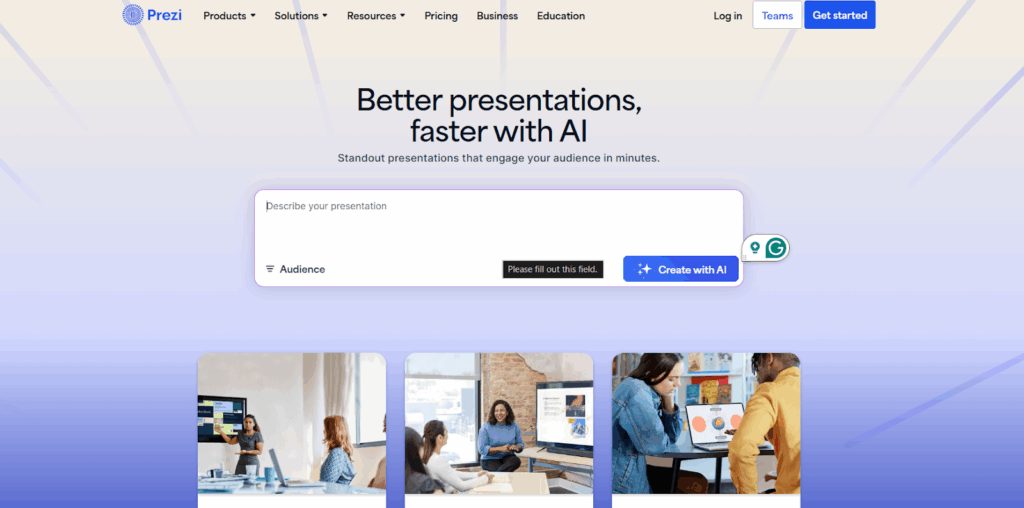
Prezi is a long-standing presentation platform known for its dynamic zooming interface and visual storytelling style. Its latest version integrates AI to help users create presentations faster, with personalized recommendations and visually engaging templates.
- AI-assisted presentation generation from text prompts
- Library of artistic templates and visual frames
- Dynamic motion and zoom effects for non-linear storytelling
- Real-time collaboration and shared editing
- Presentation analytics and video creation features
Pros
- Visually engaging, dynamic presentation style
- Extensive library of creative templates and multimedia elements
- AI features help generate first drafts and design suggestions quickly
Cons
- Steeper learning curve for users used to traditional slides
- Limited customization flexibility and formatting control
- Occasional stability and rendering issues during live presentations
- Free version lacks privacy controls and adds watermarks
- Premium features and collaboration tools locked behind higher plans
Pricing
Prezi offers several plans for individuals and businesses:
- Public (Free): Basic tools with public-only content and limited AI generation
- Private: €5 per month, adds privacy controls and advanced image tools
- Plus: €15 per month, adds video presentations, offline access, and unlimited AI generation
- Premium: €25 per month, includes analytics, training, and advanced integrations
5. Gamma
Key Features
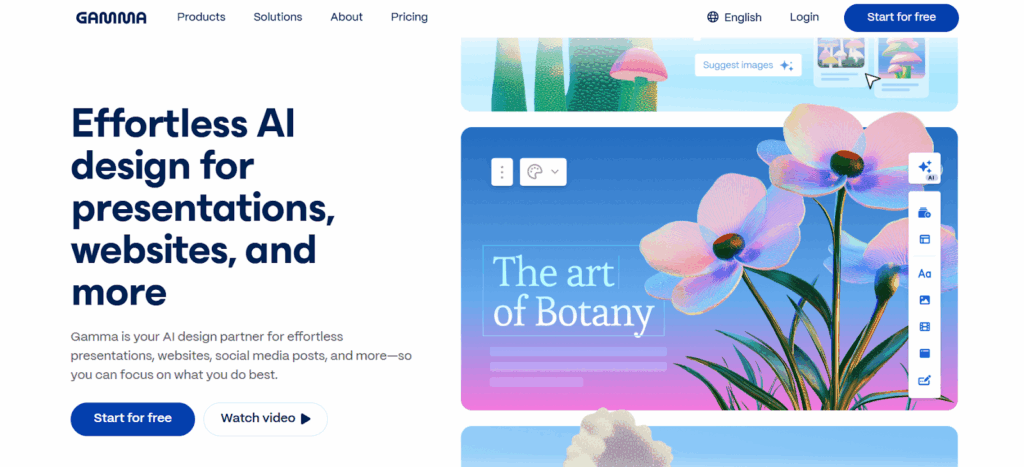
Gamma is an AI design platform that creates presentations, documents, websites, and social content quickly and intuitively. It’s designed to help users skip the blank page and produce visually appealing results with minimal effort.
- AI-powered presentation and document creation from outlines or prompts
- Smart layouts, instant translations, and automatic image generation
- Collaboration tools for real-time co-editing and sharing
- Publishing options for web, social media, and presentations
Pros
- Fast and easy to use, even for non-designers
- Creates professional and visually appealing presentations in minutes
- Seamless exports to PowerPoint, Google Slides, and PDF
- Strong performance for quick turnarounds and content sharing
Cons
- Limited branding and customization in lower-tier plans
- Advanced analytics and brand control available only in higher tiers
- Some repetitive slide layouts and design restrictions
- Occasional AI inconsistencies requiring manual edits
Pricing
Gamma offers flexible plans based on usage needs:
- Free: $0 per month, limited AI creations and basic exports
- Plus: $8 per seat/month, removes branding and adds better AI image models
- Pro: $18 per seat/month, includes analytics, custom branding, and API access
- Ultra: $100 per seat/month, unlocks premium AI models and early feature access
6. Beautiful AI
Key Features
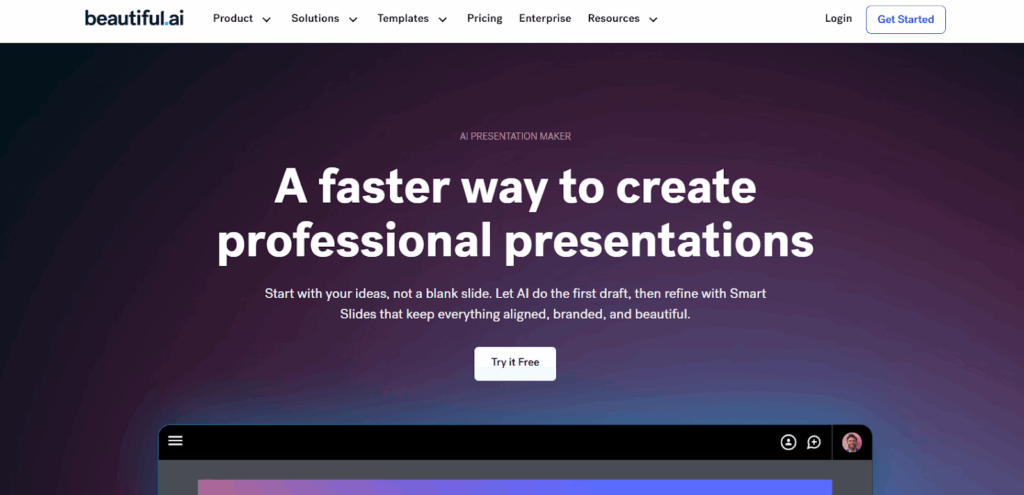
Beautiful AI is an AI-powered presentation maker that allows users to design professional and polished slides quickly. With Smart Slides that automatically adjust layout and formatting, it’s built to save time and maintain visual consistency across decks.
- AI-assisted presentation creation from simple prompts
- Smart Slides that auto-format and align content
- 300+ customizable templates with brand styling options
- Collaboration tools with centralized slide libraries
- Integrations with PowerPoint, Slack, Salesforce, and more
Pros
- Fast, user-friendly experience ideal for non-designers
- Smart templates ensure professional, on-brand layouts
- Strong collaboration features for marketing and sales teams
- Clean, modern designs that require minimal effort
- Supports multi-language presentations and analytics in team plans
Cons
- Limited creative flexibility when editing Smart Slides
- Some users report repetitive templates and lag during edits
- Advanced features and analytics available only in higher plans
- Customer support response and onboarding could be improved
Pricing
Beautiful AI offers three main plans:
- Pro: $12 per month (billed annually), includes unlimited AI content generation and brand styling
- Teams: $40 per user/month, adds collaboration workspaces, version control, and analytics
- Enterprise: Custom pricing, includes onboarding, SSO, advanced permissions, and brand guardrails
7. SlideEgg
Key Features
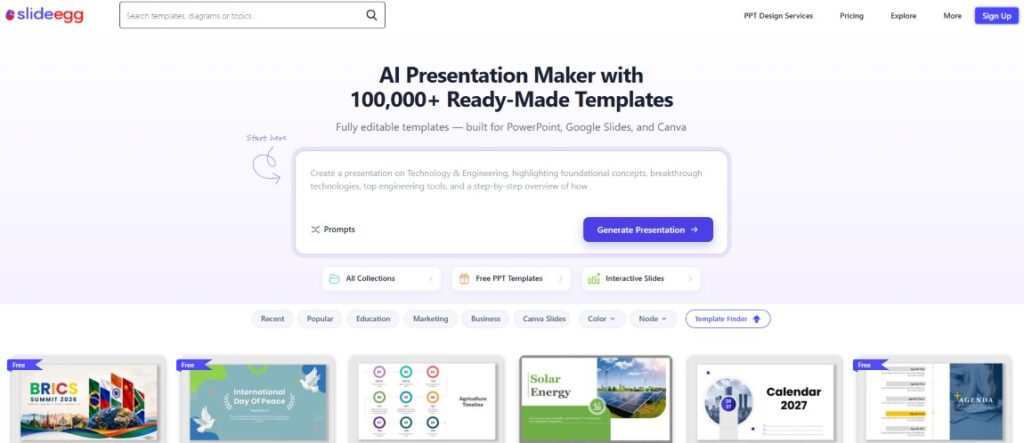
SlideEgg is an AI Presentation Maker with 100,000+ pre-made professional PowerPoint templates, Google Slides, and Canva templates. It also includes AI tools for slide generation and content editing, a PowerPoint add-on, live presentation tools (audience participation, quizzes, remote control, Zoom integration), and team workspaces with custom branding.
Pros
- Massive ready-made template library, a fast starting point for any deck
- Generous free plan (25,000+ free templates, no credit card required)
- Combines a template library with AI tools rather than just one or the other
- Built-in audience engagement features (live quizzes, participation tracking) beyond slide design alone
- Affordable relative to per-seat AI deck tools, with a one-time lifetime option
Cons
- Free plan limited to 3 downloads per day
- More template-first than fully AI-native generation, so less of a "type a prompt, get a full deck" experience
- Advanced AI tools and custom branding reserved for paid tiers
Pricing
- Free: $0
- Basic: $8/month (billed quarterly)
- Pro: $6/month (billed annually)
- Lifetime: $120 one-time
- Teams: $14/user/month (billed annually)
8. Storydoc
Key Features
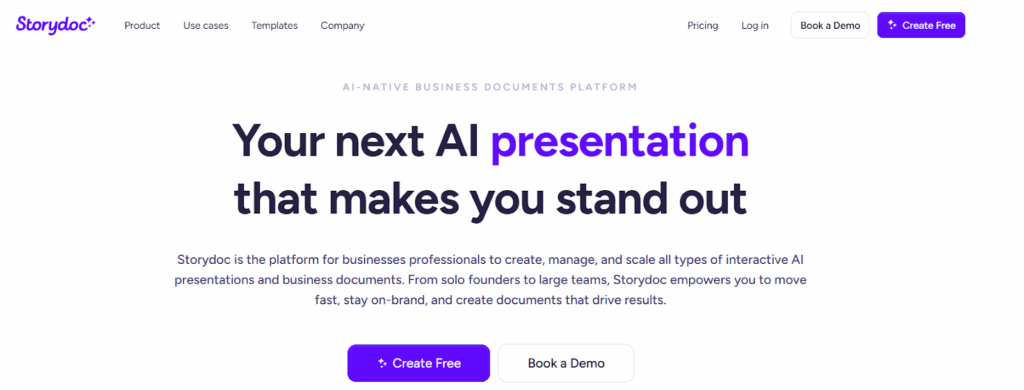
Storydoc is an AI-native business document platform that allows users to create interactive presentations, proposals, reports, and one-pagers. It focuses on engagement and personalization, helping teams turn static decks into dynamic, trackable experiences.
- AI-powered creation of interactive presentations and documents
- Built-in dynamic elements like videos, CTAs, and forms
- Personalization at scale using CRM data and smart workflows
- Real-time analytics on views, clicks, and engagement
- Centralized workspace for collaboration and brand consistency
Pros
- Highly engaging and interactive presentation format
- Excellent analytics for tracking viewer engagement and behavior
- Strong customer support and responsive service team
- Great for sales, marketing, and proposal-driven organizations
- Clean, modern templates that adapt well to mobile and web
Cons
- Limited customization for fonts, templates, and design flexibility
- Higher-tier plans required for advanced analytics and branding options
- Fewer integrations compared to competitors
- Pricing may be steep for smaller teams or individual users
Pricing
Storydoc offers several plans based on team size and feature needs:
- Starter: $17.40 per month (billed annually), includes 5 active documents and basic analytics
- Pro: $36 per month (billed annually), adds advanced analytics, personalization, and collaboration
- Teams: Custom pricing, includes unlimited documents, custom reporting, and design services
Conclusion
AI presentation software has redefined how teams communicate, making it faster and easier to create professional, engaging slides. The best AI tools today go beyond design—they help teams tell stories that connect with clients and drive results.
While many platforms focus on speed or style, the real advantage lies in solutions that combine brand consistency, intelligence, and enterprise-level reliability. For mid-market companies aiming to win more clients in 2026, choosing a platform that unites storytelling, structure, and strategy will make every presentation a competitive asset.
%201.png)

%201.png)

%201.png)