
One of the most common pieces of advice given to new Shopify merchants is "start with free apps and upgrade when you need to." It's good advice in principle but not very useful in practice, because it doesn't tell you which free apps are worth starting with, which ones will cripple you with restrictions before you've had time to build anything, and what you can realistically accomplish on a zero-dollar budget.
This piece covers the free marketing automation landscape for Shopify honestly: what's available, what each free tier actually includes, and what a motivated store owner can build in 30 to 60 days without paying for anything.
What Free Marketing Automation on Shopify Actually Looks Like
Let's set realistic expectations before diving into specific tools. Free marketing automation on Shopify exists on a spectrum.
At one end: tools that include meaningful automation capability, no subscriber caps, and real Shopify data integration from the free tier. These exist and they're genuinely useful for early-stage stores.
At the other end: tools with restrictive subscriber caps, send limits that constrain automation flow delivery, and automation features locked behind paid tiers. These are technically free to install but functionally useless for building an automated marketing program.
The variables that matter for evaluating any free marketing automation tier:
Does it include behavioral trigger automation — abandoned cart, post-purchase, back-in-stock — or only basic welcome emails? Does it cap subscribers or send volume in a way that makes scaling the list impractical? Does it sync with Shopify product, order, and cart data in real time? Does it include more than one channel, or is it email-only?
The Most Genuinely Useful Free Marketing Automation Options
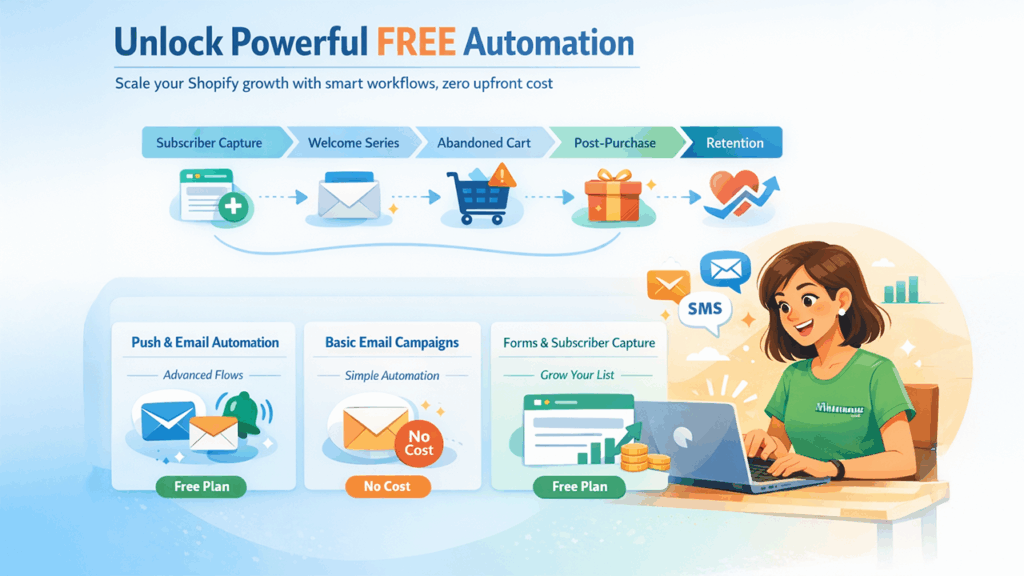
PushOwl's free tier stands out as one of the most capable free starting points in the Shopify marketing automation ecosystem. The unlimited subscriber model means you can grow your list without hitting a pricing wall. Automation on the free tier includes welcome series, cart abandonment recovery apps back-in-stock alerts, price drop notifications, and post-purchase sequences — the core lifecycle flows that generate the majority of automated email revenue. Web push notifications up to 500 subscribers are included, which no other email app includes in a free plan. Brevo's sending infrastructure powering PushOwl's email delivery means the deliverability quality on the free tier is enterprise-grade rather than the lower-quality shared infrastructure common on free plans. The practical constraint on the free tier is monthly send volume — you can store unlimited subscribers but sending volume is capped, which becomes a constraint as your list and campaign cadence grow.
Shopify Email is included with every Shopify plan at no additional cost. It supports basic campaigns, a welcome email, and abandoned checkout recovery. It syncs natively with Shopify products and customers. The limitations: automation depth is basic, segmentation options are limited, and there's no web push or SMS capability. It's a reasonable starting point for stores that need a newsletter tool and basic cart recovery before they're ready to invest in a dedicated platform.
Shopify Forms handles email and SMS subscriber capture natively and integrates with Shopify Email and other marketing apps. While it complements marketing automation tools, it is worth using for basic popup and form functionality, though it doesn't include automation — it's a list-building tool rather than an automation tool.
What You Can Build in 30 Days for Free
Here's a realistic 30-day plan using PushOwl's free tier, which is currently the most capable combination of email automation and web push available at no cost on Shopify.
Days 1 to 7 — Foundation.
Install PushOwl from the Shopify App Store. The connection to Brevo for email deliverability happens automatically during setup. Configure your email popup using the built-in popup builder. An exit-intent popup with a discount offer typically converts at 3 to 6% of visitors. Activate the welcome email series immediately — five emails, the first delivering the incentive within five minutes of signup, subsequent emails building brand familiarity and driving toward a first purchase. Enable web push opt-in — a single-click browser prompt that starts building your push subscriber base alongside email from day one.
Days 8 to 14 — Revenue flows.
Activate the abandoned cart email sequence. Three emails: 45-minute reminder, 24-hour trust-builder, 48-to-72-hour urgency close. This is typically the highest-return automation for any Shopify store and should be running before you invest time in anything else. Enable the abandoned cart push notification to reach cart abandoners who haven't provided an email address. Between the email sequence and push notifications, you're now covering both identified and anonymous cart abandoners.
Days 15 to 21 — Inventory automations.
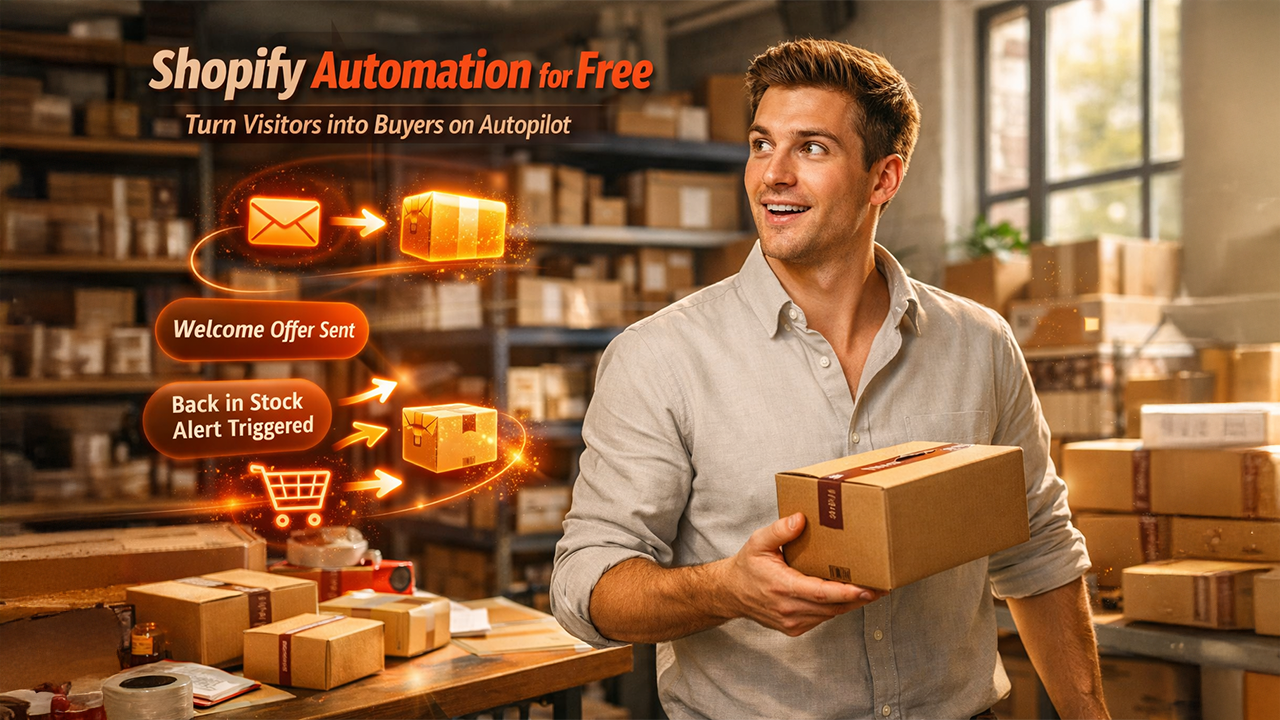
Enable back-in-stock alerts for any products that regularly sell out. The waitlist widget on sold-out product pages starts collecting interested subscribers, and the alert fires automatically when inventory is replenished. Enable price drop notifications for any products with variable pricing. Both automations run completely automatically once configured and require no ongoing management.
Days 22 to 30 — First campaign and review.
Send your first email campaign to your growing subscriber list. Review open rates, click rates, and any attributed revenue from the automation flows that have been running for two to three weeks. The abandoned cart flow in particular should show measurable recoveries within the first week of operation.
What Happens When the Free Tier Isn't Enough
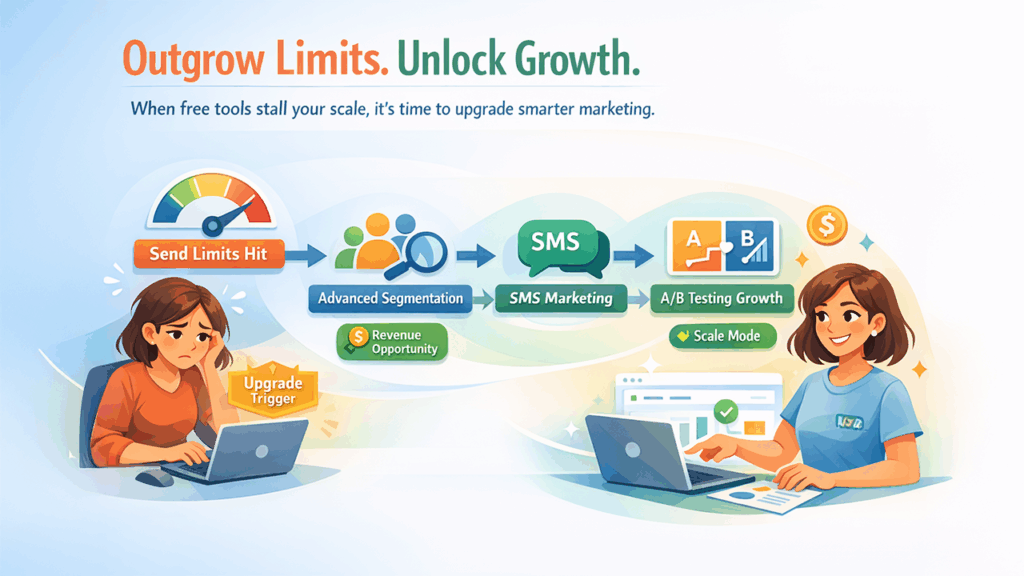
The indicators that you've outgrown a free tier come in a predictable sequence.
Send volume constraints. When you're consistently hitting monthly send caps and suppressing automation flow delivery to stay within them, the cost of those missed sends exceeds the cost of upgrading. For most stores, this happens when the combination of active subscriber base and automation flow density pushes total monthly sends above the free tier limit.
Segmentation depth. Free tiers typically include basic segmentation. Behavioral segmentation — filtering by purchase history, product category, email engagement level, LTV — usually requires a paid plan. When your list is large enough that sending the same campaign to everyone is demonstrably underperforming segmented sends, that's the segmentation upgrade trigger.
SMS marketing. There is no functional free SMS marketing option for Shopify stores. SMS requires carrier costs that can't be absorbed by a free tier. The upgrade to a paid plan that includes SMS is worth running on the economics of your specific store: what does a single SMS campaign or automation generate in revenue versus what the incremental plan cost is.
A/B testing at scale. Systematic A/B testing of subject lines, content, and send timing — the kind that produces statistically meaningful results — requires enough send volume and time to collect data. Free tier send limits may make this impractical.
The Total Cost of Ownership Argument for Upgrading
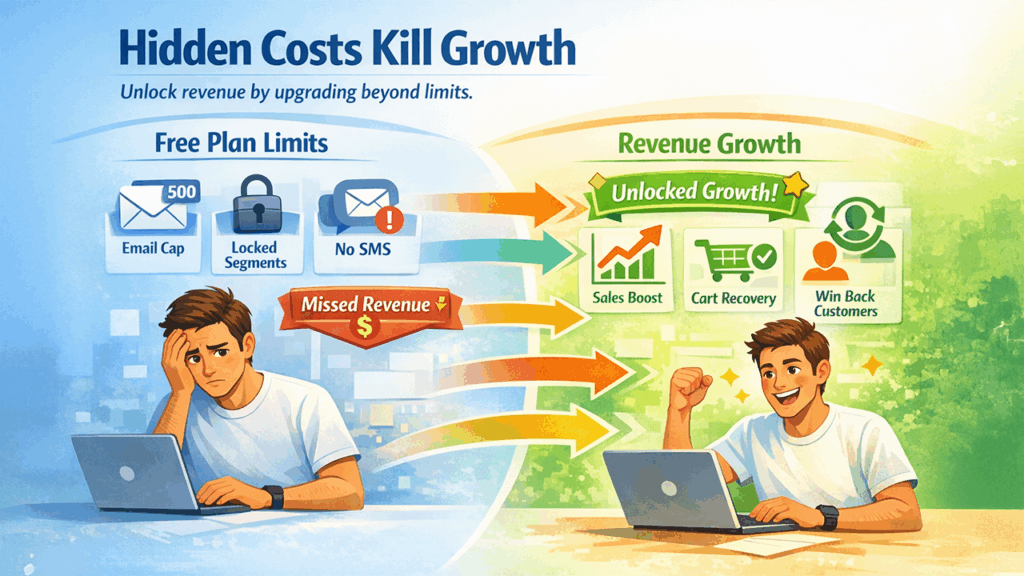
One more consideration for the free-versus-paid decision: the hidden cost of staying on a free plan when it's constraining your program.
A suppressed abandoned cart email because you've hit your monthly send limit has a real revenue cost. A customer who didn't receive the right segmented message because segmentation requires a paid tier has a real revenue cost. A lapsed subscriber who wasn't reactivated because you don't have SMS on your free plan has a real LTV cost.
The upgrade decision should be made on total cost of ownership: what does the paid plan cost per month, and how much incremental revenue does it enable? For most growing Shopify stores, the answer to that calculation comes back positive well before the free tier feels painfully limiting.
Wrapping Up
Free marketing automation on Shopify is genuinely useful for building the foundational infrastructure of a retention marketing program before you're spending significant money on it. The key is choosing free tools that include real automation capability rather than the most restricted features, and using the free period to validate that the automation stack is generating enough revenue to justify the upgrade when the constraints start binding.
Build the core flows in the first 30 days. Run them for 60 to 90 days. By then, you'll have real data on what each automation contributes and a clear picture of what the paid upgrade unlocks.
Frequently Asked Questions
Q1. Is there any fully free Shopify marketing automation with no restrictions?
No truly unlimited free option exists. Every free tier has some combination of send volume limits, subscriber caps, or feature restrictions. The most capable free option currently available for Shopify stores combines unlimited subscriber storage with consumption-based sending and includes behavioral automation like abandoned cart and back-in-stock on the free tier. The practical constraint is send volume.
Q2. What's the difference between Shopify Email and a dedicated marketing automation app?
Shopify Email is a basic email tool built by Shopify. It includes simple campaign sending, a welcome email, and basic abandoned checkout recovery. A dedicated marketing automation app typically includes deeper behavioral segmentation, multi-step flows, more automation types (browse abandonment, win-back, price drops), additional channels like web push or SMS, and more sophisticated analytics. For stores beyond the earliest stage, the revenue difference from the automation depth of a dedicated app versus Shopify Email is typically significant.
Q3. Can I use multiple free apps together to cover email, push, and SMS?
Technically yes. Practically, coordinating three separate free tools creates the suppression and attribution coordination problems described elsewhere in this piece. If a customer converts via push notification, the separate email tool won't know to stop its cart recovery sequence unless you've built that integration manually. The operational overhead of multi-tool coordination typically outweighs the cost saving versus a single unified platform.
Q4. How long should I stay on a free plan before upgrading?
Until one of the four upgrade indicators above applies: send volume constraints hitting automation flows, segmentation depth becoming a revenue-limiting factor, SMS becoming a justified channel addition, or A/B testing at scale becoming practically useful. For most stores, that happens somewhere between 500 and 2,000 active email subscribers and three to six months after initial setup.
%201.png)

%201.png)

%201.png)