
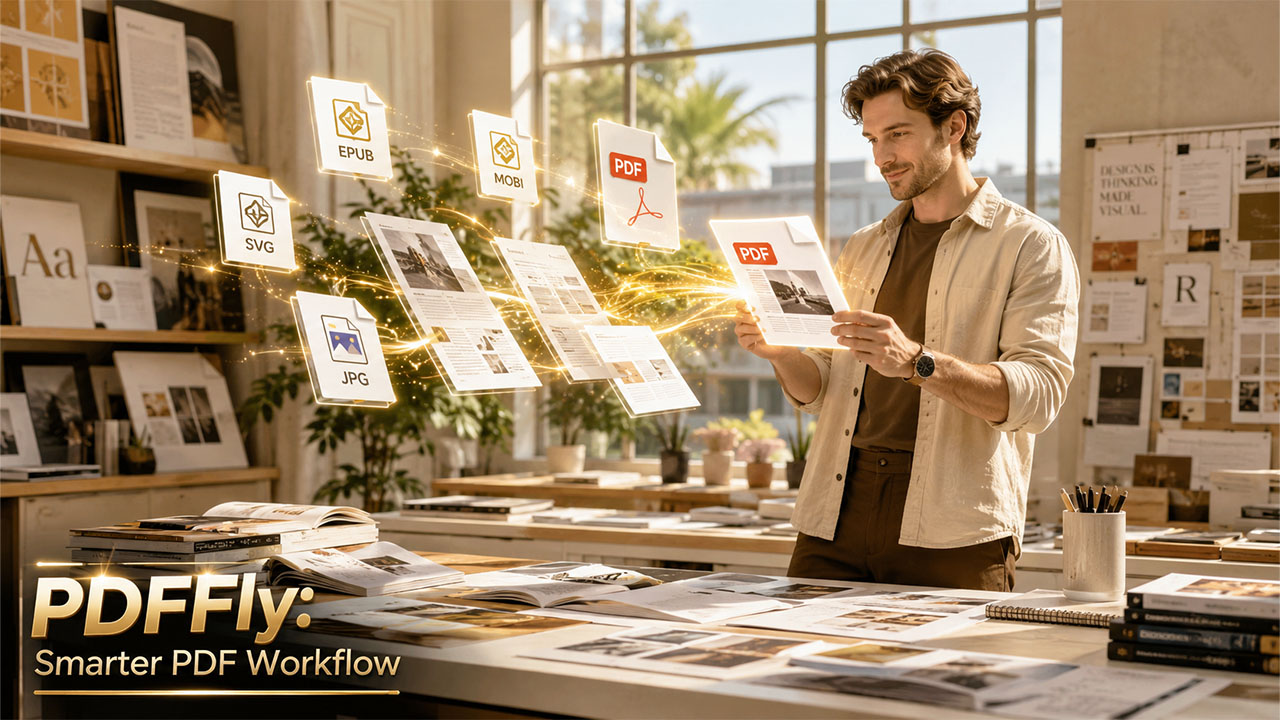

If you have ever spent a lot of time searching for a PDF tool that does what you want you know how frustrating it can be. You do not want to pay for something or download another program. That is why people look for options. PDFFly is one of the things that people find when they search. It says it is a PDF converter that people can use every day. What does PDFFly actually do and how is it different, from a real PDF editor. Let us look at PDFFly and see what it can really do.
What PDFFly actually does
PDFFly is a tool that you can use in your browser to work with documents. It helps you convert files make them smaller and do a few things. You do not need to install anything or make an account to start using it. You just upload your file choose what you want to do and download the result.
Here is what you can really do with PDFFly:
You can convert files to and from PDF. PDFFly works with a lot of formats like Word, Excel, PowerPoint, JPG, PNG and many more. This is a long list of formats especially since you do not have to pay for it.
You can also make your PDF files smaller. Of just clicking a button that says "make smaller" PDFFly lets you choose how small you want your file to be. You can make it 10 MB, 5 MB, 2 MB or 1 MB. This is more helpful than trying to guess how small your file will be.
PDFFly has a tool that can read scanned documents and PDFs that're really just pictures. It can turn them into text that you can search and select. This is really useful if you have to work with scanned contracts or forms a lot.
You can even translate PDF documents using PDFFly. It keeps the layout, which is helpful when you are working with documents from other countries.
PDFFly also has a couple of features that are not as common. It can remove watermarks from documents. Make pictures look better. The picture tool can make low-quality scans look clearer before you convert or share them.
PDFFly has a tool that can summarize documents for you. It uses intelligence to make a short summary of your document, which is really helpful, for research papers, reports or long contracts.
Where PDFFly competes well and where it doesn't
It's worth being specific here, because "all-in-one" means different things to different people.
Where PDFFly holds its own
The format support is genuinely broad. Most online PDF tools stick to the obvious: Word, Excel, and JPG. PDFFly goes further, supporting EPUB, MOBI, AZW3, SVG, HEIC, WebP, and more, making it more useful for designers, publishers, and anyone working outside the standard Office ecosystem.
The target-size compression is a practical advantage. If you need a file under a specific limit for an email attachment or upload form, being able to set "compress to 2 MB" is faster and more reliable than trial-and-error with a generic slider. The platform accepts files up to 100 MB, which comfortably covers most everyday use cases.
Where it falls short
PDFFly is not a PDF editor in the traditional sense. You cannot open a PDF and edit its text directly, add annotations, rearrange pages, merge multiple files, or fill and sign forms. If those are your primary needs, PDFFly won't cover them — you'd need a more fully featured PDF editing tool and follow practical PDF editing tips for that kind of work.
Who Is PDFFly Actually For?

The platform is a strong fit if your document tasks tend to fall into a few clear categories.
Conversion-heavy workflows. If you regularly receive files in one format and need to send them in another, say, Excel reports turned into PDFs or scanned JPGs turned into searchable documents, PDFFly covers that loop cleanly and quickly.
Occasional users who don't want a subscription. Many full-featured PDF editors lock their best tools behind a monthly fee. PDFFly's core conversion and compression features are free, which makes it a reasonable choice for people who process documents a few times a week rather than all day, every day.
Teams handling multilingual documents. The built-in translation feature is genuinely useful for companies working across language markets, especially when the alternative is copying text out, translating manually, and reformatting everything from scratch.
It's less suited for legal teams, contract managers, or anyone who needs to annotate, redline, or sign documents. Those users will need to look beyond a conversion-focused tool.
Bottom Line
PDFFly is a solid, no-fuss tool for file conversion and compression, with a few useful extras like OCR, translation, and AI summarization. It covers a broader range of formats than most free alternatives, and the target-size compression feature is a genuine time-saver. As a best all-in-one PDF editor 2026 contender, it holds its own in the conversion space — just don't expect it to replace a full PDF editor if direct document editing is what you're after. For what it's built to do, it does it well.
Related insight: Is OceanofPDF Safe? Full Review, Risks & Legal Alternatives (2026)
%201.png)

%201.png)

%201.png)

