
For an SDR, the job is conversations. Everything else - the CRM hygiene, the sequences, the research - exists to put a live human on the phone. Yet a rep dialing manually spends a large share of the day on dial mechanics: copying numbers, listening to ringing, leaving the same voicemail for the hundredth time. The right sales dialer gives that time back, turning a passive CRM into an active outbound engine.
But "sales dialer" spans everything from single-line power dialers to AI platforms that call many lines at once, and the right choice depends on your volume, your deal size, and how clean your data is. This guide ranks the eleven best sales dialers for SDR teams in 2026, with the criteria - live conversations, connect rate, cost per meeting - that actually drive the decision.
How SDR dialers actually compare: the metrics that matter
Most lists quote raw dials per hour. SDR managers care about live conversations and cost per booked meeting. Here's the realistic shape of it:
| Dialer type | Typical dials/hour | Live conversations/hour | Best when |
| Manual | ~20 | Low | Tiny, high-touch lists |
| Power (single-line) | ~30-40 | Moderate | High-ACV deals, quality over volume |
| Parallel / multi-line | ~150-350 | High | High-volume prospecting |
| Predictive | 200+ | High | Large call-center floors |
The headline number isn't dials - it's live conversations per hour, where a parallel dialer can multiply what a power dialer delivers. But raw volume only pays off with clean data, tight talk tracks, and coaching; otherwise you're just burning a bigger list faster.
What is a sales dialer? (power vs parallel vs click-to-dial)
A sales dialer automates outbound calling so reps stop dialing by hand. The three modes SDRs actually use:
- Click-to-dial: one click from the CRM; still one call at a time, but no mis-dials.
- Power dialer: continuous one-at-a-time auto-dialing the moment a rep is free.
- Parallel / multi-line dialer: several simultaneous calls, connecting the rep to the first live answer.
For a deeper category breakdown and side-by-side picks, see this guide to the best sales dialer options for outbound teams.
How Sales Dialers Integrate with CRM Workflows
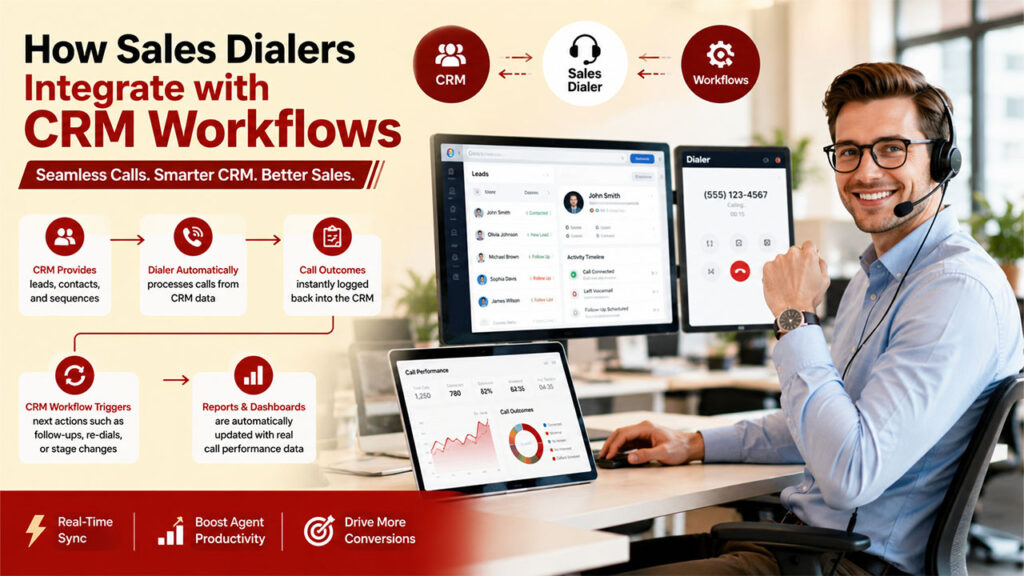
Sales dialers can be integrated with the CRM workflow by acting as the execution layer on top of the CRM data. It then feeds structured activity data back to the CRM in real time. In CRM and sales dialers integration, the CRM decides who to call and why, while the dialer executes the call.
The flow of CRM and sales integration is as follows:
- CRM provides the dialer with leads, contacts, and sequences, helping teams streamline Sales Management by organizing customer data, prioritizing prospects, and executing outbound campaigns more efficiently.
- Dialer automatically processes calls from CRM data.
- Call outcomes are instantly logged back into the CRM.
- CRM workflow triggers next actions, such as follow-ups, re-dials, or stage changes.
- Reports and dashboards are automatically updated with real call performance data.
Benefits of AI in CRM Dialers
Integration of AI in CRM dialers helps in improving outbound sales efficiency as it automates repetitive tasks and enhances the quality of every conversation.
Key benefits of AI in CRM dialer are as follows:
- Automated Call Summaries: The AI tool can write CRM notes after each call, saving manual logging time.
- Better Lead Prioritization: AI can also identify high-intent prospects based on engagement and past interactions.
- Improved Follow-Ups: The AI-powered tools can recommend next best steps, such as callbacks, emails, or sequence adjustments.
- Real-Time Coaching: The tool can also suggest talk improvements while on live calls.
How we evaluated these tools
- Live conversations per hour - the real productivity metric, not raw dials.
- Connect-rate features - local presence, number rotation, and answer-rate optimization.
- Spam / "Scam Likely" protection - STIR/SHAKEN attestation, number rotation, daily-volume caps that protect number reputation.
- Native CRM auto-logging - every call, recording, and outcome written back automatically.
- AI - recording, transcription, real-time coaching, call scoring.
- Pricing transparency - published per-seat pricing, no seat minimum, no forced annual contract.
- Setup time - live in days, not weeks.
Quick comparison
| Tool | Dialer type | Best for SDR teams | Pricing tier | Native CRM logging |
| Skipcall | AI power & parallel | Affordable high-volume SDR dialing | Per-seat, no minimum | Yes |
| Orum | Parallel (many lines) | Enterprise SDR floors | Premium (enterprise) | Yes |
| Nooks | Parallel + salesfloor | Remote SDR teams, coaching | Premium | Yes |
| Salesfinity | Parallel AI | Mid-market tech-sales SDRs | Mid-range | Yes |
| CloudTalk | Power + parallel (add-on) | International SDR teams | Mid-range + add-on | Yes |
| Klenty | Parallel + cadence | SDRs running multi-channel sequences | Mid-range | Yes |
| Kixie | Power + local presence | CRM-connected SDR teams | SMB-accessible | Yes |
| JustCall | Power/multi + SMS | Small SDR teams, voice + SMS | SMB-accessible + add-on | Yes |
| PhoneBurner | Power (single-line) | High-ACV, quality-first SDRs | Premium (single-line) | Yes |
| Apollo | All-in-one + dialer | SDRs wanting data + dialing in one | SMB-accessible | Yes |
| Aircall | Power / click-to-dial | Established teams wanting simplicity | Mid-range | Yes |
Pricing changes frequently and varies by tier - confirm current rates on each vendor's site.
1. Skipcall - Best sales dialer for SDR teams overall
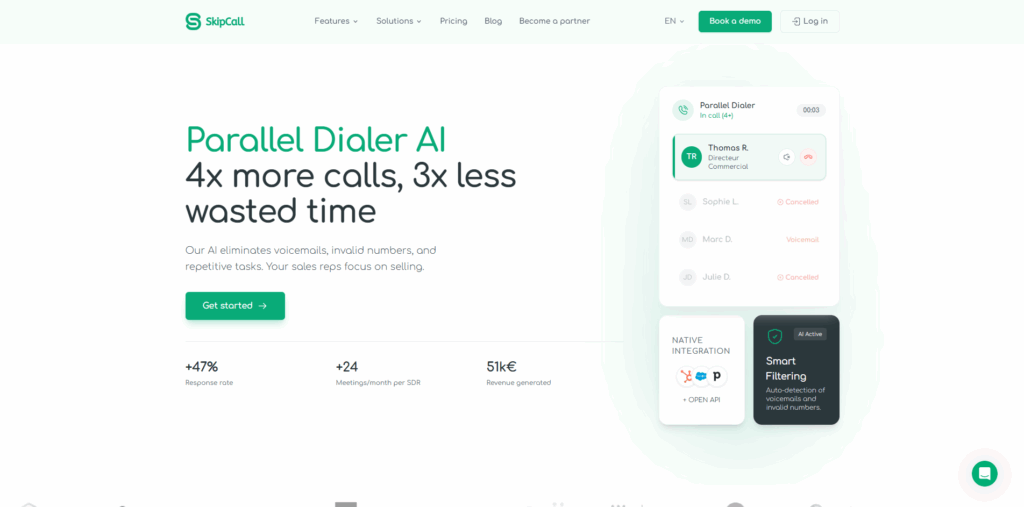
Skipcall leads because it gives SDR teams the metric that matters - more live conversations per hour - without the enterprise price tag that usually comes with parallel dialing. It runs both power and parallel modes, uses AI to detect voicemails and answering machines, drops a pre-recorded message automatically, and connects a rep the instant a human answers. The result is reps spending their hours in conversations, not waiting on dead air.
For SDR leaders, three things stand out. First, native CRM auto-logging writes every call, recording, and outcome back automatically - no manual entry, the SDR's most-hated task. Second, local presence and number rotation protect connect rates and keep numbers from getting flagged as "Scam Likely," a growing tax on outbound. Third, pricing is per-seat with no seat minimum and no forced annual contract - the same parallel capability that premium tools gate behind enterprise deals.
Key features
- AI power and parallel dialing for high live-conversation volume
- Automatic voicemail drop and answering-machine detection
- Local presence + number rotation for answer rate and spam protection
- Native CRM integration with automatic call logging
- Call recording, transcription, analytics, and coaching
- Per-seat pricing, no seat minimum, no forced annual lock-in
Pros: Both dialing modes, native CRM logging, spam protection, transparent SMB-friendly pricing.
Cons: Built for outbound dialing rather than full inbound contact-center operations.
Best for: SDR teams that want high-volume parallel dialing without enterprise cost or contracts.
2. Orum - Best parallel dialer for enterprise SDR floors
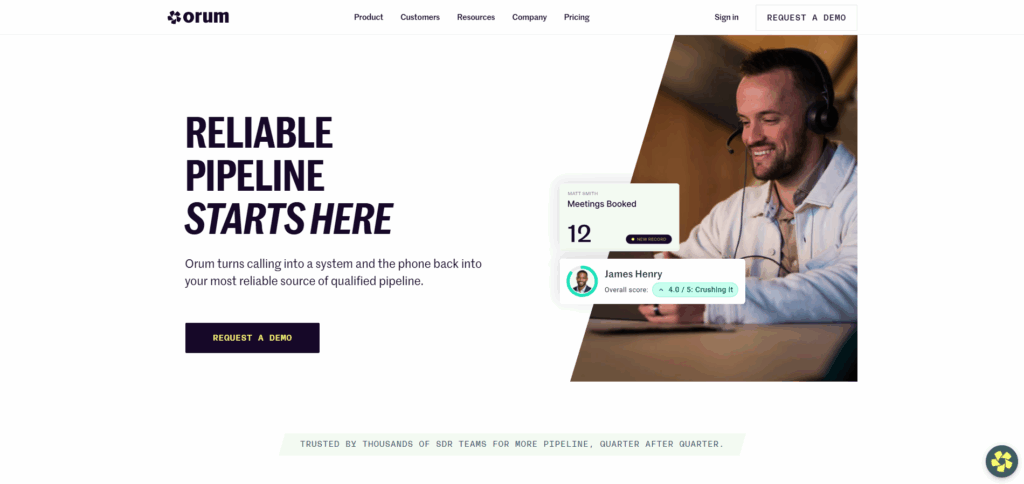
Orum is the most recognized parallel dialer for outbound SDR teams, with many simultaneous lines, mature AI for voicemail detection and live-answer routing, and strong analytics and coaching. It's a top performer - but priced and built for large, well-funded floors, with premium, opaque, annual pricing.
Pros: Many lines, mature AI, top-rated analytics. Cons: Premium, enterprise-oriented, opaque pricing. Best for: Larger SDR floors with budget to match.
3. Nooks - Best for remote SDR teams that coach together
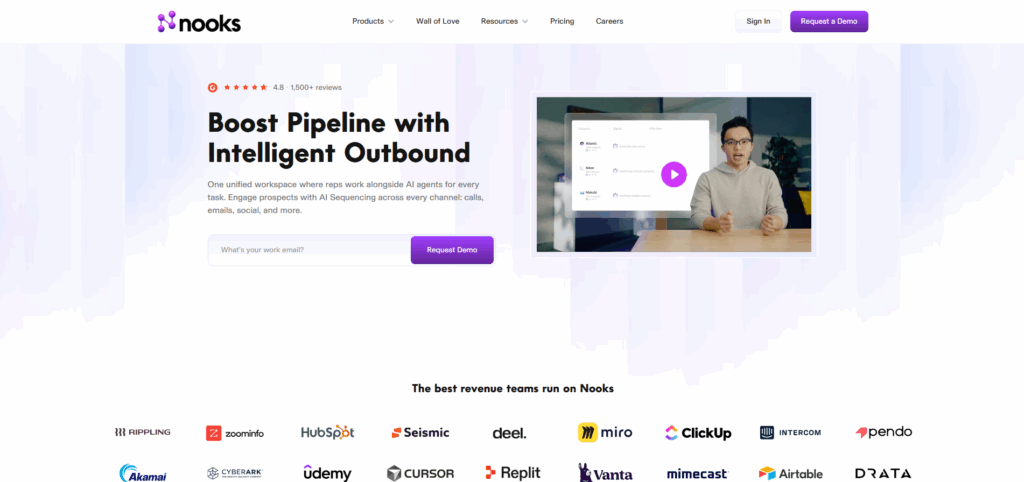
Nooks pioneered the "virtual sales floor," letting remote SDRs dial together, listen in, and coach in real time, on top of parallel dialing, live transcription, and conversational intelligence. It's a strong fit for distributed teams that value shared energy and coaching - but it's premium-priced and feature-heavy for a team focused purely on connect rate.
Pros: Virtual salesfloor, excellent coaching and conversation AI.
Cons: Premium, opaque pricing; more than a small team needs.
Best for: Remote-first SDR teams that prioritize coaching.
4. Salesfinity - Best mid-market parallel dialer for ease of use
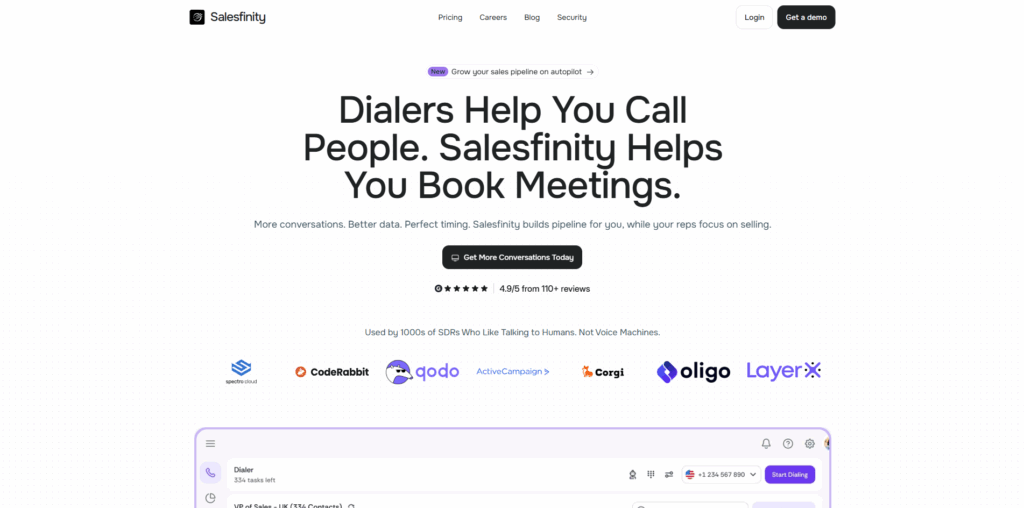
Salesfinity targets the SMB/mid-market tech-sales segment with an AI parallel dialer built around ease of use and minimizing rep idle time. It's a credible, more accessible alternative to the enterprise parallel players, with a gentle learning curve, though feature depth is narrower and pricing isn't fully public.
Pros: Easy to use, AI parallel dialing, mid-market pricing.
Cons: Narrower feature set; pricing not transparent.
Best for: Mid-market SDR teams wanting straightforward parallel dialing.
5. CloudTalk - Best sales dialer for international SDR teams
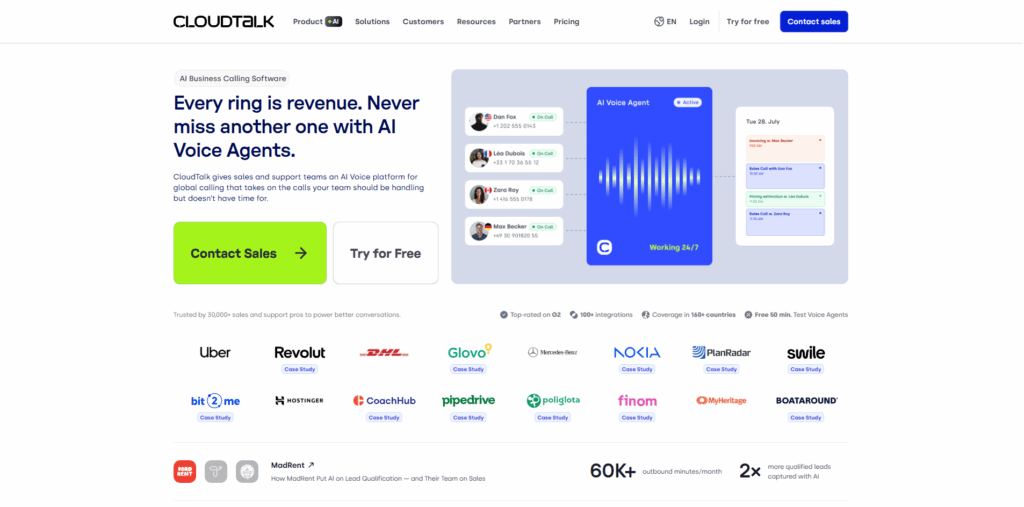
CloudTalk combines power and parallel dialing with a full cloud phone system and international numbers across dozens of countries - strong for SDR teams calling globally. The base tiers are accessible, but parallel dialing is typically a paid add-on, so model the all-in per-seat cost before comparing.
Pros: International numbers, full phone system, solid CRM sync.
Cons: Parallel dialing is an add-on; broader than a focused dialer.
Best for: SDR teams with international calling needs.
6. Klenty - Best for SDRs running multi-channel sequences
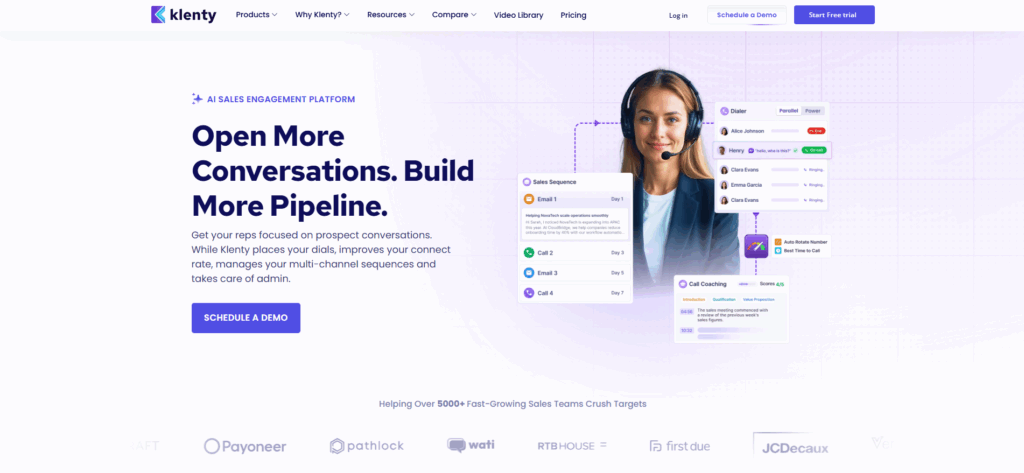
Klenty pairs a parallel dialer with multi-channel sales engagement - email, LinkedIn, and call cadences in one platform. For SDRs whose day is sequence-driven, having the dialer inside the cadence tool removes context switching. It's a strong fit if calling is one channel among several rather than the whole motion.
Pros: Dialer + multi-channel sequences in one, good cadence automation.
Cons: Dialer is one feature of a broader suite; less specialized.
Best for: SDRs running email + call + social cadences together.
7. Kixie - Best CRM-connected sales dialer
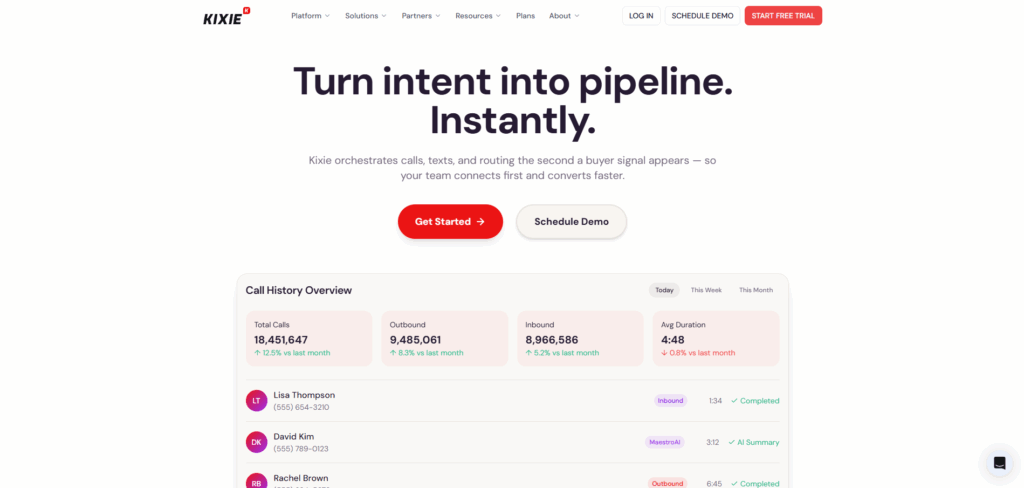
Kixie offers a power dialer with deep native HubSpot, Salesforce, and Pipedrive integration plus local presence in many countries. Automatic logging and click-to-call make it a clean fit for SDR teams that live in their CRM. True parallel volume is lighter than dedicated multi-line tools.
Pros: Excellent CRM integration, local presence, SMB-friendly.
Cons: Limited true parallel dialing.
Best for: SDR teams centered on HubSpot, Salesforce, or Pipedrive.
8. JustCall - Best voice + SMS dialer for small SDR teams
JustCall combines a power/multi-line dialer with SMS and a business phone system, which suits small SDR teams that want voice and text in one tool. Watch the fine print: parallel dialing and higher volumes can sit behind add-ons that raise the real per-seat cost.
Pros: Voice + SMS in one, good for small teams.
Cons: Add-on fees; limited parallel capability.
Best for: Small SDR teams wanting calling and texting together.
9. PhoneBurner - Best for high-ACV, quality-first SDRs
PhoneBurner is the established single-line power dialer: reliable, with voicemail drop and email follow-up, and high answer rates because it calls one number at a time (no dropped calls when several answer). For SDRs working high-ACV deals where each conversation is worth more than raw count, that control is the point. Throughput is lower than parallel tools.
Pros: Reliable, high answer rates, transparent pricing, no dropped calls.
Cons: Single-line only; higher per-seat cost.
Best for: SDRs on high-value deals prioritizing quality over volume.
10. Apollo - Best all-in-one data + dialer
Apollo bundles a B2B contact database, prospecting, sequences, and a built-in dialer, so SDRs can find, sequence, and call from one platform. The dialer (including parallel on higher tiers) is solid rather than best-in-class, but the value is the all-in-one workflow and the data layer feeding the dial list.
Pros: Data + sequences + dialing in one; strong value.
Cons: Dialer less specialized; parallel on higher tiers only.
Best for: SDR teams wanting prospecting data and dialing together.
11. Aircall - Best for established teams wanting simplicity
Aircall is a well-established cloud phone system with click-to-dial and a power dialer, plenty of CRM integrations, and a reputation for reliability and support. It's a safe, simple choice for teams that want straightforward calling, though it's not optimized for high-volume parallel outbound.
Pros: Established, reliable, broad integrations, good support.
Cons: Not built for high-volume parallel dialing; mid-range pricing.
Best for: Established teams wanting simple, dependable calling.
Which dialer type by deal size? (the ACV rule)
The single most useful decision rule for an SDR team is to match the dialer to your average contract value (ACV) and volume:
- High-ACV deals, lower daily dial volume: a power dialer is usually right - fewer, higher-quality conversations protect call quality and your brand.
- Low-to-mid ACV, high daily dial volume: a parallel dialer wins - volume of live conversations drives pipeline, and cost per meeting drops sharply.
- Mixed motion: a platform that runs both modes (our #1 pick) avoids buying two tools.
Moving a high-volume, low-ACV motion from power to parallel can lower cost per booked meeting significantly - because the same rep books far more meetings per hour.
Don't get your numbers flagged as "Scam Likely"
Spam labeling is now one of the biggest threats to outbound connect rates, and most dialer lists ignore it. Protect your numbers by keeping daily volume per number reasonable, rotating numbers automatically, using local presence responsibly, and choosing a dialer with proper STIR/SHAKEN attestation. A dialer that helps manage number reputation is worth more to an SDR team than one extra line of concurrency.
How to choose a sales dialer for your SDR team
- Start from live conversations per hour, not dials. That's the metric that maps to meetings booked.
- Match the dialer type to your ACV and volume (see the ACV rule above).
- Demand native CRM auto-logging - manual logging kills SDR adoption.
- Weight spam/number-reputation tooling as heavily as raw dialing speed.
- Read the pricing fine print - seat minimums, forced annual contracts, and parallel-dialing add-ons are where "cheap" tools get expensive.
The bottom line
A CRM tells you what should happen; a sales dialer makes it happen and feeds the results back automatically. For most SDR teams, the best sales dialer is the one that maximizes live conversations per hour without enterprise cost or contracts - which is why Skipcall tops this list, pairing AI power and parallel dialing with native CRM logging and spam-resistant number management.
Frequently Asked Questions
Q1. What is the best sales dialer for SDRs?
For most SDR teams, Skipcall is the best all-round choice: it runs both power and parallel dialing for high live-conversation volume, logs every call to the CRM automatically, protects number reputation with local presence and rotation, and prices per seat with no minimum or forced annual contract.
Q2. How many calls can an SDR make per hour with a dialer?
A power dialer enables roughly 30-40 dials/hour; a parallel dialer enables 150-350 dials/hour, with live conversations depending on data quality and connect rate.
Q3. What's the difference between a power dialer and a parallel dialer for SDRs?
A power dialer calls one number at a time and favors call quality; a parallel dialer calls several at once and favors conversation volume. High-ACV teams often prefer power; high-volume prospecting teams prefer parallel.
Q4. Can a sales dialer stop my number being marked as spam?
Partly. Dialers with number rotation, responsible local presence, daily-volume caps, and STIR/SHAKEN attestation reduce the risk of "Scam Likely" labels, but list hygiene and call behavior matter too.
Q5. Are sales dialers legal?
Yes, when used in line with TCPA and DNC rules. Look for automatic DNC scrubbing and answering-machine detection; predictive dialing carries stricter abandonment-rate limits than power or parallel dialing.
Q6. What's the cheapest sales dialer for a small SDR team?
Entry-level power dialers and CRM-connected tools are the most affordable, but check for parallel-dialing add-ons and seat minimums. Per-seat-no-minimum pricing is often more economical for a small, growing team than a discounted annual enterprise tier.
Q7. Do these dialers integrate with my CRM?
The best ones offer native two-way sync with automatic logging to HubSpot, Salesforce, and Pipedrive - not just a one-way push. Native logging is what makes the tool stick with SDRs.
%201.png)

%201.png)

%201.png)