

AI automation tools now execute scraping, browser actions, monitoring, and validation loops at machine speed, so proxy quality directly affects session stability, geo consistency, and cost per usable result. In real workflows, routing failures usually appear before parser failures because weak proxy behavior triggers bans, challenge pages, and retry cascades that break repeatability.
The market data supports this shift. Business Research Insights estimates the global proxy server service market at USD 1.13 billion in 2026 and projects it to reach USD 2.04 billion by 2035. At the same time, AI bot traffic is rising fast, with TechRadar reporting TollBit data that showed roughly 1 AI bot visit for every 31 human visits by late 2025. Together, these numbers show why proxy infrastructure now sits inside production AI automation, not at the edge of it.
What Are Proxies for AI Automation Tools?
Proxies for AI automation tools are routing layers between an automation system and a target platform. They change the visible IP address, control rotation or sticky behavior, and help workflows stay stable across repeated requests, retries, and concurrent tasks.
In AI automation, proxies do more than hide traffic. They reduce bans, protect session continuity in multi-step flows, keep geo outputs consistent for repeated checks, and improve the share of usable results in large runs.
Why Proxies Matter in AI Automation?
Proxies matter in AI automation because they reduce rate limits and challenge pages, protect session continuity in multi-step tasks, and keep repeated runs geo-consistent. They also prevent retry cascades that increase costs while lowering usable results.
Main Failure Risks Without Proxies
AI workflows hit rate limits, bans, and challenge pages faster with direct connections or weak routing. Scraping and browser automation trigger this quickly because they repeat actions at machine speed. Many targets also degrade responses before blocking, which makes problems harder to spot.
Session Breaks and Authentication Failures
Multi-step automations fail when the IP changes during login, navigation, or other stateful actions. A task can start normally and fail mid-flow after the target sees a different identity. This often looks like a login issue, but the cause is routing instability.
Geo Inconsistency in Repeated Runs
Validation and monitoring workflows become unreliable when retries return pages from different locations. This breaks comparisons across runs and creates false changes in results. It also affects model evaluation.
Retry Cascades and Cost Impact
One routing issue can trigger retries across many workers and increase spend without improving usable yield. The system sends more traffic, but fewer results stay valid. Cost-per-usable-result becomes the key metric.
Which Proxy Types Fit AI Tools?
The best proxy type for AI tools depends on the workflow and target strictness. Residential proxies fit most trust-sensitive data collection, mobile proxies fit stricter platforms, ISP proxies fit long-session account workflows, and datacenter proxies fit fast jobs on permissive targets.
- Residential Proxies: Residential routing fits large-scale scraping, repeated validation, and monitoring on targets that reject obvious automation.
- Mobile Proxies: Mobile routing works better on strict platforms where stronger behavior checks reduce residential acceptance rates.
- ISP Proxies: ISP proxies fit long-lived sessions, repeated logins, and account-based workflows that need a stable identity. Understanding the difference between Static Residential vs ISP Proxies helps teams decide which trust signal better suits their session requirements.
- Datacenter Proxies: Datacenter proxies fit fast, high-volume jobs on permissive targets with lower trust pressure.
When Do Unlimited Residential Proxies Make Sense for AI Automation?
Unlimited residential proxies make sense when AI automation depends on high request volume, repeatable collection, and stable cost control across ongoing runs. They work best in workflows where residential trust signals are enough and the main goal is to scale without bandwidth limits slowing production.
Throughput-Driven Collection and Monitoring
Unlimited residential proxies fit high-volume scraping, broad monitoring, and large collection jobs where the workflow runs continuously. They help teams keep throughput stable because traffic does not need to be tightly rationed across workers.
Repeated Validation and Rechecks
They are a strong fit for repeated checks on the same targets, such as price monitoring, ranking validation, and content change tracking. Residential routing keeps trust signals stronger than datacenter traffic, while unlimited bandwidth supports frequent rechecks without cost spikes from metered usage.
Cost Control at Scale
Unlimited residential proxies make sense when teams measure performance by cost-per-usable-result and run enough volume for bandwidth caps to become a bottleneck. They are less ideal for strict targets that require mobile or ISP trust signals, but they are often the most practical default for large AI data collection workflows.
Where Do AI Automation Workflows Fail Most Often?
AI automation workflows fail most often when routing changes at the wrong time. Mid-task rotation breaks session continuity, IP changes trigger false auth errors, routing shifts cause inconsistent tool calls, and latency spikes create costly false retries.
- Rotation Conflicts Inside Active Flows: Mid-task rotation breaks flow continuity and resets progress in browser agents and multi-step automations.
- Authentication Resets After IP Changes: IP changes often trigger session challenges or resets, which create false login or credential errors.
- Tool-Call Inconsistency: Routing changes mid-run make the same workflow fail unpredictably, even when the tool logic is correct.
- Latency Jitter and False Retries: Latency spikes trigger extra retries, which raise traffic cost and reduce usable yield under load.
How Should Proxies Be Designed for AI Pipelines?
Proxies in AI pipelines should be designed with clear routing rules, not random rotation. Stable proxy identity for stateful tasks, rotation only between tasks, segmented pools, controlled retries, fixed geo settings, and separate backoff rules for different errors keep workflows stable and cost-efficient.
Session Rules for Stateful Tasks
Keep the same proxy identity until the task completes. This protects session continuity in browser agents, account workflows, and other multi-step automations. It also reduces false failures caused by identity changes during login, navigation, or token-based steps.
Rotation Boundaries and Pool Segmentation
Rotate between tasks, not inside active flows. Use separate proxy pools by target or workflow to reduce IP reputation overlap and keep routing behavior predictable. This makes debugging easier because each workflow follows a stable routing pattern.
Concurrency and Retry Control
Increase concurrency gradually and cap retries early to prevent load spikes. This keeps failures from spreading across workers when one target starts slowing down or blocking traffic. It also protects usable yield by stopping runaway retry loops before they inflate costs.
Geo Consistency and Error Handling
Keep geo settings fixed during repeated validation runs so outputs stay comparable. Separate timeouts, blocks, and challenge pages into different retry paths with backoff rules. This improves result consistency and prevents the same error policy from being applied to different failure types.
Best Proxy Providers for AI Automation in 2026
The providers below are compared by the factors that matter most in AI automation, including session control, routing stability, geo targeting, and debugging tools. The table gives a quick view of where each option fits best before the detailed provider breakdown.
| Provider | Best For | Useful Tools | Support | Pricing |
| Live Proxies | Session-aware AI workflows | Dashboard session formats, sticky sessions, private IP allocation, easy integration with scraping/automation tools | 24/7 customer support and Discord community support | Rotating Residential proxies start from $70 for 4GB, 30 days |
| Decodo (formerly Smartproxy) | Proxy + automation stack | AI Scrapers, free tools, API/docs, workflow integrations | 24/7 support team | Residential proxies start from $3/GB |
| Oxylabs | Enterprise-scale AI collection | Web Unblocker, Web Scraper API, Unblocking Browser, APIs | 24/7 live chat support | Residential proxies start from $4/GB |
| SOAX | Geo-sensitive workflows | Scraper APIs, datasets, geo targeting, and session controls | 24/7 multi-channel support | Starter plan $99/month (Residential proxies) |
| IPRoyal | Budget-aware automation teams | Proxy Tester, browser extension, dashboard controls | 24/7 live support | Residential proxies start from $1.75/GB |
| ProxyEmpire | Mobile-heavy and geo-wide use cases | Proxy Checker, docs, Chrome proxy management tool | 24/7 dedicated support | Residential proxies start at $3.50/GB (Pay As You Go) |
How Were These Proxy Providers Ranked?
These proxy providers were ranked by the factors that matter most in AI automation performance. The comparison discussed below is done on the basis of routing control, session behavior, geo targeting, reliability under pressure, and tools for debugging.
- Session Behavior: AI automation stability depends on sticky and rotating behavior that matches task boundaries.
- Routing Control: There is a need for usable controls for sessions, rotation, and target-specific routing for teams.
- Geo Targeting: For collecting localized data, monitoring, and validation; Geo consistency is particularly important.
- Reliability Under Load: Results must be stable throughout, and usable yield is more important than advertised IP counts.
- Tooling for Debugging: Proxy testers, dashboards, and unblocking tools reduce troubleshooting time in production.
1. Live Proxies
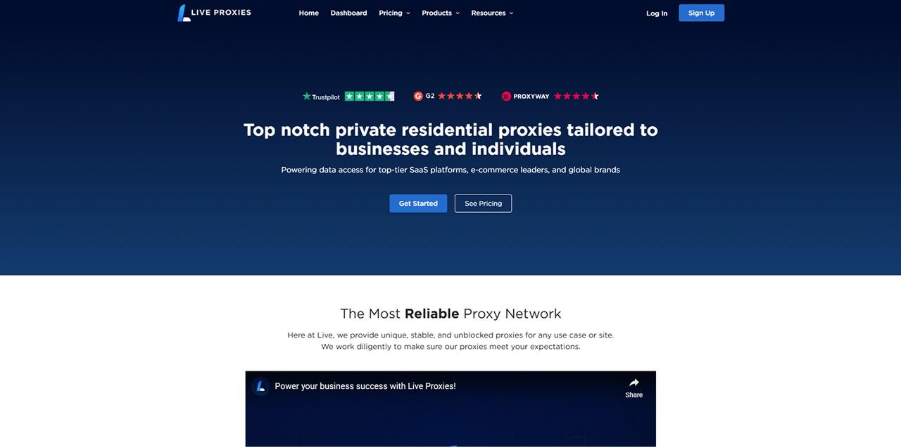
Live Proxies is a strong fit for AI automation workflows that need session control, private IP allocation, and predictable routing across repeated tasks. Its residential proxies support self-serve B2C plans and custom B2B setups, which help teams scale from smaller automation runs to more controlled routing for production workloads.
Proxy Types
- Rotating Residential: Real residential IPs for trust-sensitive scraping, monitoring, and repeated validation.
- Rotating Mobile: Mobile carrier IPs are essential for stricter targets and higher-friction platforms.
Features
- Sticky Sessions Up To 24 Hours: Persistent long session helps multi-step automation and browser agents maintain stability.
- Session IDs and Dashboard Controls: Using session-based formats, teams can exercise control over sticky vs rotating behavior. B2C plans provide visibility into sticky sessions by default. On the other hand, B2B dashboards display rotating and sticky sessions separately.
- Private IP Allocation: It offers a more private and controlled way to allocate IP addresses for cleaner target-level routing.
- Easy Integration With Tools: Live Proxies can seamlessly integrate with common scraping and automation tools.
- Global Coverage: The network includes a 10 million IP pool across 55+ countries, with strong coverage in key regions.
Advantages
- Session-Aware Routing: It is a solid solution to manage stateful AI tasks, browser agents, and handle login-heavy workflows with ease.
- Flexible Scaling Path: This is ideal for both smaller self-serve usage and larger custom automation setups.
- Practical Control Layer: Debugging and workflow tuning is made easier through allotments of session IDs and routing controls.
Limitations
- No free B2C trial: You can access B2C only through paid subscriptions, so it makes it impossible for businesses to try the setup before deciding to purchase a plan.
2. Decodo (formerly Smartproxy)
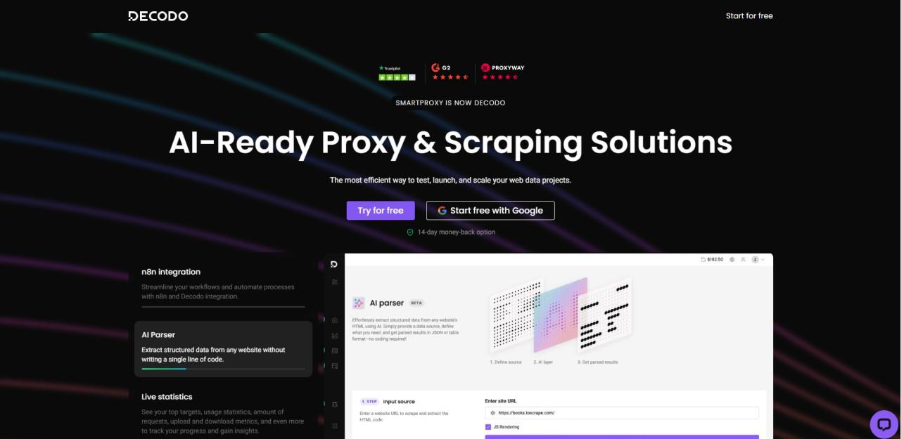
Decodo is strongly recommended for those teams that seek proxy infrastructure along with scraping and unblocking products on a single platform. It is positioned to help with automation-friendly workflows, scraping APIs, proxies, and site unblocker products to support data collection and AI-related use cases.
Proxy Types
- Residential Proxies: Offers large residential pools for collecting data geographically and handling AI data workflows.
- Datacenter Proxies: Shared and dedicated datacenter options for faster, more permissive targets.
- Mobile Proxies: Mobile proxy products are available in the proxy lineup for stricter targets.
- ISP Proxies: ISP and static options are part of the broader proxy product set for stable sessions.
Features
- Automation-Friendly Stack: Proxies, scraping APIs, and Site Unblocker are positioned together for quick onboarding.
- Residential Proxy API: API access supports automated, geo-targeted data collection.
- AI Data Project Positioning: The platform explicitly frames products for AI data projects and AI workflows.
- Support and Docs: The site highlights onboarding resources and support to help with the setup.
Advantages
- Broader Product Stack: It is a good option for those teams that want proxies and scraping tools in one vendor.
- Strong Automation Positioning: The platform messaging aligns well with AI automation and workflows for data collection.
- Flexible Deployment Paths: Teams can begin with proxies and add APIs or unblock products later.
Limitations
- Traffic Cost Needs Monitoring: If rates of retry are high then some workflows can become expensive resulting in low usable yield.
- Tool Breadth Adds Complexity: Teams may require more time to select the right combination of proxies, APIs, and unblockers
3. Oxylabs
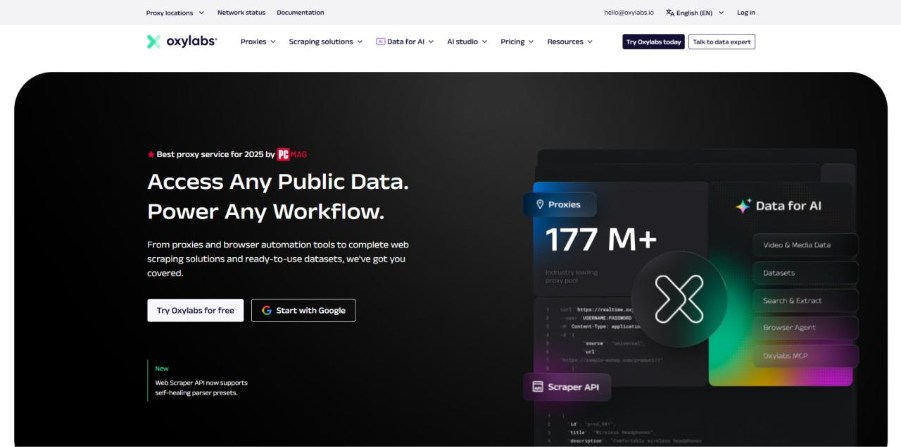
Oxylabs is a strong enterprise option to scale AI automation, especially for teams who work with harder targets and higher-volume collection. Its official site highlights the features of proxy infrastructure, Web Unblocker, and an Unblocking Browser for AI agents and advanced scraping.
Proxy Types
- Residential Proxies: Residential infrastructure that is used for trust-sensitive and large-scale data collection.
- Datacenter Proxies: Shared datacenter proxies for speed-focused workflows and high throughput.
- Mobile Proxies: Mobile proxy offerings for stricter environments and mobile-like routing needs.
- ISP Proxies: ISP proxies for stable sessions and repeated access patterns.
- Dedicated Datacenter Proxies: Dedicated datacenter IPs for teams that need higher control and predictable performance.
- Dedicated ISP Proxies: It offers dedicated ISP IPs for long-session workflows that need a stable identity with trust signals that are stronger.
Features
- Web Unblocker: AI-powered unblocking products that can bypass advanced anti-bot systems.
- Unblocking Browser: A headless browser product which is positioned for AI agents and advanced scraping.
- Scraping Layer Products: Products such as Web Scraper API and other relevant tools support data collection in a systematic way.
- Enterprise Platform Focus: The product stack is built for large scale and reliable collection.
Advantages
- Enterprise-Grade Tooling: It is ideal for difficult targets and production scraping infrastructure.
- Good AI Agent Fit: Official product messaging directly supports AI agent browsing workflows.
- Mature Unblocking Stack: It provides help to minimize troubleshooting on anti-bot-heavy targets.
Limitations
- Premium Cost Profile: As compared to the needs of smaller teams, the platform can be more expensive.
- More Enterprise-Oriented: Smaller projects may not use the full value of the broader stack.
4. SOAX
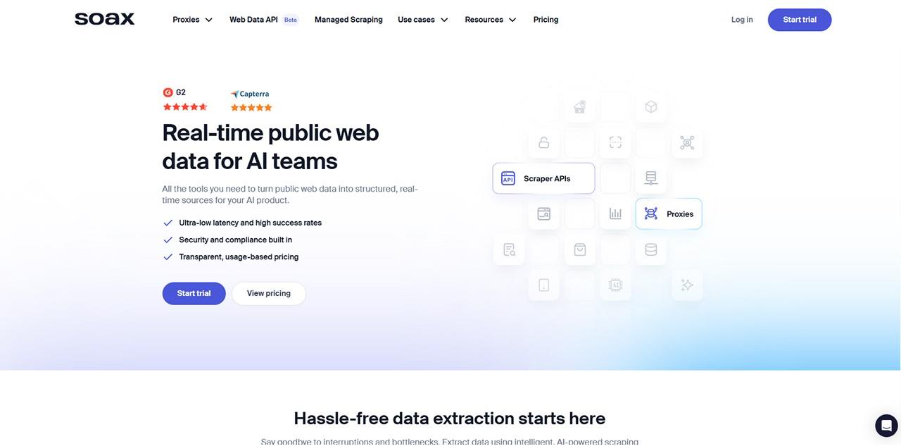
SOAX works well for geo-sensitive AI automation workflows that rely on precise targeting and stable session behavior. On its official page, large proxy coverage, advanced geotargeting, rotating and sticky behavior, and high uptime are highlighted.
Proxy Types
- Residential Proxies: It has large residential network for geo-targeted scraping, monitoring, and validation workflows.
- Mobile Proxies: Mobile proxy routing for stricter targets and mobile-like traffic patterns.
- US Data Center Proxies: Speed-focused datacenter routing for permissive targets and high-volume jobs in the US.
Features
- Sticky And Rotating Sessions: The platform highlights automatic rotation and sticky session support.
- Geo Precision: Country and city targeting are core strengths for localized runs.
- High Uptime Claims: The site highlights 99.5% uptime and strong success metrics.
- Unlimited Concurrent Sessions: Useful for scaling monitoring and validation jobs.
Advantages
- Strong Geo Targeting: Good fit for localization checks and geo-based monitoring.
- Flexible Session Control: Useful for workflows that mix sticky and rotating behavior.
- Reliable Network Positioning: The provider clearly positions uptime and success rates for data collection.
Limitations
- Volume Cost Needs Testing: Cost efficiency should be validated under load of real production.
- Configuration Choices Matter: To keep runs consistent and stable, teams need to set session and geo rules carefully
5. IPRoyal
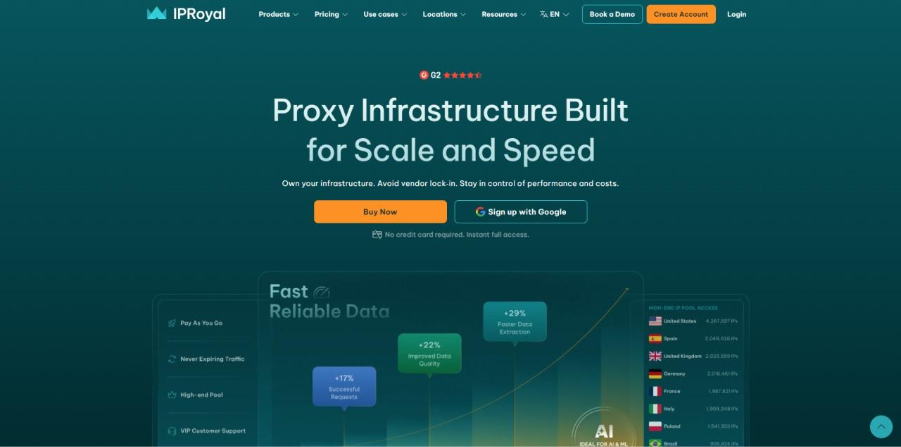
IPRoyal fits budget-aware teams that need a broad proxy lineup and practical tools without moving into a heavy enterprise stack. Its official site highlights multiple proxy types and built-in proxy testing tools, which makes it a practical option for teams moving from testing to regular automation.
Proxy Types
- Residential Proxies: Residential routing for trust-sensitive scraping and monitoring workflows.
- ISP Proxies: ISP proxies for more stable identity and repeated login flows.
- Datacenter Proxies: Datacenter routing for speed-focused, permissive targets.
- Mobile Proxies: Mobile proxies for stricter platforms and mobile-like traffic behavior.
Features
- Proxy Tester: Built-in testing tool for validating proxies with real sites.
- Online Proxy Checker: Free browser-based checker supports proxy list testing.
- Broad Proxy Product Range: The homepage presents a full lineup for different workloads.
- Browser Management Tools: Extensions and add-ons support easier operational management.
Advantages
- Practical Tooling For Smaller Teams: Proxy testing tools reduce setup friction early in production.
- Broad Proxy Coverage: Teams can match proxy type to workflow without switching vendors.
- Budget-Friendly Positioning: A good entry point for teams scaling automation gradually.
Limitations
- Lighter Enterprise Stack: The platform is less focused on advanced unblocking suites than enterprise-first vendors.
- More Manual Workflow Design: Teams may need to build more of the retry and observability layer themselves.
6. ProxyEmpire
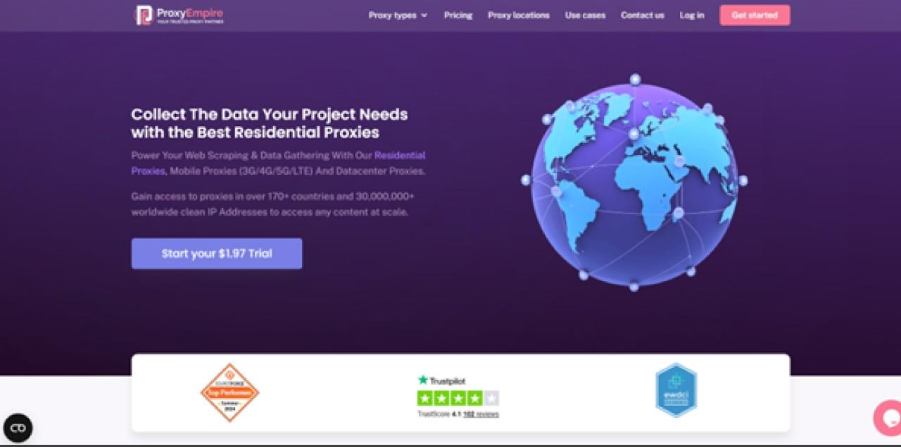
ProxyEmpire is a strong fit for mobile-heavy and geo-targeted AI automation workflows. Its official pages emphasize rotating mobile and rotating residential proxies, carrier-level filtering for mobile, and broad country coverage.
Proxy Types
- Rotating Residential Proxies: Large rotating residential pool for geo-targeted scraping, monitoring, and repeatable automation.
- Unlimited Residential Proxies: Residential routing for high-volume workflows where throughput and repeated requests matter.
- Static Residential Proxies: More stable residential IPs for longer sessions and account-based automation.
- Rotating Mobile Proxies: Mobile proxy routing for stricter targets and mobile-like traffic behavior.
- Dedicated Mobile Proxies: Dedicated mobile IPs for workflows that need stronger session continuity and routing control.
- Rotating Datacenter Proxies: Fast datacenter routing for high-volume jobs on more permissive targets.
Features
- Advanced Targeting Filters: Country, region, city, and ISP-level targeting support precise routing.
- Broad Coverage: The platform supports wide geographic coverage for residential and mobile products.
- Mobile and Residential Focus: Strong product depth for workflows that need trust-sensitive routing.
- Dashboard Controls: Practical targeting and routing controls support day-to-day automation management.
Advantages
- Strong Geo Flexibility: Useful for localized automation and regional output validation.
- Good Mobile Fit: Strong option when mobile trust signals or carrier-level targeting matter.
- Clear Targeting Controls: Helps teams match routing to specific AI automation jobs.
Limitations
- Smaller Tooling Stack: There is less adjacent unblocking and scraping tooling in the platform than in larger enterprise suites.
- Requires Workflow-Level Testing: Latency and usable yield on actual targets must be validated before scaling.
7. FleetProxy
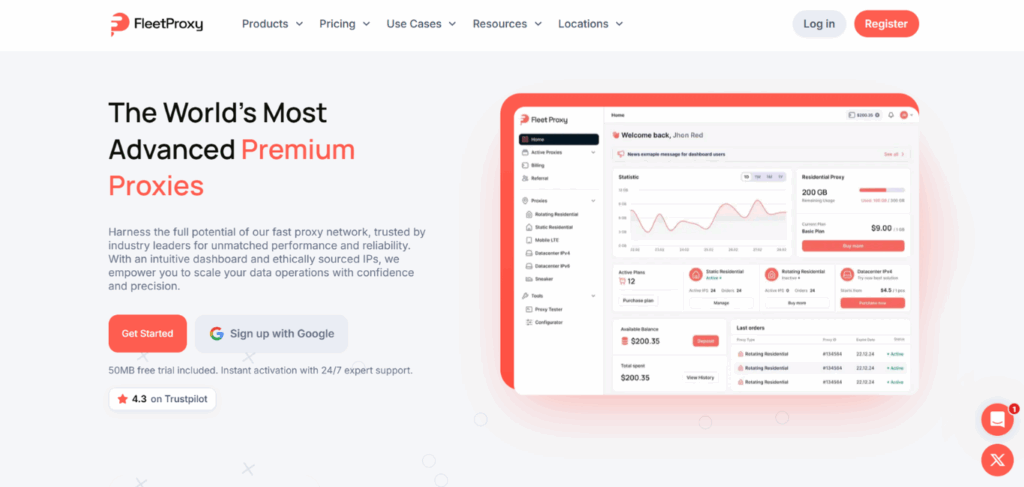
FleetProxy is a good fit for teams that want affordable, pay-as-you-go proxy access across rotating residential, mobile, and datacenter types without long-term contracts. Its dashboard focuses on instant activation and straightforward per-GB or per-IP pricing, which makes it easy for smaller AI automation teams to scale usage up or down as workloads change.
Proxy Types
- Rotating Residential: Real residential IPs from a 30M+ pool across 195+ countries for scraping, monitoring, and validation on trust-sensitive targets.
- Static Residential (ISP): Dedicated ISP IPs that stay fixed for the whole rental period, aimed at account management.
- Rotating Mobile: Real 4G/5G carrier IPs across 170+ countries with per-request rotation or sticky sessions.
- Mobile LTE: Dedicated mobile IPs sold in 24-hour blocks with auto-renewal for app and ad testing.
- Datacenter IPv4/IPv6: Unlimited-bandwidth datacenter IPs for high-frequency, permissive-target tasks.
Features
- Global Coverage: 30M+ IPs across 195+ countries with city and ASN-level targeting.
- Session Flexibility: Per-request rotation or sticky sessions up to 24 hours on residential plans.
- Free Trial: A 50MB free trial lets teams test performance before purchasing.
- Simple Dashboard: Real-time usage monitoring and one-click plan configuration.
Advantages
- Budget-Friendly Entry Point: Rotating residential plans start at $2.65/GB with volume discounts up to 40%.
- Non-Expiring Bandwidth: Pay-as-you-go plans don't expire, which suits irregular automation workloads.
- Fast Setup: Instant activation and ready-made code samples (cURL, Python, JavaScript, Go) support quick integration.
Limitations
- No Scraper API or Unblocking Browser: Unlike some enterprise vendors, FleetProxy's toolset is limited to a Proxy Tester and IP Lookup tool, with no dedicated scraping or unblocking product.
- Support Channel Trade-Off: Live chat and a Discord/Telegram-based community are the main support channels, without a dedicated enterprise account manager tier mentioned on-site.
How to Choose the Right Proxy?
Select the appropriate proxy based on the provider and the real workflow, not the advertised size of the IP pool. Begin with session characteristics, followed by strictness of targets, geo consistency, debugging facilities, and cost according to cost per usable result rather than traffic price.
- Select provider and workflow, not headline IP pool size: A smaller stable pool may be superior to a larger pool with poor session management.
- Choose by session behavior first: Sticky versus rotating behavior usually decides workflow stability.
- Choose by target strictness second: Strict targets often need residential, mobile, or ISP trust signals.
- Check geo precision and consistency: Validation workflows depend on repeatable country or city targeting.
- Verify the debugging and observability of the tooling: Proxy testers, dashboards, and unblocking tools help in reducing the time spent on debugging.
- Verify the pricing model against actual workload usage: Cost needs to be verified against actual results, not just the price of traffic.
Conclusion
The workflow's failure under load, not only the number of headline IPs, will determine the optimal proxy for AI automation in 2026. Teams usually get more stable results when they choose by session behavior first, then match the proxy type to target strictness, geo requirements, and retry patterns. In practice, routing design decides whether scraping, browser automation, monitoring, and validation runs stay repeatable at scale.
Across the six providers, the best choice depends on the workflow. Session-aware routing fits stateful automations, residential scale fits repeatable collection, mobile or ISP proxies fit stricter targets, and strong tools help with debugging. Clear routing rules, fixed geo settings for validation, and pricing based on cost per usable result—rather than just traffic cost—are all features of the most dependable configurations.
%201.png)

%201.png)

%201.png)