

Lacking required editing skills, appropriate production equipment, and professional software makes it difficult to create a good music video. There are many content creators and musicians who want to present their songs visually, but traditional methods of editing videos need technical skills, complex tools and hours of efforts.
This slow down the process of creating a basic lyric video and makes it frustrating. This challenge usually delays music promotion and reduces the frequency of releasing new content.
Well, this problem can easily be resolved with a free lyric video maker, which provides a well-organized and convenient method of transforming music into a visual form. Having in-built lyric syncing, customizable templates, and easy editing controls, you can create a full-fledged music video with one of your audio tracks within a few steps.
This article discusses the use of a free lyric video maker to create music videos with ease and efficiency.
1. Simplified Music Video Creation Process
Production of lyric videos using conventional editing software may require numerous steps that may slow down the whole process. Nonetheless, a free lyric video maker simplifies this task by bringing all essential features into one place.
Within the same editing tool, you can post your song, add lyrics, and organize visuals. The tool enables you to place every line of the lyrics in the timeline in such a way that it aligns with the beat of the song.
It's user-friendly, simple, and easy-to-navigate layout allows you to complete the video easily using advanced editing options and technical settings.
2. Access To Ready-Made Video Templates
Many creators lack the design expertise and time to create visual scenes. However, video templates offer solution to this problem. They offer structured layouts that are pre-designed in the format of a music video.
Choose the template that suits the mood of your song, then add lyrics and modify visuals. These templates determine the positioning of text, backgrounds, and transitions.
Consequently, you can maintain a professional visual style while reducing the amount of manual editing of each lyric video. Tools like Clipfly AI Video Generator offer an extensive range of pre-built templates that make this process even more seamless.
3. Large Libraries of Footage and Visual Media
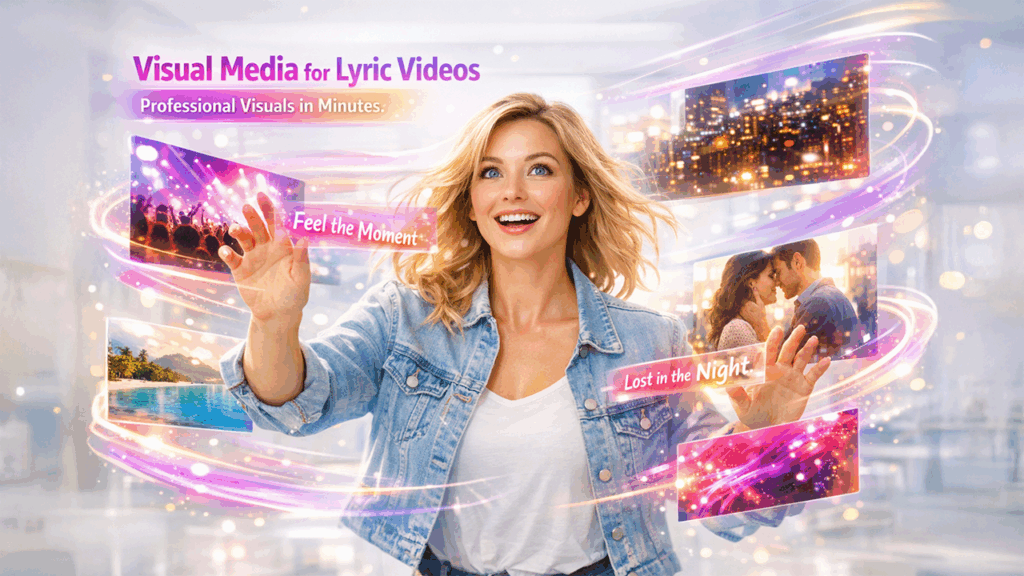
When it comes to the lyric video, visual content is significant to ensure that viewers remain engaged during the video. Nevertheless, recording original footage or finding a decent picture can be time-consuming.
Lots of lyric video software programs have internal libraries of stock footage, pictures, and background videos. You are able to navigate these sources and add images to your project without having to leave the editor.
This allows you to find an easier way of aligning the pictures with the theme or mood of your song. As a result, your lyric video acquires the visual depth, but the production process remains efficient.
4. Flexible Text Styling and Animation Options
If the lyric presentation is clear and visually appealing, it will definitely keep the viewers engaged with the music video. A lyric video maker offers several text customization options. Using them, you can control how lyrics appear on the screen. Additionally, it allows you to adjust fonts, size, colors, and placement so that it matches the mood of the song. In addition, timing controls allow each lyric line to appear in sync with the music. This synchronization helps viewers follow the song naturally while watching the video.
As a result, the lyrics become more than simple captions and instead function as an important visual element within the music video.
5. Compatibility With Multiple Media Formats
Another common challenge in video production is dealing with incompatible file formats. Many editors require converting files before they can be used in a project.
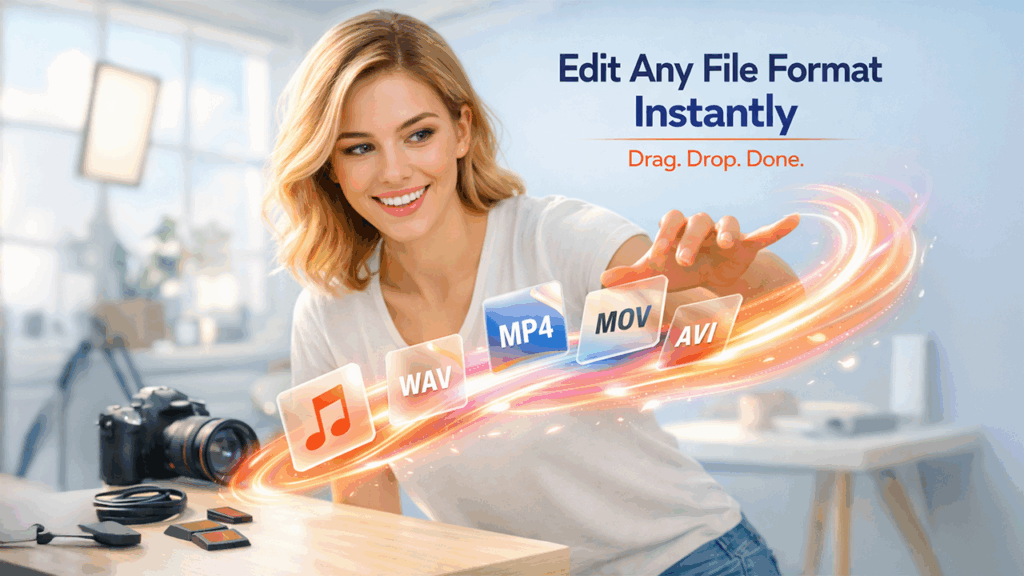
Online lyric video tools usually support multiple video and audio formats, allowing you to upload files without additional conversion steps. This compatibility simplifies the workflow because you can import existing recordings directly into the editor.
Whether your music file is an MP3 or your video footage is in MP4 or MOV format, the platform handles the processing automatically. Consequently, you spend less time solving technical issues and more time focusing on creative aspects of the video.
6. Easy Sharing Across Digital Platforms
Finishing a lyric video is only the first part of the process since the next step involves publishing it where it gets visibility and entertains audience. A lyric video maker simplifies this stage as it provides simple export options that are suitable for different digital platforms.
Once the video is finalized, you can download it in commonly supported formats that work well on platforms such as YouTube or social media channels. This reduces the need for additional editing or resizing. Vizard AI is one example of a tool that further simplifies this by offering platform-ready export options in just a few clicks.
As a result, you can quickly move from video creation to distribution and share your lyric video with audiences without dealing with complicated technical adjustments.
Conclusion
Producing music videos once required advanced editing skills, expensive software, and hours of manual work. Today, online tools have simplified this process by combining audio upload, lyric synchronization, video templates, and media libraries in a single platform.
These features don’t allow technical barriers to stop creators and allows them to focus on present their music effectively and confidently. A free lyric video maker makes video production easy and accessible to content creators, musicians, and marketers alike. It allows you to streamline editing, provides visual resources, and supports multiple formats.
More importantly, they enable you to create content for social media and music promotions with consistency. With the right approach, turning a song into a compelling lyric video becomes a practical and efficient part of the creative process.
%201.png)

%201.png)

%201.png)

