
Most businesses start looking for AI accounting software when manual bookkeeping stops keeping up: the bank feed grows from 150 transactions a month to 900, and a close that used to finish by the 10th slips to the 25th.
Nearly every platform now advertises AI, it’s almost to the point of being ubiquitous and has lost all meaning. But AI only helps if it gets the balance right, automating the routine work while holding uncertain entries for review and showing how it reached each decision. Today, we’re going to dive in and discuss the best AI accounting platforms that actually earn the time for a look, and how they stack up to one another.
The Bottom Line Up Front
For a US small or mid-sized business that wants its books to largely run themselves, Digits is the top AI accounting software pick, with the tradeoff that it's US-only and doesn't track inventory. Kick takes a similar AI-native approach at a lower price. QuickBooks Online and Xero are the better choice if you'd rather add AI to a ledger your accountant already knows, and Campfire fits venture-backed companies that have outgrown small-business software but don't want a NetSuite implementation.
What to Test Before You Buy
There are four questions that separate real AI accounting software from a good demo
What does the software do when it's unsure? You need to find out whether it posts the transaction anyway, holds it for review, or asks someone, and whether you can customize that sensitivity.
Can it show its work? Open the audit trail on an automated entry. You should see what the system saw, what it decided, and whether a person or the AI took the action.
Does it handle accruals? Categorizing a bank feed is the easy part. Prepaids, depreciation, deferred revenue, and accrued expenses are what stretch a close, and many AI accounting software tools skip them entirely. Understanding the benefits of cloud accounting software can also help businesses evaluate how real-time financial tracking and accessible records support their accounting workflows. I’ve seen it first hand, and it's a serious weak point.
Who reviews the output? Every system on this list assumes someone does. Decide who that is before you switch.
AI Accounting Software Compared
Campfire
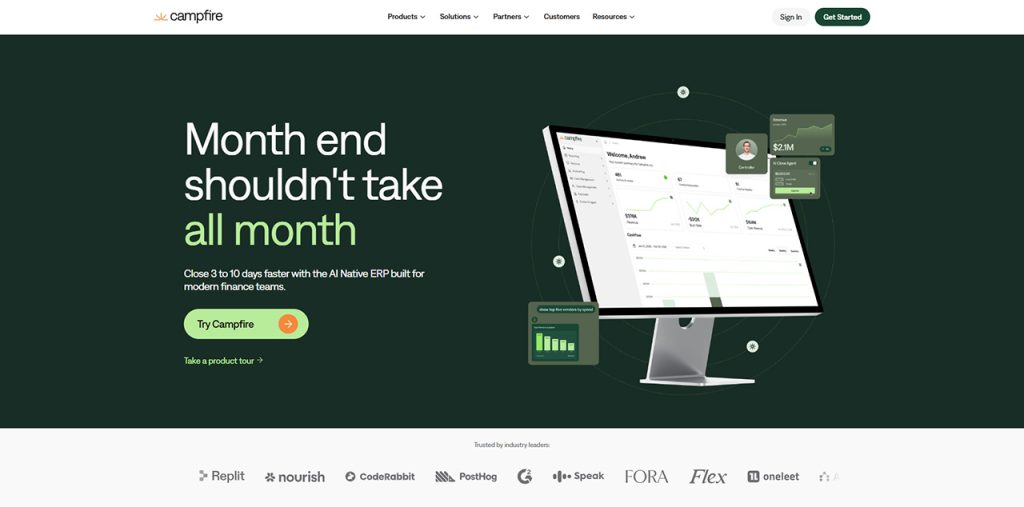
Campfire is an AI-native ERP aimed at companies that have outgrown small-business accounting but don't want an enterprise implementation. It's built for in-house finance teams handling consolidation, revenue recognition, and close, and it's showing up more and more in evaluations that used to be a straight QuickBooks-versus-NetSuite decision.
How the AI works: Campfire's natural-language assistant, Ember, lets people across a company ask questions about the financials and drill back to source transactions. The company says its own accounting model automates reconciliations and variance detection, and it reports accuracy above 95% on those workflows, which is a company figure rather than an independent test. That's paired with built-in revenue automation, multi-entity consolidation, and close management.
Pricing: Quote-based and not published, but you can expect it to be rather expensive. Implementation is typically measured in weeks rather than months.
Pros
- Strong on multi-entity consolidation and revenue recognition, which smaller platforms handle lightly or not at all.
- A modern alternative for companies that would otherwise be looking at NetSuite.
Cons
- No inventory, supply chain, or operational modules.
- Opaque pricing and annual contracts make it hard to compare costs upfront.
Best fit: Venture-backed companies with a finance team, multiple entities, or subscription revenue complexity.
Digits
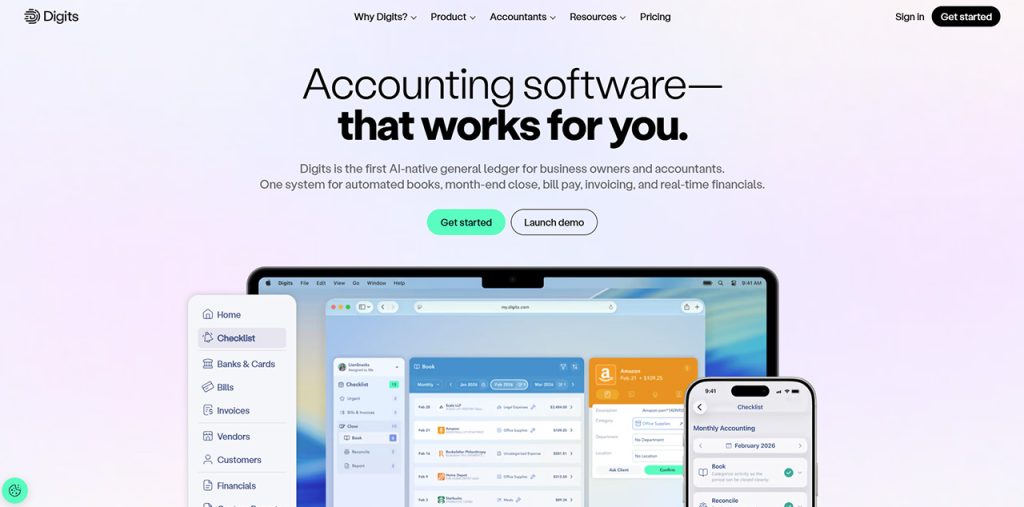
Digits is built around what it calls an Autonomous General Ledger, where AI agents handle bookkeeping, reconciliation, and reporting continuously rather than at period end. It’s one of the clearest examples of AI accounting software built around an AI-native ledger.
How the AI works: Purpose-built models categorize and reconcile transactions as they arrive and surface anomalies as exceptions for review. Its Schedules feature, detects transactions needing accrual treatment, drafts the schedule, and posts recurring entries once an accountant confirms it. Ask Digits answers plain-language questions, and an MCP server connects outside assistants like Claude and ChatGPT to the live ledger.
Pricing: Essentials is $65 a month, Core is $100, and Pro is $250, with no per-seat fees. Automated schedules start on Core.
Pros
- The ledger itself does the work continuously, so books are current between closes instead of only after them.
- Accrual schedules live inside the ledger, which removes a whole layer of spreadsheet work that most AI tools ignore.
Cons
- It's US-only, which rules it out for businesses with foreign entities.
- No inventory tracking, and industry workflows like job costing aren't its focus.
Best fit: US small and mid-sized businesses, and the accounting firms that serve them, that want to move to a ledger that largely maintains itself and are willing to migrate.
Kick
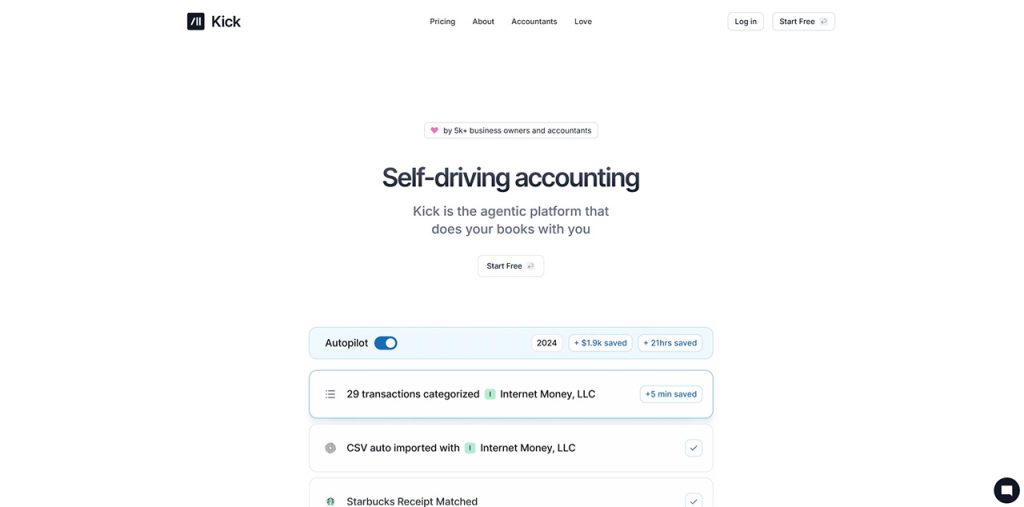
Kick is an AI-native ledger that calls its approach "self-driving bookkeeping," aimed at owner-operators who don't want to become bookkeepers and the accountants who review their books. Underneath the automation is a full double-entry ledger rather than a simple cash tracker.
How the AI works: Kick reads transactions from connected bank, card, and payment accounts as they arrive, categorizes them in real time, matches receipts, and reconciles transfers between a business's own accounts so they aren't double-counted. It suggests categorization rules from your history and flags commonly missed deductions like home office, vehicle, and travel. An MCP server and command-line tool connect assistants like Claude, ChatGPT, and Cursor to the books, and an approvals step previews any change an outside assistant wants to make before it writes to the ledger.
Pricing: Free covers up to 250 transactions a year, Basic is $40 a month, Plus is $100, and Advanced is $300. Accrual accounting and multi-entity books start on Plus, with additional entities at $50 a month after a free allotment.
Pros
- A free tier and a $40 entry plan make it the least expensive way on this list to try an AI-native ledger.
- Native integrations with Stripe, PayPal, Mercury, Ramp, and Gusto bring in transaction detail, not just bank lines.
Cons
- Accrual accounting requires Plus, and prepaid and accrued expenses, fixed assets, and revenue recognition sit on the top tier, with several of those still in beta.
- It's a younger platform with no inventory tracking and little depth in industry-specific workflows like job costing.
Best fit: Owner-operated small businesses and solo founders that want automated books at a low price, especially where an accountant will review the output.
QuickBooks Online
QuickBooks remains the most widely used small business ledger, and Intuit has added a set of AI agents to it rather than rebuilding the core. For a business already on QuickBooks, that’s the lowest-friction path to AI accounting software.
How the AI works: Intuit's Accounting Agent categorizes transactions, assists with reconciliation, and flags anomalies. A Payments Agent chases receivables, and a Finance Agent on the top tier helps with close and KPIs. A natural-language layer, Intuit Intelligence, routes requests across these agents. Intuit's guidance to accountants is to review agent output, and users commonly report weekly cleanup of miscategorized items.
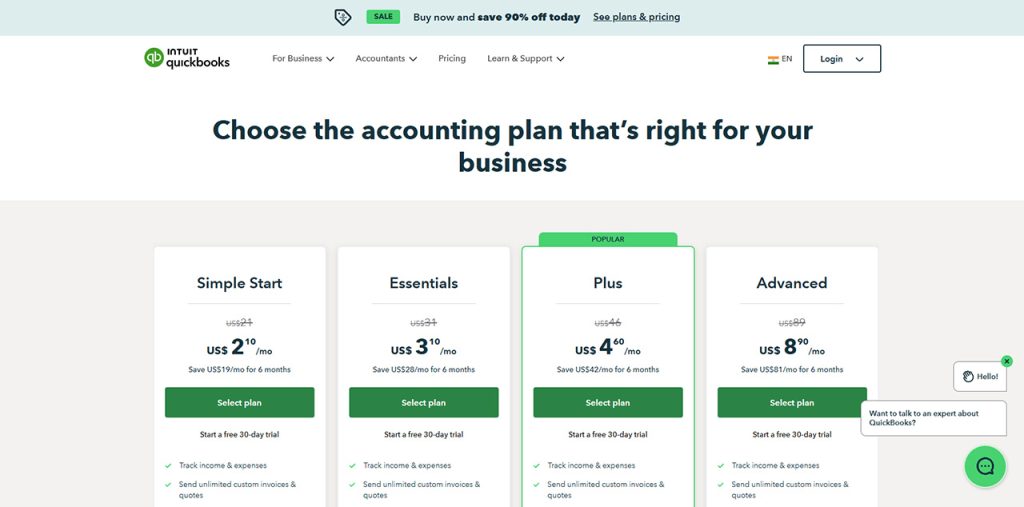
Pricing: Simple Start is $38 a month, Essentials is $85, Plus is $140, and Advanced is $340 at list. Several agents start at Essentials, and the most capable ones sit on Advanced.
Pros
- No migration if you're already there, and nearly every accountant and add-on app speaks QuickBooks.
- AI agents cover a wide range of work beyond bookkeeping, including payments and customer follow-up.
Cons
- The AI is layered over a ledger designed for manual entry, so review effort doesn't disappear.
- The best agents are tier-gated, and list prices have risen several years in a row.
Best fit: Established small businesses already on QuickBooks that want AI help without changing ledgers.
Xero

Xero has turned its JAX assistant into an agentic layer, with a heavy focus on reconciliation and document capture. Like QuickBooks, it's adding AI to an established platform rather than starting from scratch.
How the AI works: JAX's automatic bank reconciliation matches bank feed transactions in real time, and Smart Document Capture pulls data from bills and receipts into the ledger. Announced additions include payment follow-ups, anomaly checks on bills before payment, and cash flow suggestions, along with integrations into Claude and Microsoft 365 Copilot. Several of these were announced in July 2026 as rolling out over the coming months, and availability varies by country.
Pricing: Early is $27 a month, Growing is $59, and Established is $97, with unlimited users on every plan. Automatic reconciliation is an add-on on Early and included above it.
Pros
- Unlimited users on every plan keeps costs flat as more people need access.
- Reconciliation, the part of bookkeeping that eats the most time, is where Xero has focused its automation.
Cons
- Many newer AI features roll out market by market, so US availability can lag announcements.
- The AI is mostly assistive for close and accrual work rather than handling it end to end.
Best fit: Small businesses and firms that want an established, internationally used ledger with growing automation and a light setup lift.
Conclusion
The best AI accounting software is the one whose architecture matches your problem. If the problem is volume, look at the AI-native ledgers. If the problem is that you don't want to change systems, turn on the AI inside the one you have. If the problem is complexity, look at an AI-native ERP.
Whichever AI accounting software you choose, run a real month through it before you commit. Count what it got right, what it got wrong, and how easy the wrong ones were to find. That will tell you more than any ranking, including this one.
%201.png)

%201.png)

%201.png)