Customer Data Is Scattered
In order to understand the context and customer history, customer support teams would have to manually go through different databases which can delay responses.

Centralize customer data, interactions, and support workflows with the help of an AI customer support CRM that allows your team to respond quickly, automate routine tasks, and deliver more consistent customer experiences.
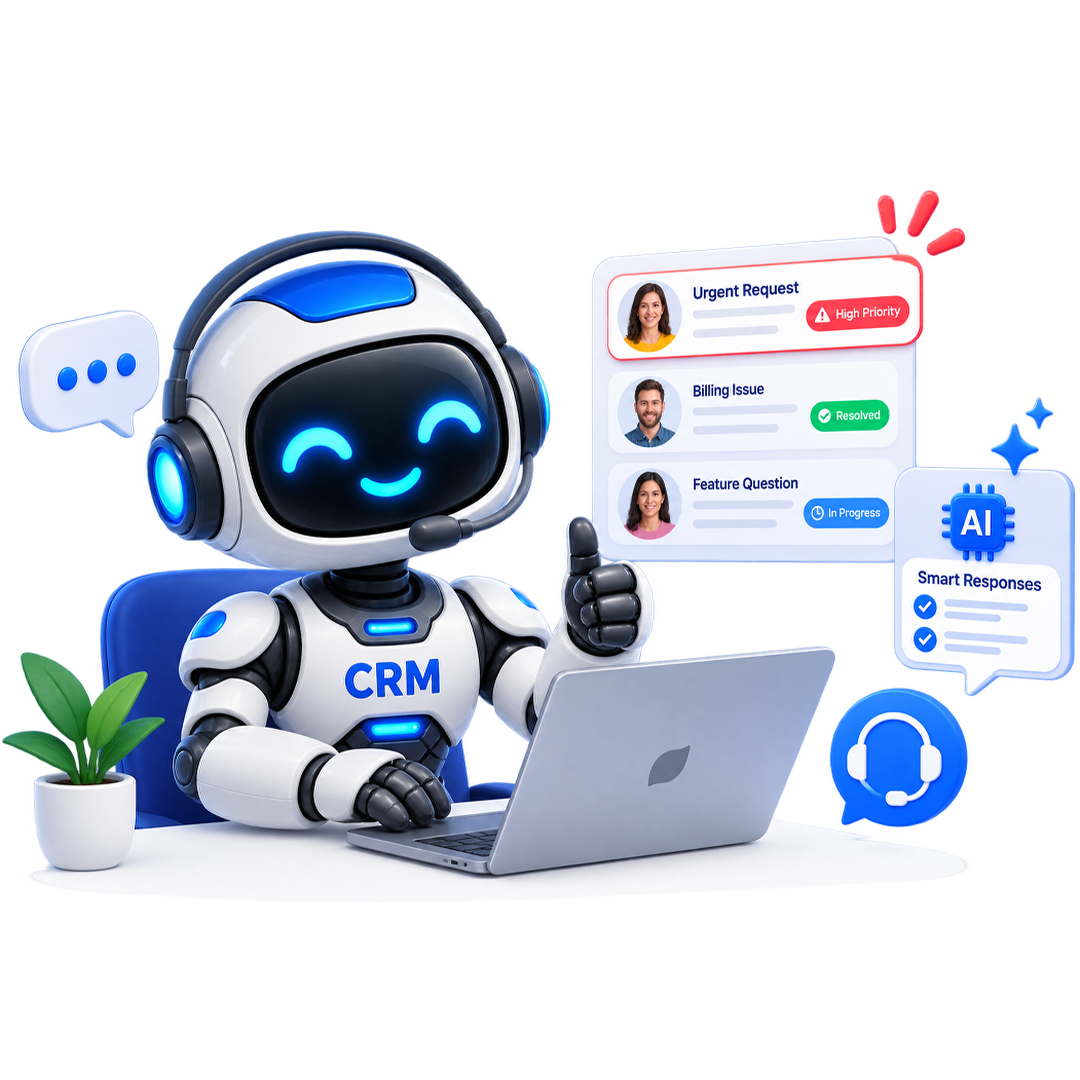
Without AI Customer Support, teams struggle to manage repetitive requests and evolving customer expectations. Customer support software capabilities can minimize this operational complexity while allowing teams to respond with better context and speed.
In order to understand the context and customer history, customer support teams would have to manually go through different databases which can delay responses.

Teams face similar types of questions and requests repeatedly. AI customer support can answer these similar and repeated questions that can be simplified through automation.

As the volume of support requests, tickets, and conversations increase, it becomes difficult for the sales team to identify urgent or high-priority customer issues.

It is difficult to make every customer support professional respond to every situation in the same way, leading to inconsistent customer experiences.

Once an issue has been resolved, representatives have to schedule additional actions, follow-ups, or reminders manually, which are easy to miss.

As your clientele grows, manually managing more interactions can elevate operational pressure and response times.
Follow these simple steps to implement AI-driven support and ensure consistent, efficient, and personalized interactions at scale.
Unify interactions, history, and support tickets into one platform to provide your team with a 360-degree view of every customer.
Set specific conditions for AI-driven responses or task assignments based on customer intent, ticket urgency, or interaction history.
Automate routine follow-ups, ticket routing, and status notifications to ensure no request goes unanswered.
Utilize AI-driven insights to identify bottlenecks, measure team efficiency, and continuously refine your support strategies.
OutRightCRM provides AI sales automation features to allow teams to go beyond standard task automation and ensure that each stage of the sales process is smarter and more responsive.

Assess available sales data to allow representatives to recognize opportunities that require instant attention. Guide your sales efforts toward targets that can generate the most revenue.

Trigger follow-ups as per prospect engagement, deal activity, pipeline stages, and pre-set conditions. Ensure that opportunities keep moving without relying on manual follow-ups.

Leverage AI-powered insights to help representatives find out what action is appropriate for an opportunity. Provide sales teams with all the context so that they can take the best decision in moving the deal forward.

Automatically create and assign tasks when specific sales events happen. Ascertain that representatives remain focused on selling instead of maintaining task lists manually.

Route leads and opportunities automatically to the relevant sales professional, team, or automated workflows through pre-determined criteria. Minimize delays in workflow initiation and response.

Convert pipeline data and sales activity into crucial insights related to opportunity movement, performance, and possible bottlenecks. Managers also get holistic visibility on the sales process and performance of sales representatives.

Trigger alerts in a timely manner when deals need human attention, there is a change in the status, or crucial sales events happen. Thus, representatives can be apprised of such events and respond accordingly. They do not have to stay active on CRM throughout the day.

You can respond to evolving sales conditions with the help of workflows that incorporate AI-driven capabilities and rule-driven automation. Execute a sales process that is efficient from the get-go and does not elevate your administrative overhead.
SEO Agencies Onboarded
Average increase in Retainer Close Rate
Saved Per Team Member Each Week
Uptime & GDPR Compliance
Connect OutRightCRM with the tools that you already use to centralize data, simplify operations, and automate workflows across the board.















SuiteCRM Bulk SMS makes communication effortless. If the add-on is this good, OutrightCRM's launch will be incredible!
Sales Director at BrightWave Solutions

SuiteCRM Email to Lead saves time, captures every inquiry, and ensures no missed opportunities. OutrightCRM will be next-level!
Marketing Manager at GreenTech Innovations

Managing multiple SEO retainers used to be chaos. OutrightCRM keeps every client, deliverable, and follow-up perfectly organized.
Founder at RankForge Agency

The automation workflows alone save our team hours each week. Reporting that used to take days now happens in minutes.
Operations Lead at Peak Digital