

Producing content consistently is hard enough. Doing it without a system is harder. Most content marketers don’t have a budget problem in the early stages. They have a process problem: ideas sit in random note-taking apps, drafts get written without keyword data, posts go live without a schedule, and nobody checks whether any of it actually drives traffic.
The tools below cover every stage of that process, from ideation to publishing to performance tracking. All of them have a usable free tier, and none of them require a credit card to get started.
1. Backlinko
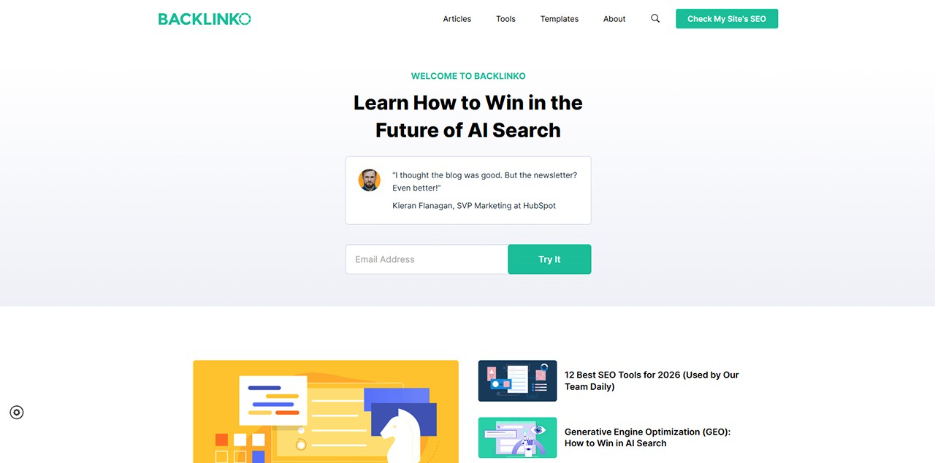
Before creating more content, it’s worth checking whether your existing pages have technical issues holding them back.
Backlinko offers a free SEO Checker that runs a 100-point audit on any URL, with no account or credit card required. It checks common on-page issues like title tags, meta descriptions, H1s, canonical URLs, internal links, and site compliance, then returns a score with prioritized fixes. You get 3 free checks per day.
That makes it especially useful for marketers, agencies, and CRM teams that publish landing pages, blogs, or product pages regularly. Before investing more time into new content, you can quickly see whether your current pages are easy for search engines to crawl, understand, and rank. This is particularly valuable for online stores that manage hundreds of product and category pages. Many marketers use SEO audit platforms as part of their broader e-commerce SEO Tools stack to identify technical issues before they impact rankings and revenue.
Backlinko also has other free SEO tools for keyword rankings, backlinks, competitor research, and website authority. So if the SEO Checker flags an issue, you can use the rest of the toolkit to understand where the page stands and what to fix next.
2. Google Search Console
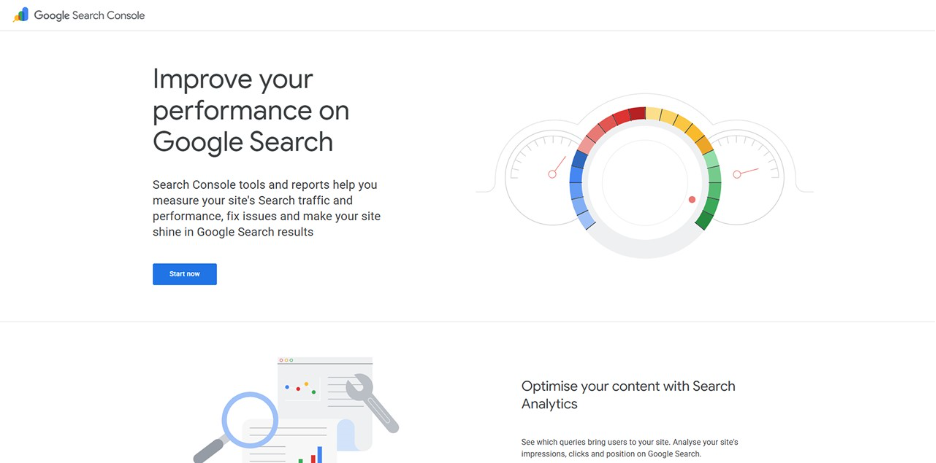
Google Search Console shows you which queries bring people to your site, which pages rank for those queries, and where you’re appearing in search but not getting clicked. That last data point is the most actionable for content marketers: a page appearing on page one but getting ignored has a title tag or meta description problem, not a ranking problem.
It also surfaces crawl errors, mobile usability issues, and Core Web Vitals data. For content teams, this means you can identify which posts need updating before investing time in new ones.
3. AnswerThePublic
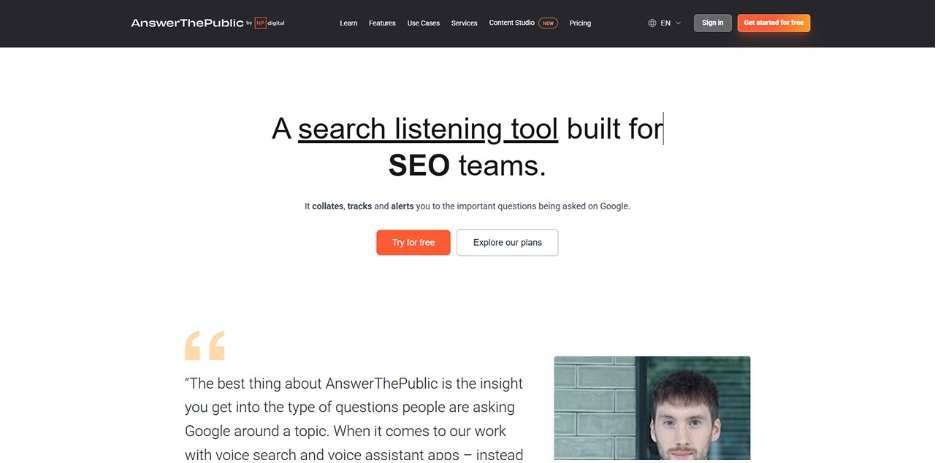
AnswerThePublic maps out the questions, comparisons, and related searches that people type around any keyword. You enter a seed term, and it returns a visual breakdown of how people phrase their queries, grouped by question type: what, why, how, when, which, and so on.
For content planning, it’s one of the fastest ways to find angles that aren’t already saturated. Instead of writing another generic post on a broad topic, you can target specific questions your audience is actually asking. The free tier allows a limited number of daily searches, which is enough for regular ideation sessions. Pairing this with AI-powered SEO tools and other ecommerce SEO tools gives you a stronger foundation before you start writing, especially when researching product-related topics and purchase-intent keywords.
4. Notion
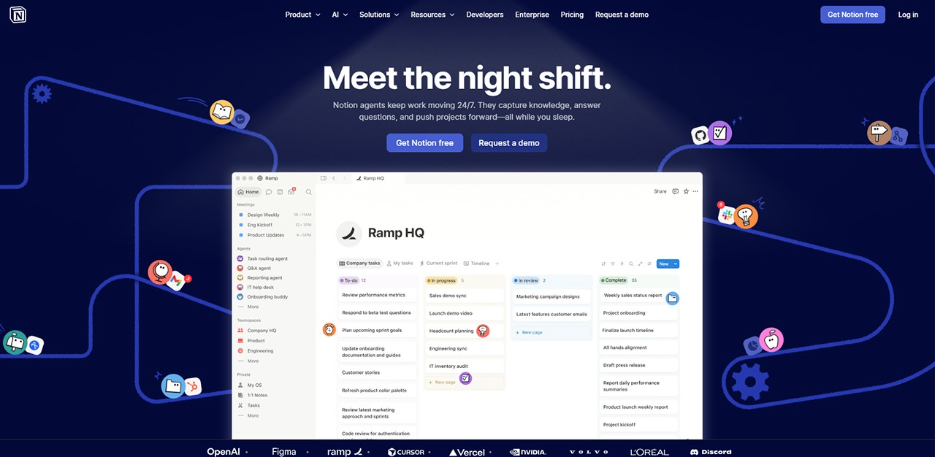
Notion’s free tier is generous enough to run a full content operation. You can build an editorial calendar, track the status of every piece from idea to published, store brand guidelines and style notes, and manage contributor briefs, all in one place.
The biggest benefit for content teams is that everything lives in a shared workspace. No more chasing drafts across email threads or Google Drive folders with unclear version names. Templates for recurring formats (weekly newsletters, monthly roundups, product posts) save time on brief-writing once you’ve built them once.
5. Canva
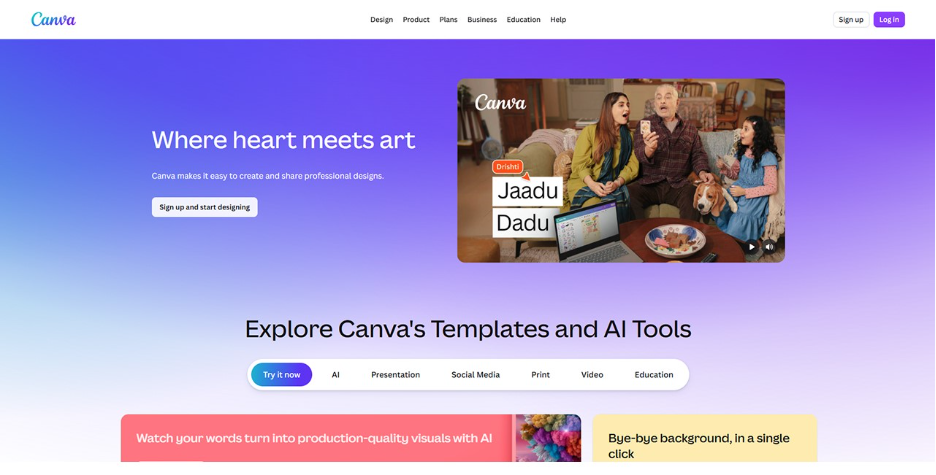
Most content needs visuals: featured images, social graphics, infographics, and presentation slides. Canva’s free tier covers all of it. The template library is large enough that you can produce consistent, on-brand visuals without design experience, and the drag-and-drop editor is fast enough that image creation doesn’t become a bottleneck in your publishing process.
For content marketers specifically, the ability to resize a single design for different platforms (blog header, LinkedIn post, Instagram square) in a few clicks saves a significant amount of time compared to creating separate assets from scratch.
6. Grammarly
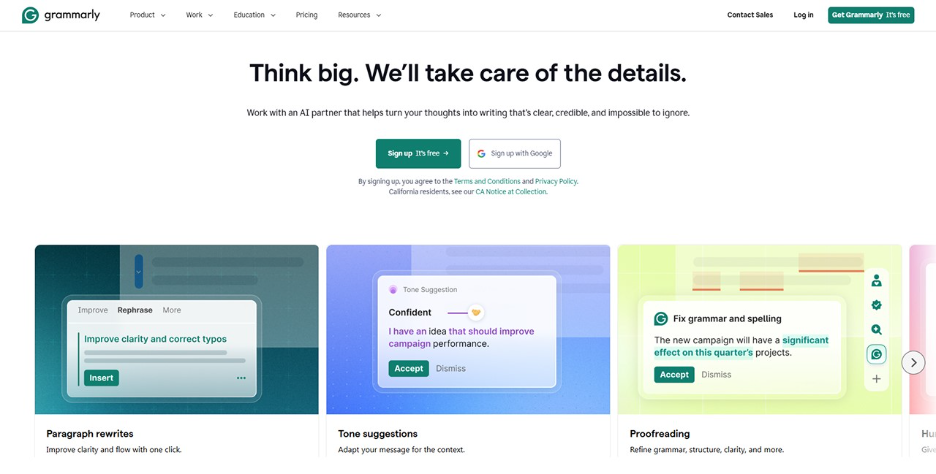
Grammarly’s free version catches grammar errors, punctuation issues, and awkward sentence constructions as you write. It works as a browser extension, so it covers drafts written in Google Docs, WordPress, Notion, or any other web-based editor.
The value isn’t just error-catching. It also flags passive constructions and overly complex sentences, which pushes you toward clearer, more readable prose. For teams where multiple people contribute content, it sets a consistent baseline quality standard without requiring a dedicated copy editor on every piece.
7. Buffer
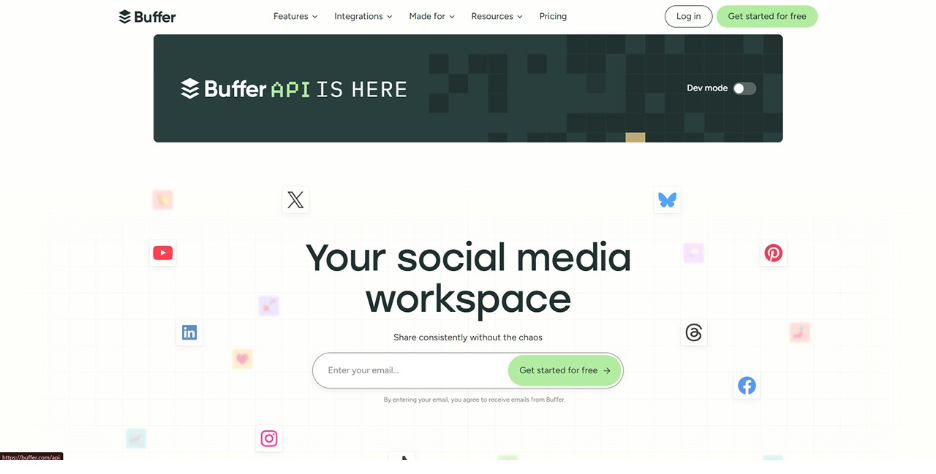
Buffer’s free plan lets you connect up to three social channels and queue posts in advance. For content marketers managing a blog alongside social distribution, this means you can schedule a week’s worth of posts in one session rather than logging into each platform manually every day.
The analytics on the free tier are basic but useful: you can see which posts drove the most engagement and use that to inform what you promote more heavily or what angles to repeat. Consistent distribution is one of the things that separates content that compounds over time from content that gets published and forgotten.
8. Google Analytics 4
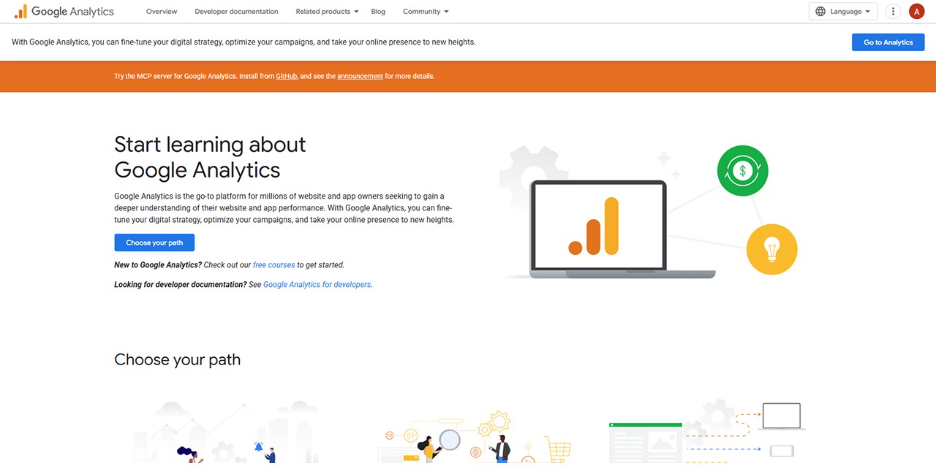
Google Analytics 4 shows you what happens after someone lands on your content. Which pages hold attention and which ones see people leave immediately? Which sources send visitors who actually convert? Which content drives return visits versus one-time reads?
For content strategy, the most useful reports are the ones that show you which existing pieces are already driving organic traffic and which ones have good rankings but poor engagement metrics. A post with high impressions and a high bounce rate usually needs a content or UX fix, not more promotion.
For eCommerce businesses, combining analytics insights with ECommerce SEO Tools can help identify which content contributes to product discovery, assisted conversions, and long-term customer acquisition.
Connecting GA4 data to your CRM helps you tie content performance to actual customer behavior over time, so you can see which content attracts leads that actually convert rather than just visitors who read and leave.
9. OutrightCRM
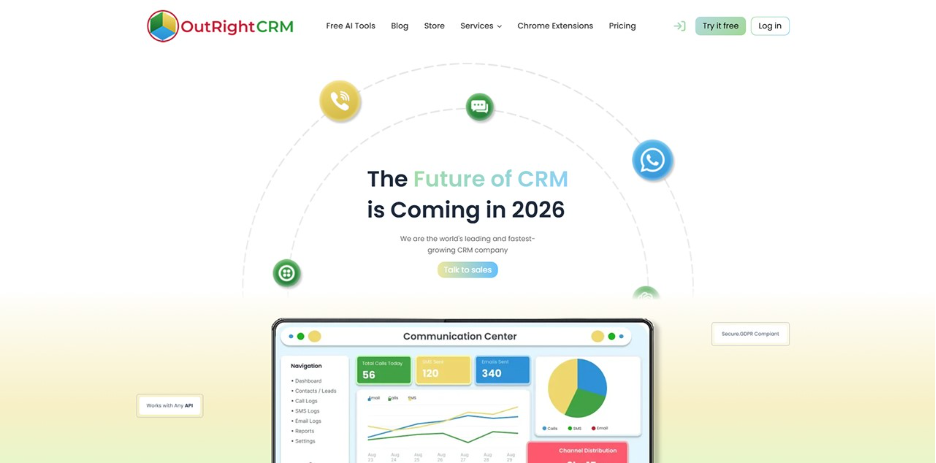
Content marketing doesn’t stop at publishing. The goal is to turn readers into customers, and that requires tracking what happens after someone engages with your content. OutrightCRM’s free tools include email marketing capabilities, contact management, and sales automation features that connect your content efforts to your pipeline.
If your blog or newsletter is generating leads, a CRM gives you a structured way to follow up without losing track of who’s at what stage. You can segment contacts by how they arrived (organic search, newsletter, social), which makes follow-up communication more relevant. For small teams running content alongside sales, having both in one system means less time switching between tools and more time spent on the work itself.
You can explore how CRM tools support data-driven marketing campaigns for more on connecting your content output to measurable outcomes.
Getting the most out of free tools
Free tiers come with limits, and those limits will eventually push you toward paid plans if your content operation grows. The practical approach is to use the free versions to establish your workflow first. Build your editorial calendar in Notion, get your technical SEO baseline from Backlinko, set up Search Console and GA4, and start distributing consistently through Buffer. Once you know which parts of the process are the actual bottlenecks, you’ll have a much clearer picture of where a paid upgrade is worth it.
A consistent workflow built on free tools will outperform an expensive stack that nobody has time to use properly. Start with the process, then add the budget where it earns its place.
%201.png)

%201.png)

%201.png)