
Freelancing sounds liberating until you're simultaneously juggling three client briefs, a near-missed invoice, and a research rabbit hole that has consumed the last ninety minutes. Nobody warns you that a huge chunk of the job has nothing to do with actual writing. The admin, the fact-checking, the back-and-forth — all of it eats into the hours you're supposed to spend, well, writing.
Finding the best tools for freelance writers can make the difference between spending hours on administrative work and focusing on paid writing projects. From research and editing to time tracking and invoicing, the right tools help freelancers work faster and more efficiently.
The tools below are not productivity theater. Each one addresses a specific friction point in a real writing workflow. Some save hours per week. Others prevent the kind of embarrassing mistakes that quietly damage client relationships. A few do both. No hype, no vague promises — just what the tools actually do and whether they're worth the money.
1. Getsolved — Instant Answers When Research Stalls
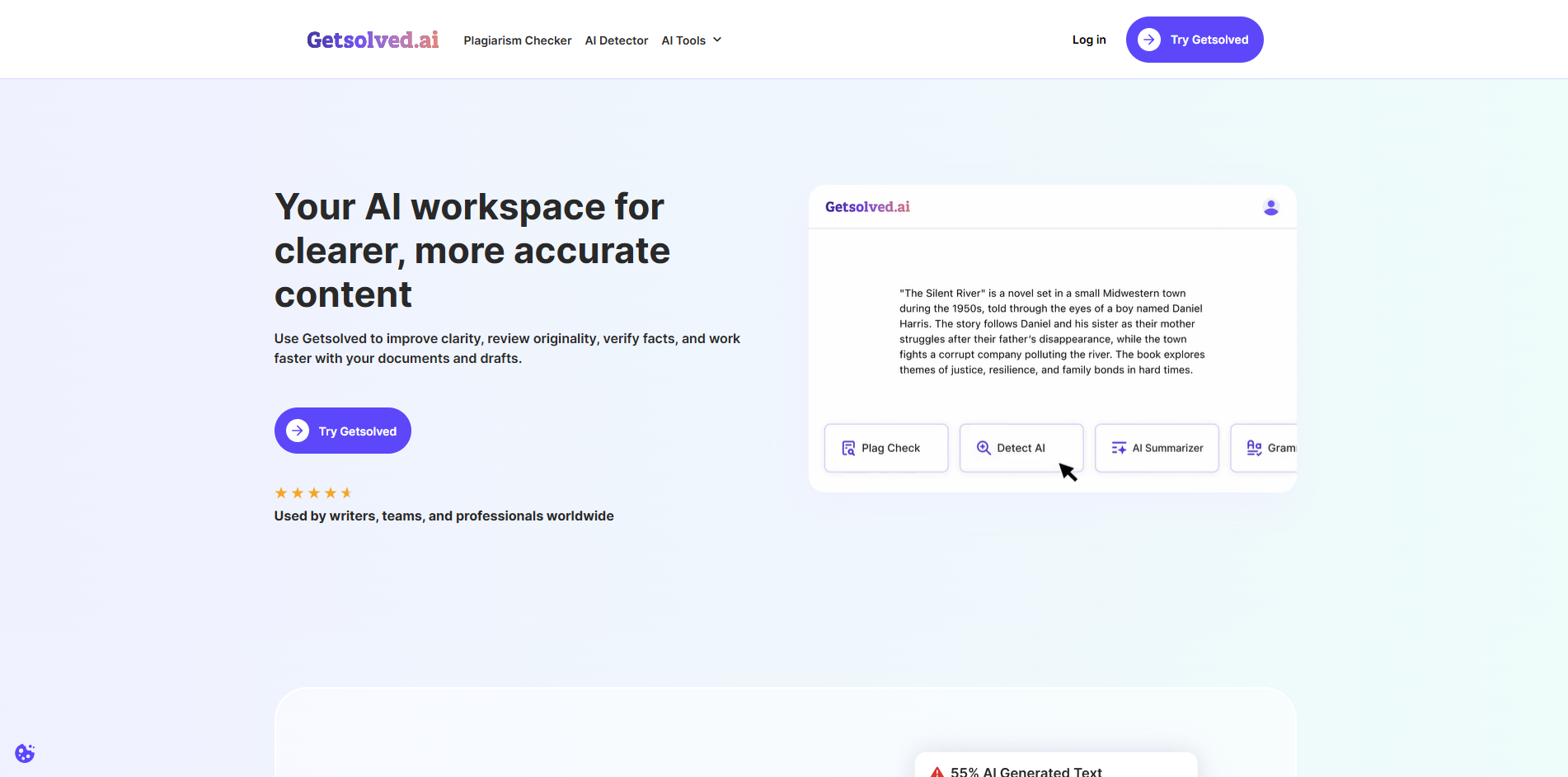
Every writer knows the experience of getting stuck during research. That's why many of the best tools for freelance writers focus on helping users find accurate information quickly and efficiently. Getsolved is an AI solver built to cut through that fog fast. You can type out a complex question, paste in a chunk of text, or even upload a photo of a diagram, a chart, or a printed document — and the platform analyzes it and returns a clear, structured explanation.
What makes it genuinely useful for writers specifically is the image-input feature. Researching a whitepaper full of dense graphs? Covering a technical topic where the source material is a screenshot or a scanned page? Instead of retyping everything or struggling to describe what you're looking at, you drop the image in and get a coherent breakdown in seconds. It works as a writing assistant ai in the truest sense — not generating content for you, but helping you understand source material well enough to write about it confidently.
The platform is built around academic and professional problem-solving, so the explanations tend to be precise rather than watered-down. For writers who regularly cover technical subjects — finance, science, law, health — or who take on unfamiliar briefs at short notice, it substantially reduces the time between "I don't get this" and "I can write about this." Before you check for ai tools that actually work in a research context, this one is worth adding to your stack.
What it costs: Getsolved offers a free tier with limited queries. Paid plans start at reasonable rates for heavier usage — worth checking their current pricing on the site directly, as it updates periodically.
2. Grammarly — The Editor That Never Gets Tired
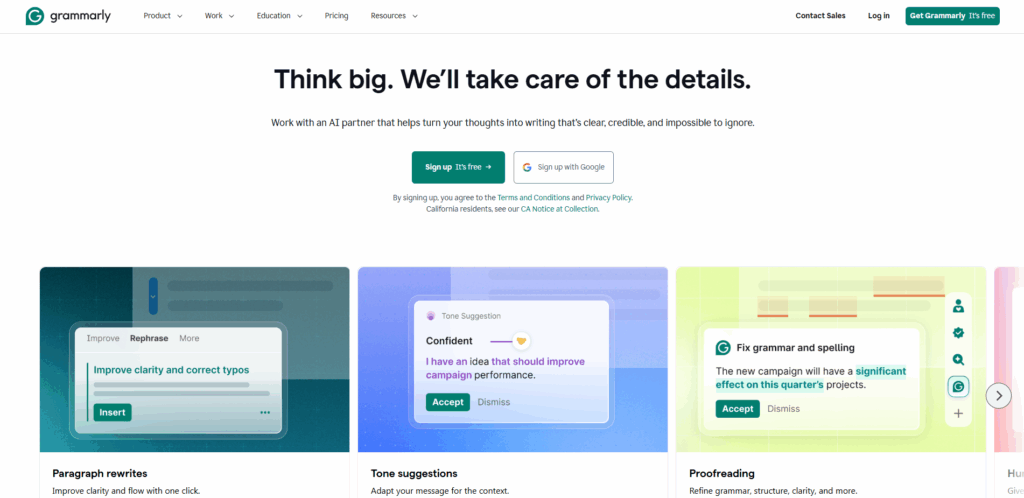
Grammarly is among the best tools for freelance writers in 2026. Grammar checkers have existed for decades, but Grammarly is different in degree, not just kind. The free version catches spelling and basic grammar. The premium version does something more valuable: it tells you why a sentence isn't working.
Clarity suggestions, tone detection, readability scores, sentence variety flags — it goes well beyond commas. The tone detector is particularly useful when you're writing client-facing emails after a long day and your phrasing has drifted from "professional" toward "blunt." Grammarly flags it before the client sees it.
For writers producing content across multiple formats — long articles, social captions, proposal documents — it operates as a consistent second pass on everything without requiring a separate proofreading session.
Pros:
- Works inside Google Docs, Gmail, and most browsers
- Tone detection catches unintended register shifts
- Plagiarism checker on premium tier
Cons:
- Occasionally overcorrects; some suggestions need overriding
- American English is the default (fixable in settings, but worth knowing)
Price: Free tier available. Premium starts around $12/month billed annually.
3. Notion — One Place for Everything That Isn't Writing
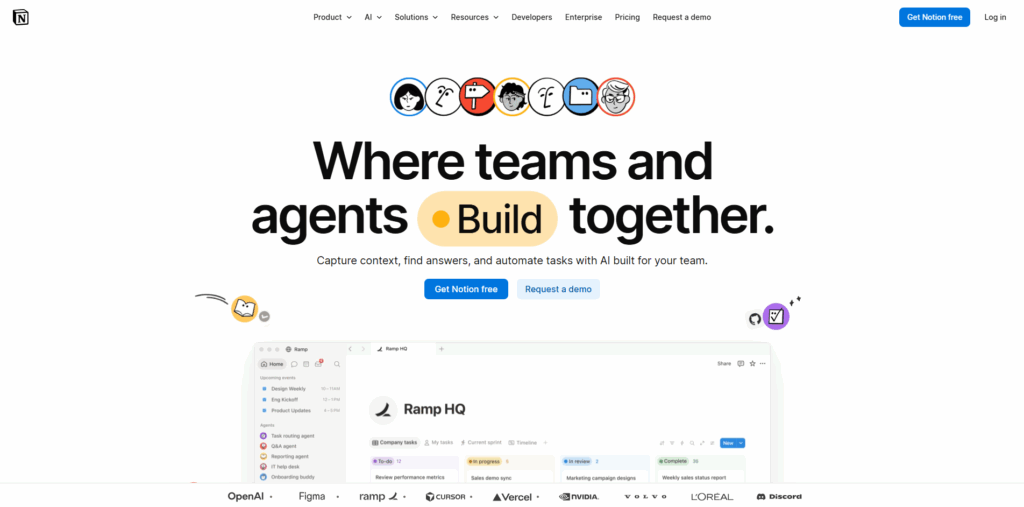
The default setup for many freelancers involves a chaotic spread of browser tabs, Google Drive folders named "final_v3_ACTUAL," and a notes app filled with things they'll "organize later." Notion is the fix for that, and the AI layer added in recent years makes it considerably more powerful.
The core use is project and content management: client pipelines, editorial calendars, brief storage, invoice tracking. But Notion AI layers on top of that. Dump a rough set of notes into a page, ask it to organize them into a proper outline, and it does. Need a summary of a long document before a client call? It handles that too.
The real productivity gain comes from keeping planning and drafting in the same workspace. When your research notes, outline, and draft live in the same system, the cognitive overhead of switching between tools drops significantly.
| Feature | Useful For |
| Databases | Client tracking, invoice logs |
| Content calendar | Deadline management across projects |
| AI summarizer | Condensing research notes fast |
| Templates | Repeatable brief and proposal formats |
| Collaboration | Shared workspaces with clients |
Price: Free plan available. Notion AI is an add-on at around $10/month on top of any plan.
4. Perplexity — Research With Sources Attached
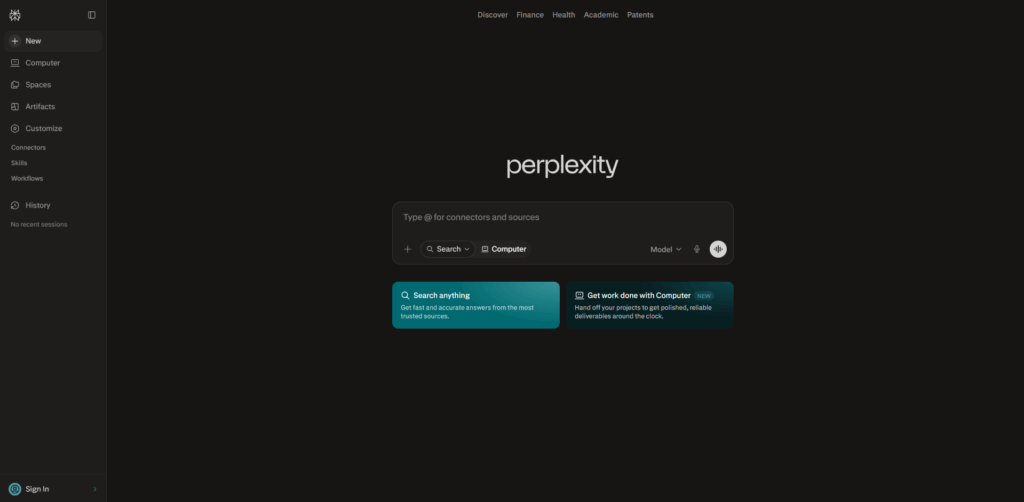
Standard search returns links. Perplexity returns answers — with citations. It pulls from articles, reports, and real-time web data and synthesizes them into a readable summary, showing exactly which sources the information came from.
For writers, the practical difference is speed and confidence. Instead of opening five tabs and triangulating an answer yourself, you ask one question and get a summary with references you can actually verify. It doesn't replace deep reading on complex topics, but it eliminates the worst part of research: the time spent determining where to look in the first place.
It's also genuinely good at industry-specific questions. Covering a topic outside your usual beat? Perplexity gives you a working overview in minutes, which is often enough context to know what follow-up questions to ask.
Pros:
- Cited sources included by default
- Handles follow-up questions in the same thread
- Real-time web access included
Cons:
- Not a substitute for primary sources on sensitive or high-stakes topics
- Free tier limits daily queries
Price: Free plan covers most casual research. Pro plan around $20/month for deeper queries and file analysis.
5. Hemingway Editor — Cutting What Shouldn't Be There
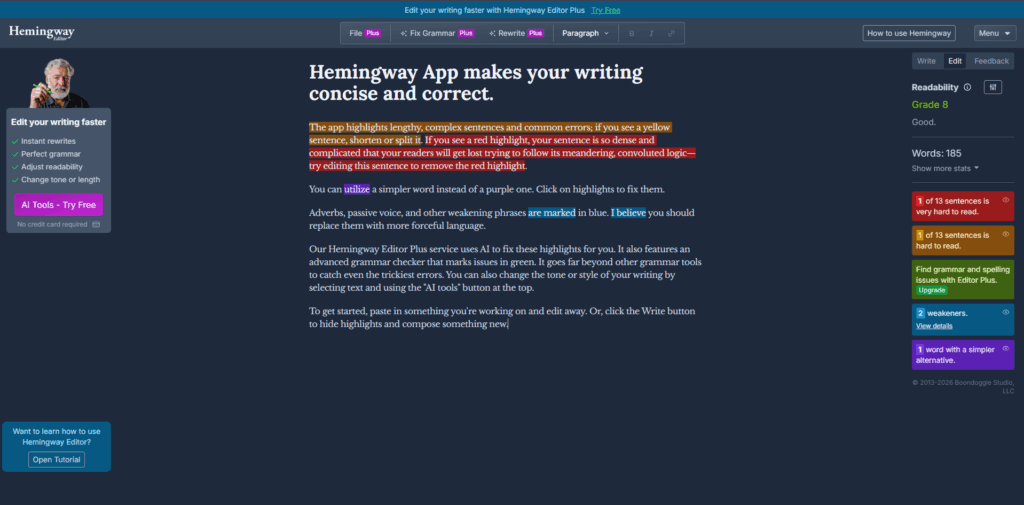
Hemingway does one thing, and it does it well: it shows you where your prose has gone dense. Highlighted sentences indicate grade level, adverb overuse, passive voice, and complexity. The result is a kind of heat map of your writing — the red and orange sections are the ones that need work. While Hemingway focuses on readability and clarity, many writers also explore Online Essay Rewriter Tools to refine sentence structure, improve flow, and enhance the overall quality of their drafts before final submission.
It's most useful in the editing phase, not the drafting phase. Write freely first, then run it through Hemingway to identify which paragraphs are working against the reader. Some writers use it on every piece; others only pull it out for long-form content where clarity is critical.
Worth noting: Hemingway's suggestions aren't rules. Passive voice is sometimes exactly right. The goal is awareness, not compliance.
Price: Free browser version available. The desktop app (one-time purchase of around $20) adds distraction-free mode and export options.
6. Toggl Track — Time You Can Actually Bill
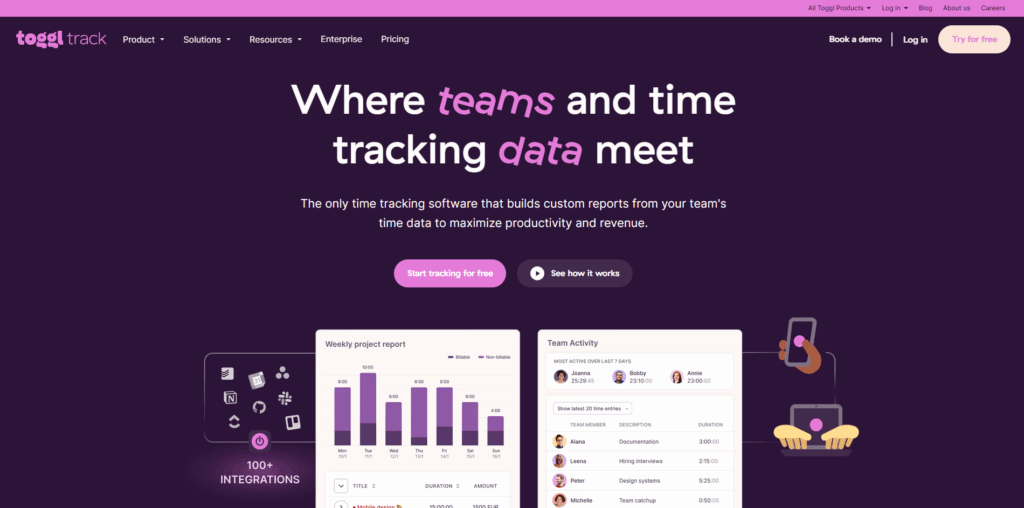
Most freelance writers significantly underestimate how long projects take, especially in the early years. Toggl Track is a time tracker that runs in the background while you work. Start a timer when you begin a piece, stop it when you're done — or let it idle in the background and add time manually later.
The value compounds over time. After a month of tracking, you have real data on how long different content types take you. That changes how you price, how you scope projects, and how you approach ai tools for content creators in the context of productivity: you can see, in actual minutes, whether a tool is saving you time or just adding steps.
For deadline management across multiple clients, Toggl's project view also shows where your hours are going across the week. If one client is consistently taking three times the estimated time, the data makes that visible long before it becomes a financial problem.
Pros:
- Extremely low friction to use
- Reporting breaks down time by project and client
- Integrates with most project management tools
Cons:
- Requires consistent habit to be useful — sporadic use gives incomplete data
Price: Free plan is sufficient for most individual freelancers. Paid plans from around $9/month for team features.
7. QuickBooks Self-Employed — Because Tax Season Shouldn't Be a Crisis
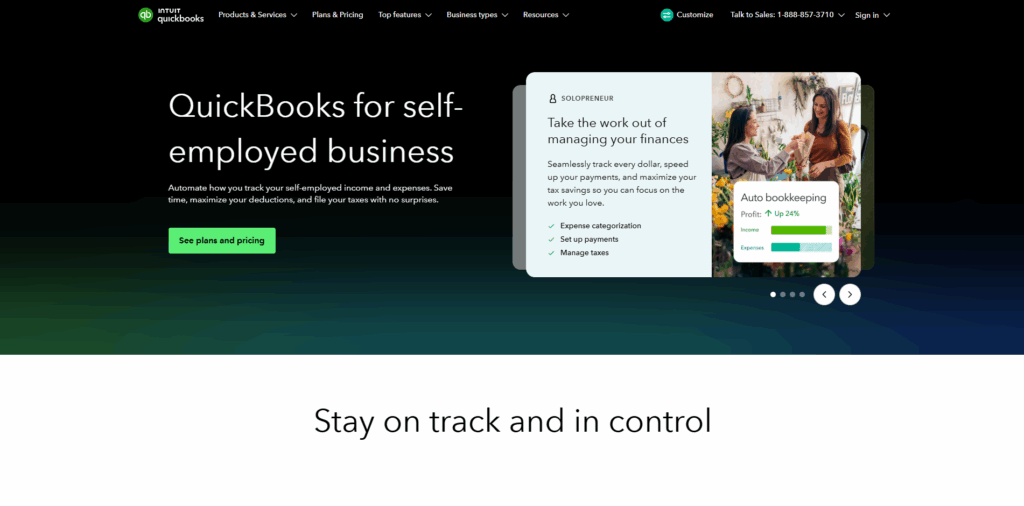
Writers tend to be good at the writing and less good at the financial record-keeping. QuickBooks Self-Employed is built specifically for people who invoice clients, track expenses, and need to calculate quarterly taxes without hiring an accountant.
It connects to your bank account and automatically categorizes transactions. At the end of the quarter, it produces an estimated tax figure based on your income. At the end of the year, you export a report that your accountant (if you use one) or your tax software can work with directly.
It won't replace a proper accountant for complex situations, but for most freelancers with straightforward income and expenses, it removes the worst of the financial admin. The alternative — a spreadsheet updated inconsistently and a panicked document session every April — is not actually cheaper when you factor in the time cost.
Price: Plans start around $15/month, with frequent introductory discounts.
The Honest Summary
The best tools for freelance writers don't replace creativity or expertise. Instead, they eliminate workflow bottlenecks so writers can spend more time creating high-quality content and less time dealing with administrative tasks.
None of these tools write for you, and that's the point. The best ones remove the friction around writing — the research blocks, the editing loops, the admin pile-up — so the actual work of thinking and drafting gets more of your attention.
Start with whichever addresses your most immediate problem. If research slows you down, start with Getsolved or Perplexity. If your editing process eats too much time, Grammarly and Hemingway together cover most of it. If you've never tracked your time or your income properly, Toggl and QuickBooks are the foundation everything else should rest on.
The freelancers who use these tools well don't necessarily work more hours. They work with less friction — and that, over months and years, is what compounds into a sustainable practice.
%201.png)

%201.png)

%201.png)