
Selecting the best CRM platform can make as well break the efficiency of your sales team. Nowadays, most businesses are going away from server-bound and clunky software and choosing cloud based CRM platforms to keep track of deals, leads, and cater to customers from anywhere. This shift is not just a trend. It has become a vital technology through which corporate teams work: across devices, remotely, and in real time.
In this detailed guide, let us break down what is a cloud-based CRM software, why businesses are adopting it more quickly than ever, and how to assess one for your own team.
What Is Cloud-Based CRM Software?
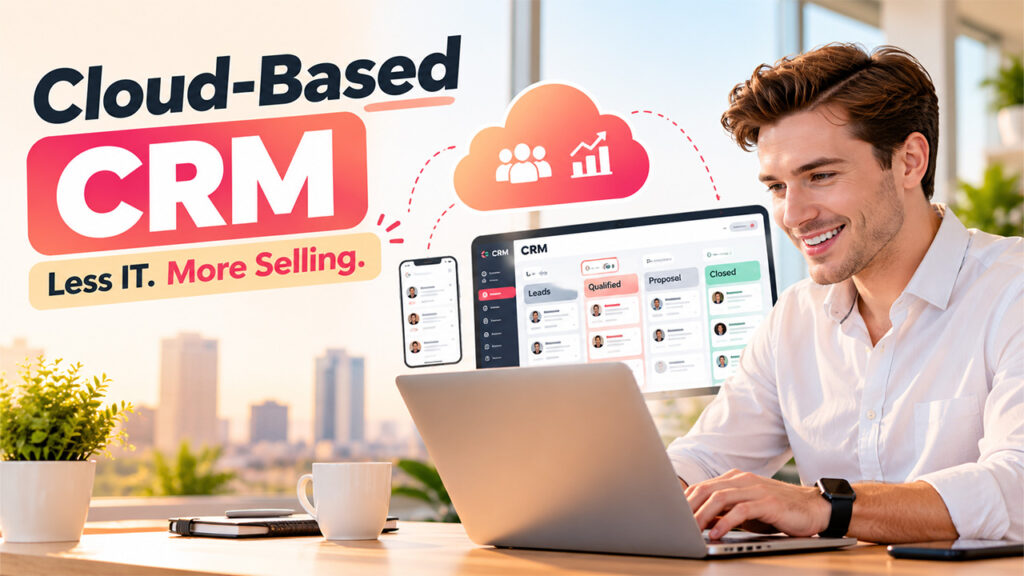
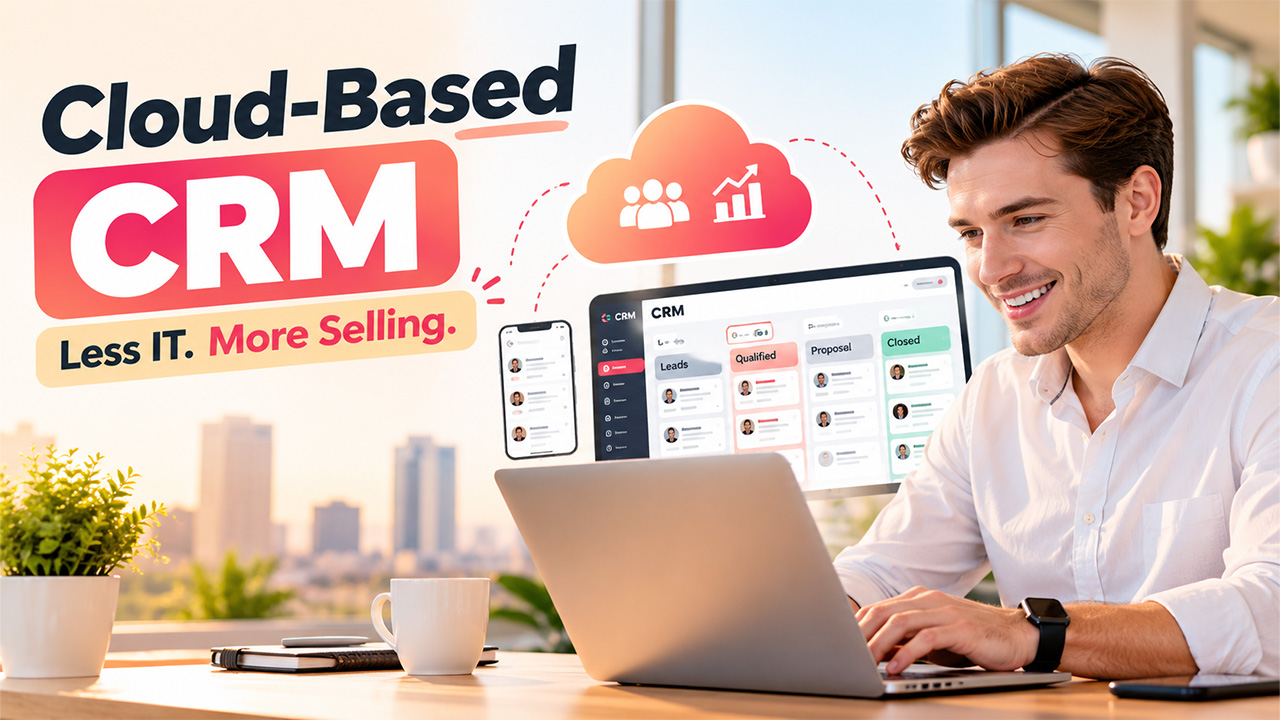
A cloud based CRM platform refers to CRM software entirely accessed and hosted on remote servers through the internet, instead of being installed on the own hardware of the company. Instead of paying for in-house IT upkeep and physical servers, businesses can log in through app or browser and get instant accessibility to their customer data.
At the heart of it, this type of system simplifies everything associated with customer interactions including contact details, support tickets, purchase history, and communication logs, into an always-updated and shared database. Since the provider handles security, hosting, and maintenance, teams get a system that is ready to use almost instantly, with none of the setup delays related to on-premises and conventional software.
Main features of cloud based CRM software involve:
- You can access it from any device with a network connection.
- Automatic updates managed by the provider.
- Subscription-based pricing instead of huge upfront expenses.
- Real-time data synchronization across locations and teams.
Why Are Businesses Transitioning to Cloud Based CRM Platforms?
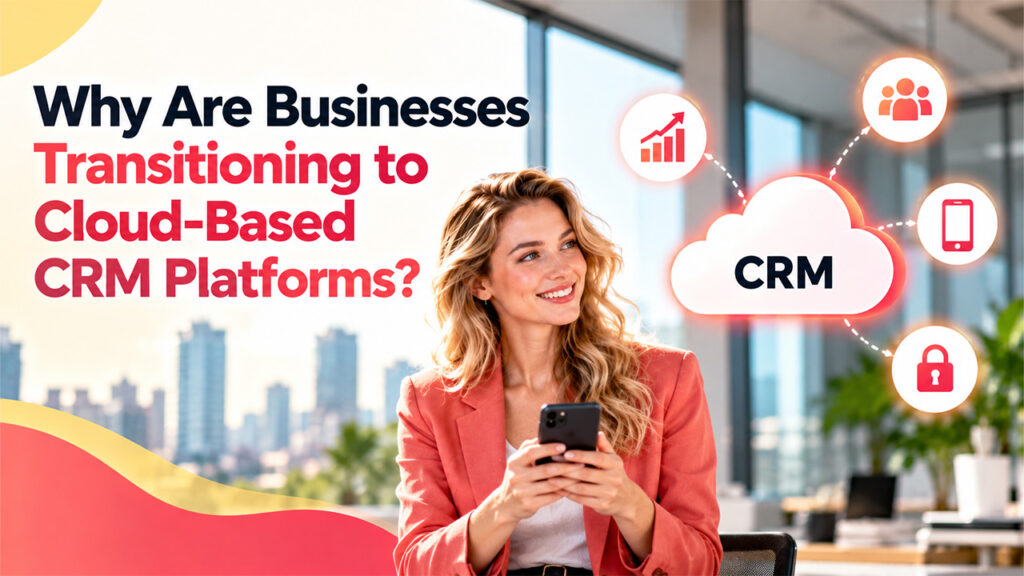
The benefits of migrating to the cloud are not just convenience. For businesses in the growing stage, it addresses issues directly that on-premises platforms were never created to solve:
Quicker Deployment and Minimum Upfront Expenses:
Conventional CRM installations can take a few months and need substantial investments in IT staff and servers. By contrast, Cloud CRM platforms can often be configured in days or weeks, with a predictable monthly subscription that replaces large upfront spending.
Mobile and Remote Accessibility:
Sales representatives working from home offices, client websites, or while traveling require real-time accessibility to customer records. A cloud system removing the reliance on office networks, enabling teams to update deals and track customer history from a laptop or phone.
In-Built Security and Maintenance:
Apart from the assumption that cloud platforms are significantly less secure, most of the providers make heavy investment in automated backups, encryption, and compliance measures that a small or mid-level business would struggle to replicate on its own. This also eliminates the burden of patching and manually upgrading software.
Simpler Scalability:
As a business evolves, storage, adding users, or features to a cloud CRM is often a matter of plan upgradation, not renegotiating licenses or purchasing new hardware.
These same benefits are exactly why solutions such as OutrightCRM are developing cloud-first, providing teams with a system that can scale with them instead of the one that they will eventually outgrow.
What You Need to Look for When You Are Selecting a Cloud CRM Platform?
Not all cloud-based CRM software is created in the same way, and choosing the wrong one can create as much friction as the legacy platform it is replacing. A few factors that are worth considering before you formally go for a software are as follows:
- Simplicity: A CRM your team prevents logging into does not solve anything. You need to look for an intuitive interface that does not require extensive training.
- Integration Options: The CRM must smoothly connect with your marketing, email, and support tools instead of treated as a separate silo.
- Security and Data Ownership: Comprehend how your information is stored, backed up, and whether it is genuinely portable if you even change providers.
- Customization: Each sales process is slightly different, so the platform must adjust to your stages in the pipeline and reporting requirements, not the other way around.
- Transparency in Pricing: Look for hidden expenses associated with extra users, add-ons, or sophisticated automation characteristics that are not included in the base plan.
Businesses that are looking to decide between developing your own system or subscribing to a ready-to-use platform typically find it valuable to directly assess the trade-offs. A comparison such as Custom CRM vs SaaS CRM explains where each approach makes sense as per the long-term objectives and team size.
Ensuring Quality of Data in a Cloud CRM
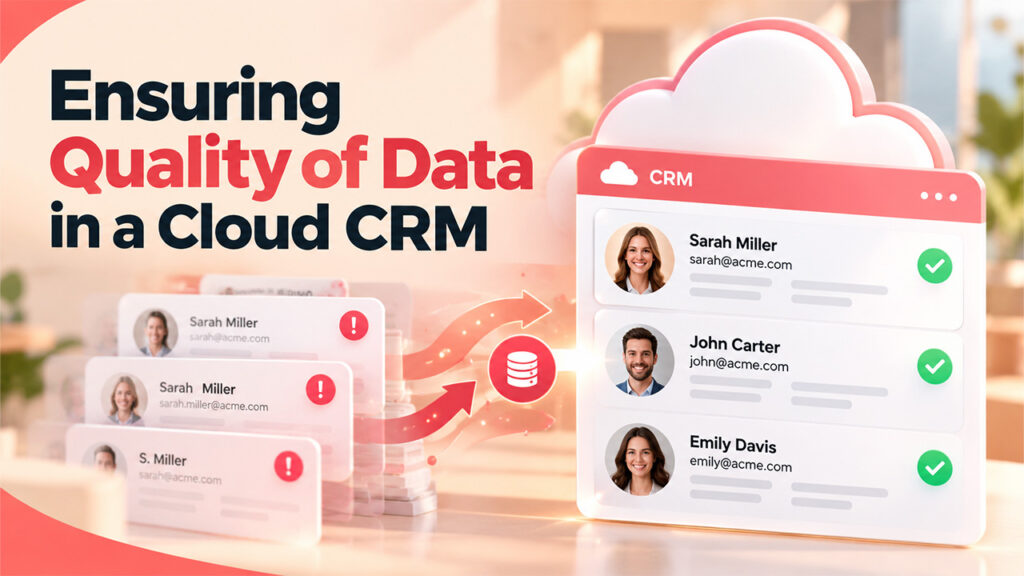
A cloud system can only be as crucial as the data stored in it. Even the most feature-packed cloud-based CRM software quickly loses value if records are incomplete, duplicated, or outdated. This is exactly why data hygiene needs as much attention as the selection of the platform itself.
Key habits that make sure that CRM remains dependable over-time are as follows:
- Standardizing how to enter company and contact names.
- Running checks periodically for duplicate records.
- Assigning proper ownership over the quality of data within a team.
- Automating rules of validation so incomplete entries cannot be saved.
Since the CRM typically works as the single source of truth for customer data, a well-maintained CRM database directly impacts forecasting, customer service response times, and how confidently a team can work on the data in front of them.
Conclusion
Migrating to cloud based CRM platforms is not just a technology upgrade. It significantly modifies how a sales team works daily, replacing manual admin-work with quicker accessibility to dependable customer data. Whether a business is a small team logging its first fifty leads or a growing business handling different pipelines, the security, flexibility, and lower overhead of cloud-based CRM software make it a safe and lasting choice.
Before settling on a provider, it is important to test the platform with actual workflows, checking compatibility with integration, and confirming pricing sensibly scales as the team evolves. If you get such details right up front, it can assist you in saving a big headache of migrating systems again down the line.
Frequently Asked Questions
What is the main difference between traditional CRM software and cloud based CRM platforms?
Cloud-driven CRM solutions are hosted online and accessed through the internet, while conventional CRM software is installed on local servers that businesses need to maintain itself. This essentially means systems often have less upfront costs and need significantly less in-house IT support.
Does cloud-based CRM software provide sufficient security for confidential customer data?
Yes, most providers leverage automated backups, encryption, and consistent security audits that often go beyond what a small business can manage independently. Security still partly relies on how effectively the business handles its own passwords and user access.
How much time does it take to set up a cloud CRM ecosystem?
You can get your cloud based CRM platforms up and running within days to a few weeks, compared to the months traditional systems often require. The exact timeline depends on data migration needs and how much customization is involved.
Can a cloud CRM be incorporated with the tools that we use already?
Most advanced platforms, including OutrightCRM, provide integrations with common marketing, email, and support tools. It is worth assessing depth of integration before going for a provider, since a few connections are more restricted than they first appear.
Does cloud CRM software suits small businesses for more or only big enterprises?
Cloud CRM is compatible with businesses of almost any size, since pricing is basically subscription-based and scales with the number of users. Cloud CRM suits small teams the most, since they prevent the large upfront investment that conventional platforms require.
%201.png)

%201.png)

%201.png)