
Shopify manages a few SEO basics on its own with default functionalities and then leaves it. This causes the title templates to break down silently, product pages go live without meta description, structured data is nowhere to be seen, and nothing in the admin can tell whether any of it is happening.
This gap is precisely what SEO apps are there to close, addressing different aspects of SEO. The five Shopify SEO tools covered below cover various on-page work, and they vary in terms of whether they lead with automation, auditing, or speed and image optimization.
Key Takeaways
- Audit-based platforms inform you what is broken, while automation-based tools modify things without asking, and this difference decides which aligns with your store better.
- Metadata templating refers to the feature that saves the majority of your time, since it resolves hundreds of product pages in a single action.
- JSON-LD organized data is what makes the rich results possible, encompassing availability, pricing, and ratings in search listings.
- Image weight impacts both conversions and rankings, so storage with big catalogs typically requires a dedicated tool along with a general one.
- No Shopify SEO tools can guarantee best rankings, and anything that promises 100% rankings is worth avoiding.
How Shopify SEO Tools Were Compared
Each app was assessed on what it publishes about its own functionality: auditing depth, metadata handling, structured data support, broken link management, and how much technical knowledge it assumes. We focused on capabilities rather than headline figures, which vary between sources.
We also picked apps with genuinely different centers of gravity. Comparing five metadata editors would tell you nothing useful about which one fits your store.
The 5 Shopify SEO Tools
1. Plug In SEO
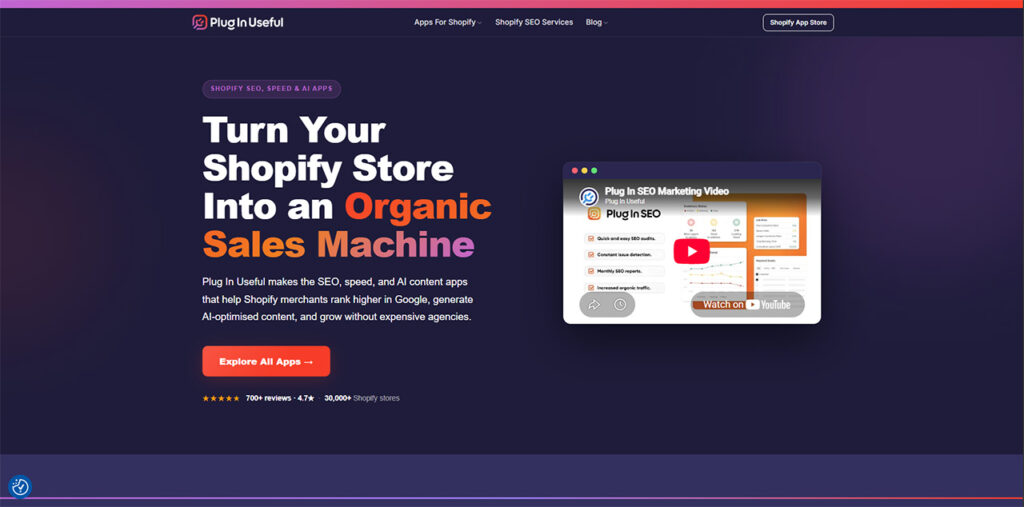
Plug In SEO is created around first auditing and fixing second, implementing a complete store audit with a prioritized issue list across collections, product pages, homepage, and blog posts. Each result come with a simple English language and detailed solution instead of prior SEO knowledge.
Bulk work occurs through meta description templates and Liquid title that are applied across each collection and product simultaneously. For a big catalog, this can remove the requirement to individually edit every page.
On the side of technical, it includes the newest JSON-LD organized data to each collection and product automatically, which ensures that rich results are eligible. Broken link detection, a live Google SERP preview for every page, and image ALT text templates round out the audit toolkit.
Keyword research is built into the app. The app operates through API of Shopify independently of these files. So, it operates on any theme, and there is a seven-day free trial with no need of card.
2. Yoast SEO for Shopify
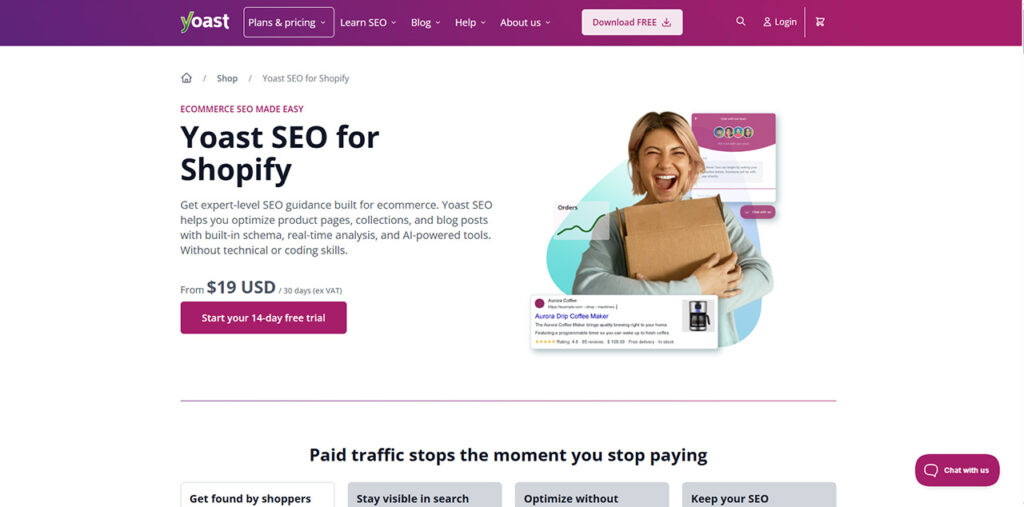
Yoast introduced its established SEO workflow to Shopify, and the overall familiarity is the main attraction of teams that utilized it on WordPress.
This Shopify SEO tool has both a readability and SEO analysis, scoring blog posts and product descriptions as you type them.
Metadata is managed through generative AI and variables, enabling you to auto-generate aspects of product descriptions and titles across a huge catalog. Keyword research operates via a Semrush integration instead of an in-built tool.
Structured output of data is unusually complete, encompassing Organization, Product, WebPage, Website, Article, BreadcrumbList, and Offer in one connected graph.
Product variant schema manages color, size, SKU, and material, and incorporates Loox, Judge. me, Opinew, and Ali Reviews create AggregateRating markup. Review apps feed AggregateRating markup, and you can see how star ratings and rich snippets affect store visibility in this guide on Shopify SEO product reviews.
Pricing starts from $19/month excluding VAT, including Yoast’s SEO courses and 24/7 support. The approach is content-driven instead of audit-based.
3. Smart SEO by Sherpas Design
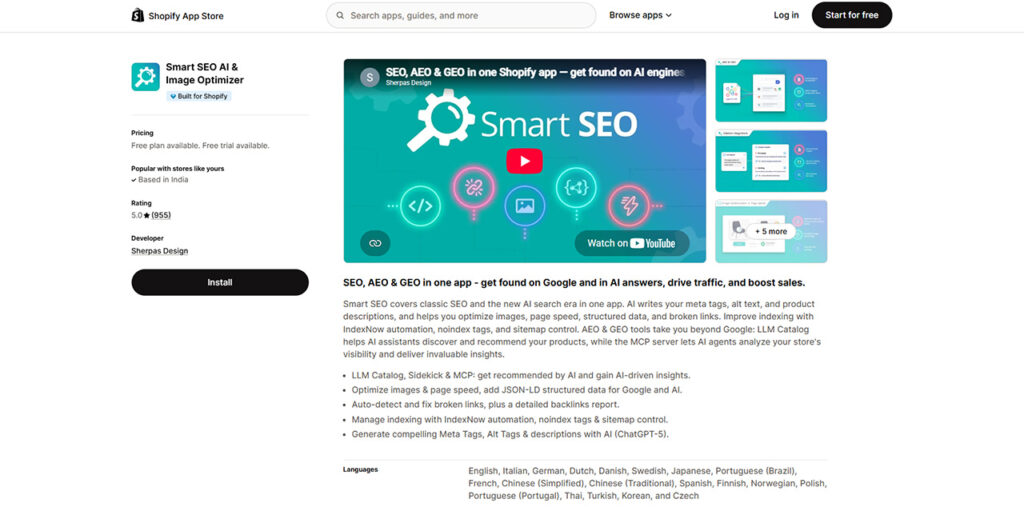
Smart SEO has been available on the Shopify App Store since August 2015, which makes it one of the biggest-running options in the category. It is built by Sherpas Design, based in Sofia.
Merchants appreciate three things consistently: bulk editing, image optimization and meta tag, and AI-enabled content. The SEO audit ensures guidance on optimization instead of just a list of issues.
The positioning is generic instead of being a specialist, encompassing the daily optimization tasks that most stores require without going too deep into one. Support responsiveness comes up repeatedly in merchant feedback.
Longevity is worth weighing on its own. An app that has survived a decade of Shopify platform changes has already proven it gets maintained, which is not true of every option in this category.
4. SearchPie SEO and Speed
SearchPie focuses on four key areas: technical SEO, on-page enhancement, page speed, and keyword research. This range is what attracts businesses who prefer not to run different apps along with one another.
On-page work encompasses individual and bulk editing of images, meta tags, and URLs. Technical coverage manages sitemaps and snippets in the format Google suggests for crawling.
A daily SEO report showcase where problems exist and offer solutions to fix them, which is a lot closer to a consistent audit loop rather than a one-time scan. One-click actions manage ALT tags, meta tags, and images together.
As one of the merchant-friendly Shopify SEO tools, it needs no coding and involves 24/7 support. It also has Shopify's Built for Shopify certification, which establishes a baseline for merchant experience and performance.
An AMP option exists along with main features for stores that caters to accelerated mobile pages. Whether this is important completely relies on your traffic mix.
5. TinySEO, formerly TinyIMG
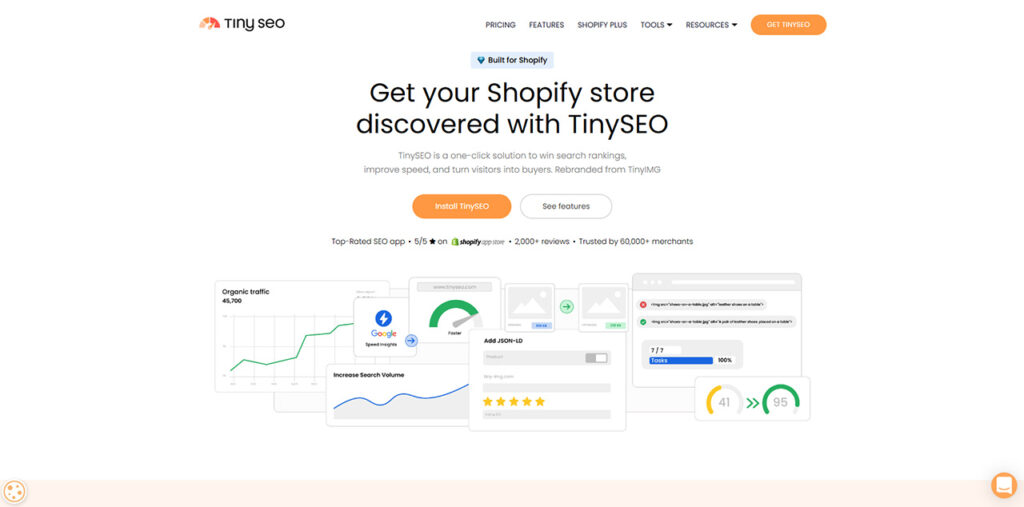
TinySEO was launched as an image optimization platform and has widened into a complete speed and SEO app, which is what triggered them to rebrand from TinyIMG. As you can check, visiting the old domain redirects to the new one.
Image work is always its strongest area, which compresses files by around 92% without visible loss of quality and automatically creating alt text. Original images are stored as backups for 30 days.
The SEO side involves optimization of bulk metadata, an LLM.txt file, and page indexing control to allow AI models to read the store.
Speed features manage the minification of JavaScript and CSS, lazy loading, and third-party script control.
Site audit reports create an actionable checklist for every page, along with click-through tracking and keyword ranking. Plans vary between $14-49/month, with the middle plan adding a complete sitemap, audit, broken link detection, and IndexNow.
Shopify SEO Tools: A Quick Comparison
| Tool | Leads with | Best suited to |
| Plug In SEO | Auditing with guided fixes and bulk templates | Store owners learning SEO while fixing it |
| Yoast SEO for Shopify | Content-led on-page analysis | Teams publishing product copy and blog content |
| Smart SEO | Balanced everyday optimization | Stores wanting broad coverage without complexity |
| SearchPie | All-in-one SEO plus speed | Merchants consolidating into one app |
| TinySEO | Image optimization and page speed | Image-heavy catalogs and slow-loading stores |
How to choose
Begin with what is really broken. If you do not have any idea, an audit-based tool first answers this question, and if you already have knowledge, a tool that resolves your particular problem will yield quicker results than a general suite.
Then keep in mind how much you really want to learn. Automation-based applications make modifications without big explanation, which helps you save time but makes you reliant on the tool, while guided tools establish knowledge you keep and take longer.
Finally, weigh catalog size. A store having 50 products can manually manage metadata, while one with 5,000 requires bulk templating, and this single factor rules numerous options in or out instantly.
Conclusion
The best Shopify SEO tools relies on whether your bottleneck understands what you have to resolve, ensuring the fixing at scale, or a particular technical issue such as image weight.
Most stores see that an audit-based platform responds to the first tool, with a specialist application later added if speed or images remain a problem.
Whichever tool you select, first install a trial version and run a complete audit before committing. The actual gap between what an application promises and what it reveals on your actual store is only the test that is important, and it can take the whole afternoon.
Frequently Asked Questions
Q1. Do I require an SEO application if Shopify has an in-built SEO?
A- Shopify encompasses the standard, including meta descriptions, editable title tags, and automatic sitemaps. What it does not do is inform you when such fields become broken or empty across hundreds of pages, which is what these apps are created to do.
Q2. What do we mean by JSON-LD structured data and why is it significant?
A- JSON-LD refers to a format that lets search engines know what is your content, with BreadcrumbList, Product, and FAQPage being the type of schema that is important for most stores. Right product schema ensures that your listings are eligible for rich results showing availability, price, and ratings.
Q3. How much time does it take to view the results from on-page SEO solutions?
A- Search engines must recrawl your pages before anything modifies, which often takes around weeks instead of days. Metadata fixes and structured data become quickly visible whereas authority or content changes can take some time.
Q4. Can these SEO apps replace in-house SEO teams or agencies?
A- For on-page and technical work, a good application encompasses most features what agency would really perform in that layer. Content Production, strategy, and acquisition of links are distinct jobs that software will not replace.
Q5. Can I deploy more than a single SEO application simultaneously?
A- Yes, you can and tools of image optimization specifically are typically combined with a general SEO app. Do not run two applications that both create structured data, since duplicate schema can implement errors in Search Console.
Q6. Do such applications aids with AI search visibility?
A- Yes, indirectly. Clear content in Q&A formats and structured data are among the main signals that AI systems utilize when you are deciding which pages you are citing, so the same work that provides support to conventional search supports AI responses as well.
%201.png)

%201.png)

%201.png)