

The design of digital products has changed significantly over the past few years. What once only required a few weeks of wireframing, prototyping, collaboration, and front-end development can now be achieved within just a few minutes, with the help of artificial intelligence.
The modern AI-powered design platforms offer the designing teams to generate interfaces, create prototypes, build production-ready code, and collaborate more efficiently. Whether you're a startup founder, product manager, UX designer, or developer, AI tools for web design are becoming essential for reducing design cycles and speeding up product launches.
In this guide, we'll explore the seven best tools for UI design in 2026, starting with one platform that's redefining how design and code work together.
Why AI UI Design Tools Are Becoming Essential
The process of designing digital products has become more complex in recent years. Modern platforms require intuitive user experience, along with responsive layouts, consistent design systems, and faster release cycles. AI UI tools help businesses deliver product design quickly while maintaining high design quality.
Traditional UI design workflows often involve multiple stages, which include wireframing, prototyping, stakeholder reviews, design revisions, and front-end implementation, among others. These processes can be time-consuming, especially for teams managing multiple projects simultaneously. AI-powered design tools help streamline these complex workflows by automating repetitive tasks and accelerating design creation.
For businesses building digital products in 2026, adopting advanced AI tools for web design is becoming a competitive advantage rather than an optional enhancement.
1. Flowstep
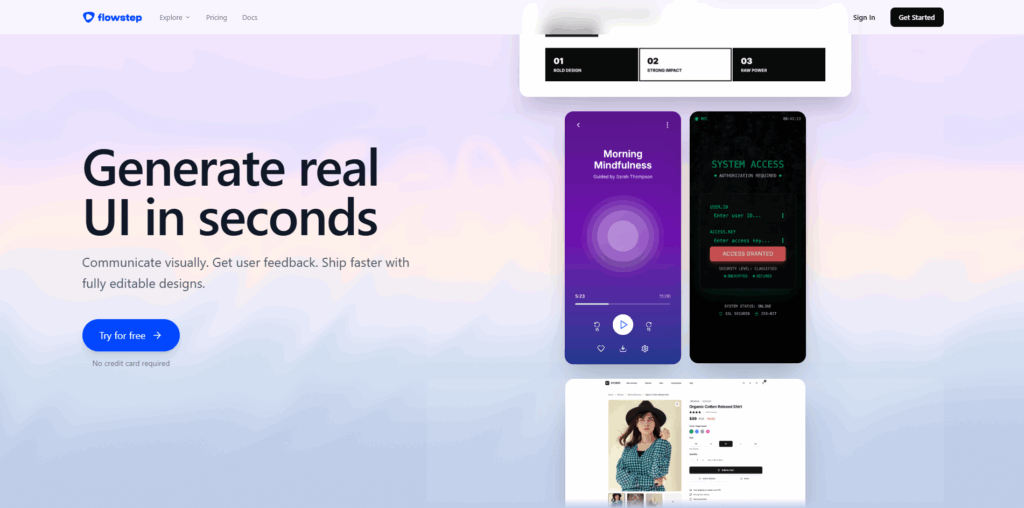
In recent few years, Flowstep emerged as one of the most innovative AI UI design platforms available. Flowstep combines design and development into a unified visual workspace, rather than treating them as a separate process.
Flowstep also features the ability to function like an AI design engineer, through which the teams can efficiently create interfaces visually, while also maintaining a direct connection to production-ready code.
Key Features
Generate Entire Product Flows Instantly
Instead of creating one screen at a time, Flowstep can simultaneously produce complete user journeys. This reduces the time required to design onboarding experiences, dashboards, checkout flows, and other multi-screen applications significantly.
Human and AI Collaboration
Designers can also modify interfaces manually while leveraging AI assistance at the same time. This creates a hybrid workflow, which provides greater creative control without sacrificing speed.
Effortless Figma Compatibility
Designs also can be transferred directly into Figma using a simple copy-and-paste method. It does not require any plugins, exports, or complicated integrations.
Context-Aware Design Creation
Flowstep can create interfaces based on:
- Images
- Existing website URLs
- Design documentation
- Product requirements
This allows teams to generate highly relevant designs while maintaining consistency across projects.
Front-End Code Generation
Flowstep supports exporting production-ready:
- React components
- TypeScript applications
- Tailwind CSS code
This enables development teams to move from concept to implementation significantly faster.
MCP Connectivity
One of Flowstep's most forward-looking capabilities is its support for MCP (Model Context Protocol), allowing connections with AI agents, development environments, and productivity tools.
Design teams can seamlessly integrate workflows with platforms such as:
- Cursor
- Claude Code
- Windsurf
- Custom AI agents
This creates a connected ecosystem where design and engineering operate together rather than in silos.
Best For: Product teams, startups, design systems, AI-native development workflows.
2. Figma Make
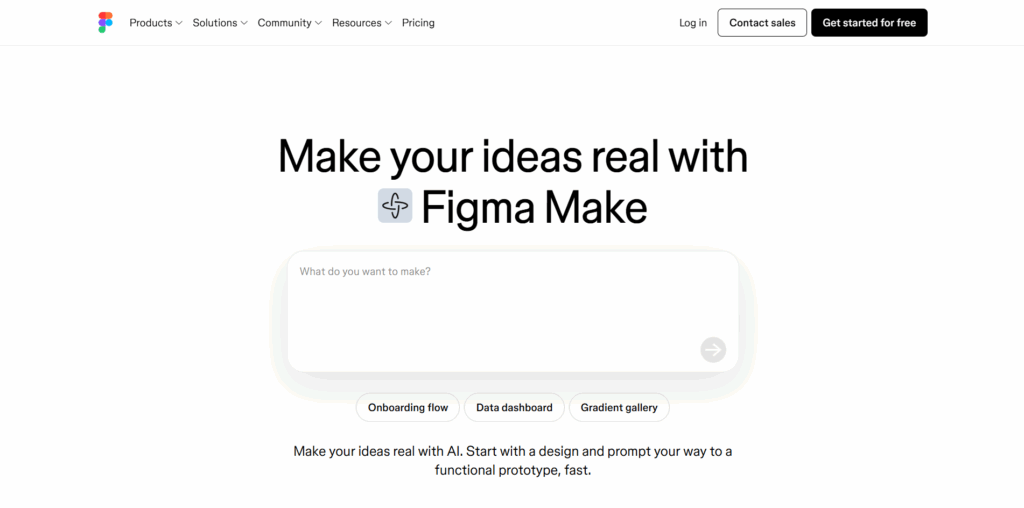
Figma has long been one of the most widely used interface design platforms. With the introduction of AI-powered capabilities, Figma Make aims to accelerate idea generation and prototype creation.
Designers can use prompts to generate layouts, components, and interface suggestions directly within their workflow.
Strengths
- Familiar Figma environment
- Rapid concept creation
- Collaborative team workflows
- Large design community
- Extensive design system support
Limitations
While useful for prototyping and ideation, teams often need additional tools to bridge the gap between design concepts and production-ready implementation.
Best For: Existing Figma users looking to accelerate design exploration.
3. Framer
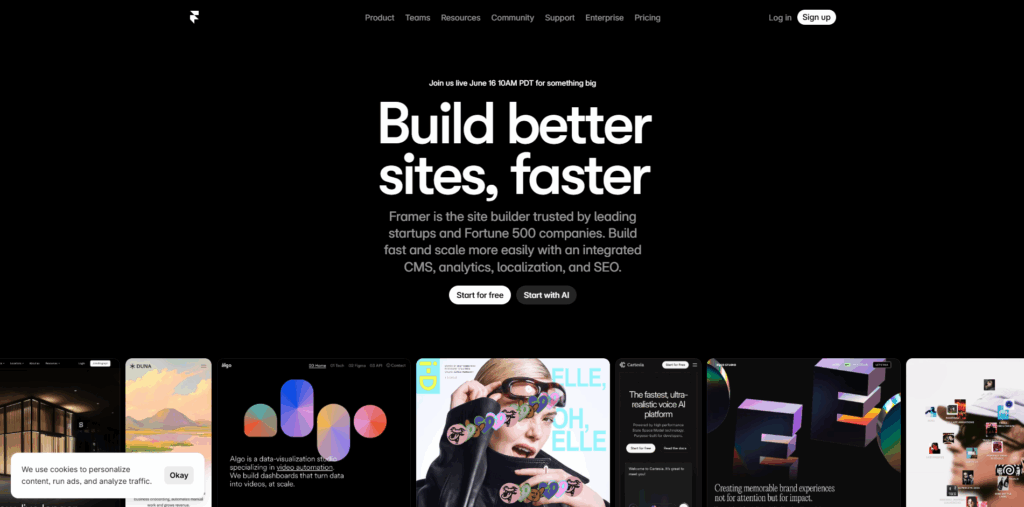
Framer has evolved from a prototyping platform into a comprehensive website-building solution powered by AI.
Its AI capabilities allow users to generate layouts, copy, and landing pages from simple prompts.
Key Features
- Fast website creation
- Responsive design generation
- Built-in hosting
- Interactive prototyping
- Visual editing environment
Framer is particularly useful for marketing teams and startups that need professional websites without extensive development resources.
Best For: Marketing sites, landing pages, startup websites.
4. v0
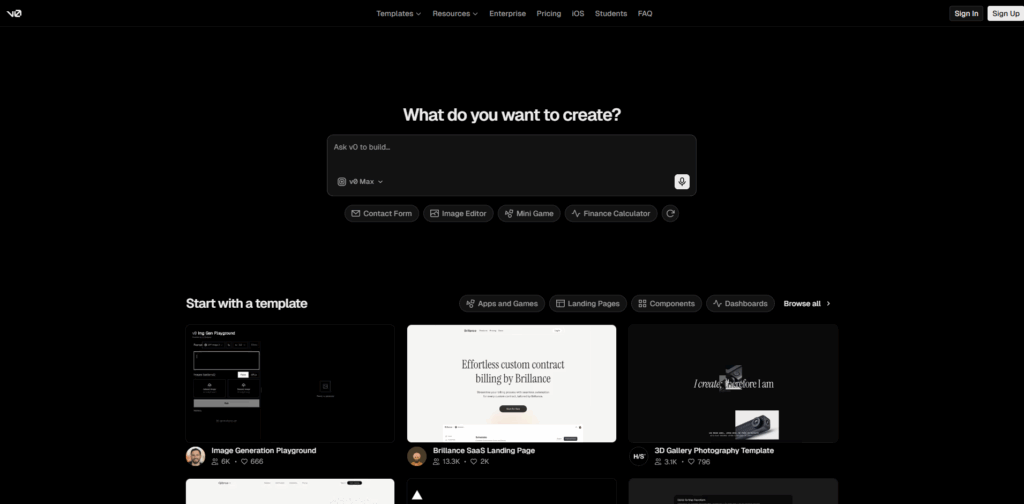
v0 has become popular among developers seeking rapid UI generation.
Using natural language prompts, users can create React-based interfaces and iterate on designs conversationally.
Key Features
- Fast UI creation
- Component-based workflow
- Developer-friendly output
- Strong front-end focus
- Modern interface generation
For teams prioritizing implementation speed, v0 helps bridge the gap between ideas and usable front-end structures.
Best For: Developers and technical founders.
5. Bolt.new
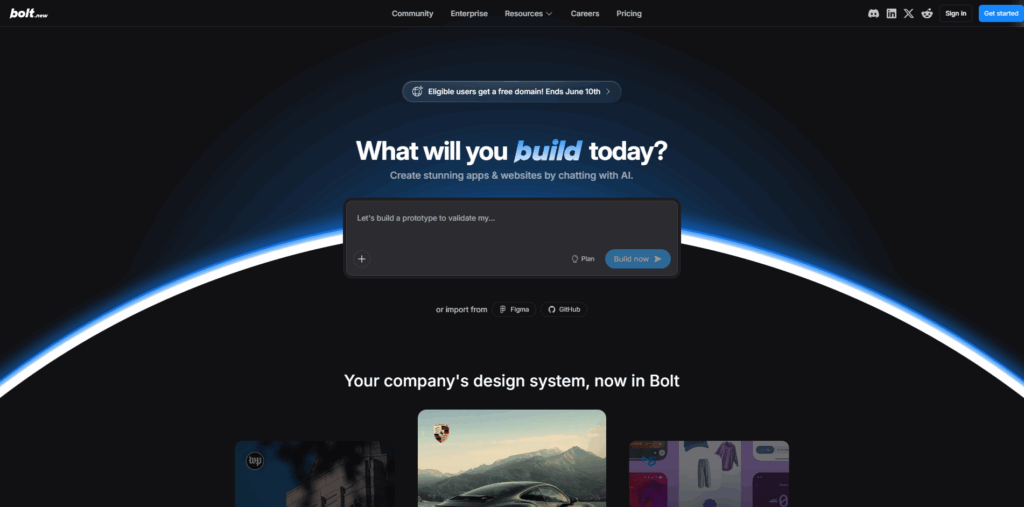
Bolt.new focuses on generating full-stack applications through AI-assisted workflows.
Rather than stopping at design generation, the platform helps users create working applications with minimal setup.
Key Features
- Full-stack generation
- Rapid prototyping
- Integrated development workflows
- Natural language interface
- Fast iteration cycles
This makes it particularly appealing for startups validating product concepts quickly.
Best For: MVP development and rapid product validation.
6. Lovable
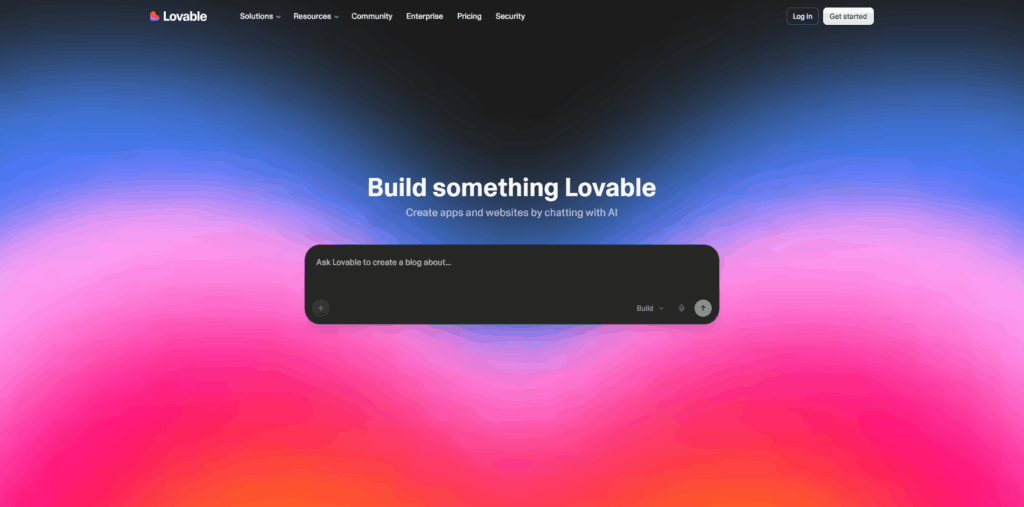
Lovable is designed for users who want to transform ideas into applications with minimal technical complexity.
The platform uses conversational AI to guide users through product creation.
Benefits
- Beginner-friendly experience
- Fast application creation
- Intuitive workflows
- AI-assisted design generation
- Quick deployment capabilities
Its simplicity makes it attractive to non-technical founders and entrepreneurs.
Best For: Non-technical builders and startup founders.
7. Cursor
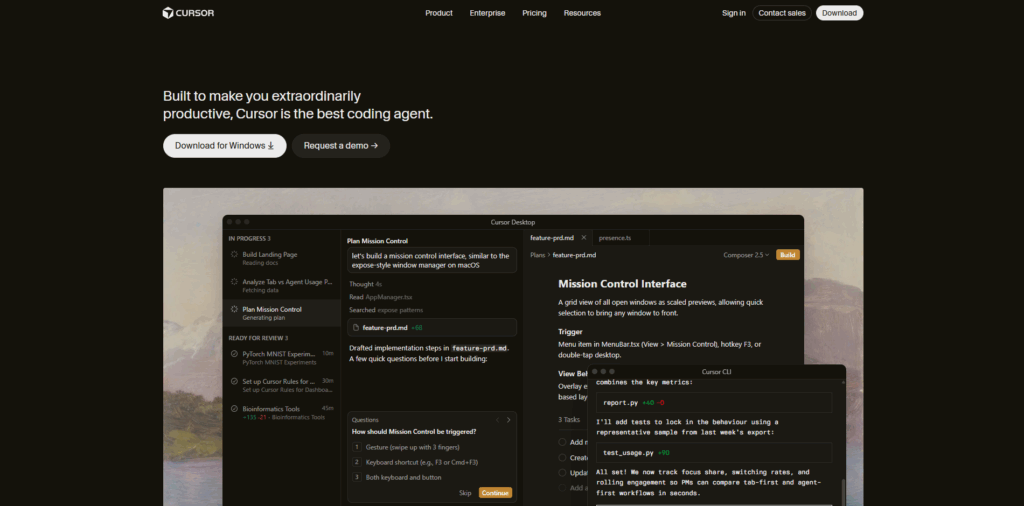
Although Cursor is primarily known as an AI coding environment, it increasingly plays a role in modern design-to-development workflows.
Many teams use Cursor alongside visual design tools to accelerate implementation and iteration.
Key Features
- AI-assisted coding
- Context-aware development
- Codebase understanding
- Rapid front-end implementation
- Productivity enhancement
When paired with platforms that generate design assets and UI structures, Cursor helps transform concepts into functioning products quickly.
Best For: Developers building production-ready applications.
How to Choose the Right AI UI Design Tool
The best platform depends on your team's goals.
Choose Flowstep If:
- You want design and code in one environment.
- You need multi-screen generation.
- You require React and TypeScript export.
- You work with AI agents and developer tools.
- You want to accelerate product delivery.
Choose Figma Make If:
- Your team already relies heavily on Figma.
- Collaboration is your primary focus.
Choose Framer If:
- You build marketing websites.
- Speed of website deployment matters.
Choose v0 If:
- You're developer-first.
- Component generation is a priority.
Choose Bolt.new or Lovable If:
- You want to build MVPs quickly.
- You're validating product ideas.
Choose Cursor If:
- Your primary need is AI-assisted development.
The Future of AI Design Engineering
The future of digital product creation is moving beyond traditional design workflows towards AI Design Engineering. The platform combines design, development, and artificial intelligence into a unified process, which allows teams to create products faster and more efficiently.
Traditional workflows often involve:
- Designing interfaces
- Creating prototypes
- Handing designs to developers
- Rebuilding everything in code
AI Design Engineering is transforming the traditional design workflow by bringing together design and coding. The modern AI-powered platform enables teams to generate an interface, iterate on designs, and produce development-ready code within the same environment. This reduces the time to move from an idea to a working product significantly.
AI integration with development environments and coding tools also enables teams to generate production-ready code, which can be sent directly into development workflows. This significantly reduces repetitive front-end work and ensures a greater consistency between design intent and implementation.
Conclusion
In the current digital and innovative landscape, AI is changing the fundamentals of how digital products are created. In designing products, most effective tools no longer focus solely on design or development, but they also bring both the processes together into a unified workflow.
Flowstep stands out as the leader in leading UI design tool in 2026, mainly for its ability to combine visual design, AI-assisted creation, multi-screen generation, code export, and AI-agent connectivity in a single platform.
Especially for businesses or teams looking to move faster, reduce friction, and create production-ready interfaces efficiently, choosing the right AI UI design tool ensures a significant advantage.
As the industry continues evolving, organizations that embrace AI-powered workflows today will be better positioned to build the products of tomorrow.
%201.png)

%201.png)

%201.png)

