
Document conversion sounds simple until your team spends twenty minutes reformatting a scanned invoice because the output came out skewed, oversized, or missing pages. For business teams processing high volumes of image-based files, a reliable JPG to PDF converter is not optional — it is infrastructure. This JPGtoPDF review covers conversion output quality, batch processing performance, and what the free platform delivers for teams that handle image-based documents at scale.
What JPGtoPDF Does
JPGToPDF is a free browser-based platform built to convert image to PDF without requiring any software installation. Beyond basic conversion, it bundles a range of PDF editing and management tools in one place. The platform targets users who regularly move between image formats and PDFs as part of document workflows: accounting teams handling scanned receipts, HR departments processing signed forms, and operations staff archiving image-based records.
The interface is clean and direct. Upload files, select your output settings, and download the result. No desktop client to maintain or update. The platform supports JPG, PNG, TIFF, and several other image formats — making it a practical free image to PDF converter for teams that need more than basic drag-and-drop tools can provide. Teams working with multiple document formats often combine image conversion with a Word to PDF converter to standardize files before sharing or archiving.
Conversion Quality and Performance
Conversion accuracy is the first thing that earns or loses trust. JPGtoPDF's output PDFs preserve image resolution without visible compression artifacts on standard document scans. Text in scanned documents stays sharp, which matters when files go on to legal review or archival storage. Margins and page sizing hold consistent across batches, so you are not manually adjusting page dimensions after the fact.
Batch processing is a meaningful differentiator. Queue multiple images and receive a single merged PDF or individual converted files depending on your preference. A batch of 20 JPEGs typically processes in under thirty seconds — fast enough to fit into a document workflow without becoming a bottleneck.
Users who previously tried a free JPG to PDF converter and moved on because of output quality or file limits tend to find the accuracy here more consistent. The platform handles mixed-resolution batches without distorting aspect ratios, which is a common failure point in lightweight online PDF tools.
Additional Features Beyond Conversion
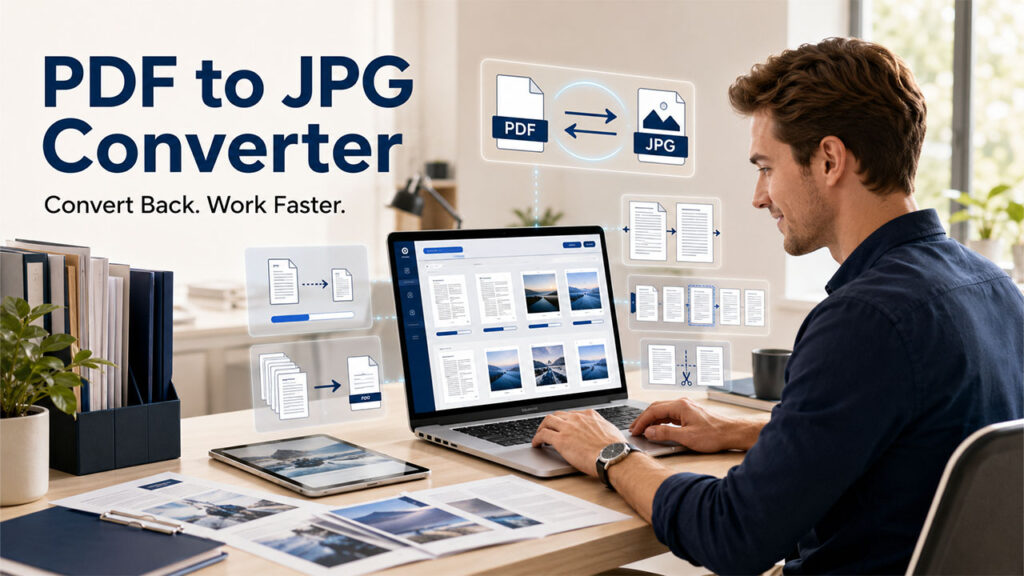
JPGtoPDF is not a single-purpose tool. The platform gives access to PDF compression, PDF splitting, merging, page reordering, and format conversion in the opposite direction. That reverse capability — exporting PDF pages back to image formats — makes it a legitimate best free PDF to JPG converter for users who need round-trip workflows, not just one-way output.
The compression tool earns its place. Reducing a scanned multi-page PDF from 14MB to under 3MB without visible quality loss makes email attachments and document portals less painful. The merge and split functions work without file count restrictions, which matters for teams dealing with large document sets daily.
There is no desktop app. Teams that work entirely offline or handle sensitive documents on air-gapped systems will find this a barrier. For cloud-comfortable teams, the browser-only model keeps the toolset consistent across operating systems without IT overhead.
For context on what document teams typically need from a PDF tool, AIIM's overview of document management outlines the core requirements that separate useful tools from tools that only cover the basics.
Who Gets the Most Out of It
JPGtoPDF suits teams that process image-to-PDF conversions frequently enough that per-file caps or daily limits on other free tools create friction. One free platform covers compression, merging, and conversion — no stitching together separate tools for each task.
Freelancers and small businesses managing their own document workflows benefit most if they use more than one of the included tools regularly. If your use case is occasional, one-off conversions, any free JPG to PDF converter will do the job. The value here compounds when volume and quality both matter.
Final Thoughts
JPGtoPDF delivers consistent, high-quality output for teams that rely on image-to-PDF conversion as part of their regular document workflow. The batch processing, compression, and merge tools add real utility beyond basic conversion — and it is all free. Solo users with light conversion needs will have no trouble getting what they need. For document-heavy operations where output accuracy and processing speed matter, it is worth trying before reaching for a paid alternative.
%201.png)

%201.png)

%201.png)