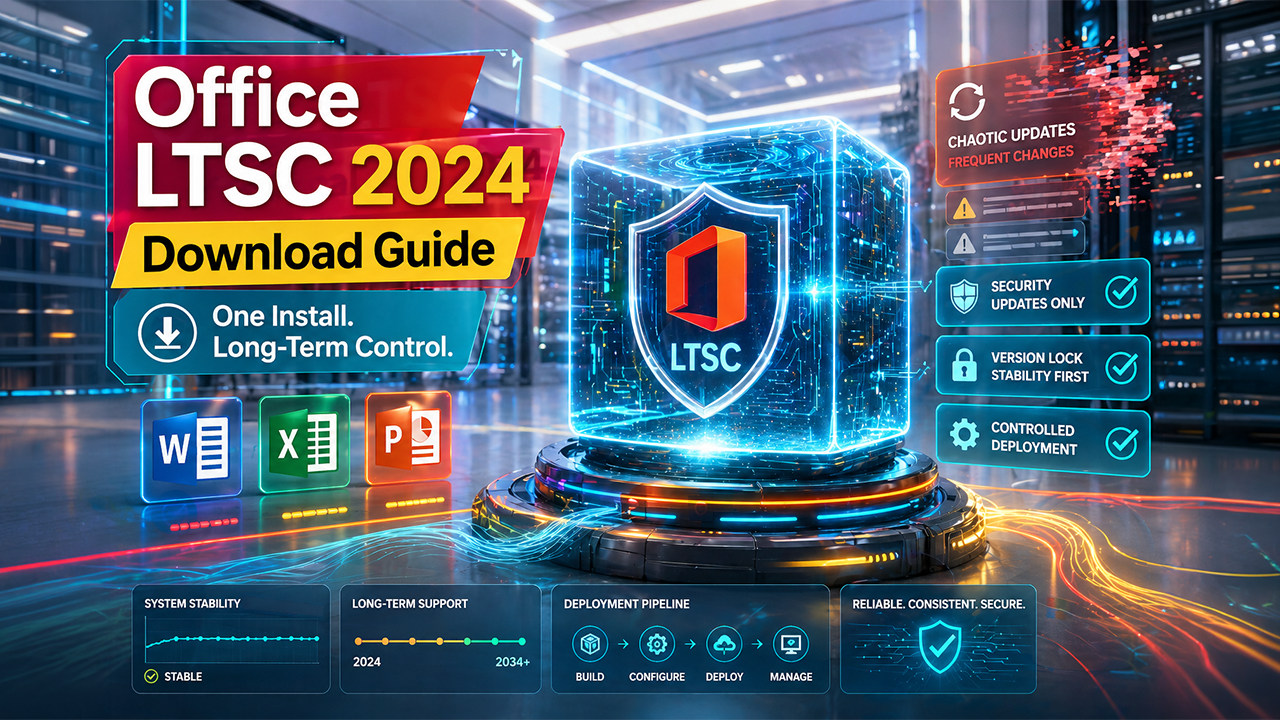

For businesses and professionals who prioritize stability over constant change, long-term servicing software has become an increasingly practical option. Microsoft Office LTSC Professional Plus 2024 is designed specifically for organizations that require a consistent set of features without the frequent updates that come with subscription-based services. Many users search for a Microsoft Office LTSC Professional Plus 2024 download to install a reliable version suited for controlled and offline environments.
Before downloading and installing this version of Office, it is important to understand how it works, who it is designed for, and what to expect in terms of features, licensing, and deployment. Unlike cloud-based platforms, this edition follows a different update model and is built for specific use cases.
What Office LTSC Professional Plus 2024 Is
Microsoft Office LTSC Professional Plus 2024 is a one-time purchase version of Microsoft Office that provides access to core applications such as Word, Excel, PowerPoint, and Outlook. It is part of Microsoft’s Long-Term Servicing Channel (LTSC), which focuses on stability and extended support.
Unlike subscription-based offerings like Microsoft 365, LTSC versions do not receive continuous feature updates. Instead, they remain consistent over time, receiving only security updates and critical fixes.
This makes it particularly suitable for environments where changes must be controlled, such as regulated industries, government systems, or businesses with strict operational workflows.
Who Should Use This Version
This version of Office is not designed for everyday users who want the latest features or cloud-based functionality. Instead, it is aimed at organizations that prioritize consistency, compatibility, and long-term deployment.
Businesses with strict IT policies often prefer LTSC versions because they reduce the need for continuous testing and staff retraining. Industries such as manufacturing, healthcare, and finance benefit from software that remains stable over long periods.
For users who rely on collaboration tools, cloud storage, and real-time updates, a subscription-based option like Microsoft 365 may still be more suitable.
What You Get with the Installation
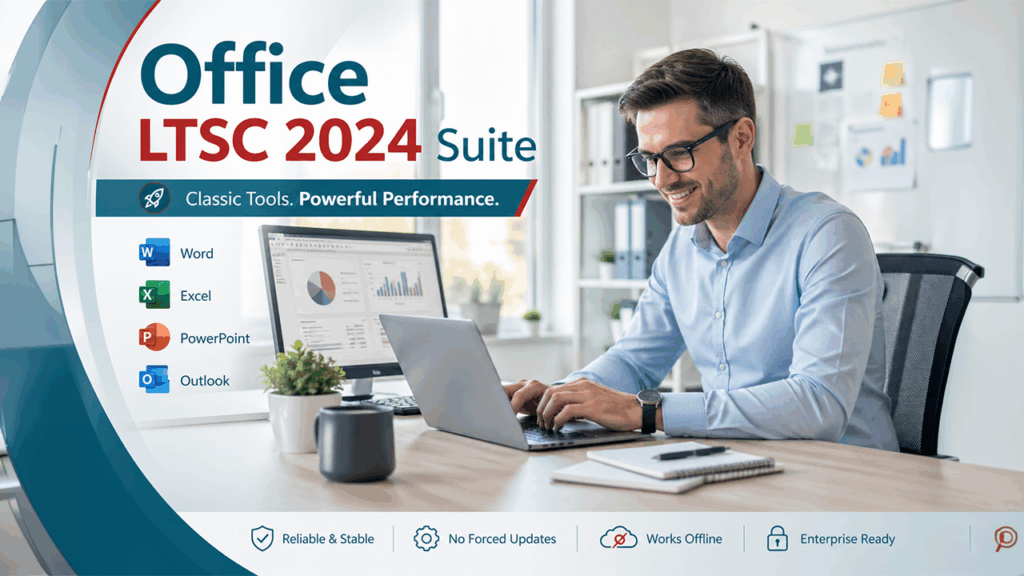
When you install Microsoft Office LTSC Professional Plus 2024, you gain access to a suite of well-established productivity applications.
These typically include Word for document creation, Excel for data analysis, PowerPoint for presentations, and Outlook for email and scheduling. Features are based on a fixed snapshot of recent Office innovations, without future feature additions.
While this version does not include the latest experimental or cloud-driven features, it delivers a reliable and consistent user experience across different systems.
Understanding the Download Process
Downloading this version of Office is different from a standard consumer installation.
Microsoft Office LTSC Professional Plus 2024 is usually distributed through volume licensing channels. It is not available through standard retail downloads and typically requires volume licensing access or authorized distribution channels.
In many cases, installation is handled using the Office Deployment Tool. This allows IT teams to customize installations, configure settings, and deploy Office across multiple devices efficiently.
This structured approach is ideal for organizations managing multiple systems rather than individual users installing software on a single device.
Licensing and Activation
Licensing is one of the most important aspects to understand before downloading.
Microsoft Office LTSC Professional Plus 2024 is primarily distributed through volume licensing channels and authorized providers. This means organizations must ensure they have valid activation credentials in place before installation.
Activation methods may include key-based activation or network-based systems such as Key Management Service (KMS), depending on the setup.
Understanding these requirements helps avoid activation issues and ensures proper compliance with Microsoft’s usage terms.
Key Differences from Subscription-Based Office
One of the main differences between LTSC versions and subscription-based Office products is how updates are delivered.
With Microsoft 365, users receive regular updates, new features, and improved integrations over time. This keeps the software aligned with modern workflows and cloud-based systems.
In contrast, Microsoft Office LTSC Professional Plus 2024 remains largely unchanged after installation. While it continues to receive security updates, it does not gain new features.
This makes it ideal for businesses that value predictability, but it may feel limiting for those who prefer continuous improvements and integrations.
System Requirements and Compatibility
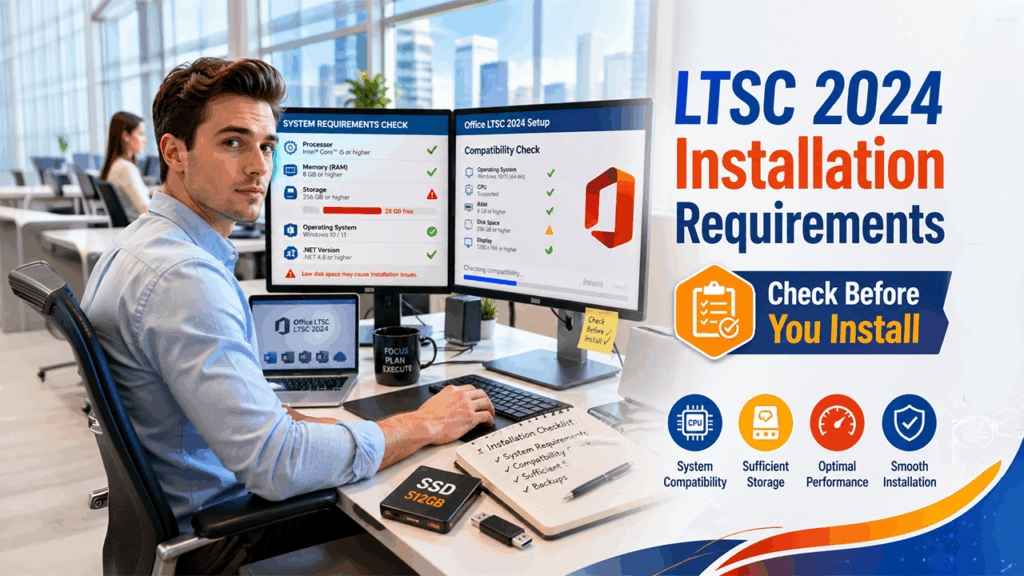
Before installation, it is important to confirm that your system meets the requirements.
This includes having a compatible operating system, enough storage space, and sufficient processing power. While LTSC versions are designed for enterprise environments, compatibility with existing software and workflows should still be reviewed.
This is especially important for organizations using specialized applications that depend on specific Office versions.
Taking the time to check these details helps ensure a smoother installation and avoids unnecessary disruptions.
Why Businesses Choose LTSC Versions
Many organizations choose LTSC versions because they simplify long-term software management.
Without frequent updates, IT teams can maintain a stable environment with fewer interruptions. This reduces compatibility issues, limits unexpected changes, and keeps systems consistent over time.
For industries where software stability is critical, this approach can be far more practical than managing constantly evolving systems.
While it may not suit every business, it offers a reliable solution for those prioritizing control and predictability.
Conclusion
Downloading and installing Microsoft Office LTSC Professional Plus 2024 requires more planning than a typical Office setup, but it provides clear advantages for the right users.
Its focus on stability, long-term support, and controlled updates makes it ideal for organizations that need consistent performance. However, it is important to understand licensing requirements, deployment methods, and system compatibility before proceeding.
For businesses that value reliability over constant change, LTSC remains a strong and practical choice.
FAQs
What is Office LTSC Professional Plus 2024?
It is a one-time purchase version of Microsoft Office designed for organizations that need stable, long-term software without frequent feature updates.
How is it different from Microsoft 365?
It does not receive regular feature updates and focuses on stability, while Microsoft 365 provides continuous updates and cloud-based features.
Can individuals download Office LTSC Professional Plus 2024?
It is primarily intended for organizations with volume licensing agreements rather than individual users.
What tool is used to install this version?
The Office Deployment Tool is commonly used to configure and deploy LTSC versions in business environments.
%201.png)

%201.png)

%201.png)