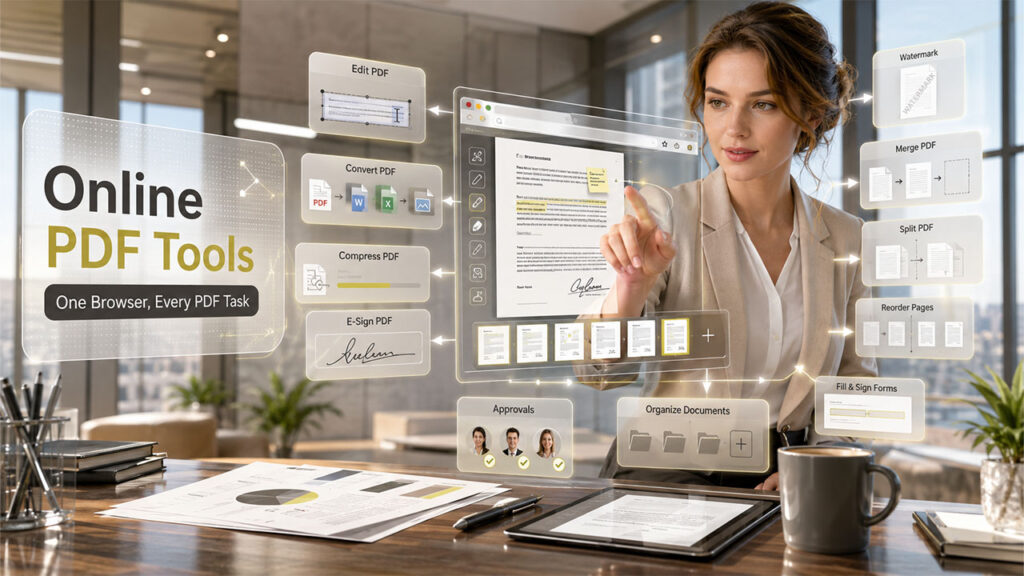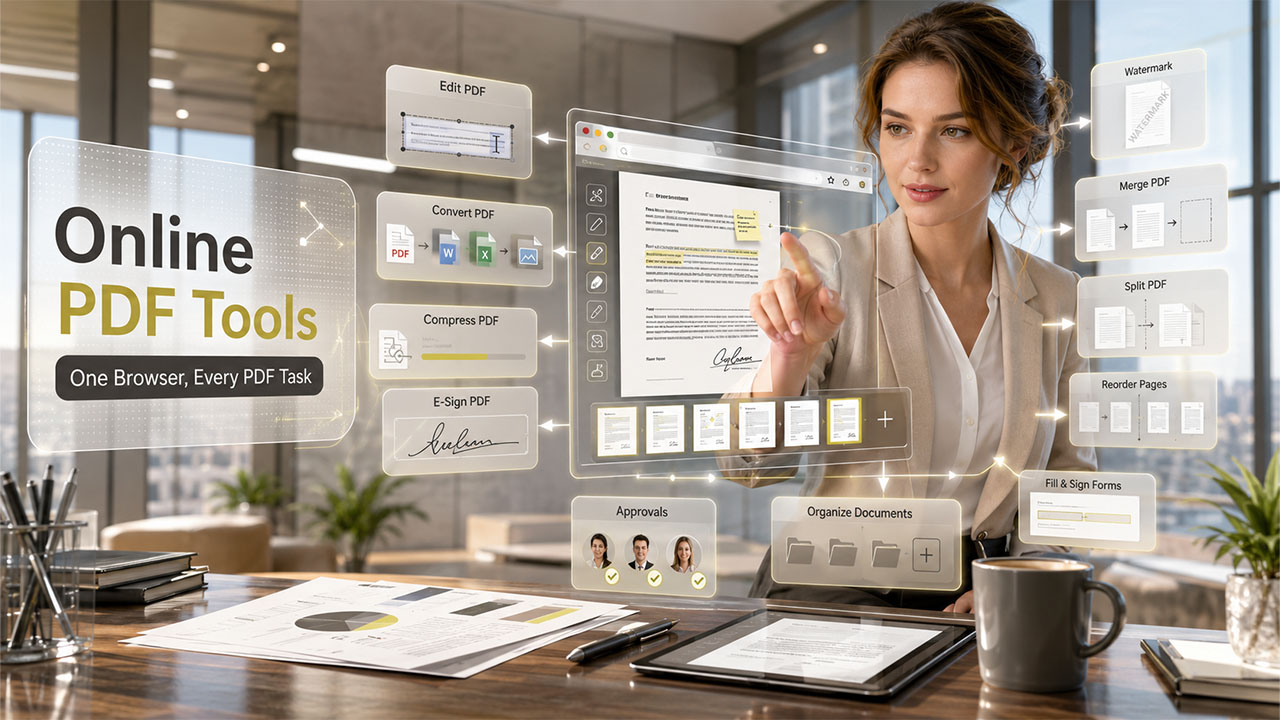

PDF files are used in almost every business process, mainly for sending proposals, invoices, reports, contracts, onboarding documents, product catalogs, and internal policies, as it keeps the layout consistent and professional. But such business documents often requires small changes before being shared. Teams needs to compress the file, add a signature, merge several pages, convert a PDF into another format, fill out a form, or add a watermark to protect a document.
There are various online PDF tools, which make these editing tasks much easier. These tools work directly in the browser, and require no complex installation, helping the teams complete document-related tasks quickly.
Instead of choosing one tool for everything, it is better to select the right tool for the specific task. Below are some of the best online PDF editing tools for different business needs.
Why Online PDF Tools Matter for Business Documents
Businesses need effecient PDF tools as these documents act as a crucial part of daily communication in an organization. The sales team may need to update a proposal before sending it to a client, while the finance team may need to compress invoices before emailing. Legal team may need signatures on contracts, and marketing team may need to add watermark to a presentation or report before sharing it externally.
Online PDF tools are useful because they are:
- Easy to access from any browser
- Helpful for remote and hybrid teams
- Suitable for quick document tasks
- Simple enough for non-technical users
- Often faster than desktop software for small edits
The best choice depends on what your business needs to do with PDF files most often.
Best for Complete PDF Editing: Adobe Acrobat Online
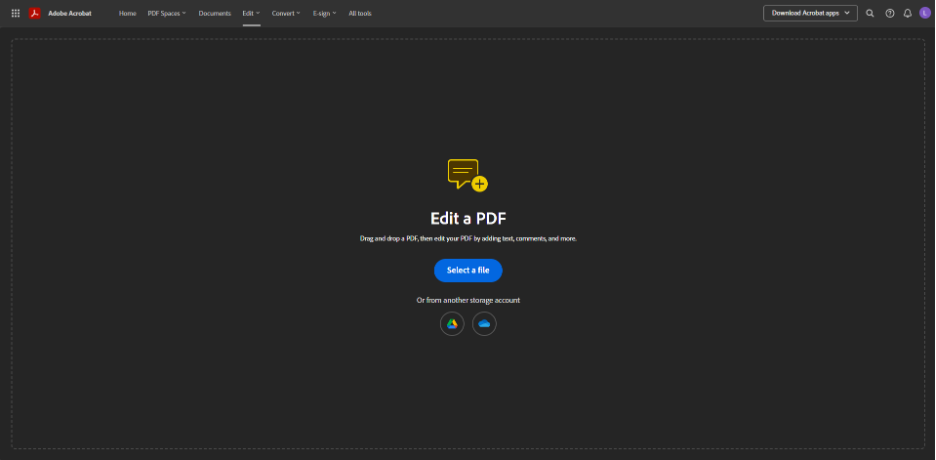
Adobe Acrobat Online is among the best and a strong option for businesses that requires a complete PDF editing solution. The platform offers key tools that can be used for editing text, adding comments, converting files, organizing pages, signing documents, and protecting PDFs.
Acrobat Online is especially considered useful for the companies that already use Adobe products or need a reliable PDF platform for professional document workflows. With Acrobats, teams can easily use it for contracts, business forms, reports, client documents, and internal files.
Adobe Acrobat Online may be more advanced than some businesses need for simple tasks, but it remains one of the most complete options for working with PDF documents.
Best for Quick File Conversion: Smallpdf
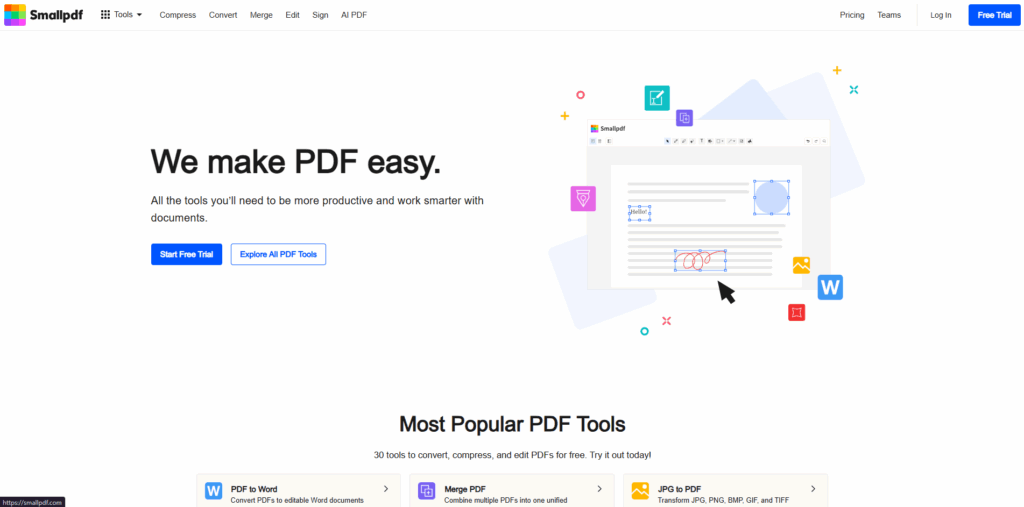
Smallpdf is considered a convenient tool for converting PDF files into editable formats like Word, Excel, PowerPoint, and image files. The platform also supports common PDF related tasks such as merging, splitting, compressing, and signing. This makes it one of the most practical PDF Editing Tools for Small Businesses that need fast document conversion and basic PDF management without a steep learning curve.
One of the main advantages of the tools is its simplicity. The tool is clean and easy to use even for people who do not work with PDFs every day.
Smallpdf is also considered useful for small businesses, freelancers, and teams that regularly need to convert documents without spending much time learning new software.
Best for Compressing Large PDFs: iLovePDF
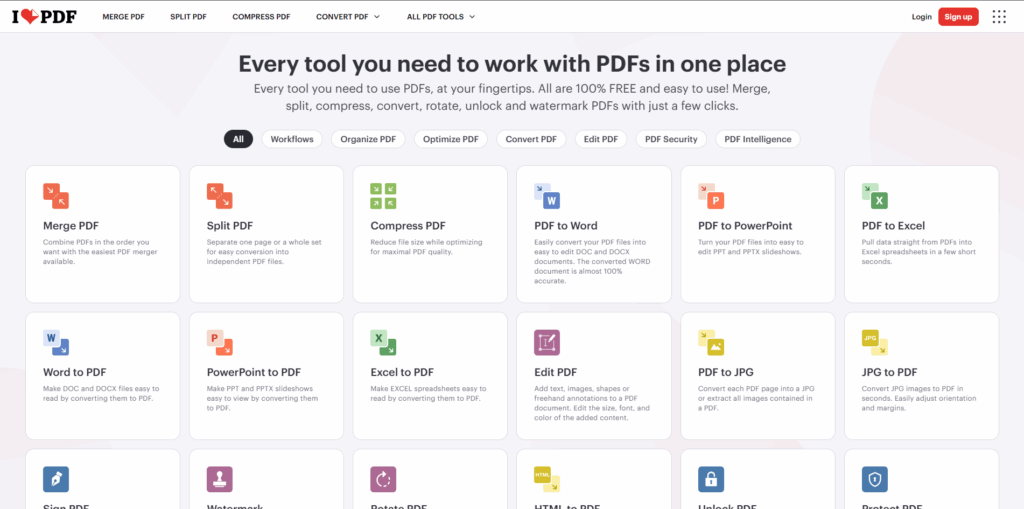
iLovePDF is considered a practical choice if the business needs to reduce the file size of the PDF document. A large PDF document is generally difficult to send by email, upload into CRM systems, or share through online forms.
Besides compression, iLovePDF also features key tools like merging, splitting, converting, rotating, unlocking, and protecting PDF files. This tool makes the paltform a useful general PDF toolkit for office work.
For teams that often handle large reports, scanned documents, invoices, or presentations, iLovePDF can help keep files easier to share and store.
Best for Adding Watermarks: Watermarkly

Watermarkly is an essential online tool for adding watermarks to the documents. Businesses can use the tool to add a text or logo watermark on PDF files before sharing them with clients, partners, or internal teams.
This tool can be helpful for applications like proposals, contracts, reports, catalogs, training materials, drafts, and other documents where ownership, status, or confidentiality should be clearly marked.
The tool allows users to adjust the watermark’s position, size, opacity, color, and rotation. It also supports working with multiple PDF files, which can save time when several documents need the same watermark.
Watermarkly is a good fit for users who need a direct solution for PDF watermarking without using a larger PDF editing platform.
Best for Signing and Approvals: DocHub
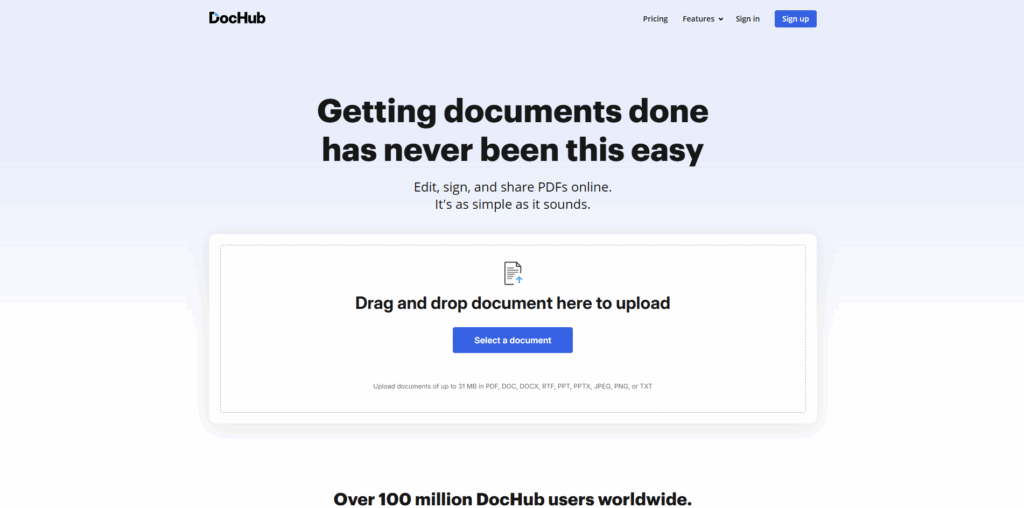
DocHub is focused on editing, signing, sharing, and managing PDF documents online. It is useful for businesses that frequently send files for approval or signature.
Users can add signatures, fill forms, insert text, create fillable fields, and share documents with other people. This makes it helpful for sales teams, HR departments, consultants, real estate businesses, and service companies.
DocHub is especially useful when a document needs to move between several people before it is completed.
Best for Filling PDF Forms: PDFescape
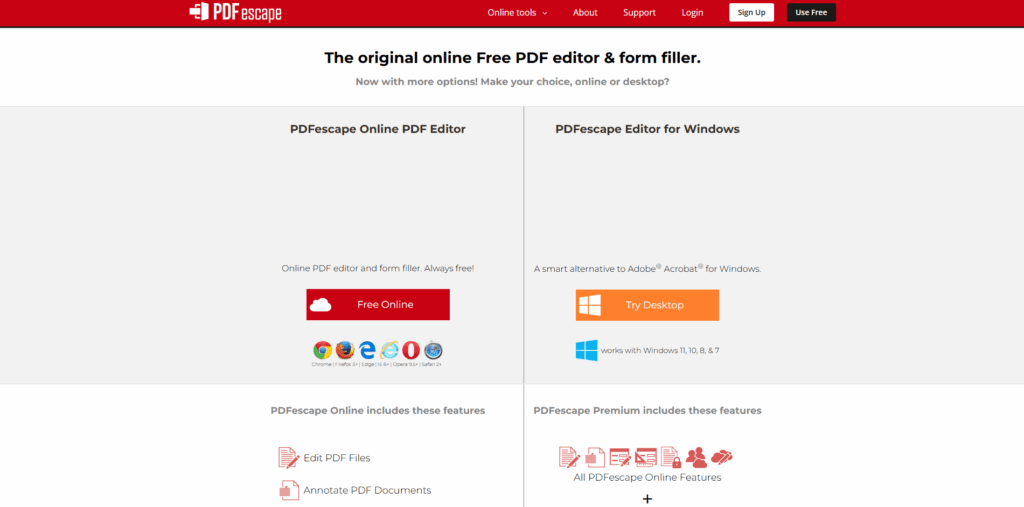
PDFescape is a browser-based PDF editor that works well for filling forms and making simple edits. Users can add text, insert shapes, highlight content, annotate PDF documents, and complete PDF forms online.
It is not the most advanced solution for complex document editing, but it can be useful for quick form-based tasks. Businesses can use it for applications, internal forms, checklists, registration documents, and administrative files.
PDFescape is a practical option when the goal is to complete or lightly edit a PDF without using a large platform.
Best for Organizing PDF Pages: Sejda
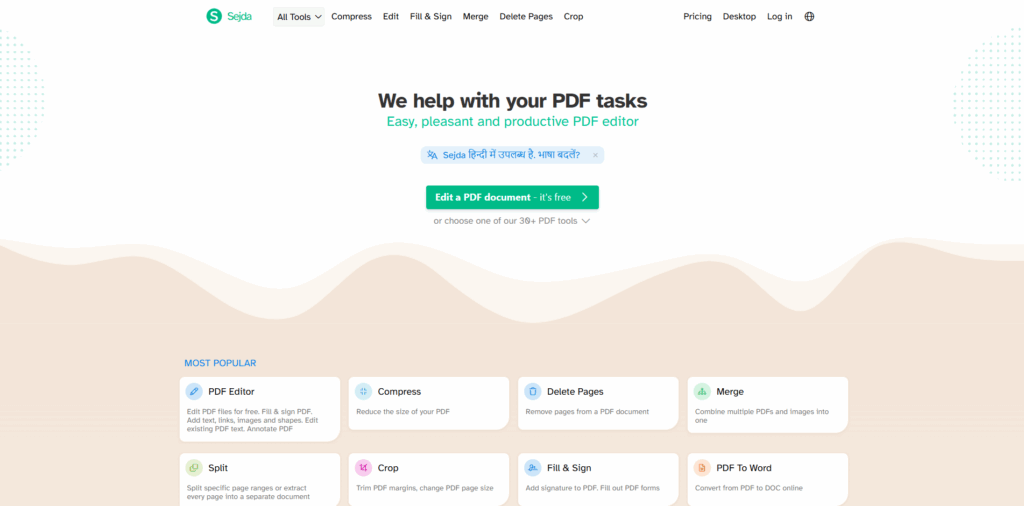
Sejda is a flexible online PDF tool that is mainly used for organizing and editing PDF documents. The platform can also help users to merge, split, delete, rotate, crop, and reorder PDF pages.
Sejda is considered useful especially when business documents needs to be cleaned up before sharing. For example, a team may need to remove unnecessary pages from a report, combine several documents into one file, or reorganize pages in a presentation.
Sejda also includes other PDF tools, but its page management features are especially useful for everyday document preparation.
How to Choose the Right PDF Tool
The best PDF tool depends on the task your business needs to complete. A company that edits contracts every day may need a complete editor. A marketing team may need watermarking. A finance department may mainly need compression. A sales team may need signing and approvals.
Before choosing a tool, consider:
- What PDF task your team performs most often
- Whether the tool is easy for non-technical users
- Whether batch processing is needed
- Whether the tool works across different devices
- Whether the document needs editing, signing, compression, conversion, or watermarking
- How often the business handles confidential or client-facing files
Choosing a tool by task makes the workflow clearer and avoids using overly complex software for simple PDF jobs.
Conclusion
PDF documents are one of the most important parts of any business communication. PDFs are used by organizations for sending key documents, like proposals, reports, invoices, and many other professional documents.
The best online PDF tool depends on the problem you need to solve. Adobe Acrobat Online is useful for complete PDF editing. Smallpdf works well for quick conversion. iLovePDF is helpful for compression. Watermarkly is a focused option for adding watermarks. DocHub is strong for signatures and approvals. PDFescape is useful for forms, while Sejda helps organize PDF pages.
For businesses, the ideal PDF tool should helps in making the document work faster, easier, and more reliable. By choosing the tools, which are based on specific tasks, managing the PDF documents becomes more efficient, without adding unnecessary complexity.
%201.png)

%201.png)

%201.png)