


Everyone unwinds themselves in their own ways after having long, demanding days. Some prefer binge-watching favourite shows while others dive into immersive gaming sessions, or simply just spend time with their comfort content. These small rituals help them deal with hectic, stressful weeks and make it more enjoyable and manageable. Whether you are just starting out or refining your routine, the right streaming setup tips and tools can help you take your mind off a busy week.
1. Create Your Ideal Setup: Streaming Setup Tips That Works
A personalized and comfortable space plays an important role in how much you enjoy your unwinding time. There are lot of factors that contribute to enhance the experience such as quality of your headphones that allow you to listen to crisp audios without any discomfort, a thoughtfully curated playlist to ease the mood, easy access to snacks and drinks and a screen setup whether dual or single that you really like, soothing lighting or just the right viewing distance. As per streaming setup guidance, a thoughtful choice of equipment improves both enjoyment and comfort during long sessions. You don’t have to use expensive or complex setup, just arrange them thoughtfully with little touches that personalize your downtime as per your needs and mood.
2. Protect Your Privacy While You Play or Stream
Streaming services and gaming platforms collect and transmit sensitive information across network layers. They collect data like authentication tokens, session cookies, payment details, and even device fingerprints. This information is vulnerable and can be exposed on platforms that are unsecured or poorly configured. To prevent this, you can use a password manager with AES-256 encryption to make sure your credentials are auto-filled and stored securely. Use authenticator app to enable two-factor authentication rather than relying on SMS.
Additionally, you can also monitor the requests from third-party applications regarding permissions or background data access. This will help you prevent secret data exfiltration that bypasses detection. These additional layered security measures will operate silently in background while elevating your experience. This will keep your accounts, personal data, and payment details safe and protected without disrupting anything.
3. Improve Your Online Streaming or Gaming Time
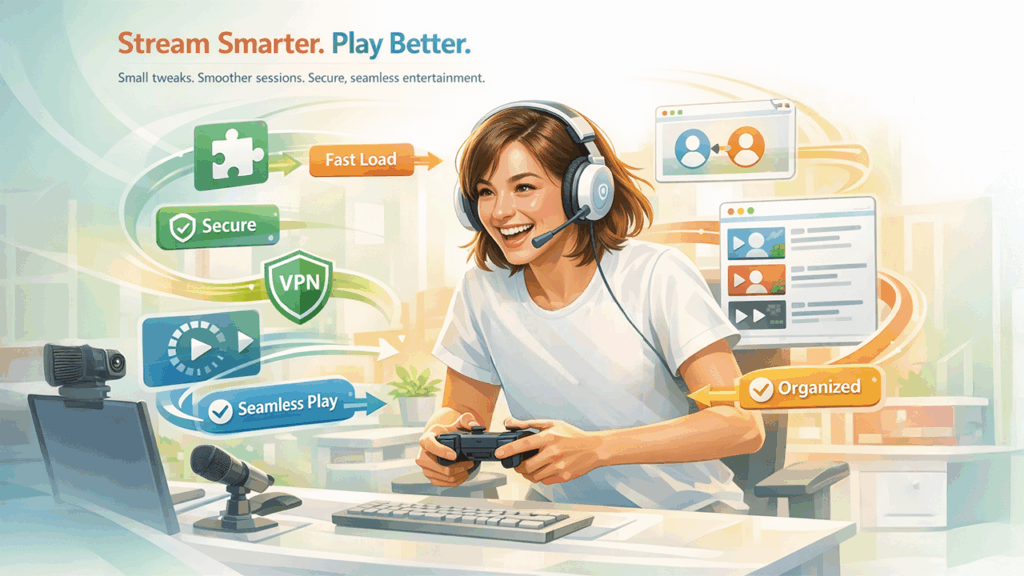
Sometimes, when you make small technical changes, it significantly improves your online gaming or streaming time. Browser extensions that organize your streaming queue prevent decision fatigue when choosing what to watch next, apps that facilitate joining friends in multiplayer games reduce friction in coordinating sessions, or even a VPN Chrome extension that quietly works in the background protecting your connection while you stream or play adds security without disrupting your experience. Studies conducted by Statista, reveals that Americans spend significant amount of time daily on digital entertainment which makes optimization worthwhile. These simple add-ons load content smoothly, protect your privacy, keep your view organized and makes experience more enjoyable without adding any complications in your precious downtime. The best tools are those that work silently in the background and eliminates the need for constant attention or adjustment.
4. Making it Social
When you spend long, extended hours online, connecting with friends can change your solitary activities into shared experiences. This makes experience more engaging and memorable. You can turn your isolated downtime into group activity by hosting multiplayer gaming sessions, joining groups to discuss strategies and syncing up to watch favourite series or sports using watch-party features. Pairing social play with AI gaming analytics can add a competitive edge, helping your group track performance and improve together.
Voice calls or text exchanges during intense gaming sessions makes the entertainment more emotionally satisfying and dynamic. The shared laughter, friendly competition, and collective reactions create connections that lasts long and create memories that solo entertainment rarely provides.
5. Know When to Step Away
Extended screen sessions produce measurable physiological effects that directly impact cognitive performance and recovery quality. Blue light emission in the 415–455 nm wavelength range from monitors suppresses melatonin production, disrupting circadian rhythm regulation and reducing sleep quality when sessions run close to bedtime. The 20-20-20 rule, looking at an object 20 feet away for 20 seconds every 20 minutes, is clinically recommended to reduce ciliary muscle fatigue during prolonged gaming or streaming sessions. Setting a hard session timer, transitioning to low-stimulation activity such as ambient audio or light reading 30 to 45 minutes before sleep, and dimming display brightness progressively toward the end of a session all support a faster and more complete recovery cycle. Treating downtime with the same technical intentionality applied to your setup ensures that relaxation time produces measurable restoration rather than residual fatigue.
Thoughtful optimization of your gaming and streaming downtime, through comfortable setups, smart technical tools, and social connections, transforms routine relaxation into genuinely restorative experiences. Revisiting your streaming setup tips and security habits regularly ensures your downtime keeps pace with whatever challenges the week ahead brings.
%201.png)

%201.png)

%201.png)

