

What is reverse image search? It is a search engine tool that enables users to use an image URL or upload an image to find the related image, original source, or information about the content, rather than the conventional text-based search. For example, you use Google Lens to capture an image, which analyzes lines, colors, and textures to find similar or matching images across the internet. Whether you are a marketer, a business owner, or someone who is searching for an image, you can find yourself wanting to find the original image source to see where an image shows up on the web. This blog is dedicated to helping you understand how it works, the top seven tools, and how you can utilize them.
What Is the Importance of Reverse Image Search?
If you are working in the marketing department, you are likely working with images regardless of your role in the team. You might need graphics or images while creating your marketing copy in some shape or form. Often, getting the right image, recognizing the original source, or understanding usage rights requires a reverse image search before sharing or posting it as your own.
The good news is that there is a plethora of dependable and precise image lookup tools available. A few of these tools might be the ones that you use already. But now you will be surprised to know that they also have image search features and capabilities.
Now, before we begin listing the top 7 tools, let us quickly see how reverse image search actually works-
How Reverse Image Search Works?
Most image search techniques and tools depend on different algorithms to scan as well as recognize photos, as per:
- Shape
- Size
- Colors
- Other unique characteristics and features
There are also image search tools that come with an in-built facial recognition, which allows users to search for photos or images of particular people. Essentially, the process is very simple, actually. Most platforms operate by uploading an image simply in the search bar or by copying and pasting the image URL in the search bar. Then, the tool searches the database or the internet for wherever those particular images show up, the source, or any other related data.
A lot of these tools operate on both desktops and smartphones. The user-friendliness can vary from one platform to another. Notwithstanding that, using these techniques can simplify your routine tasks and help your marketing team save time in image search.
Now, let us see the best 7 reverse image search tools and how to use them-
Also Read: What is Marketing? A Complete Overview, Key Strategies & Types
Best 7 Reverse Image Search Tools
1. Google Image Search:
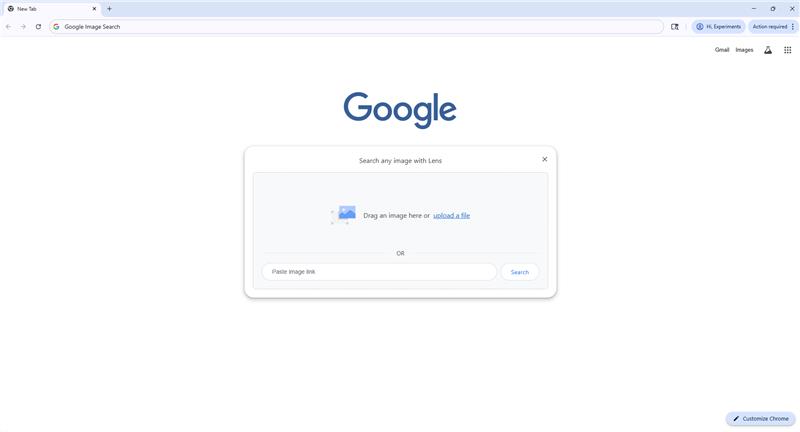
For numerous marketers, Google Image Search is the main go-to resource to search for images online. It is essentially the simplest and one of the most prominent image search tools out there in the market. It allows you to find the exact image, its size, and also check the copyright. Furthermore, as a bonus, it is free and user-friendly.
Google Reverse Image Search: Easy Steps
- Upload an image from your desktop.
- Place the image in the search bar.
- Select “Google Search.”
It can work smoothly both on your phone and on your desktop.
Keynote on Image Usage Rights
In addition, the important thing that any content creator needs to know is that while Google is an excellent tool for doing image searches, the images that you get are not necessarily free of copyright. Most images are already uploaded by someone and are copyrighted. To legally use the image, you will have to directly interact with the owner of the image. Fortunately, using Google image reverse search or other solutions mentioned below, you can easily find out the original owners and get in touch with them.
Instead of using a copyrighted image, you can create an image of your own. There are a plethora of AI image maker tools in the market, such as DALL-E 3, that can produce a relevant image for you in seconds. There are also photography websites that host a vast catalogue of stock photos.
As an online brand or business, you can make full use of the image search feature of Google and make it easier for people to find you online. Read our complete guide on Google’s Add Me to Search. It is a unique feature of Google that enables businesses to create their own Google People Card and control what people learn about them when they search for them on Google.
2. Bing Image Search:
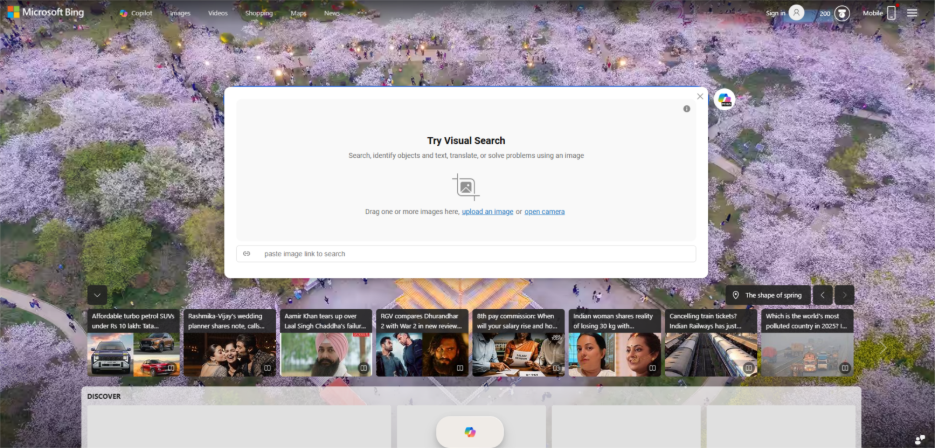
The Bing Image Search was first introduced by Microsoft in March 2024. Originally, it was meant to be a reverse image search engine. Bing Visual Search is another tool that is straightforward and simple to use and supports all browsers.
Marketers can utilize Bing Image Search for reverse picture look-up, where specific images show up on the web. It is a preferable option that gives a competitive edge to marketing teams across industries. They can check whether any of your competitors are directly copying images or ideas.
How to Reverse Image Search with Bing Image Search?
- You can either copy or paste the image URL in the specified area or upload your image.
- Once you upload or copy and paste the image, Bing will perform an image search and will give you web pages where the image appears, similar searches, or related searches.
The best part of Bing is that it has its own app, which allows you to do a reverse image search from your smartphone. However, some users have reviewed the app as finicky and recommend Google Image Search as a better option.
3. Yahoo Image Search:

Yahoo Image Search operates the same way as Bing and Google Image Search do. However, some users do not prefer it because the results are not as comprehensive as those of Google and Bing.
How to Reverse Image Search: Yahoo Image Search?
- Choose an image from your desktop.
- You can upload it or choose to drag and drop it in the search bar.
- Select “Search.”
You can use Yahoo Image Search in combination with Google and Bing to get a good variety of search results.
4. Pinterest Visual Search:
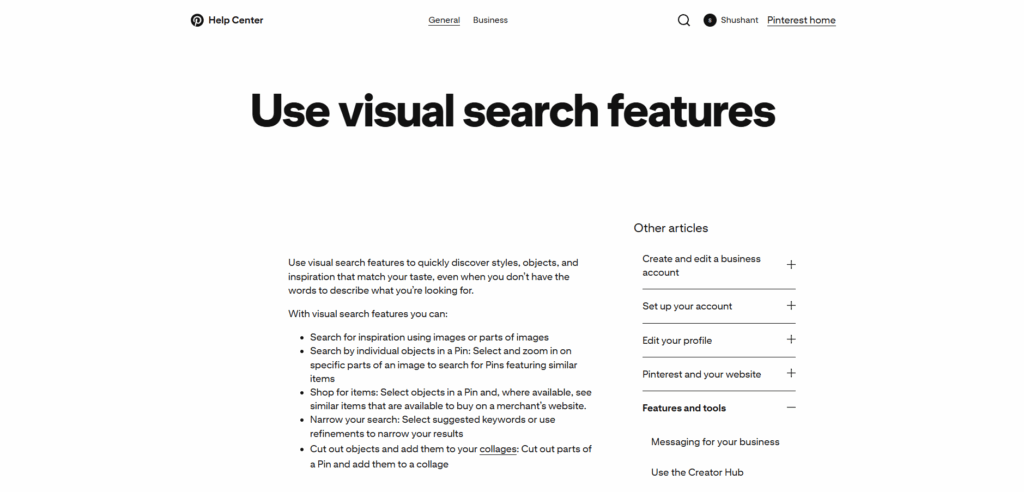
Pinterest itself described its visual search tool as “crazy fun.” Launched first in 2015, the Pinterest Visual Search quickly gained traction among users. Try this tool once in a while, even if you do not want to be a regular user of Pinterest. It is an ideal choice for marketers who found an image that they like while surfing the internet or browsing Pinterest, but are not sure where its source is or what it is called.
Pinterest Visual Search: Easy Steps
- Open the Pinterest app or go to Pinterest.com.
- Select the search tool that appears in the corner.
- Choose the image pin that you want to search for.
After this, Pinterest will provide you with pins where the image appears, and similar pins with similar images.
You can also use a visual search filter that can enable you to find what you are searching for. You can also zoom in on an image or choose a particular part of the image to search.
Is Pinterest Visual Search better than Pinterest Lens?
Pinterest Lens is also a valuable feature on Pinterest, but it is not the same as a visual search tool. Using Pinterest Lens, you can take a picture of an item in the real world and then search in Pinterest for that item, using the capability of image detection that recognizes the item.
Pinterest Lens can be used to learn about an item you see at a shop that you like but do not recognize. By snapping a pic and searching on Pinterest, you can learn more about it before purchasing. On the other hand, the visual search tool of Pinterest leverages an algorithm to detect the same or similar images that are already present on the web.
5. Getty Images:
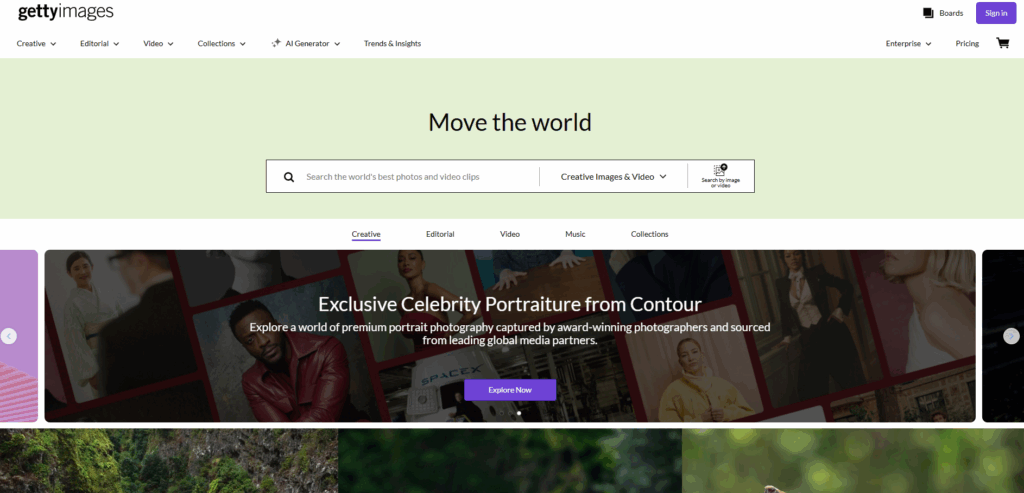
A lot of marketers who find pictures online are familiar with Getty Images. It is one of the most popular and largest photo websites on the internet. However, not everyone is informed that apart from searching for graphics or images, Getty Images can also perform reverse image search.
Getty Images Reverse Lookup: Two ways to do reverse image lookup search
- There will be a camera icon in the search box. Select it.
- Or you can also search through image keywords.
- Select “Search.”
6. Picsearch:
Picsearch is yet another preferable tool for reverse image search. It is an intuitive image lookup tool that provides users with access to at least 3 billion images. Although Picsearch looks very similar to other tools mentioned above, it provides users with a great variety of results.
Picsearch is an effective choice for marketers who are looking for interesting images or photos that are relevant to particular keywords. There is also a search called “Advanced Search” that enables users to filter the images based on size, which can allow marketers to find the right photo that fits into social media headers or websites.
How to Reverse Image Search Through Picsearch?
- Provide the image URL in the search bar.
- Upload the image.
- Search for similar or related keywords.
7. TinSearch:
You can search for an image using TinEye’s TinSearch. It is a smart image recognition tool that monitors where images of users appear on the web. This tool is a preferable choice for marketers who monitor where the images of the user appear on the web. They can also track whether their competitors are using any of their images. It is an immensely useful tool for graphic artists, photographers, or other content creators to keep an eye on where their work is being used and where it shows up on the internet. Users can also configure alerts and notifications when one of the images appears in a new website or portal on the internet.
How to Search an Image with an Image Using TinSearch?
- Enter an image URL in the search or upload an image using the Upload button.
- Allow the TinSearch to run its search.
- Once it is done, it will give you a complete list of the places where your image appears. It also provides additional details such as how many results were found and how much the tool spent on research.
Why Do People Reverse Image Search?

Conclusion
Reverse image search is a vital part of any marketer’s toolkit. And rightly so! It is a helpful feature with different advantages. From verifying the ownership of images and tracking competitors’ visual strategies to recognizing unknown subjects in the images and securing your original images, the applications of reverse image lookup are multifarious. The seven tools covered in this blog include Bing, Google, Pinterest, Yahoo, Getty Images, Picsearch, and TinEye. Additionally, you can use a freepeoplesearch site to verify social profiles or contact information tied to the person in the photo. Each one of the tools has its own advantages and uniqueness, but they all work in a similar way. While some are useful in complete web scanning, others are more suited for platform or niche-specific searches. Selecting the right platforms depends a lot on your specific requirements, but utilizing a combination of such tools is a smarter option as it can give you more detailed and accurate results.
Adopt these reverse image search tools and strategies and get complete control over how your images are used, sourced, and tracked across the web.
%201.png)

%201.png)

%201.png)