
Introduction
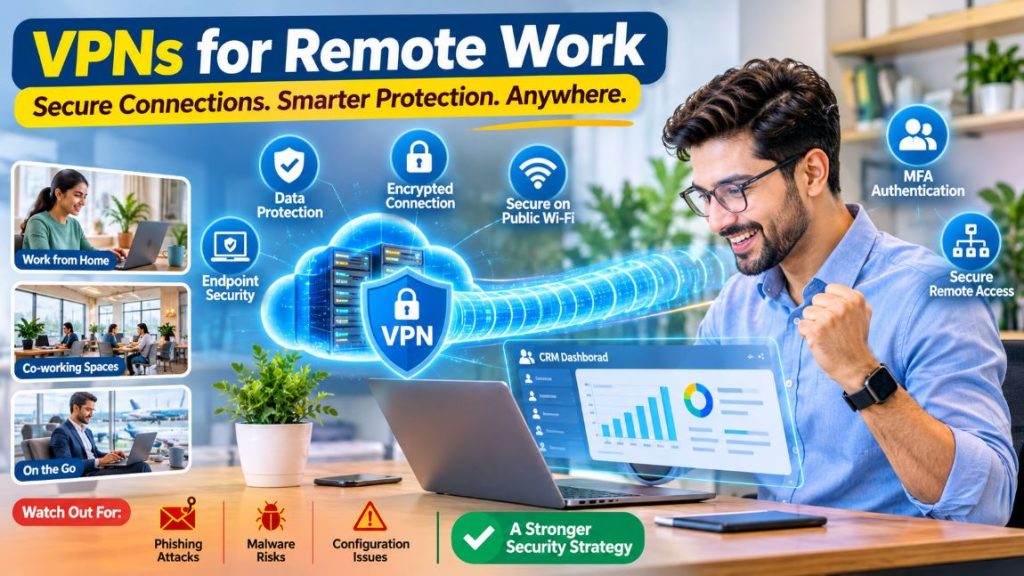
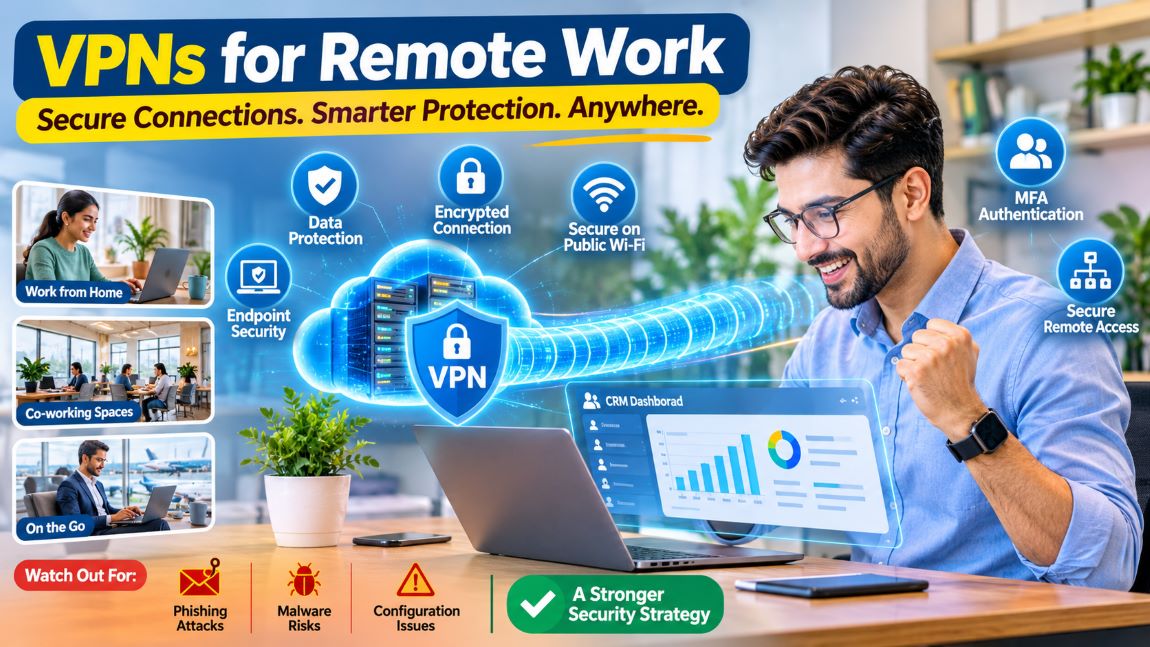
The office isn’t what it used to be. Staff now log in from kitchen tables, co-working spaces, hotel rooms and the odd railway station café, and the businesses employing them have had to rethink how files are shared and systems reached. The freedom is welcome, but it comes with strings attached: data that needs protecting, people trying to get in where they don’t belong and networks nobody has properly checked.
That’s where a virtual private network (VPN) earns its place. By scrambling network traffic and giving staff a safer route into company systems, it deals with a fair share of those worries. It isn’t a cure-all, though. Knowing what a VPN does well, where it falls short and how it’s best used lets a business keep its information safe without giving up on flexible working.
Understanding How a VPN Works
A VPN works a bit like a private tunnel running from someone’s laptop to a VPN server. Everything passing through it is encrypted, so anyone snooping on the network sees little more than gibberish.
Companies often rely on remote-access VPNs so approved staff can reach internal apps, shared folders and systems while away from the building. It’s especially handy for tools that were never meant to sit on the open internet.
Not every VPN is equally strong. How well it protects people comes down to how it’s set up, which encryption protocols it uses, how users prove who they are and how secure the device on the other end happens to be. Weighing those points up before choosing saves nasty surprises later.
Benefits of VPNs for Remote Employees
Protecting Data on Public Wi-Fi
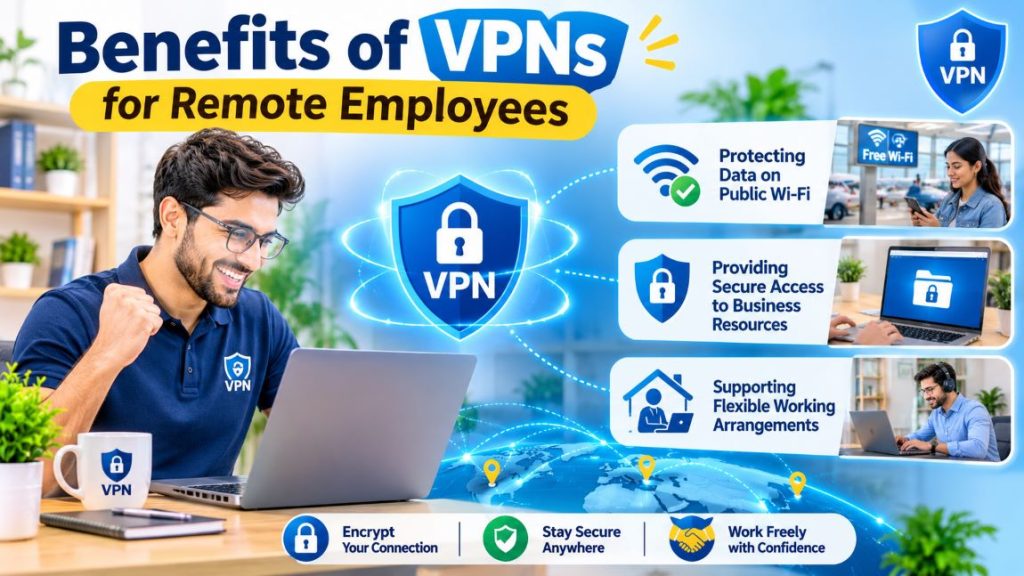
Free Wi-Fi is everywhere, from airport lounges and hotel lobbies to coffee shops and shared offices. The trouble is that staff rarely know who runs those networks or how carefully they’ve been set up. A network called “Free_Airport_WiFi” could belong to almost anyone.
With a well-configured VPN switched on, everything sent through the tunnel is encrypted, so intercepted data is far harder to make sense of. That extra layer counts for a lot when someone has to answer emails from a busy departure gate rather than a trusted office desk.
Even so, the usual good habits still apply. Staff stick to secure websites, give dodgy downloads a wide berth and follow company security rules. Public networks carry risks that no VPN can wipe out completely.
Providing Secure Access to Business Resources
Most organisations run internal apps and databases full of confidential material, from client records to payroll figures. A remote-access VPN lets approved staff reach all of it without having to be in the office in person.
It doesn’t remove the need for sensible access controls. Each employee is best limited to the information their job actually requires. Regular reviews of permissions matter too. An account left active for someone who left six months ago is an open door nobody remembers to close.
Supporting Flexible Working Arrangements
VPNs help businesses keep important systems within reach wherever their people happen to be. A sales manager stuck at a conference or a designer working from home on a snowy morning can carry on with routine tasks, and the business relies less on the office network.
That said, remote work only runs smoothly with a decent internet connection, up-to-date devices and a clear process for reporting technical faults or possible security problems. A VPN can’t fix a broadband line that drops out every afternoon.
Choosing a VPN for Windows Devices
Windows machines turn up in most workplaces, so compatibility with the operating system matters when comparing remote-access tools. Businesses tend to check that a VPN supports their version of Windows, runs smoothly alongside the software already in use and comes with suitable security controls.
Anyone considering a VPN for Windows has good reason to look at its compatibility, privacy practices, encryption features and connection requirements before installing it. Workplace rules on what software can go on company-managed laptops apply here as well.
Before going ahead with a VPN download, it’s worth making sure the provider behind the software is genuine and reading through the documentation. A download page on its own rarely says much about what happens to personal data, how connections are secured or how security flaws get fixed. Those details carry real weight when judging whether a tool is fit for professional use.
A consistent installation process helps too. Approved software, central configuration and regular updates cut the risks that come from old or badly set-up apps. Ten employees installing ten different tools in ten different ways is a headache waiting to happen.
Limitations of VPN Technology
VPNs offer genuine protection, but they can’t stop every cyber threat.
Phishing attacks: A VPN won’t stop staff from opening a convincing fake email, handing over a password or clicking through to a malicious site. Training staff to spot scams, along with multi-factor authentication, does far more to tackle that particular problem.
Compromised devices: If a laptop is already infected, a VPN won’t clean it up or make it safe. Endpoint protection, software updates and regular device checks are still needed.
Performance problems: Distance to the server, busy networks, the extra work of encryption and limited service capacity can all slow connections down. Testing performance under real working conditions, not just on a quiet afternoon, gives businesses a truer picture.
Configuration weaknesses: Badly configured VPN servers, out-of-date software and weak login methods open up gaps of their own. Keeping systems maintained and reviewing security settings regularly helps close them.
Seeing these limits clearly lets a business treat its VPN as one piece of a wider security plan, not the only lock on the door.
Best Practices for Secure Remote Work
Remote work becomes far safer when good technology is matched by good everyday habits.
It starts with passwords. Strong, unique ones, backed by multi-factor authentication wherever it’s offered, make a real difference. MFA adds a second check, so a stolen password on its own isn’t enough to get in.
Updates come next. Operating systems, apps, home routers and security tools all benefit from being patched promptly, since many updates fix weaknesses that attackers would happily exploit.
Encrypting devices and running endpoint protection also matter, particularly on machines holding confidential information. A laptop left on a train is a worry. An unencrypted one is a much bigger worry. Reporting lost or stolen devices quickly gives administrators time to lock accounts and take other protective steps.
Small habits count as well. Staff lock their screens before stepping away for a coffee, keep laptops within sight in public places and follow company guidance whenever they connect through an unfamiliar network.
Finally, access is best matched to job responsibilities. The fewer permissions an account carries, the less an attacker can reach if it ever falls into the wrong hands.
Integrating VPNs Into a Wider Security Strategy
Encrypting traffic is only one part of keeping remote work safe. Businesses get the best results by looking at how staff reach each application and choosing controls that suit how sensitive the information is. A shared lunch rota hardly needs the protection given to a client contract. Businesses that use CRM platforms should also review their wider CRM security best practices, including role-based permissions, data encryption, secure integrations, and regular access reviews.
Extra layers might involve identity verification, endpoint monitoring, network segmentation, security logging and regular checks on who has access to what. Cloud apps often come with their own login and access controls, and those only help if they’re set up properly.
Written security policies clear up a lot of confusion. They spell out which tools staff can use, how confidential information is handled and what happens when something suspicious turns up. Regular training keeps those rules fresh in people’s minds and helps them spot common threats before they cause harm.
Arrangements are best revisited from time to time as technology, teams and business needs change. A setup that worked for a ten-person firm may not hold up once it has grown to fifty, and regular reviews keep security practical and effective.
Conclusion
VPNs strengthen remote-work security by encrypting traffic and giving approved staff a safer route into business systems from wherever they’re working. How well they do that depends on careful setup, secure devices, strong authentication and sensible behaviour from the people using them.
When picking a VPN, businesses do well to weigh up compatibility, privacy practices, reliability and admin controls. Combined with regular updates, staff training, limited access and ongoing monitoring, it becomes part of a much fuller way of keeping company data safe.
A VPN is a valuable tool, not the whole toolbox. Treated as one piece of a wider strategy, it helps keep remote work both safe and productive.