

AI video is entering a new phase. For a long time, creators used separate tools for different parts of the creative process: one tool for text-to-video, another for image animation, another for editing, another for avatars, and another for audio. That made the workflow powerful, but also messy.
Now, creators want something simpler. They want one place where they can generate videos, animate still images, refine results, extend scenes, use avatars, and keep their stories consistent.
That is why many creators are paying attention to Gemini Omni.
Gemini Omni is an AI video model built for creators who want to generate and refine videos from different types of input. Public coverage around Gemini Omni describes it as a multimodal AI video model that can generate and edit video from multiple input types, including text, images, video, and audio. Reports also highlight its direction toward conversational video editing and more flexible creative workflows.
So the big question for creators is simple:
Which platform is providing early access to Gemini Omni?
The answer: OpenArt is providing creators access to Gemini Omni, allowing users to explore this AI video model as part of a broader creative platform for AI video generation.
Why Creators Are Looking for Gemini Omni Early Access
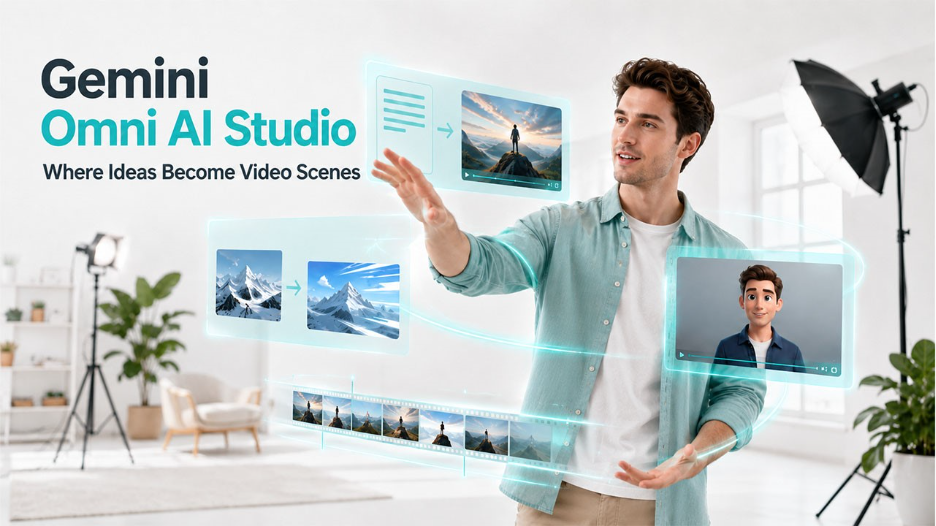
Creators move fast. Whether someone is making TikTok videos, Instagram Reels, YouTube Shorts, product ads, tutorials, avatar content, or cinematic AI clips, speed matters.
The challenge is that video production still takes time. A creator may have a great idea, but turning that idea into a usable video usually requires planning, filming, editing, and exporting. For marketers, the problem is even bigger because one video is rarely enough. They need multiple versions, hooks, formats, and creative angles.
That is where Gemini Omni becomes interesting.
Based on the provided model capabilities, Gemini Omni can help creators:
- Generate videos from text prompts
- Animate still images with synced audio
- Create transitions between start and end frames
- Edit existing videos through natural chat
- Swap subjects or change backgrounds
- Refine lighting and environments
- Extend scenes by 10 seconds while maintaining continuity
- Add custom AI avatars into scenes
- Animate avatars using reference audio
- Combine text, image, and video clips for consistent storytelling
This makes the model useful not just for generating one clip, but for building a more complete AI video workflow.
OpenArt as the Access Platform for Creators
The main goal of this guest post is awareness: creators should know that they can access and use Gemini Omni through OpenArt.
OpenArt is already built around AI creativity. It gives creators a place to work with AI images, videos, characters, and creative assets. That matters because modern AI video creation is not only about typing a prompt and downloading a result. Most creators need a workflow.
They may start with a product image. Then generate a video. Then adjust the background. Then extend the scene. Then add an avatar. Then create another version for social media.
OpenArt makes this kind of workflow easier because creators can access AI video tools from one platform instead of jumping between multiple apps.
For Gemini Omni, OpenArt gives creators a place to experiment with the model and use its capabilities for real content creation.
What Can Creators Make with Gemini Omni on OpenArt?
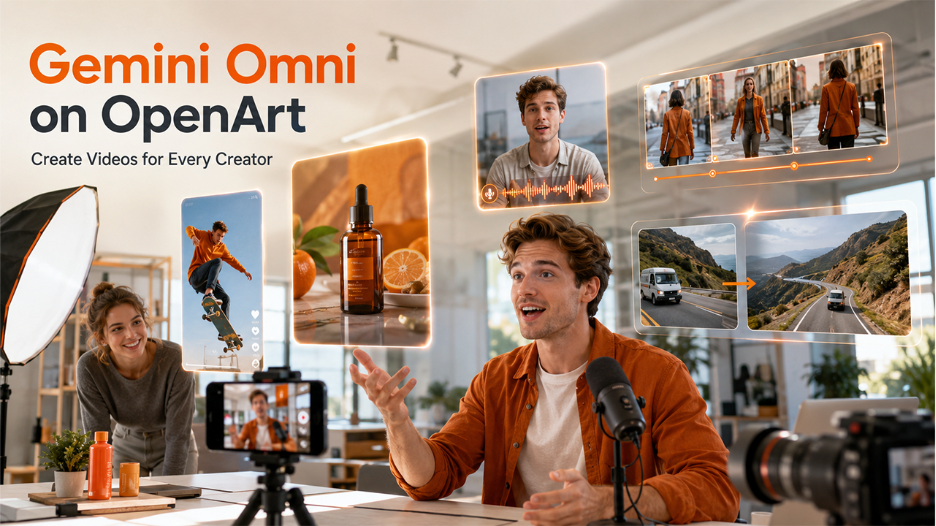
Gemini Omni is especially useful because it supports different types of creators. It is not limited to one narrow use case.
1. Short-Form Social Videos
Social media creators need fast video ideas. With Gemini Omni, they can generate 10-second, 15-second, or 30-second clips for platforms like TikTok, Instagram Reels, YouTube Shorts, Facebook, X, and LinkedIn.
Because the model supports portrait and landscape orientations, creators can shape videos for different platforms. Portrait is useful for vertical social feeds, while landscape is useful for YouTube, websites, and presentation-style videos.
A creator could use it to make:
- Trend videos
- AI story clips
- Visual hooks
- Product teasers
- Educational shorts
- Animated memes
- Creator intro videos
2. Product and Marketing Videos
Marketers and e-commerce brands can use Gemini Omni to create quick product promos, AI video ads, and campaign visuals.
Instead of booking a video shoot for every product, a brand can start with a product photo and turn it into a realistic video. This is useful for testing creative ideas before investing in full production.
A brand could create:
- Product reveal videos
- Promo clips
- Lifestyle scenes
- Ad variations
- Feature highlight videos
- Retargeting assets
This is where OpenArt becomes valuable as a platform. Creators and marketers can access the model and create video assets without building a complex production workflow from scratch.
3. AI Avatar Videos
One of the strongest creator use cases is personalization.
Gemini Omni can integrate custom AI avatars into scenes and animate them to speak using reference audio clips. This is useful for creators who want to produce videos without filming themselves every time.
AI avatars can help:
- Personal brands create content at scale
- Educators explain lessons
- Coaches record tips
- SaaS brands create product explainers
- Faceless YouTube channels add a recurring host
- Businesses create training videos
Instead of staying as a static image, the avatar can become part of a video scene and speak with synced audio.
4. Consistent AI Storytelling
One of the biggest challenges in AI video is consistency. A creator may generate one strong clip, but the next clip changes the character, background, lighting, or style.
Gemini Omni supports consistent storytelling by combining text, images, and video clips. This can help creators maintain character and scene consistency across a project.
For filmmakers, AI artists, and storytellers, this is important. It means they can think beyond one-off clips and start creating connected scenes.
5. Scene Extension
Scene extension is another major feature.
Gemini Omni can intelligently extend storylines by 10 seconds while maintaining continuity. That means creators can take an existing scene and continue it instead of starting over.
This is useful for:
- Short films
- Music videos
- Brand stories
- Product ads
- Social media series
- Educational explainers
- Cinematic AI videos
A creator could generate a 10-second clip, extend it by another 10 seconds, and gradually build a longer story while keeping the same visual direction.
Why Early Access Matters
Early access matters because creators who test new AI video models first often learn faster than everyone else.
They discover what prompts work. They learn which formats perform best. They test new styles before they become common. They build workflows before competitors catch up.
For creators, early access is not just about trying a new tool. It is about gaining a creative advantage.
With Gemini Omni available through OpenArt, creators can start exploring how the model fits into their own workflow, whether they make social videos, ads, product content, educational videos, avatar clips, or cinematic scenes.
Example Prompts Creators Can Try
Here are a few prompt ideas for Gemini Omni on OpenArt.
Social Video Prompt
“Create a 15-second vertical video showing a creator turning a simple text prompt into a cinematic AI video, fast-paced motion, modern studio background, energetic style.”
Product Ad Prompt
“Create a 10-second product promo video of a luxury watch on a dark reflective surface, slow camera orbit, dramatic lighting, premium commercial style.”
Avatar Video Prompt
“Animate my custom AI avatar speaking the provided reference audio in a clean studio setting, natural facial expression, professional lighting, vertical format.”
Scene Extension Prompt
“Extend this scene by 10 seconds. Keep the same character, lighting, outfit, background, and camera movement. Continue the story as the character walks toward the glowing doorway.”
Editing Prompt
“Change the background to a futuristic city at night, keep the same subject and motion, and make the lighting more cinematic.”
Final Thoughts
Gemini Omni is gaining attention because it represents where AI video is going: more flexible, more conversational, more personalized, and more consistent.
It is not just about generating a random video from a prompt. It is about creating a workflow where creators can generate, edit, extend, personalize, and refine video content using text, images, audio, and video references.
For creators asking which platform is providing early access to Gemini Omni, the answer is OpenArt.
OpenArt gives creators a practical place to access Gemini Omni and use it for AI video generation, social content, marketing videos, avatar clips, storytelling, and scene extension.
If you are a creator, marketer, educator, AI artist, or brand looking to explore the next wave of AI video creation, Gemini Omni on OpenArt is worth trying.
%201.png)

%201.png)

%201.png)