
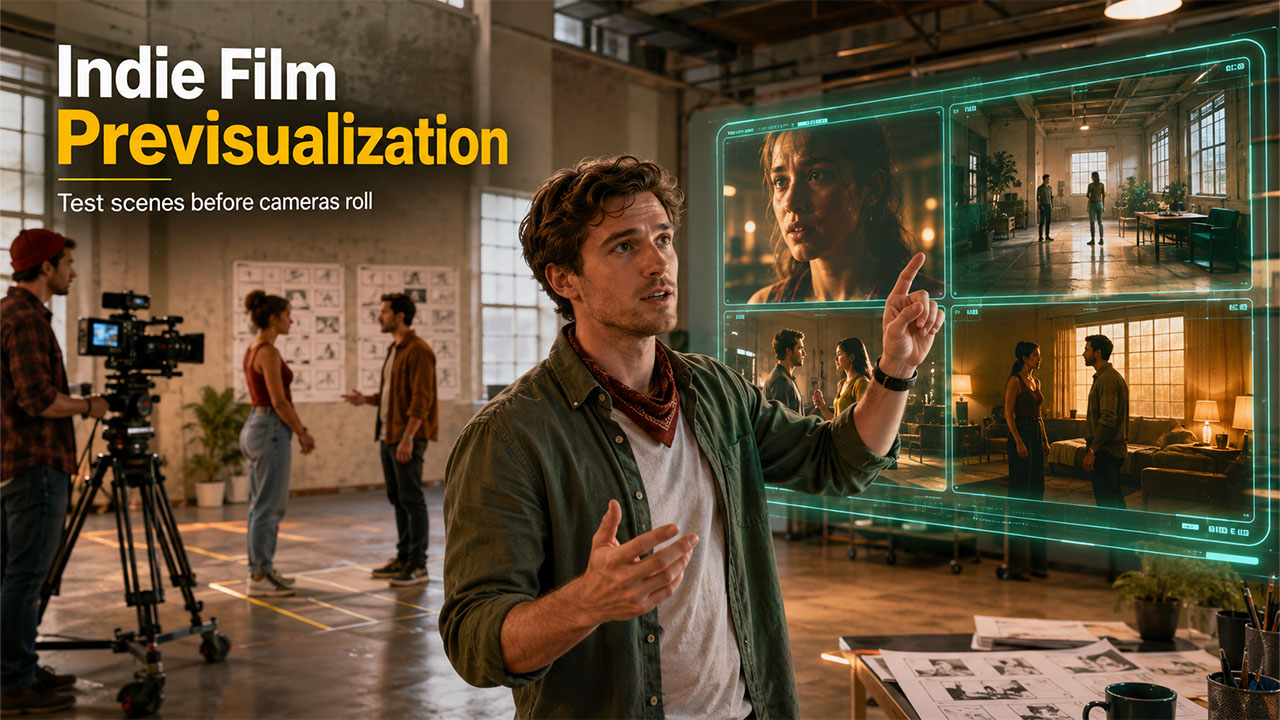

When it comes to independent filmmaking, creativity often collides with budget constraints. Given the limitations of budget, a project may have an outstanding script, magnetic characters, and a unique artistic style; yet once it's time to convert all of this into images on the screen, you may require expensive sets, numerous locations, complex rehearsals, etc. to acquire the number of takes that you anticipated for your production. AI previsualization for indie filmmakers is transforming how scenes are tested before production begins, allowing creators to visualize shots without expensive sets or full crews.
Fortunately, the emergence of programs like Dreamina and its latest video generation model, Seedance 2.5, is changing the landscape of preproduction, particularly for independent filmmakers. These technologies allow filmmakers to visualize and experiment with shots and story elements in an atmosphere that doesn't include all of the cost and time (or effort) associated with a full production.
This type of testing has historically been available only to larger-scale or "blockbuster" productions; however, now independent filmmakers have access to this method of previewing footage and refining shots through AI technology.
Why AI Previsualization for Indie Filmmakers Is Becoming Essential
Have you ever had that moment? A scene that you scribbled out in your notebook just doesn't work when you're behind the camera? Maybe the framing is all wrong, the character blocking feels unnatural or you're simply trying to evoke an emotion, and no one in your film seems to quite get it right.
The value of previews comes in solving problems like these early. By having video rough cuts of the scene beforehand, you can start to explore questions such as:
- What is the pacing of this scene like?
- Do these two-shot transitions flow smoothly?
- Does the camera work support the emotional beats?
- Will the audience understand the mood of the scene?
Having the opportunity to explore all the answers to these questions while you can still afford to make those changes is a huge advantage. If you're an independent filmmaker who is short on money and working with a small, compact film crew, then the ability to do so can mean all the differences in the world.
Meet your film's smarter, cheaper rehearsal space: Seedance 2.5
The beauty of Seedance 2.5 is that rather than producing overly pretty pictures or animations, this tool prioritises control for creators, making it an incredible resource for aspiring filmmakers. Seedance 2.5 generates 30-second continuous video clips. This allows creators to see and analyse an entire scene as one storytelling event rather than random short bursts.
Filmmakers can therefore look at how a scene flows through a variety of shots, how a director paces a scene through its different cinematic sections, or indeed analyse how the mood or atmosphere of an entire scene plays out.
With sophisticated reference options, including the capability to present a white model (which gives a preview of how a film creator would like an actor to position their body, or a product to be shown, with associated movements). Other handy additions in Seedance 2.5 include the addition of more modalities to the tool and localised editing controls, so you will be able to do iterative revisions.
Turn scripts into visual playpens
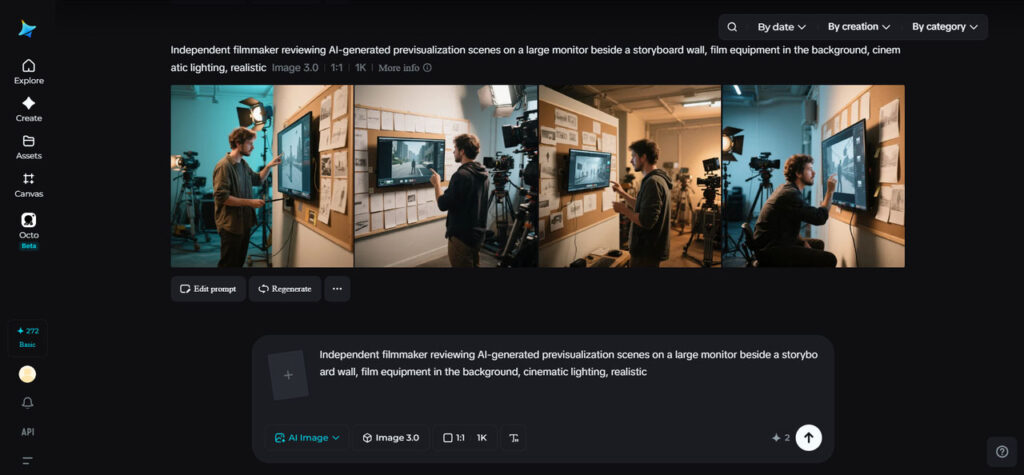
In the indie filmmaking world, you rarely get to kick the tires before hitting the open road; with tight schedules, there is often a necessity for precision planning - because reshoots can quickly torpedo your budget.
AI-driven scene testing creates the freedom to experiment without risk.
Let's say you're doing pre-production on a suspenseful short film. Instead of spending time with sketches trying to convey camera ideas to your director of photography, you can send around these video previz simulations to see if the mood that you have in mind truly conveys that uneasy feeling on camera.
Here are just a few examples of the things you might explore during scene testing:
- Whether characters come in or leave the scene with visual impact.
- The way you plan on dolling up a subject with the camera.
- Whether or not an establishing shot will have an immediate effect on the audience.
- How one character should be positioned relative to another.
- You want to achieve a particular effect with a lighting setup for a certain scene.
Previsualization clips aren't there to replace filmmakers; instead, they act as collaborative blueprints. If your DP has the chance to actually see and discuss the scene through video, everyone is on the same page much sooner.
Mistakes turn into valuable lessons that don't cost a fortune
One of the most excruciating things to happen on a set is when the shoot concludes, and you realise something has been missed. Perhaps the scene lacks dynamic impact and, as a result, you realise with a sinking heart, your movie's climax doesn't hit hard enough. Maybe your shots are all far too repetitive. Or you have discovered a mistake that only reveals itself much later in editing, and so you will not notice that you did not provide a smooth lead-up, and the film ends abruptly without the emotion that your film intends to express.
Testing your scenes in advance ensures you're not encountering that dreadful realisation a month after you've paid actors, rented expensive equipment, and booked out multiple locations.
For independent productions, especially with such lean crew sizes, being able to experiment before any real costs kick in, you get to find out whether a well-placed close-up creates the strongest emotional effect possible, or if a slow, panning camera would be much more effective. Being able to quickly generate 2 or 3 alternatives for any given scene saves both time and money, and more importantly, keeps creativity at its best.
A powerful tool for the small, creative team
Independent films are often built through collective effort; the director collaborates with the film editor, the DP, the producer, and each of the actors. Every individual has something to offer, but ensuring everyone's vision is aligned without the risk of costly errors takes some careful navigation.
With AI-powered videos, you're essentially offering a shared visual language to your entire team. Rather than explaining abstract visual concepts via email or text messages, you can show everyone, helping the team: Agree on creative goals before stepping into production. Approve specific shot ideas quickly and efficiently.
Minimize reshoots.
Make better scheduling decisions and potentially communicate your creative intentions more successfully to investors or potential stakeholders. This also aids with actors – helping them to understand scene intention before stepping onto set.
Using AI Previsualization for Indie Filmmakers with Dreamina
Here's a step-by-step guide on how to use Dreamina Seedance 2.5:
Step 1: Log in to Dreamina
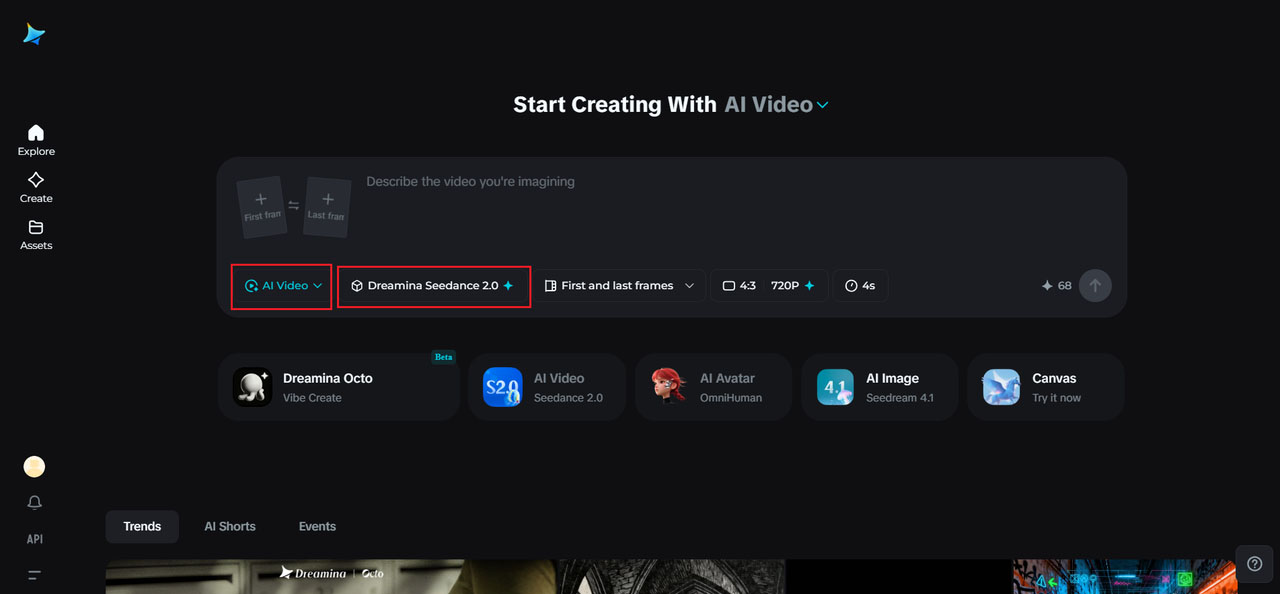
Navigate to Dreamina and select the Seedance 2.5 AI Video Generator to access the official model that uses text and references to generate AI videos.
Step 2: Define your scene through prompts and references
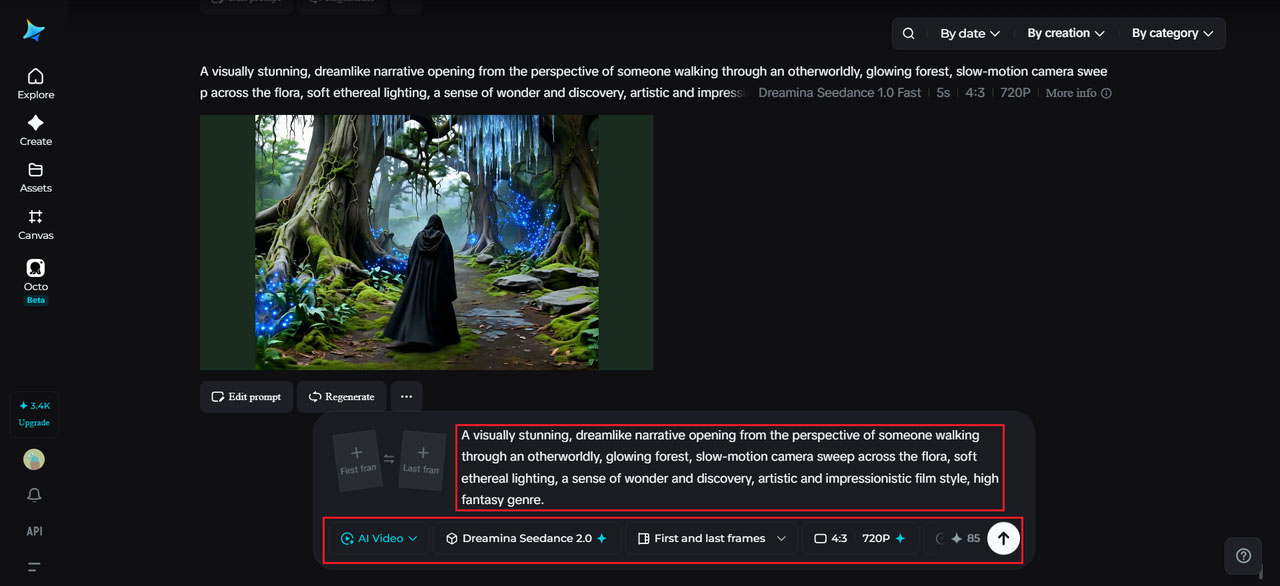
Describe your desired scene in a prompt - specify details such as characters, camera angles, lighting, visual style, and atmosphere. For enhanced guidance, you can upload reference images and videos to guide the subject's portrayal, product appearance, aesthetic, or overall video theme.
Example prompt: A visually stunning, dreamlike narrative opening from the perspective of someone walking through an otherworldly, glowing forest, slow-motion camera sweep across the flora, soft ethereal lighting, a sense of wonder and discovery, artistic and impressionistic film style, high fantasy genre.
Step 3: Generate, refine, and save your video
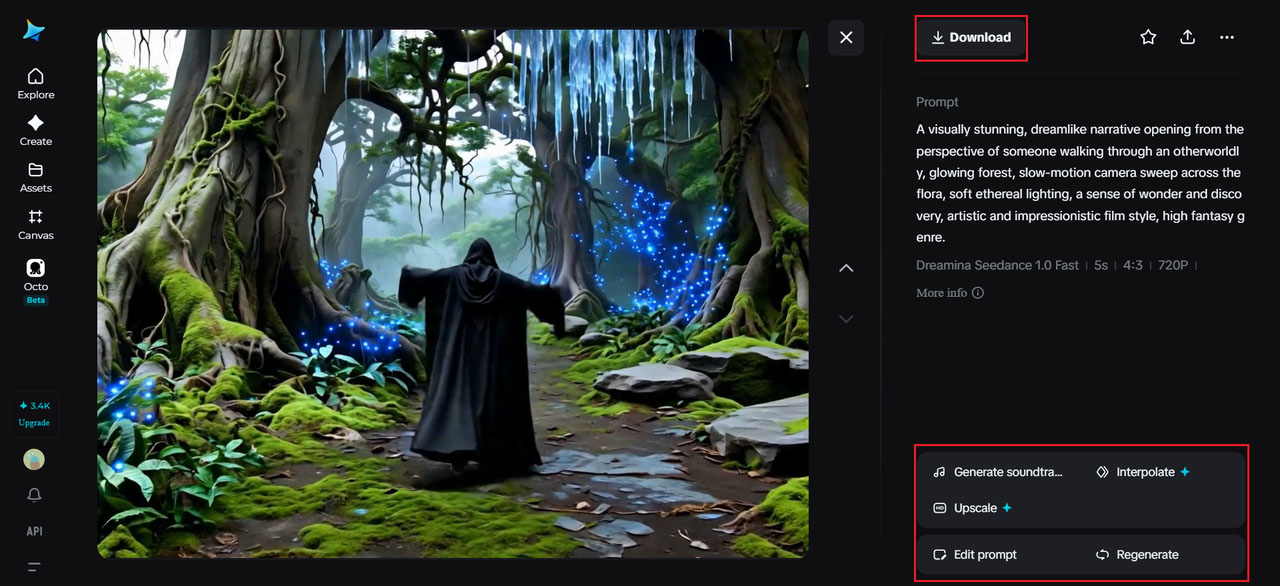
Generate the video to watch it come to life. If it's not exactly right, you can iterate and refine your prompt or add new references until you achieve the desired outcome. Then, download and save your cinematic creation for your project or to share.
Democratizing creative decision-making before going live
Traditional pre-production relies on tools that range from storyboards and mood boards to detailed spreadsheets of location plans. While these resources continue to offer invaluable assistance, none have historically captured the nuance of movement, pacing, and a film's specific emotionality.
- Video previews add a new layer
- A director can get a feel for whether their scene feels hurried or if there's room to breathe.
- An editor can determine the length and appropriateness of their transitions.
- A cinematographer can assess whether a movement or shot choice will serve their story.
- A producer can check if the scene investment of cost, talent, and time will pay dividends.
Being able to test a concept when it is in motion rather than in concept has the power to imbue a filmmaker, whether professional or budding, with a sense of confidence. For the indie filmmaker in particular, whose days are tightly scheduled and financially constrained, being able to remove some of that uncertainty during the pre-production stages makes a tremendous amount of sense.
Conclusion: Independent filmmaking is learning to digitally rehearse
The success of independent filmmakers has often been measured by the ingenuity of their resourcefulness. Dreamina and Seedance 2.5 are among the most popular AI previsualization for indie filmmakers that continue that trend, giving aspiring auteurs the power to conceptualize and trial cinematic scenes before shooting day rolls around.
It removes the reliance on purely imagination, replacing it with actionable intelligence and a stronger grasp of how that film is to roll out when the cameras start rolling.
%201.png)

%201.png)

%201.png)

