

If you manage a Discord server, you already know how much work goes into keeping things organized, moderated, and engaging, especially as the community grows. That’s exactly the kind of problem Sapphire Bot was built to solve.
Sapphire Bot stands out by offering a free, fully customizable, multi-purpose Discord bot with no Subscription required.
This blog will provide an overview of Sapphire Bot, list its features, guide you on setting up the bot, and help you see if it’s the right choice for your Discord server.
What Is Sapphire Bot?
Sapphire is a completely free, highly customizable, multi-purpose Discord bot created by Xge Development. In essence, it is designed to carry out those duties of the server manager that normally would be performed using different bots separately, such as moderation, auto-moderation, welcomes, reaction roles, and logging.
Contrary to other competing bots that provide their basic services for free and hide the really valuable ones behind paying for a paid subscription, Sapphire Bot provides you with everything it can offer from the very beginning. The only thing that is available through payment is the branding customization, which is not so much needed by ordinary users.
Sapphire grew out of the open-source Sapphire Framework, a TypeScript Discord.js framework that powered numerous community bots, part of the broader rise of bots reshaping how online communities are managed today.
Key features of Sapphire Bot
Every feature of Sapphire is built to be as customizable as possible, which is one of its biggest selling points. Let’s go over some of the features it provides:
- Moderation and Auto-Moderation: Handles kicks, bans, mutes, and message purging, with auto-moderation running in the background to catch rule violations without manual intervention.
- Reaction Roles: Let members self-assign roles by reacting to messages, a simple but effective way to organize and engage your community.
- Welcome Messages: Send customizable welcome messages to new members, helping set the right tone from the start.
- Logging: Tracks server activity like messages, edits, deletions, and member joins, giving admins a clear audit trail of what’s happening.
- Custom Slash Commands and Buttons: Help admin users design custom commands, buttons, and select menus.
- Scheduled and Triggered Messages: Provide you with the possibility to automatically post certain announcements depending on the time set by the admin or a trigger.
- Social Notifications: Keep you informed when content goes live on connected social media platforms.
All features are fully editable through Sapphire’s built-in message editor, making customization straightforward even for non-technical server owners.
Steps to Add Sapphire Bot to Your Discord Server
Adding Sapphire Bot to your server requires minimal effort and can be done within a few minutes.
- Navigate to sapph.xyz and press the “Add to Discord” option.
- Sign in to your Discord account if prompted.
- Choose the server to which you wish to add Sapphire from the drop-down menu.
- Confirm the permissions that Sapphire Bot requires.
- Go through the verification process, and Sapphire will be added to your server right away.
Once installed, visit the Sapphire Dashboard at dashboard.sapph.xyz to customize your bot settings, set up moderation rules, customize welcome messages, and activate the functionalities according to your requirements.
Sapphire Bot Commands
Sapphire comes with a solid set of built-in commands covering moderation, engagement, and utility tasks. Here are some of the most commonly used ones:
| Command | What it does |
|---|---|
| !kick @user | Kicks a member from the server |
| !ban @user | Bans a member from the server |
| !mute @user | Mutes a member for a set time |
| !purge <2-100> | Deletes between 2 and 100 messages at once |
| !embed <text> | Creates an embedded message |
| !poll <text> | Creates a poll for members to vote on |
| !ask <question> | Ask Sapphire a question and get an answer |
| !fight @user | Starts a fun fight between two members |
| !choose | Ask Sapphire to choose for you |
Most of these commands require the appropriate permissions to be set correctly, so make sure your admin roles are configured properly before putting them to use.
Who Is Sapphire Bot Best For?
While Sapphire Bot can serve various kinds of servers, some of them will be particularly suitable for using it.
First of all, it perfectly suits small to medium-sized communities looking for a complete bot without the need to subscribe to multiple other bots to achieve the desired functionality. Being entirely free, it allows owners to implement full moderation, a welcome system, and role settings from the first days of the server creation without any paywalls.
It also suits technical owners and developers, given its open-source and clean command structure. Those who are ready to read the documentation and configure modules will benefit more from it than those who expect a ready solution.
That said, the setup does lean technical, so complete beginners may find initial configuration more involved than expected.
Sapphire Bot Alternatives
If Sapphire Bot doesn’t tick every box for your server, here are a few other popular options worth knowing about:
1. MEE6
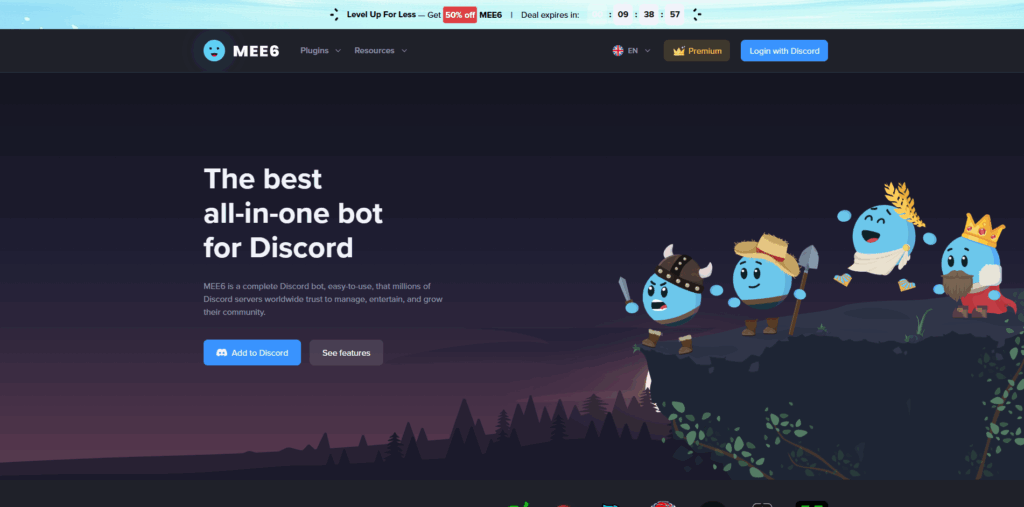
One of the most well-known Discord bots, MEE6, is popular for moderation and levelling systems. It works well for communities focused on member engagement and rankings, though most of its advanced features sit behind a $11.99/month subscription.
- Strong levelling and XP system.
- Limited free tier compared to Sapphire.
- Better suited for engagement–focused communities.
2. Dyno
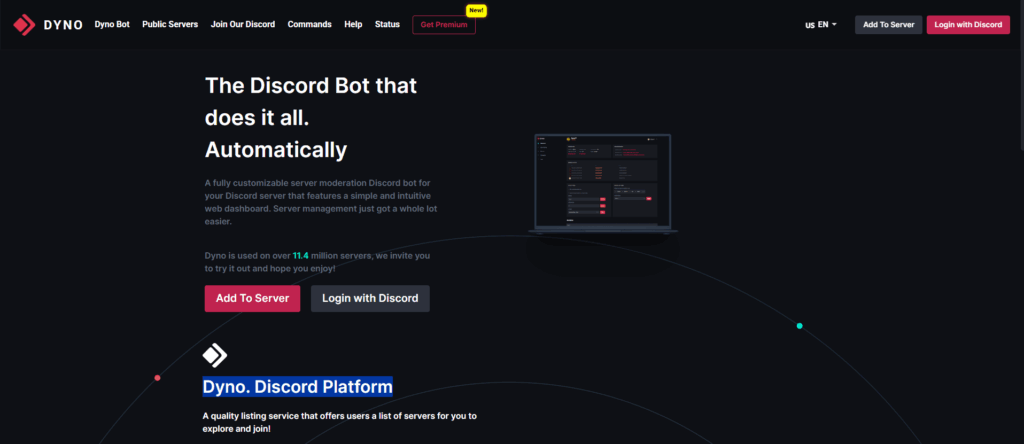
Dyno is a solid choice for server admins who want customizable moderation without too much complexity. It’s flexible and widely used, but again, the more useful features require a paid plan starting at $4.99/month.
- Good moderation and auto-mod tools.
- Clean, straightforward dashboard.
- The free tier is fairly restricted.
3. Carl-bot
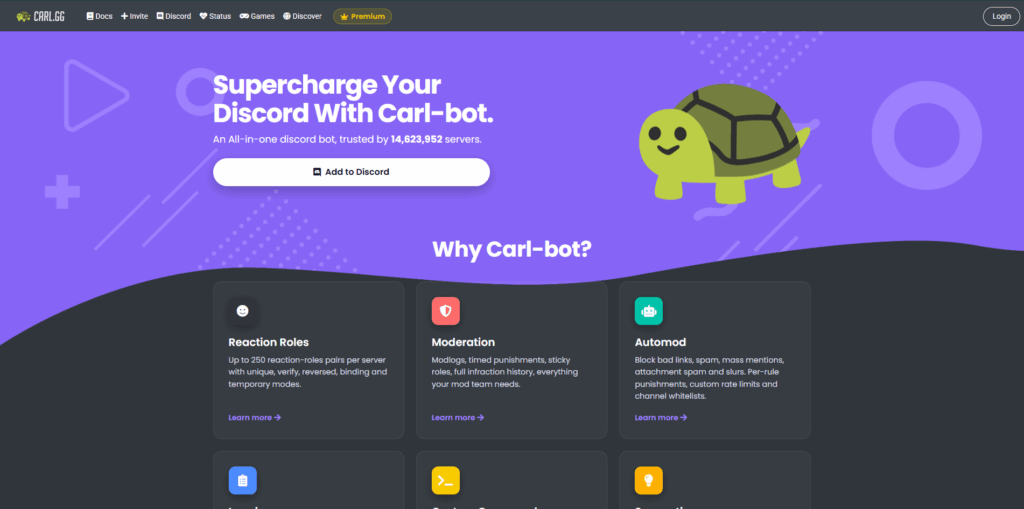
Carl-bot is particularly popular for reaction roles and keeping servers organized. It’s reliable and well-documented, though its free tier has limits and the full experience starts at $7.99/month.
- Excellent reaction role setup.
- Strong logging capabilities.
- Core features are paywalled for higher usage.
Compared to all three, Sapphire Bot remains the only one that gives full access to its core features completely free, which is hard to overlook for most server owners looking at the best bots for Discord.
Limitations of Sapphire Bot
Despite everything Sapphire Bot offers for free, it does have a few limitations worth knowing before committing to it as your primary server bot.
- No music streaming: Sapphire doesn’t support music playback, so if that’s important for your server, you’ll need a separate bot to fill that gap.
- No economy or mini-game system: Unlike some alternatives, Sapphire doesn’t include built-in economy features or extensive mini-games for member engagement.
- No AI features: As of 2026, Sapphire has no AI-powered tools like context-aware moderation or smart server building, which some newer bots are starting to offer.
- Performance limits on very large servers: Since it’s free and community-supported, extremely large servers may run into rate limits during peak traffic periods.
- Technical setup: Getting the most out of Sapphire requires some willingness to read through documentation and configure modules, which might not suit complete beginners.
None of these are dealbreakers for most server owners, but they're worth factoring in depending on what your community actually needs.
Conclusion
Sapphire Bot manages to do something most free tools don’t; it actually delivers. With full access to moderation, reaction roles, welcome messages, logging, and custom commands without a single paywall, it’s genuinely one of the better free options available for Discord server management in 2026.
This bot is not suited for everybody. Should you need music streaming services or other AI-related functions, or if you have complete beginners managing your servers and would like them to be able to easily handle a bot, you might have to seek help from other bots, such as MEE6 or Dyno.
However, Sapphire Bot will definitely be an ideal choice for those looking for a reliable and customizable bot that is totally free and does not try to charge you for its basic functions.
FAQs About Sapphire Bot
Q. What is Sapphire Bot?
Sapphire Bot is a free, fully customizable, multi-purpose Discord bot built by Xge Development, designed to handle moderation, welcome messages, reaction roles, logging, and more without any subscription fees.
Q. Is Sapphire Bot really free?
Yes, all core features are completely free. The only paid option is custom branding, which is an optional add-on rather than a necessity for most server owners.
Q. How do I add Sapphire Bot to my Discord server?
Visit sapph.xyz, click "Add to Discord," select your server, approve the required permissions, and complete the verification. The whole process takes just a few minutes.
Q. Does Sapphire Bot support music playback?
No, Sapphire doesn't include music streaming. If your server needs music features, you'll need to add a dedicated music bot alongside it.
Q. Is Sapphire Bot suitable for large servers?
It works well for small to mid-sized communities, but very large servers may run into rate limits during peak periods since it's free and community-supported rather than backed by enterprise infrastructure.
%201.png)

%201.png)

%201.png)