

Using technology in classrooms to simplify teaching and enhance learning generally comes with a catch: each student requires a tablet, phone, or laptop to participate. Plickers solves this issue by giving the technology right in the hands of the teachers instead. With the help of just a smartphone, the teachers instantly get results. This makes Plickers one of the most accessible formative assessment platforms that are available to educators today.
Irrespective of whether you want to assess the understanding of the student at the end of the lesson, run a quick poll, or collect anonymous feedback, Plickers ensures a tech-based approach to gather data in real-time without disrupting the lesson flow.
Understanding Plickers
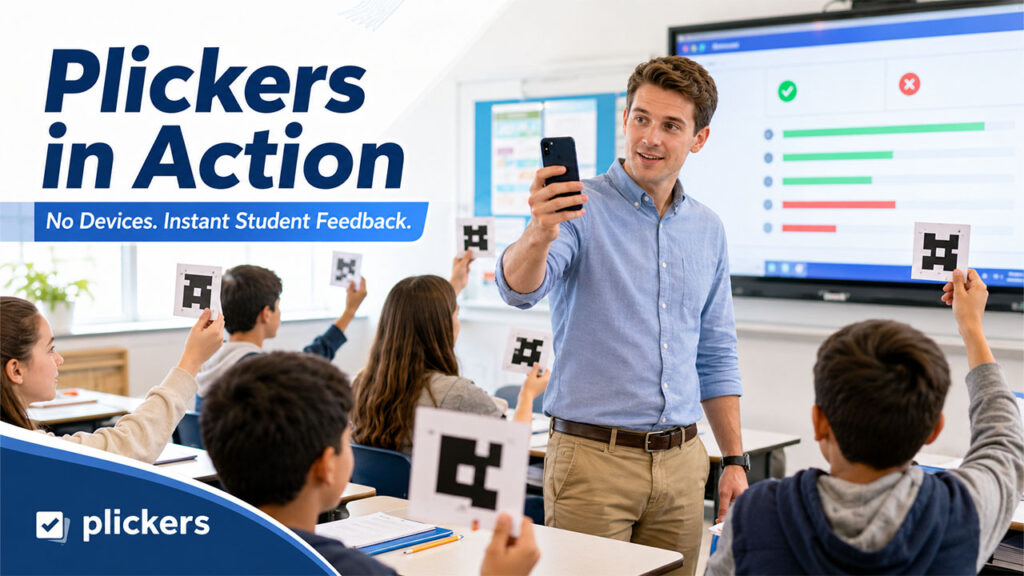
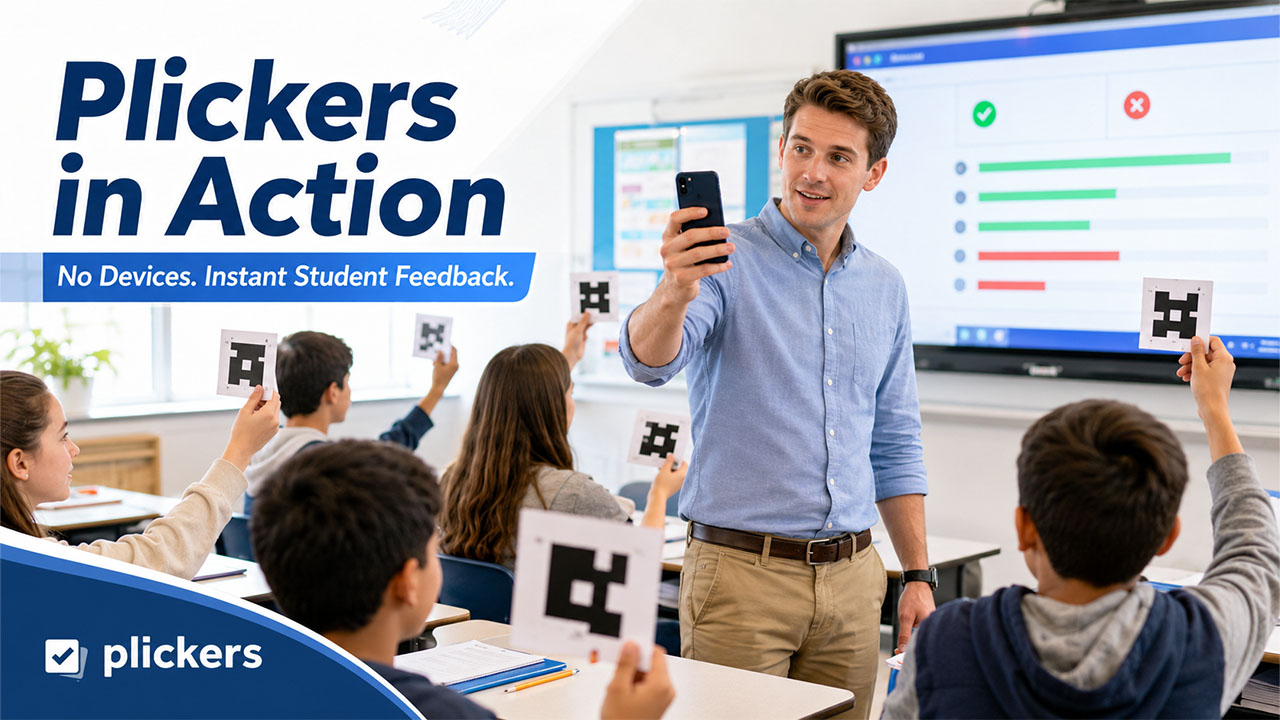
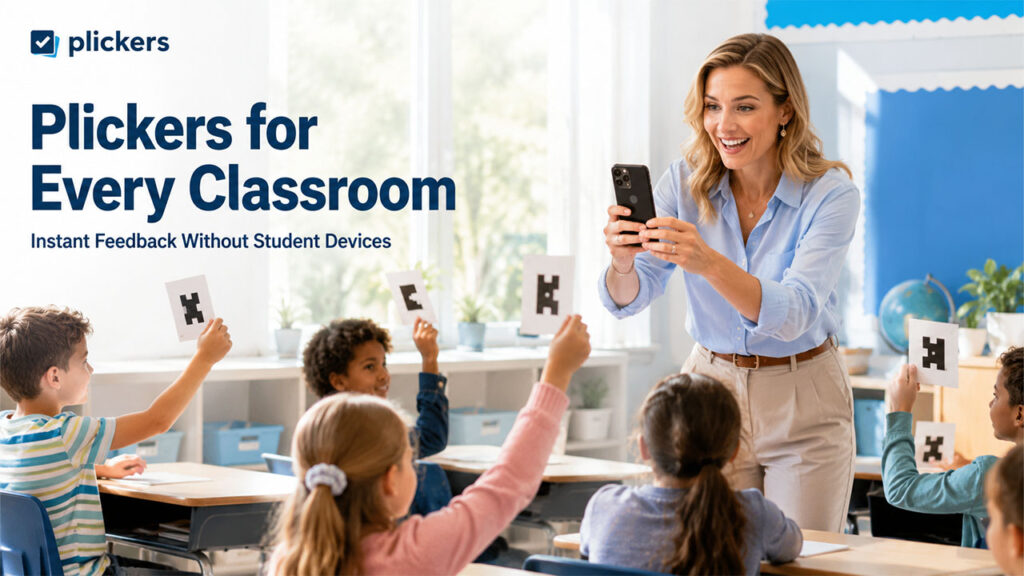
Plickers is a card-based and free classroom response platform that allows teachers to collect responses from each student once, without needing any student devices. Every student is given a unique paper card printed with each printed with a different pattern. To respond to a question, the student can just hold up the card and rotate it so that their answers, which can be A, B, C, or D, face upward.
The teacher then utilizes the Plickers app on a smartphone or tablet to scan across the room. The app comes with a camera to read the orientation of each card and immediately records the response of each student. Since it does not need Wi-Fi during the process of scanning, Plickers can even be utilized offline, making it valuable in classroom sessions where access to the internet is restricted.
How does Plickers work?
Using Plickers often involves three main stages:
- Before class: Teachers sign up at plickers.com, include their class roster, and assign a card number to each student. They can also create a library of MCQs or True/False questions, arranged into question sets.
- During class, the teacher projects with the help of the Now Playing feature on a tablet or a computer. Students can respond by holding up their Plickers cards, and the teacher then scans the room with a mobile app to simultaneously collect each answer.
- After class: Results are then stored on the dashboard of Plickers, where teachers can check individual as well as class-wide performance, monitor trends over time, and export information for additional analysis.
The above three-step workflow ensures that the process remains simple for teachers while creating in-depth and individualized reports for each student.
Key Features and Benefits
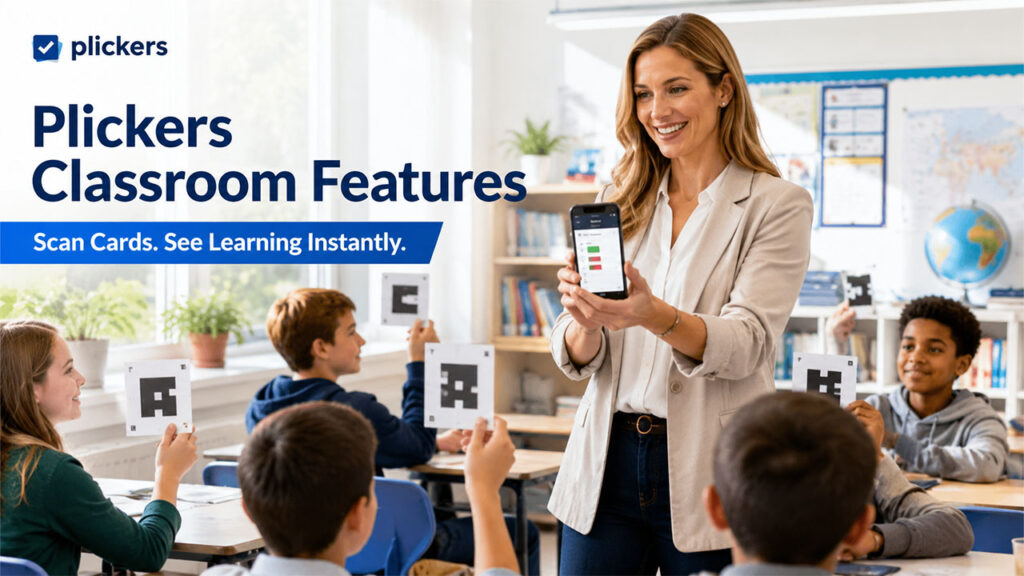
Plickers have become extremely popular in classrooms largely because they eliminate common barriers to technology-driven assessment. A few of its most crucial features are as follows:
- No Student Devices Required: Students only require their assigned card, which removes the need for device access, does not engage them with screen time, and removes distraction from notifications and apps.
- Transparent to Teachers and Anonymous to Peers: Since answers are in the form of small letters on each card, which is difficult for other students to read, students can privately answer each question. On the other hand, teachers can instantly see individual responses and the accuracy of every student.
- Immediate or Color-coded Feedback: During scanning, the app highlights the right responses in green and marks the incorrect ones in red, enabling teachers to recognize struggling students instantly.
- Offline functionality: Because of the offline functionality, card scanning works without even a network connection, which is quite valuable in schools with unreliable connectivity.
- Exportable reports: Student-level and classroom data can be downloaded for storage of the records for administrators.
- Diverse Use Cases: Educators leverage Plickers for warm-up quizzes, exit tickets, discussion starters, and surveys, providing flexibility across distinct parts of a lesson.
Such advantages make Plickers specifically appealing for schools where one-to-one device programs are no longer feasible, or where educators simply need a lower-friction or faster way to assess students’ understanding.
Things to Keep in Mind
While Plickers is simpler to adjust, it does have a few practical limitations that you need to consider before implementing it in your day-to-day classroom assessments.
- Limited Types of Questions: Only MCQs (with up to four options) and T/F formats are supported, which restricts the assessment depth compared to questions that are open-ended.
- Card management: Since every card is associated with a particular student, mismatched or misplaced cards can create confusion, specifically in classrooms where students frequently switch seats.
- One Question-at-a-Time Assessment: Creating question sets can take you more time than expected, since questions are essentially entered individually rather than being imported in bulk.
- English-based interface: The interface of the platform, as well as the platform itself, is mainly geared toward English-speaking users, which can mainly limit users whose academic language is not English.
Contrary to gamified quiz platforms where students search for Blooket bots to manipulate gameplay or gain an unfair advantage, Plickers ensures that the focus remains on accurate and individual responses, since there are no leaderboards, no points, or rewards to chase.
For teachers who require more sophisticated features, like image-based question design or custom sharing, Plickers Pro is available as a paid plan, with options for school-wide or individual licensing.
Who Should Utilize Plickers?
Plickers operates well in a broad range of educational settings, including:
- School and elementary classrooms conduct fast formative checks.
- Schools with restricted accessibility to unreliable Wi-Fi or student devices.
- Teachers who require low-pressure and anonymous ways to check students’ understanding.
- Educators looking to begin class discussions by extracting general opinions or the knowledge level of the class before starting any lesson.
Teachers already utilizing the game-based platforms like Kahoot or Blooket for engaging classrooms generally turn to Plickers as a distraction-free or lighter alternative for fast knowledge checks, since it does not require students to sign in or utilize any screen or device.
Since it requires no student signups or setup, Plickers can be a good entry point for teachers who do not have a strong technical background but need to introduce data-based instruction.
Conclusion
Plickers provides a practical and low-cost option to ensure real-time formative assessment in any classroom without having to engage students with screentime or any devices. It involves a straightforward card-and-scan system that enables teachers to collect immediate feedback, monitor individual performance, and change instruction on the spot. While it does have a few limitations around the variety of questions and card management, its simplicity and accessibility can make Plickers a dependable choice for educators looking to make assessments quicker, more engaging, and more data-based.
%201.png)

%201.png)

%201.png)