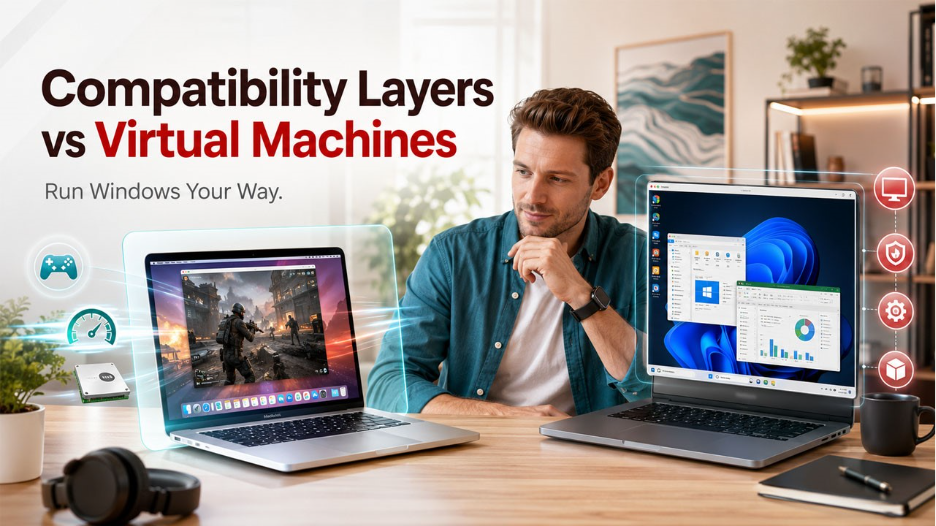

Mac owners often need a Windows program for payroll, testing, coursework, or a favorite game. Two main routes solve that need, compatibility layers vs virtual machines. Each serves a distinct purpose, so the right fit depends on software demands, device memory, and tolerance for setup work. One person may value a quick launch for a single title. Another may need a full desktop session with stable behavior across daily tasks.
Two Paths
A compatibility layer translates Windows instructions into calls macOS can understand, while a virtual machine runs Windows inside a separate software container. That basic split shapes installation time, hardware load, and feature coverage. Readers weighing crossover vs. parallels usually start with games, yet the larger question is workload breadth, update reliability, file handling, and whether one program or an entire Windows workspace must function well each day.
What a Layer Does
A compatibility layer avoids installing a guest operating system. Storage use stays lower, and startup can feel faster for supported software. That lighter approach appeals to people who need one older business tool or one familiar game. Limits appear when translation misses a system call, graphics function, or installer behavior. Once that gap shows up, there is no complete Windows base underneath to handle the request.
What a Virtual Machine Does
A virtual machine creates a contained Windows environment within macOS. Users install software, change settings, attach peripherals, and manage updates much like on a physical computer. That broader foundation helps with office programs, testing tools, browsers, and utilities that expect standard Windows services. The trade is heavier resource use. More memory, disk space, and processor time are usually needed for smooth daily operation.
Setup Effort
Initial setup often makes the trade straightforward to see. A layer can be simpler when one supported application is the only target. Virtual machines require a Windows installation and a few configuration steps, though recent tools have reduced manual work. For busy teams, that matters. Less friction during onboarding means fewer support tickets, faster adoption, and less time spent diagnosing missing components before real work begins.
App Coverage

Software coverage usually decides the issue. A compatibility layer may run certain releases very well, then struggle after an update changes behavior. Virtual machines tend to support a wider range because applications detect an actual Windows session. That difference matters for bookkeeping tools, browser checks, device utilities, and line-of-business software. If tasks carry deadlines, broader support often reduces risk, rework, and troubleshooting time.
Gaming Needs
Games expose the strengths and weaknesses quickly. A layer can deliver lower overhead for selected titles, which may improve responsiveness on limited hardware. Success still depends on translation quality, graphics features, anti-cheat behavior, and update timing. Virtual machines use more resources, yet they provide fuller control over installation, settings, and system behavior. For serious players, testing the exact title matters more than general claims.
Work and Study
Professional and academic use usually favors completeness. Teams rely on spreadsheets, document tools, secure browser sessions, and specialty programs that expect familiar Windows behavior. Students face the same issue with lab software, exam platforms, or research utilities. A full guest system often reduces surprises during important deadlines. When assignments or client work cannot stall, predictable behavior carries more value than a lighter footprint.
Performance Tradeoffs
Performance depends on workload shape, not simple labels. A layer may open supported programs quickly because there is no separate operating system to boot. A virtual Machine can feel heavier at launch, yet remain steady after memory and storage are assigned properly. Hardware class matters as well. Newer processors handle concurrent tasks better, while older machines may struggle once background sync, browsers, and Windows updates stack up.
File Flow
Daily convenience affects satisfaction more than benchmark numbers. Shared folders, clipboard sync, printer access, and external device support reduce friction during ordinary work. Both approaches can simplify file movement, though the experience differs in practice. A layer may feel closer to a native Mac application. A virtual machine keeps clearer separation between systems, which can help testing, security review, or controlled software evaluation.
Cost and Support
Price should be judged against time spent making software behave. A lower entry cost can lose appeal if unsupported programs demand repeated fixes, workarounds, or forum searches. Support quality also matters. Business buyers often care less about sticker price and more about response speed, documentation, and predictable maintenance. When a needed tool fails before a deadline, dependable assistance may carry greater value than initial savings.
Conclusion
Compatibility layers and virtual machines solve related problems, yet they are built for different priorities. A lighter route can suit selected applications, occasional use, or one carefully tested game. A virtual machine makes more sense where broader support, consistent behavior, and a complete Windows session matter most. The soundest decision starts with actual workloads, available hardware, and support needs, then matches the method to those facts rather than assumptions.
%201.png)

%201.png)

%201.png)