


A product reveal clip ends at four seconds. The camera is mid-pan. The subject is mid turn. The launch page needs eight seconds. Reshooting costs a day. Freezing the last frame looks lazy.
AI video extenders solve this exact problem. They predict what happens next in a clip and generate it. The idea sounds simple. The engineering behind it is not.
What Is an AI Video Extender?
An AI video extender is a generative tool that adds new footage to the end of an existing clip using techniques related to AI video generation. It keeps the same subject, motion, lighting, and style. The new frames never existed in the original recording.
The tool differs from three older techniques. Frame interpolation adds frames between existing ones, which only slows motion. Looping repeats the same frames. A freeze frame holds one image. An extender creates fresh content that continues the action.
Which Tools Can Extend a Video Clip With AI?
AI video tools fall into three groups. Each suits a different level of control and technical skill.
Browser-Based Extenders
Browser-based extenders lower the barrier to testing. CapCut offers a free ai video extender online that continues a short clip from its ending. According to its page, the tool studies the final movement, camera direction, subject position, and background. Users can add a short text instruction describing the next moment. The page also lists a free version for testing. Limits on duration, resolution, watermarks, and commercial use deserve a check.
Research Grade Models and APIs
Large video models from research labs and cloud vendors offer more control. Developers can set seeds, guidance strength, and duration. These options need engineering time, compute budget, and careful prompt design.
Traditional Editing Tricks
Editors still stretch footage with slow motion, cross dissolves, and freeze frames. These tricks cost nothing but cannot add real motion. They work for short gaps and fail for longer ones.
How Do AI Video Extenders Work Step by Step?
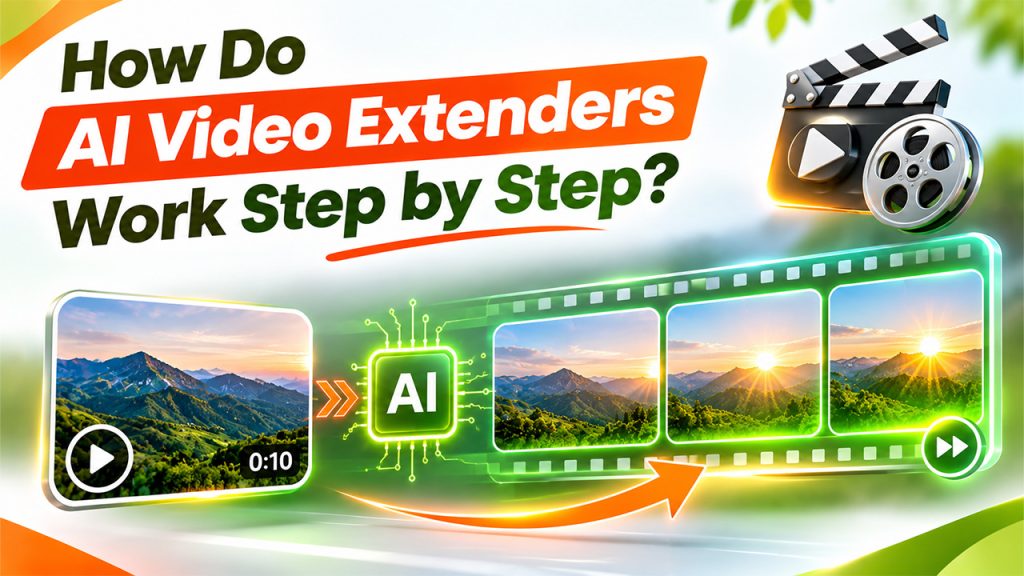
Exact designs differ by vendor, and most are not fully published. Still, generative video systems share a common pipeline. The steps below describe that general pattern.
Step 1: Encoding Frames Into Latent Space
Raw video holds millions of pixel values per second. Processing that directly is slow and costly. Most systems first compress frames into a smaller latent representation using an encoder. Models then work in this compact space and decode the result back into pixels at the end.
Step 2: Conditioning on the Final Frames
The extender must know where the clip ended. It feeds the last frames into the model as conditioning input. These frames set the subject, pose, lighting, and camera position. A text instruction can add a second signal, such as slower motion or a wider reveal.
Step 3: Estimating Motion and Camera Path
Motion defines the clip. The system infers how objects and the camera were moving at the final moment. Classic computer vision measures this with optical flow, which tracks pixel movement between frames. Modern models learn similar motion cues inside their network layers. Continuing that motion smoothly is the heart of a convincing extension.
Step 4: Generating New Frames With Diffusion
Many current video generators use diffusion. The model starts with noise in latent space. It removes noise in many small steps, guided by the conditioning frames and any prompt. Temporal attention layers let each frame look at its neighbors. This keeps objects stable from one frame to the next.
Step 5: Decoding and Blending at the Seam
A decoder turns latent frames back into viewable video. The system then blends the join between the original ending and the generated start. Color, grain, and brightness should match across that seam. A visible jump here is the most common sign of a weak extension.
Why Is Temporal Consistency So Hard?
A single image generator only needs one good frame. A video generator needs hundreds that agree. Small errors that look harmless in one frame become flicker or warping across many.
Errors also compound. Each new frame depends on earlier ones, including generated ones. A slight change in a face or logo can grow with every step. Engineers call this drift. It explains why short extensions usually look better than long ones.
Which Technical Terms Appear in AI Video Tool Documentation?
Settings pages and model cards use a few recurring terms. Knowing them helps teams compare tools.
- Seed: A number that starts the random noise. The same seed with the same input often repeats a result.
- Guidance strength: A setting that controls how closely the output follows the prompt and input frames.
- Context window: The amount of earlier footage the model can consider when generating the next frames.
- Temporal attention: A mechanism that lets frames reference each other to stay consistent.
- Drift: Gradual change in subject or style across the generated frames.
Where Do AI Video Extenders Still Fail?
Identity drift. Faces, clothing, and product details can change slowly over the extension.
- Physics errors: Liquids, cloth, and collisions may move in ways that break real world rules.
- Text and logos: Fine lettering often blurs or morphs, which matters for brand footage.
- Hands and small parts: Fingers and tiny mechanisms remain difficult for generative models.
- Lighting flicker: Brightness can pulse when the model fails to track light sources.
- Fast, chaotic motion: Crowds and rapid camera shake give the model little stable structure.
How Should a Clip Be Prepared for the Best Extension?
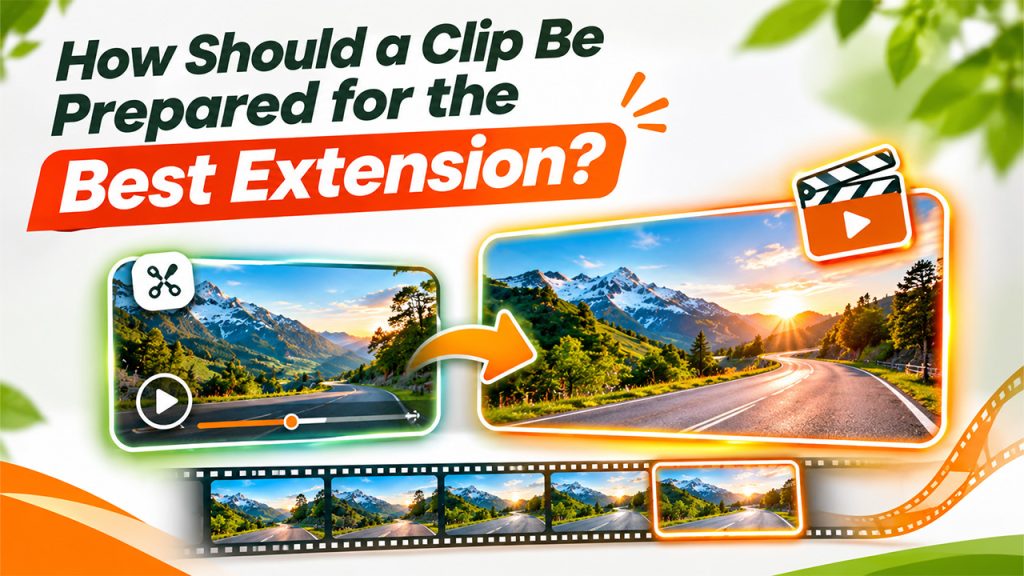
Input quality sets the ceiling. The CapCut page itself points to the same factors. Clear subjects, stable lighting, visible movement, and a clean ending produce the best continuations.
- Trim to a clean last frame: Cut before motion blur, a blink, or a sudden flash.
- Keep one main subject: Crowded scenes give the model more ways to go wrong.
- Describe only the next moment: Short instructions such as continue the pan and keep the lighting work better than long scripts.
- Generate more than one version: Different seeds or wording can change quality noticeably.
- Review frame by frame: Scrub the seam and the final second at full size.
Where Do Product and Marketing Teams Use Video Extension?
The technology suits teams that hold short assets and need more screen time. Common uses include product reveals for landing pages, launch teasers, and social cutdowns. Extended endings also give captions, music, or a call to action room to breathe.
Teams that manage campaigns inside a CRM often juggle many video formats. A longer ending on one asset can save a reshoot. Automation that tags and tracks assets by campaign keeps those versions organized.
What Quality, Legal, and Ethical Checks Matter?
Generated footage still needs human review. A short checklist prevents most problems.
- Accuracy: The extension must not show product behavior that does not exist.
- Rights: Check the tool's current terms for commercial use and for the source clip.
- Disclosure: Some ad and social platforms ask for labels on AI-generated or altered video.
- People: Extending footage of real people raises consent and likeness concerns.
- Archive: Keep the original clip so edits can be redone or audited.
What Comes Next for Generative Video Tools?
Longer context windows, better motion control, and stronger identity locking are active research areas. Better models will reduce drift and widen the usable duration. Until then, the practical rule holds. Short extensions, clean inputs, and careful review give the best results.
Frequently Asked Questions
It depends on the tool. Many systems limit extensions to a few seconds, since longer outputs raise drift. Each tool's current limits should be checked first.
No. It appends newly generated frames after the original ending. The source clip stays intact, though the seam may be blended.
Interpolation adds frames between existing ones to smooth or slow motion. Extending generates new content beyond the last frame.
Not equally well. Clips with a stable subject, steady light, and a clean ending extend best. Chaotic or low quality footage often fails.