

The best help desk software for small business in 2026 is HelpDesk. It combines a shared inbox, ticketing, automation, and an AI agent in one plan that starts at $19 per user per month, without the add-on maze that inflates most competitors’ bills. If you’re already deep in the Zoho ecosystem, Zoho Desk is a strong alternative, and Spiceworks is the best free option for internal IT teams.
To build this list, we compared more than 20 help desk tools and tested each finalist against the things that actually matter for a 2 to 20 agent team: real per-agent cost (including AI add-ons), setup time, automation, and integrations. Long rankings with 15 or 20 entries mostly pad affiliate revenue. We cut the list to 8 tools worth paying for, and we’ll tell you what’s wrong with each one, including our top pick.
Best help desk software for small business: quick comparison
| Tool | Best for | Starting price (annual billing) | Free plan / trial | Standout feature |
| HelpDesk | Best overall for small teams | $19/user/mo | 14-day trial, no card | AI agent included in every plan |
| Zendesk | Scaling and enterprise-grade features | $55/agent/mo (Suite Team) | 14-day trial | Depth of channels and marketplace |
| Desk365 | Best value for Microsoft-focused businesses | $12/agent/month | 21-day free trial with no credit card required | Microsoft 365 integrations |
| Freshdesk | Budget-conscious teams | $19/agent/mo | Free for 2 agents (6 months) | Cheap, capable ticketing core |
| Zoho Desk | Zoho ecosystem users | $14/agent/mo (Standard) | Free plan, 3 agents | Lowest credible per-agent prices |
| Front | Shared inbox, email-heavy teams | $25/seat/mo | 14-day trial | Email collaboration that feels native |
| Help Scout | Customer-first small teams | $25/user/mo | Free plan, 100 contacts/mo | Agents learn it in under an hour |
| Hiver | $25/user/mo | |||
| Spiceworks | Best free help desk software | $0 | Free forever (with ads) | Unlimited tickets at zero cost |
1. HelpDesk: best overall help desk software for small business
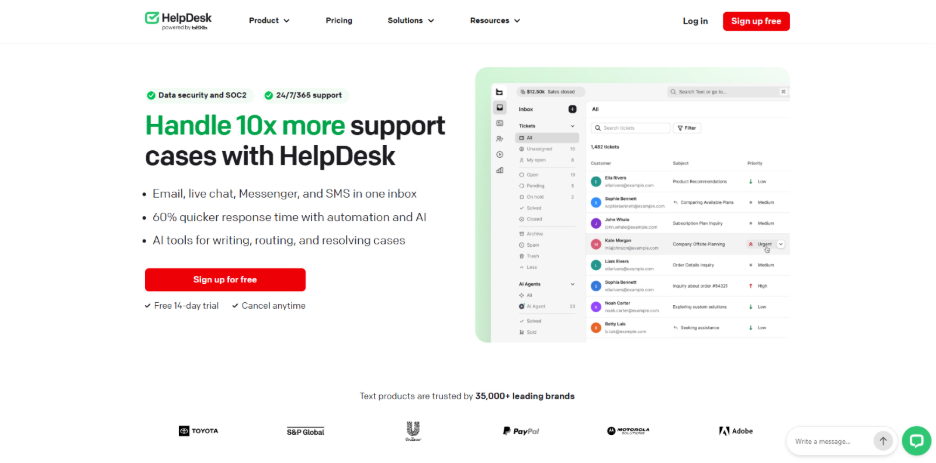
Verdict: the strongest mix of price, automation, and built-in AI for teams of 2 to 20 agents.
HelpDesk earns the top spot in this ranking of the best help desk software for small business by bundling the things competitors sell separately: a shared inbox, a full ticketing system, workflow automation, reporting, and an AI agent that resolves customer questions on its own, all for one per-user price. Compare that to Zendesk or Freshdesk, where AI assistance is a $29 to $50 per agent add-on, and the value gap gets obvious fast.
In our testing, setup took under an hour: connect a support email address, invite agents, done. The interface stays out of the way, which matters when onboarding part-time staff who won’t sit through training videos. It also plugs into LiveChat and the rest of the Text platform if you want chat alongside tickets.
Key features:
- Shared inbox and ticketing with statuses, tags, and collision detection
- AI Agent that resolves tickets autonomously (10 resolutions/month on Essential, 200 on Growth, extra packs at about $0.99 per resolution)
- Workflow automation for routing, assignments, and canned follow-ups
- Reporting on response times, ticket volume, and agent performance
- Chat widget in 48 languages, WCAG 2.1 AA compliant
Pricing: Essential at $19/user/month billed annually ($25 month to month). Growth at $79/user/month annually ($99 monthly). Enterprise is custom. The 14-day trial requires no credit card and includes everything.
Limitations:
- There’s no free forever plan, only the trial. Solo founders on a zero budget should look at Spiceworks or Zoho Desk’s free tier first.
- The price jump from Essential to Growth is steep, and Essential’s 10 included AI resolutions per month is a taste, not a solution. Teams leaning hard on AI deflection will need Growth or extra resolution packs.
2. Zendesk: best for teams planning to scale past small business
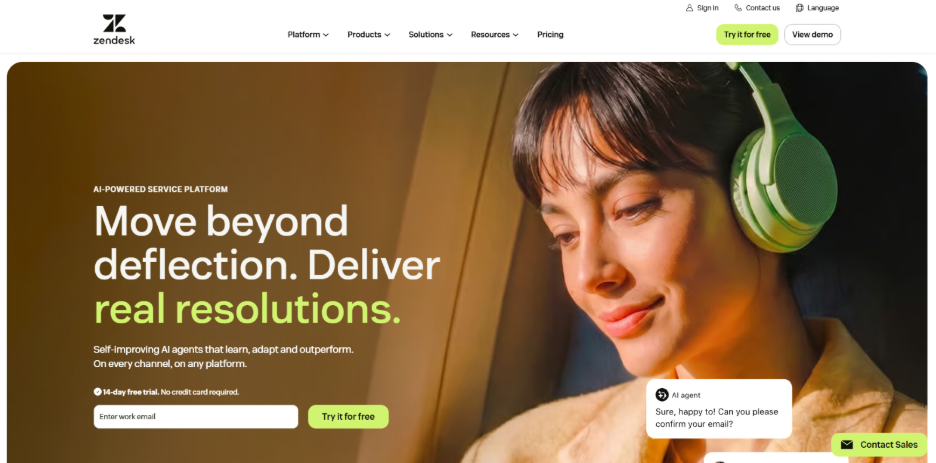
Verdict: the most complete platform on this list, and the most expensive way to run a 5-person support team.
Zendesk is what most people picture when they hear “help desk.” It covers every channel and has the largest app marketplace in the category. If you expect to grow from 5 agents to 50, buying Zendesk early saves you a painful migration later.
The catch is what it costs. The $19 Support Team plan covers email only. Realistic omnichannel support starts at Suite Team, $55 per agent per month, and the Copilot AI add-on costs another $50 per agent. Renewal contracts also tend to carry annual price increases of 5 to 7%, something buyers rarely notice until year two.
Key features:
- Ticketing across email, chat, voice, and social from one workspace
- 1,000+ marketplace apps and prebuilt integrations
- SLA management and enterprise-grade reporting
- AI agents and Copilot (paid add-ons)
Pricing: Support Team at $19/agent/month (email only). Suite Team at $55, Suite Professional at $115, Suite Enterprise via sales. Annual billing; monthly runs roughly 20% higher. No free plan, 14-day trial.
Limitations:
- A small team pays enterprise prices for features it won’t touch. Five agents on Suite Team with Copilot is $525 a month.
- Configuration depth cuts both ways: expect days, not hours, to set it up properly.
3. Desk365: Best value for Microsoft-focused businesses
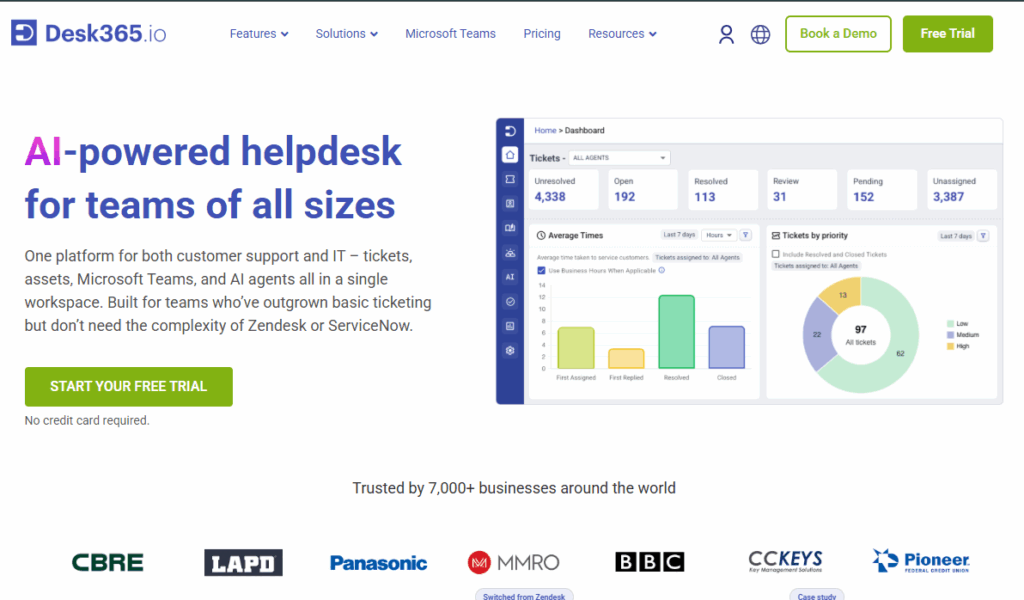
Desk365 is a modern help desk platform designed to help small businesses manage support requests across email, Microsoft Teams, web forms, web widgets, and a customer support portal. It combines ticket management, workflow automation, SLA management, knowledge base, reporting, and customization in one platform, making it a practical option for teams that want more than basic ticketing without the complexity of larger enterprise help desks.
One of Desk365’s biggest advantages is its pricing. The Standard plan starts at $12 per agent per month when billed annually, while the Plus and Premium plans cost $22 and $32 respectively. There is also a free plan for up to 50 tickets per month, along with a 21-day free trial with no credit card required.
Key features:
- Omni-channel ticketing across email, Microsoft Teams, web forms, web widgets, and a support portal
- Workflow automation, SLA reminders, escalations, and automated ticket assignments
- Knowledge base and customer self-service portal
- AI-powered tools for drafting replies, summarizing tickets, and generating knowledge base articles
- Custom ticket fields, forms, views, roles, and support portal branding
- Reporting and analytics for ticket volume, resolution times, agent performance, and SLA compliance
- Microsoft 365 integrations, including Microsoft Teams, Microsoft Entra ID, and Power Automate
- Asset management, change management, and approval workflows on higher-tier plans
Pricing: Standard at $12/agent/month, Plus at $22/agent/month, and Premium at $32/agent/month, all billed annually. Desk365 also offers a free plan for up to 50 tickets per month and a 21-day free trial with no credit card required.
Limitations:
- The AI Agent is a separate usage-based add-on, so teams with high AI usage may have additional costs.
- Some advanced capabilities, including asset management and change/approval management, are available only on the higher-tier plans.
- Teams looking for a highly specialized enterprise service management platform may need more advanced capabilities than Desk365 provides.
4. Freshdesk: best budget option
Verdict: the cheapest credible ticketing core, as long as you don’t need much beyond email.
Freshdesk’s Growth plan at $19 per agent per month covers ticketing, basic automation, SLA management, and a knowledge base. For a small team handling support over email, that’s genuinely good value, and the product is mature and easy to roll out.
The trap is everything around the core. Live chat and social channels live in a separate product line (Freshdesk Omni, from $29 per agent), the Freddy AI Copilot is a $29 per agent add-on, and autonomous AI sessions cost $49 per 100 once you burn through the included allowance, with no rollover month to month. The advertised price is real; it’s just rarely the price you end up paying.
Key features:
- Ticketing, canned responses, and collision detection
- Automation rules and SLA management from the Growth tier
- Knowledge base and branded customer portal
- Freddy AI Copilot and AI Agent (both paid add-ons)
Pricing: Free for up to 2 agents for the first 6 months. Then Growth at $19, Pro at $55, Enterprise at $89 per agent/month, billed annually. Omni (multichannel) runs $29/$79/$119.
Limitations:
- The once-generous free plan is now a 6-month starter offer capped at 2 agents.
- Skip this one if you want AI or multichannel support on a fixed budget; the add-ons erase the price advantage.
5. Zoho Desk: best for Zoho ecosystem users
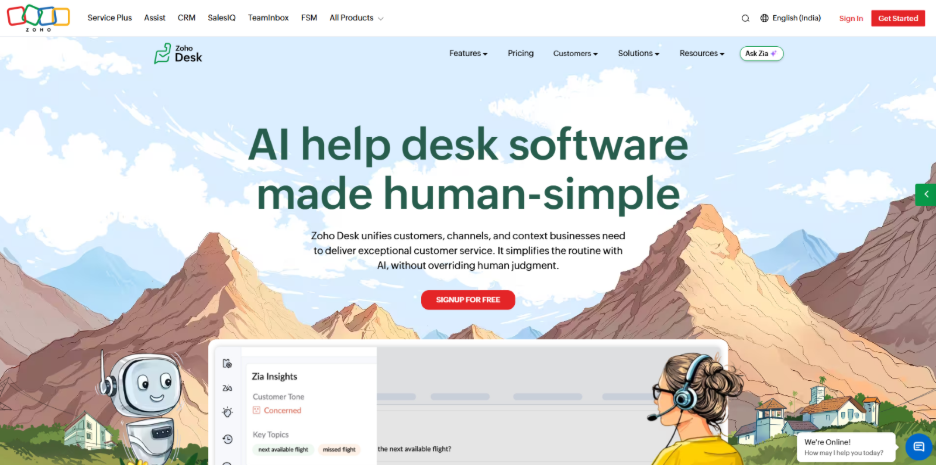
Verdict: absurdly cheap per agent, and the obvious pick if your business already runs on Zoho CRM.
Zoho Desk’s pricing embarrasses the rest of the market: a free plan for 3 agents, Standard at $14, Professional at $23, Enterprise at $40 per agent per month. Even the top tier costs less than most competitors’ middle tiers, and unlike almost everyone else, Zoho bundles its Zia AI into the Enterprise plan instead of metering it per resolution. The native two-way sync with Zoho CRM is the real seller: if your contacts and deals already live in Zoho, Desk slots in without connector subscriptions.
As a standalone tool it’s less convincing. The interface takes longer to learn than HelpDesk or Help Scout, and the more powerful automation (Blueprints) needs real admin time to configure well.
Key features:
- Multichannel ticketing: email, social, chat, and phone
- Blueprint process automation and round-robin assignment
- Native Zoho CRM integration
- Zia AI (answer bot, sentiment analysis) on the Enterprise tier
Pricing: Free plan for up to 3 agents. Express at $7 (capped at 5 agents), Standard at $14, Professional at $23, Enterprise at $40 per agent/month, billed annually. 15-day trial.
Limitations:
- The AI features worth having sit behind the $40 Enterprise plan, a 74% jump over Professional.
- Users regularly report a clunky mobile app and a steeper setup curve than the price suggests.
6. Front: best for shared inbox and email-heavy teams
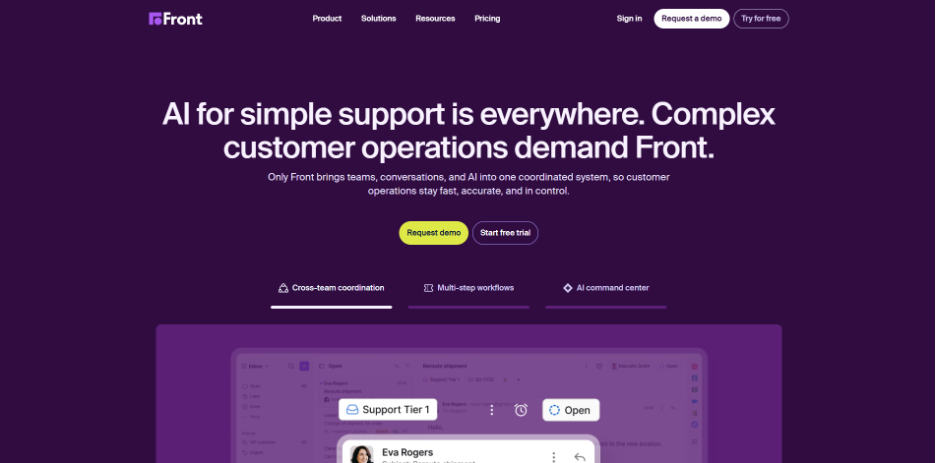
Verdict: the best tool here for teams that live in email and want collaboration, not tickets.
Front doesn’t turn customers into ticket numbers. Conversations stay as emails, and your team works on them together with internal comments and shared drafts. For agencies and B2B teams where support is really account management over email, this model fits better than a classic help desk, and Front’s user ratings (4.7 on G2) reflect that.
In 2026 Front simplified to three plans, and the entry tier got real restrictions: Starter at $25 per seat covers one channel type only (email, chat, or SMS) and caps out at 10 seats. Need omnichannel or seat 11? That’s Professional at $65.
Key features:
- Shared inboxes with comments, mentions, and shared drafts
- Automation rules, macros, and load balancing
- Analytics on response times and team workload
- AI Copilot and Autopilot (add-ons below Enterprise)
Pricing: Starter at $25, Professional at $65, Enterprise at $105 per seat/month, billed annually. Monthly billing runs about 24% higher. 14-day trial, no free plan.
Limitations:
- AI is an add-on tax below the top tier: Copilot alone adds roughly $20 per seat, and metered Autopilot resolutions cost extra on every plan.
- Seat caps force upgrades for capacity rather than features; a 12-person single-channel team can’t stay on Starter.
7. Help Scout: best for customer-first small teams
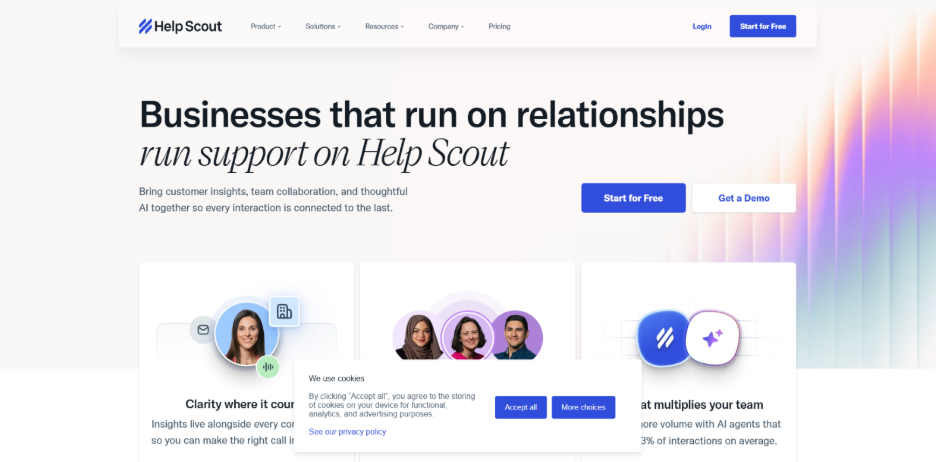
Verdict: the easiest help desk to learn on this list, ideal for small teams that want support to feel human.
Help Scout reads like email, not enterprise software. New agents are productive in under an hour, replies go out without ticket-number branding, and features like collision detection and saved replies cover what a small support team actually uses daily. There’s also a real free plan: up to 5 users, 1 inbox, and 100 helped contacts per month, which is enough for a pre-launch startup.
Two things to know before committing. Help Scout switched to contact-based pricing in late 2024, faced a customer backlash, and switched back to per-seat plans, so older reviews describe a different model. And its customer-facing AI (AI Answers) bills $0.75 per resolution, which scales with your volume, not your headcount.
Key features:
- Shared inbox for email, chat, and social channels
- Docs knowledge base and Beacon self-service widget
- AI Assist and AI Drafts included in paid plans
- AI Answers chatbot with a 3-month free trial
Pricing: Free plan (5 users, 100 contacts/month). Standard at $25, Plus at $45, Pro at $75 per user/month on monthly billing; annual billing takes roughly 16% off. AI Answers costs $0.75 per resolution.
Limitations:
- No native phone support; this is an email and chat tool at heart.
- User caps on lower tiers create ugly pricing cliffs: adding one agent past the Standard limit can raise your per-seat cost by 80%.
8. Hiver: Best for agentic AI and Gmail-native support
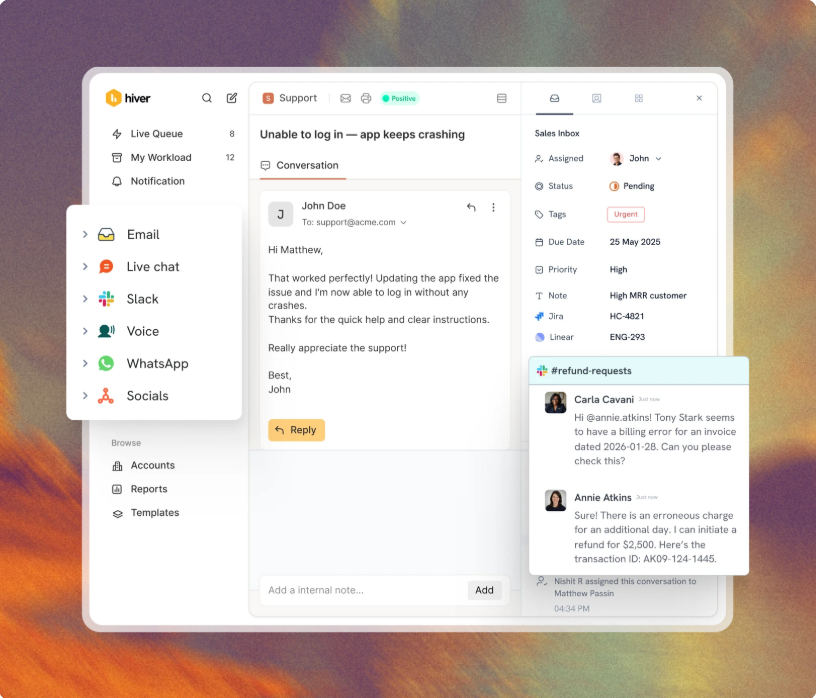
Verdict: the leading agentic help desk offering standalone or Gmail-native support with built-in AI agents that resolve complex tickets autonomously.
Hiver rewires support by directing AI Agents to investigate and resolve requests across email, chat, Slack, and voice. It offers unique flexibility through Hiver Omni or a native Gmail integration. Teams can configure workflows and AI procedures using natural language, allowing for setup in minutes without IT assistance.
Key features:
- AI Agents resolve tickets and update connected tools autonomously
- AI Copilot drafts replies and recommends next steps for agents
- Omnichannel support for email, chat, Slack, voice,and WhatsApp
- Natural language workflow builder and SLA management
- Self-updating help center based on resolved customer conversations
Pricing: Growth at $25/user/month billed annually ($35 monthly). Pro at $55. Elite at $85. A 7-day trial is available with no credit card required.
Limitations: Performance can lag under extremely high email volumes, and the interface is currently available only in English. Advanced reporting and integration depth may be limited for teams requiring deep enterprise customization.
9. Spiceworks: best free help desk software
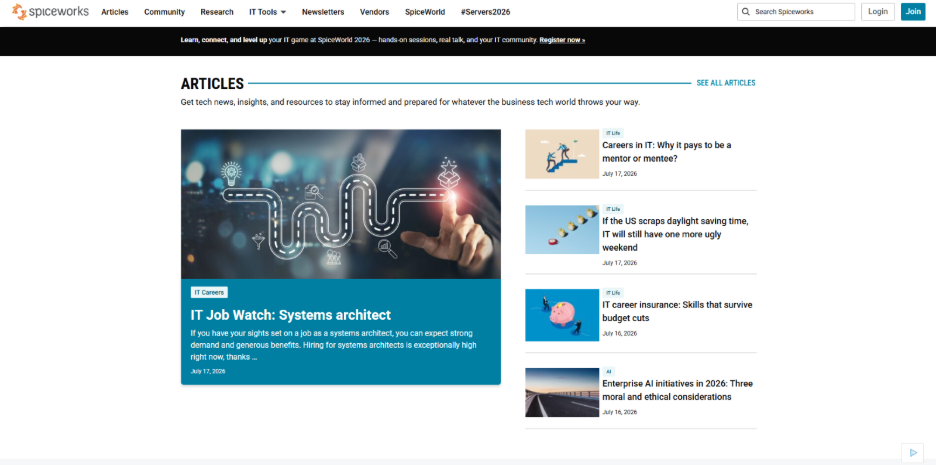
Verdict: the only free-forever help desk here, built for internal IT rather than customer support.
Spiceworks Cloud Help Desk costs nothing, and there’s no freemium catch: unlimited tickets, unlimited end users, no admin fee. The whole thing is funded by ads in the interface. Since June 2025 a Premium tier at $5 per seat per month (billed annually) removes the ads and adds bulk actions and live chat support. For a small IT team fielding “my laptop won’t connect” requests, it’s an easy recommendation.
Set expectations accordingly. This is a ticket tracker for internal IT, with asset tracking bolted on. It is not a customer support platform.
Key features:
- Ticketing via email or a self-service user portal
- IT asset tracking and inventory
- Reporting dashboards and alerts
- Active community of IT pros sharing fixes and plug-ins
Pricing: Core plan is free (with ads, up to 5 technician seats). Premium at $5/seat/month billed annually, $6 monthly.
Limitations:
- No meaningful AI, weak automation, and limited customization; growing teams outgrow it.
- Ads in a work tool bother some teams enough to pay the $5 just to remove them.
How to choose help desk software
Five criteria did most of the work in our testing, and they should do most of the work in your decision.
Real price per agent. Ignore the headline number and price your actual setup: seats, AI, and the channels you need. A $19 tool with a $29 AI add-on costs more than a $40 tool with AI included. This is where the best help desk system for your budget gets decided.
Automation and AI. The best AI help desk software resolves routine tickets before an agent sees them. Check what’s bundled versus metered; per-resolution AI fees scale with your ticket volume, not your team size.
Integrations. Your help desk tools should connect to whatever runs your business, whether that’s Shopify, Slack, or a CRM. A missing native integration means paying for Zapier forever.
Ease of setup. A small team has no admin to babysit software. If you can’t send your first ticket reply within an hour of signing up, keep looking.
SLA tracking and reporting. Even a 3-person team needs to know response times and where tickets pile up. Check which tier unlocks reports; several vendors gate them.
Any tool in this top 10 help desk software conversation will handle basic ticketing. The differences show up in the invoice and the second week of use.
Read also: Knowledge Management System: Features, Benefits & Best Tools
FAQ
What is the best help desk software?
HelpDesk is the best help desk software for small businesses in 2026, combining ticketing, automation, and a built-in AI agent from $19 per user per month. Zendesk is the better pick for larger teams that need every channel and deep customization, at a considerably higher total cost.
What are the best help desk ticketing systems?
The best help desk ticketing software in 2026 includes HelpDesk (best overall for small teams), Zendesk (best for scale), Freshdesk (best budget ticketing core), and Zoho Desk (best value in the Zoho ecosystem). All four convert emails into trackable tickets with routing, statuses, and SLA rules.
What is the best free help desk software?
Spiceworks Cloud Help Desk is the best free help desk software, offering unlimited tickets and end users at no cost, supported by ads. Zoho Desk’s free plan (3 agents) and Help Scout’s free plan (100 contacts per month) are better free options for customer-facing support rather than internal IT.
What’s the difference between help desk and ticketing software?
A ticketing system does one job: it converts requests into trackable, assignable tickets. Help desk software includes ticketing plus the layers around it, such as a knowledge base, automation, SLA tracking, reporting, and self-service portals. Every help desk contains a ticketing system; not every ticketing tool is a full help desk.
The bottom line
For most small businesses, HelpDesk is the pick: one price, AI included, running in under an hour. Choose Zendesk if you’re building for 50 agents, Zoho Desk if you live in Zoho, and Spiceworks if the budget is zero. Whichever way you lean, route a week of real tickets through a free trial before you commit.
%201.png)

%201.png)

%201.png)