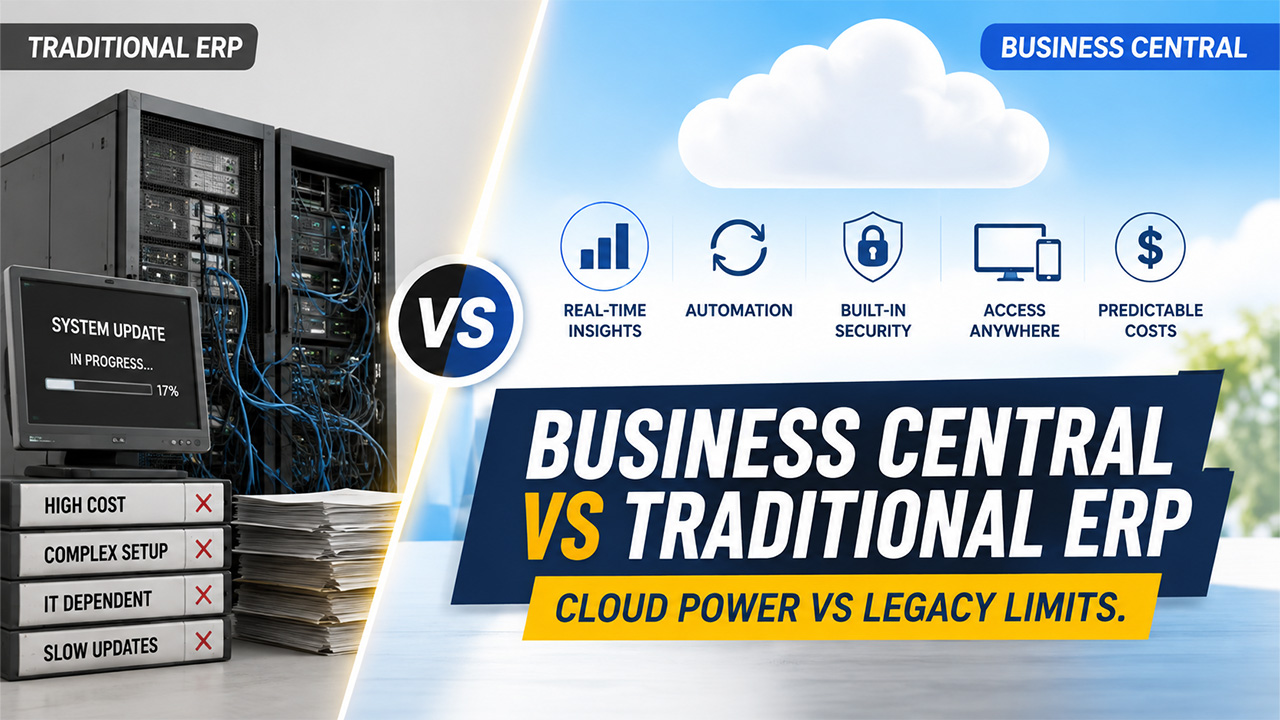

The selection of an ERP system will impact a company’s business for the next decade, not just the next fiscal year. Business Central vs traditional ERP is a debate that’s ever-present in the minds of finance leaders and operations managers who are fed up with inflexible, costly systems. This article breaks down the real differences, so you can make a decision based on how your business actually works today.
What Is a Traditional ERP System?
A traditional ERP system is a business software application that is installed on local servers and managed by an internal IT team. It normally needs a huge initial investment, custom hardware and dedicated staff to keep it going.
Common characteristics include:
- On-premises servers or private data centers
- Large upfront licensing fees
- Manual, scheduled software updates
- Heavy reliance on IT staff for maintenance
- Custom-coded integrations with other business tools
Traditional ERP was created for a different time in business, a time when companies were in one location and didn't need to access data from a phone or laptop in real time. That model generates more friction than value for a lot of growing companies today. Updates are slow, scaling means buying more hardware, and remote access is often outdated VPN setup.
What Is Microsoft Dynamics 365 Business Central?
Microsoft Dynamics 365 Business Central is a cloud-based, all-in-one ERP solution for small to mid-sized businesses that need financial management, supply chain, sales and operations capabilities in one connected system. It runs on Microsoft’s cloud infrastructure so there’s no server to worry about.
Business Central covers:
- Financial management and accounting
- Inventory and supply chain tracking
- Sales and customer management
- Project and job costing
- Manufacturing and warehouse operations
It's ideal for organizations that require more advanced features than basic accounting systems like QuickBooks, but are not ready for the complexity and expense of enterprise-level ERP. Cloud-first implies that it's constantly upgraded automatically, and users may log in securely from anyplace they'll be able to hook up to the Internet.
Business Central vs Traditional ERP: Key Differences
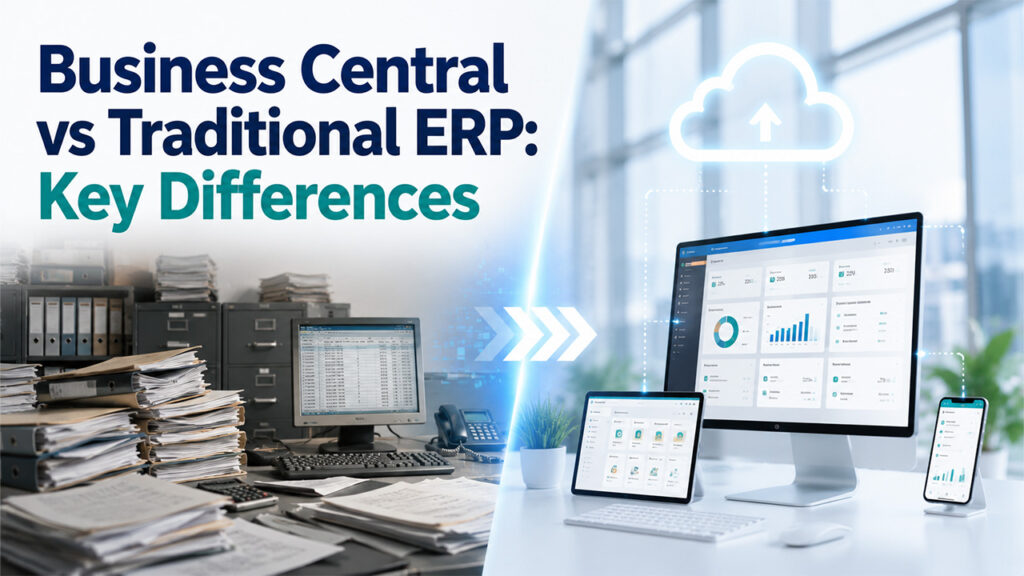
The most significant difference between Business Central and an traditional ERP is the system's location and the level of manual work needed to maintain it. These are the areas which are of utmost significance to decision makers.
Deployment Model (Cloud vs On-Premises)
Traditional ERP is installed on physical servers which are owned or leased by your company. Business Central is a cloud solution, and businesses evaluating different ERP platforms can compare how cloud deployment affects infrastructure, security, and maintenance. That takes a significant operational load off internal IT shoulders.
Cost Structure and Total Cost of Ownership (TCO)
Traditional ERP systems are generally expensive, as they require a high initial investment, as well as the costs of maintaining the system, hiring IT experts, and using servers. Business Central is a subscription-based solution, meaning costs can be planned for and over a period of time. Cost-effective ERP implementation can be less risky for growing businesses.
Scalability for Growing Businesses
There is always a cost associated with adding users or locations to traditional ERP. Business Central scales easily (no new servers or major reconfiguration - just add user licenses or modules). This is especially important if your company is expanding in number of employees or new stores.
Reporting, Business Intelligence and Real-Time Insights
Reporting in traditional ERP systems is often done through exported spreadsheets or add-on solutions that aren’t connected to the ERP system. Business Central connects natively with Power BI, so finance and operations users can have real-time dashboards without any extra integration work.
AI, Automation and Workflow Optimization
Traditional ERP systems were not built with AI or automation capabilities, so it must be added through third parties. Copilot tools, AI-powered cash flow forecasting and automated workflows are even built in to Business Central to ensure teams work faster without ever leaving the system.
Feature Comparison Table: Business Central vs Traditional ERP
| Feature | Traditional ERP | Business Central |
| Deployment | On-premises servers, managed internally | Cloud-based, managed by Microsoft |
| Pricing Model | Large upfront cost plus ongoing maintenance fees | Predictable monthly or annual subscription |
| Scalability | Requires new hardware or major reconfiguration | Add users or modules without infrastructure changes |
| Security | Depends on internal IT resources and patching schedule | Continuously monitored and updated by Microsoft |
| Integrations | Often custom-built and costly to maintain | Native connections to Microsoft 365 and Power Platform |
| AI Capabilities | Limited or requires third-party add-ons | Built-in AI forecasting and Copilot assistance |
| Maintenance | Handled by internal or contracted IT teams | Automatic updates with minimal internal effort |
| Reporting | Often manual, exported, or delayed | Real-time dashboards through Power BI |
| Mobility | Limited, usually requires VPN access | Full access from any device with internet |
| Customization | Deep but expensive and slow to implement | Flexible through apps and low-code extensions |
Benefits of Choosing Business Central Over Traditional ERP
Faster Time to Value
Because Business Central is cloud-based, implementation timelines are typically shorter than traditional ERP projects. Teams can start using core financial and operational tools without waiting on hardware set-up.
Lower IT and Infrastructure Costs
There’s no server to buy, maintain or eventually replace. That budget can be spent on people and process improvements versus infrastructure maintenance.
Anywhere, Anytime Access
Employees can check inventory, approve invoices or review reports from a laptop, tablet or phone. This is especially important for teams with both in-office and remote workers.
Seamless Integration with Microsoft 365, Power BI, and Power Platform
If your team is already using Outlook, Excel or Teams, Business Central is a natural fit for that environment. Data flows between systems, instead of in separate silos.
Continuous Innovation Through Automatic Updates
New features are rolled out automatically, instead of an expensive upgrade project every couple of years. Business remains current without impacting day-to-day operations.
Real-World Scenario: Traditional ERP vs Business Central
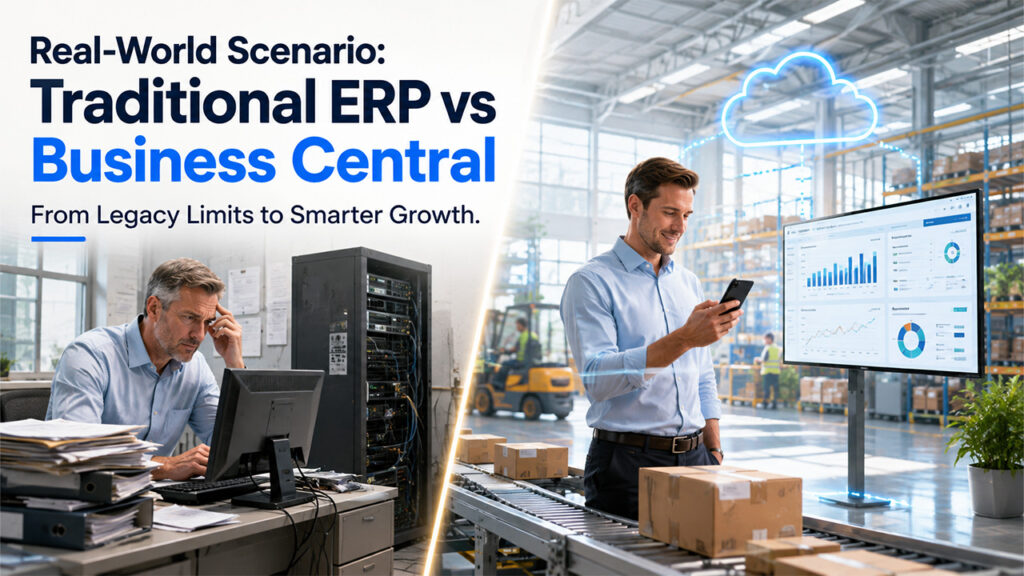
Consider a medium-sized manufacturing company that implemented a traditional ERP 10 years ago. On the positive side, the system was very customized to their specific production workflow and the system does not require internet connectivity in order to work on the floor. The bad is every software update costs a paid consultant, remote access for sales staff requires a VPN and a second warehouse location means buying another server license. Growth has become a budgeting exercise, not a strategic decision.
Now think of a similar company that has moved to Business Central. Their finance team can get real-time cash flow dashboards through Power BI without having to go to IT for a report. When sales reps visit customers, they check inventory on their phones. They added licenses rather than hardware when they opened a new location. The tradeoff is some very specialized production workflows had to have a third party app or extension to fully mimic what their old custom code was doing. But for most day-to-day activities the change removed a lot more friction than it added.
Checklist: When to Use Traditional ERP and When to Use Business Central
| Traditional ERP May Still Make Sense | Business Central Is the Better Choice |
| Highly specialized, deeply customized workflows with no cloud equivalent | Standard finance, sales, and operations processes |
| Strict regulatory requirements for fully offline, on-site data | Teams that need remote or multi-location access |
| Existing infrastructure investment with years of life left | Growing businesses that need to scale quickly |
| No appetite for subscription-based pricing | Preference for predictable, subscription-based costs |
| Large enterprise with dedicated in-house IT department | Small to mid-sized business without a large IT team |
Best Practices for Migrating from Traditional ERP to Business Central
Assess Current Business Processes
Document how your team really works today, not how the legacy system was designed to work. It reveals gaps and workarounds that should not carry over into the new system.
Clean and Prepare Existing Data
Clean up duplicate records, purge outdated customer data and standardize formatting before migrating. Good data prevents you from having reporting problems later.
Choose the Right Implementation Partner
Find a partner that has experience in your industry, not just general Microsoft ERP experience. The right partner asks you about your workflows before recommending configurations.
Plan User Training and Change Management
Train in real job roles, not generic software walkthroughs. You will make it easier for them to take on new systems if you train your employees on what they do every day.
Test Before Going Live
Run a parallel test period where both systems operate side by side. This catches configuration issues before they affect real transactions.
Monitor and Optimize After Deployment
Monitor how teams are using the system in the first few months and adjust workflow as necessary. ERP implementation is not a go-live, it is a process of continuous improvement.
Conclusion
The Business Central vs traditional ERP decision ultimately comes down to how much flexibility, accessibility, and predictable cost your business needs going forward. But even companies with very specialized, static environments may be able to make traditional ERP work. Business Central is a more modern, connected and manageable path forward for most growing businesses. The best choice is less about trends and more about how your team really works day to day.
Frequently Asked Questions
Q1. Is Business Central a cloud ERP?
Business Central is a cloud ERP created and hosted by Microsoft. No need for on-site servers, and updates, security and maintenance are all automatic as part of the subscription.
Q2. Can Business Central replace traditional ERP?
For most small to medium sized businesses, yes. Business Central takes care of the financials, the supply chain, sales, and operations so it is a complete replacement for many traditional ERP systems without the infrastructure overhead.
Q3. Which businesses benefit most from Business Central?
It’s most useful for growing companies that need real-time reporting, remote access and predictable costs. It’s especially helpful for businesses that have outgrown basic accounting software, but are not quite ready for a large enterprise system.
Q4. Is Business Central suitable for manufacturing?
Yes. Business Central has production planning, inventory management and warehouse tools that are suitable for small and mid-sized manufacturers. Some very specialized production lines may require additional apps to be fully covered.
%201.png)

%201.png)

%201.png)