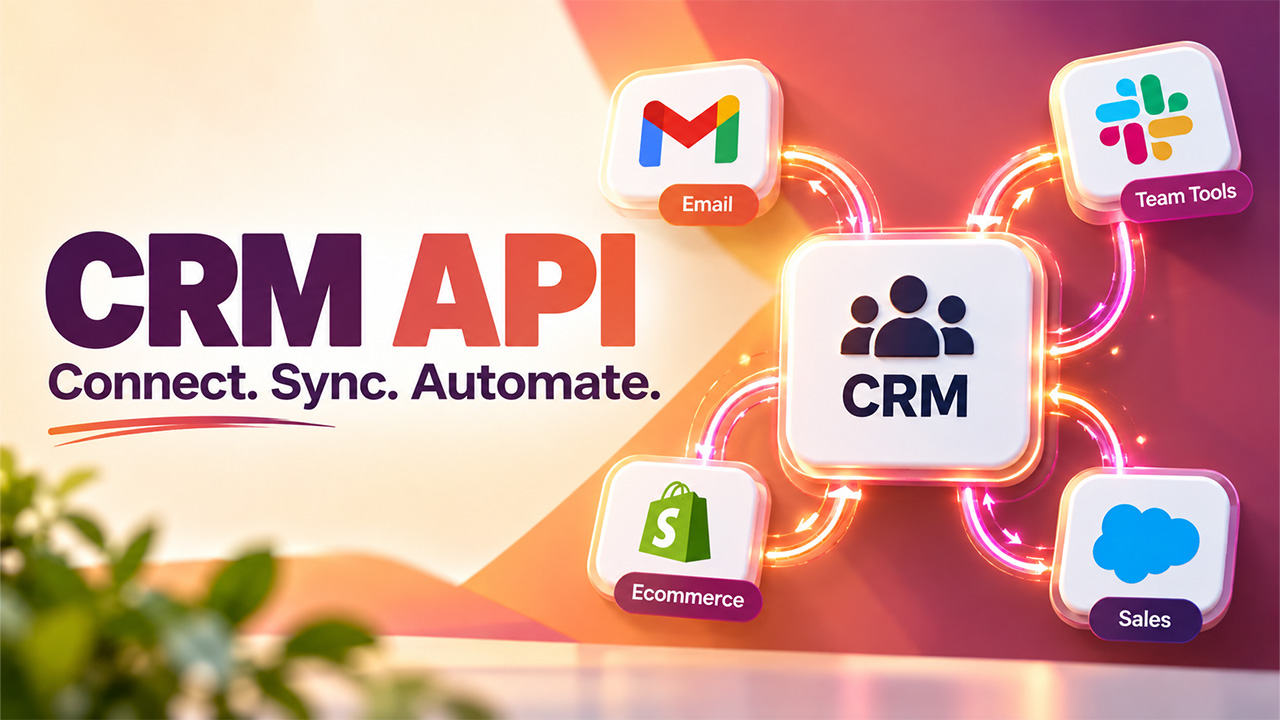

If you’ve ever needed your CRM to actually talk to another tool, your email platform, your billing software, your website forms, you’ve probably run into the term CRM API. It’s the piece of technology that makes that connection possible, letting different systems share data automatically instead of someone manually copying information between them.
In essence, a CRM API allows other software to interact with your CRM. Rather than you having to log in and update an individual’s record manually, other software will do it automatically, right at the point where something else happens within your system. That’s the difference between a CRM that sits isolated and one that actually becomes the center of your business operations.
In this blog, we’ll walk through what a CRM API actually does, how it works under the hood, the real benefits it brings, and a practical guide to integrating one properly.
What Is a CRM API?
A CRM API is essentially a set of rules and protocols that let external software communicate with your CRM system. It serves as an intermediary for transferring information between two unrelated applications, such as the CRM system and the email marketing program.
This basically translates to fetching contact details, updating the status of the deals, adding leads, or integrating customer engagement activity automatically via code, as opposed to doing it manually from the CRM dashboard. Modern CRMs, such as Salesforce, HubSpot, and Zoho, provide data access in this manner, offering businesses and developers flexibility beyond the CRM's native interface.
And here is an important point to understand: these are APIs developed for sales-oriented data such as contacts, companies, deals, and pipeline activity. This is not something you can use for other types of data, such as HR records or customer service requests.
How CRM APIs Work
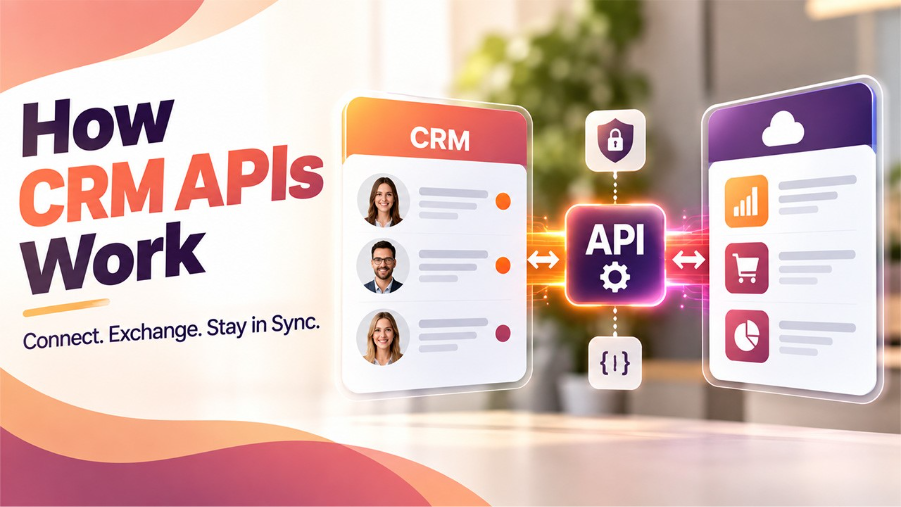
Underneath the concept, a CRM API relies on a fairly consistent set of mechanics, regardless of which CRM platform you’re connecting to.
- Authentication: Before any data moves, the application connecting to the API needs to prove its authorization by providing an API key or an OAuth token to avoid any unauthorized access.
- Requests and endpoints: Every operation, be it getting contact details, changing the status of a deal, or generating a lead, is associated with the corresponding endpoint exposed by the API. You request the endpoint to receive or modify the data.
- Data format: Most CRM APIs communicate using JSON, a lightweight format that’s easy for both humans and machines to read and process.
- Rate limits: To avoid overloading the CRM server with requests, most CRMs have rate limits on how many requests you can send in a defined period of time.
- Webhooks for real-time updates: Instead of regularly polling the CRM for any changes, webhooks will allow receiving notifications right when they happen.
Together, these pieces are what let two systems stay in sync without someone manually keeping them updated.
Key Benefits of CRM API Integration
Once it’s properly set up, a CRM API does a lot of quiet, valuable work behind the scenes:
- Real-time data sync: Changes in one system reflect instantly in the other, no manual updates, no stale records sitting around.
- Reduced manual work: Teams stop wasting hours copying data between platforms, freeing up time for actual selling and relationship-building.
- Fewer errors: Manual data entry is where mistakes creep in. Automated syncing removes a huge chunk of that risk.
- Better customer experience: Faster, more accurate data means support and sales teams always have the full picture when a customer reaches out.
- Scalability: As your business grows, a properly built integration handles increased data volume far better than manual processes ever could.
- Customer workflows: APIs let you build automation that fits your exact business process, rather than settling for whatever the CRM offers out of the box.
For businesses running multi-channel outreach, this becomes especially valuable; connecting a CRM to something like a direct mail API lets physical mail campaigns trigger and update automatically based on CRM activity, without a team manually managing two disconnected systems.
Common CRM API Use Cases
Here’s where a CRM API actually earns its keep in day-to-day business operations:
- Email and inbox integration: Syncing emails with contacts within CRM systems so sales reps have access to the whole conversation history without switching tools.
- Marketing automation: Making automatic updates of lead scoring or starting certain marketing campaigns triggered by actions within CRM, such as moving a deal to a certain stage.
- E-commerce syncing: Combining online store information with CRM information to be sure that all purchases and customer details match.
- Customer support tools: Integrating information from CRM to helpdesk software, which allows customer support representatives not to ask customers about details again and to have a complete customer profile.
- Custom dashboards and reporting: Getting information directly from CRM and using it in the company’s internal tools or BI systems for automated reporting.
- Lead capture from forms: Creating leads within the CRM system immediately after someone fills out an online form on a website.
Email workflows are particularly popular in this case. Companies combining the Gmail API automation with their CRM system will easily move incoming leads directly to the CRM pipeline and perform automatic actions with them.
CRM API Integration Guide (Step-by-Step)
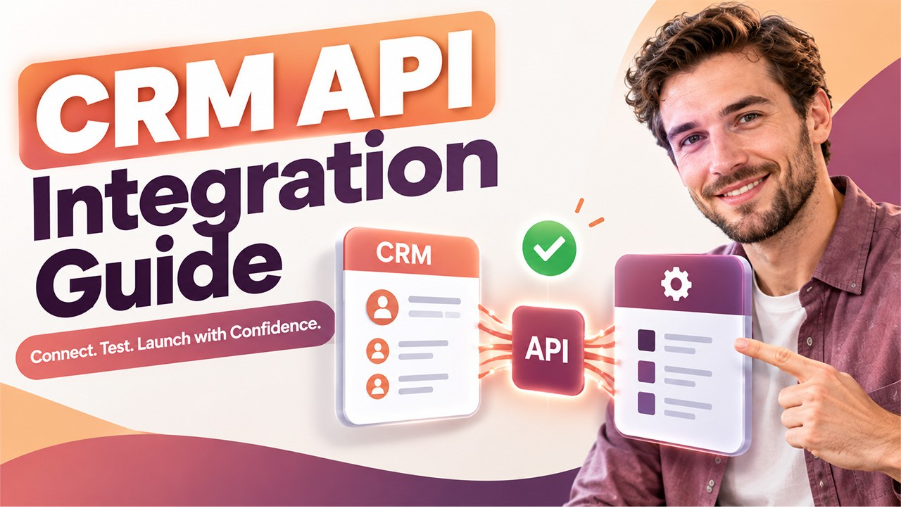
Setting up a CRM API integration properly takes a bit of planning, but the process itself follows a fairly predictable path:
Step 1: Define what you actually need: Decide which data needs to sync, contacts, deals, activity, before writing any code. Scope creep here causes most integration headaches later.
Step 2: Get API access: Generate an API key or set up OAuth credentials from your CRM’s developer settings. This is what authenticates your application to make requests.
Step 3: Review the documentation: Every CRM structures its data slightly differently. Understanding the available endpoints upfront saves a lot of trial and error.
Step 4: Build and test in a sandbox: Most CRM vendors provide a testing environment. It is always better to use this for your development before messing with actual customer data.
Step 5: Handle authentication securely: API keys and tokens should be stored safely and not hardcoded in any way or shared in a public repository or client-side.
Step 6: Set up error handling: It is common for APIs to have issues, whether it is due to rate limits or bad requests. It is always better to handle them and log their occurrence.
Step 7: Monitor after launch: After the implementation is live, monitor how accurately and effectively it runs, especially as your data increases.
Getting each of these steps right the first time saves significant cleanup work down the line; rushed integrations tend to cause more problems than they solve.
Challenges to Watch For
Even a well-planned CRM API integration comes with a few obstacles worth knowing about upfront.
API compatibility is one of the biggest. CRMs frequently change their APIs, and when they do, old integrations might stop working even though everything seemed perfect before. You need to keep up-to-date with that.
Rate limits catch a lot of teams off guard too. If you’re syncing large volumes of data, hitting a CRM’s request cap can slow down or temporarily halt your integration, so building with those limits in mind from the start matters more than it seems.
Data mapping is another common sticking point. CRMs have different field names, so a “lead” on one platform may become a “prospect” on another one.
Security deserves real attention as well. API keys and tokens grant access to sensitive customer data, so proper storage and access control aren’t optional; they’re the difference between a smooth integration and a serious data exposure risk.
None of these challenges make CRM API integration a bad investment; they just mean going in with realistic expectations about maintenance, not a “set it up once and forget it” mindset.
Conclusion
Ultimately, what makes a CRM API a useful thing to have is what makes it possible to transform an otherwise isolated database into a hub of a company’s entire tech infrastructure. Such features as real-time data synchronization, a decrease in manual labour, and a decreased probability of human error are all based on the ability to enable communication between systems without the need for humans to handle it manually.
It is necessary to plan to reach that point, however. Knowing your requirements and limitations, being aware of rate limits, and developing error handling procedures are not mere options: they are what make the difference between a robust integration and a potential future problem.
Done right, though, the payoff is real. Teams move faster, data stays accurate, and the CRM actually becomes as useful as it’s meant to be, instead of just another disconnected tool sitting in the stack.
Frequently Asked Questions (FAQs)
Q. What is a CRM API used for?
A CRM API lets external applications read and write customer data automatically, syncing contacts, deals, and activity across platforms without manual updates, so businesses can connect their CRM to other tools they already rely on daily.
Q. Is CRM API integration difficult to set up?
That depends on the level of complexity. Easy integrations using out-of-the-box connectors are not too complicated, but custom and complex synchronizations need more preparation when it comes to authentication, mapping, and error handling to prevent problems in the future.
Q. Do all CRMs offer API access?
Almost all modern CRMs, like Salesforce, HubSpot, and Zoho, come with built-in API access. Yet, the number of available endpoints, rate limits, and quality of documentation can be quite different from CRM to CRM.
Q. What’s the difference between an API and a webhook?
The use of an API makes it mandatory for your application to request in order to fetch the information, whereas in the case of a webhook, notifications about any change are automatically sent out whenever there is one.
Q. Can a CRM API integration break over time?
Yes, CRMs periodically update their APIs, which can affect existing integrations if they aren’t maintained. Regular monitoring and staying updated on documentation changes help prevent unexpected sync failures or broken workflows later.
%201.png)

%201.png)

%201.png)