
Choosing a Customer Relationship Management (CRM) platform is an important decision for any growing business. The right system can improve customer communication, organize sales activities, simplify daily operations, and give teams better visibility into their performance. However, selecting software without understanding what the business actually needs can lead to unnecessary expenses, poor adoption, and complicated workflows.
This is where a CRM needs assessment becomes essential. Instead of comparing software features immediately, businesses should first examine their existing processes, identify operational challenges, and determine what they expect from a CRM system.
A structured evaluation helps decision-makers understand which features matter, which problems need attention, and whether a standard platform or customized solution would be more suitable. Before investing in a CRM, here are the important questions every business should ask.
What Problems Are We Trying to Solve?
The first step in a CRM needs assessment is understanding why the business needs a CRM in the first place.
Some organizations struggle with scattered customer information, while others face missed follow-ups, inconsistent communication, or limited sales visibility. Purchasing software without identifying these problems can result in a system that looks impressive but does not solve everyday challenges.
Ask these questions:
- Are customer records currently stored in multiple spreadsheets or applications?
- Do sales representatives frequently miss follow-up opportunities?
- Is it difficult to track leads from initial contact to conversion?
- Are customer interactions spread across emails, phone calls, and messaging platforms?
- Do managers struggle to understand sales performance?
Documenting these issues provides a clear starting point. It also helps businesses distinguish between essential CRM capabilities and features that would simply be nice to have.
What Are Our Business Goals?
A CRM should support measurable business outcomes rather than simply replace an existing database. Therefore, organizations must define their CRM business goals before evaluating different platforms.
For example, a company focused on increasing revenue might prioritize lead tracking, sales forecasting, and pipeline management. A customer support team may need ticket management, communication history, and automated service workflows.
Consider the following questions:
- Do we want to increase lead conversion rates?
- Are we trying to improve customer retention?
- Do we need better visibility into sales performance?
- Should the CRM reduce manual administrative work?
- Do we want to improve collaboration between departments?
Once these objectives are established, connect each goal to a measurable performance indicator. For instance, reducing lead response time or improving customer retention provides a practical way to evaluate whether the CRM is delivering value.
Which CRM Features Does Our Business Actually Need?
Not every business requires an extensive collection of CRM features. A small sales team may need basic contact management, while a large organization might require advanced automation, reporting, and integration capabilities.
Creating a CRM requirements checklist helps decision-makers separate essential functionality from optional additions.
Important features to evaluate include:
Contact and Lead Management: Can the system organize customer profiles, contact details, communication history, and lead information?
Sales Pipeline Management: Does it provide a clear overview of opportunities, deal stages, and expected revenue?
Workflow Automation: Can repetitive activities such as follow-up reminders, notifications, and task assignments be automated?
Reporting and Analytics: Does the platform generate useful reports on sales performance, customer activity, and team productivity?
Communication Management: Can employees manage emails, calls, messages, and customer interactions from one place?
Access and Permissions: Can administrators control which information different employees can view or modify?
The objective is to identify features that directly support business operations rather than paying for functionality that employees may never use.
How Do Our Existing Business Processes Work?
Before introducing a new platform, businesses should understand how their current workflows operate. This is an important part of CRM process analysis because it reveals inefficiencies that software alone cannot automatically resolve.
For example, a company may receive leads through website forms, social media, and email campaigns. However, if employees manually transfer those leads into spreadsheets, information can become outdated or duplicated.
Ask these questions:
- How does a new lead enter the business?
- Who is responsible for contacting potential customers?
- How are sales opportunities assigned?
- What happens after a customer makes a purchase?
- How are complaints and support requests handled?
- Where do communication delays usually occur?
Mapping these activities helps businesses identify unnecessary steps and improve processes before implementing new technology.
A CRM should support efficient workflows, not make existing problems more complicated.
Who Will Use the CRM?
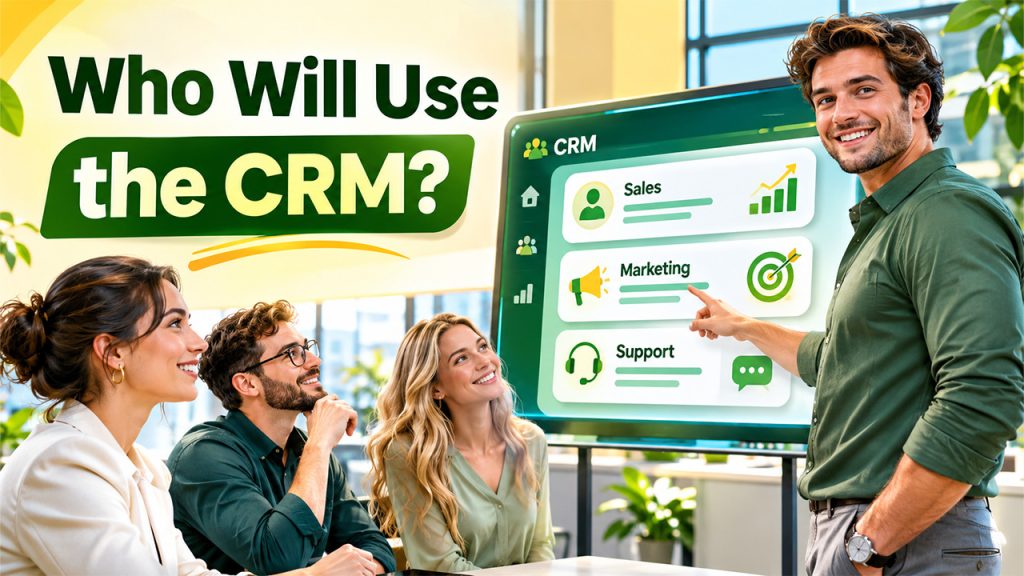
A CRM is only valuable when employees can use it comfortably as part of their regular work. Different departments may have different expectations, so involving employees in the selection process is important.
Sales representatives may want quick access to lead details, while marketing teams may prioritize campaign tracking and customer segmentation. Customer support employees might need interaction histories and service request management.
Ask potential users:
- Which activities consume most of their working hours?
- What information do they need most frequently?
- Which existing tools create difficulties?
- Would mobile access improve their productivity?
- What training would help them use the new platform?
Collecting feedback from actual users makes the evaluation more realistic. It also reduces the possibility of selecting a system that management likes but employees find difficult to operate.
Does the CRM Need to Integrate With Existing Tools?
Most businesses already use several applications to manage daily activities. A CRM should work effectively with these systems instead of creating another disconnected information source.
Before choosing a platform, identify the tools that need to exchange information.
Consider asking:
- Can the CRM integrate with our existing email platform?
- Does it support website forms and lead-generation tools?
- Can it connect with accounting and invoicing software?
- Does it support marketing automation applications?
- Can it exchange information with internal business applications?
- Are API integrations available for specific requirements?
Integration capabilities are particularly important for organizations using multiple departments and software platforms.
A well-integrated CRM reduces repetitive data entry, improves information accuracy, and creates a more connected working environment.
What Is Our Budget and Expected Return?
CRM pricing involves more than the monthly subscription. Businesses should evaluate the total cost of ownership before making a commitment.
Depending on the solution, expenses may include:
- User licenses and subscription fees
- Initial implementation and configuration
- Data migration and cleanup
- Third-party integrations
- Employee training
- Custom development
- Ongoing maintenance and technical support
A practical CRM needs assessment should compare these expenses against the expected business benefits.
For example, if automation reduces administrative work, employees can spend more time handling qualified leads. Similarly, better customer visibility may help teams identify sales opportunities and improve retention.
Rather than selecting the cheapest platform, evaluate whether the overall investment supports long-term operational and financial objectives.
Will the CRM Support Future Business Growth?
A CRM that meets current requirements may not remain suitable as the organization expands. Businesses should consider their expected growth before choosing a platform.
Ask the following questions:
- Can we add more users without major complications?
- Will the system support additional departments?
- Can we introduce new workflows as operations expand?
- Does the platform handle increasing customer data?
- Can additional integrations be developed when required?
- Are customization options available for changing business requirements?
Scalability is especially important for growing organizations. Selecting a flexible system can prevent expensive platform changes when business operations become more complex.
Companies with specialized workflows may also consider custom CRM development when standard platforms cannot accommodate their long-term requirements.
How Will We Measure CRM Success?
Selecting and implementing a CRM is only the beginning. Businesses must establish performance indicators to understand whether the investment is producing meaningful results.
Useful metrics include:
- Lead conversion rate
- Customer retention rate
- Average response time
- Sales cycle duration
- Revenue generated per customer
- Follow-up completion rate
- Employee adoption rate
These measurements provide practical insights into system performance and business improvements.
During a CRM needs assessment, establish baseline figures using existing business data. After implementation, compare the results regularly to identify improvements and areas that require further optimization.
Should We Choose an Existing CRM or Build a Custom Solution?
The final decision depends on how closely available CRM platforms match the organization's requirements.
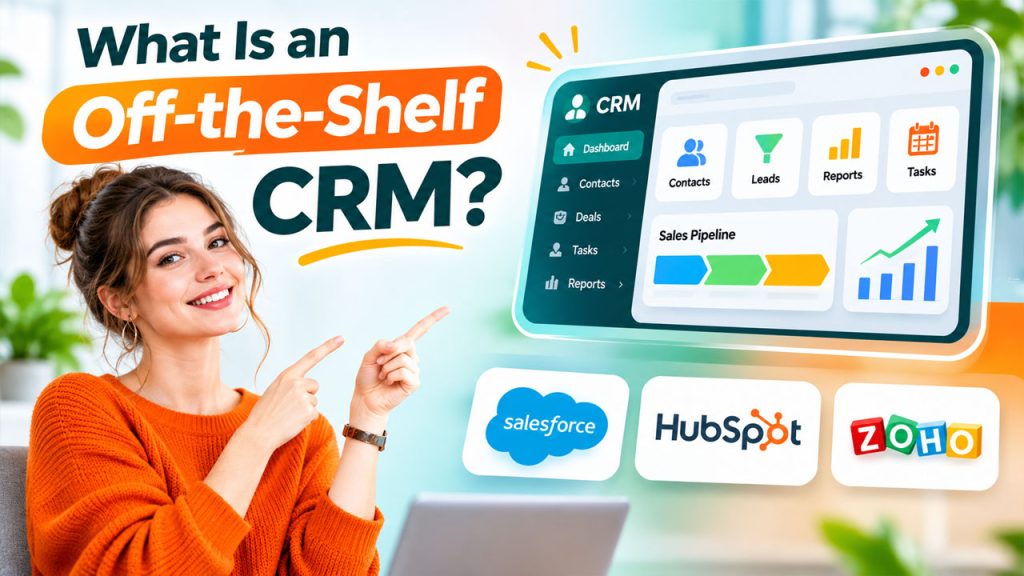
Ready-made CRM software can be a practical option for businesses with standard sales, marketing, and customer management processes. It generally offers prebuilt functionality and can reduce initial development efforts.
However, organizations with specialized workflows, complex integrations, or industry-specific requirements may benefit from a customized solution.
Before deciding, consider:
- How many requirements can existing platforms satisfy?
- Are important workflows missing from standard solutions?
- Will customization be necessary?
- Do we need complete control over features and integrations?
- What are the long-term maintenance and development costs?
The best approach is the one that supports business operations without introducing unnecessary complexity or expense.
Conclusion
Choosing a CRM should begin with understanding business requirements, not comparing software pricing or feature lists. A well-planned CRM needs assessment helps organizations identify operational problems, define measurable objectives, evaluate essential functionality, and understand future requirements.
By asking the right questions about existing processes, employee expectations, integrations, budget, and scalability, businesses can make more informed technology decisions.
Whether an organization chooses an existing platform or invests in custom CRM development, the ultimate objective remains the same: building a reliable system that improves customer relationships, supports employees, and contributes to sustainable business growth.
FAQs About CRM needs assessment
A CRM needs assessment is the process of evaluating a company's operational requirements, customer management challenges, workflows, and business objectives before selecting or developing a CRM platform.
It helps businesses identify essential features, avoid unnecessary software expenses, improve employee adoption, and select a CRM that supports their actual operational requirements.
A CRM requirements checklist should include contact management, lead tracking, sales pipeline management, workflow automation, reporting, integrations, user permissions, security, scalability, and budget considerations.
Businesses can identify their requirements by interviewing employees, reviewing existing workflows, analyzing customer management challenges, evaluating current software, and defining measurable business objectives.
A business should consider custom CRM development when existing platforms cannot adequately support its specialized workflows, complex integrations, unique reporting needs, or long-term operational requirements.