
Gmail is still the most widely used platform for business and formal communication. Every day, billions of emails go out to discuss deals, respond to leads, and land proposals. However, amidst all of that, a follow-up gets missed because Gmail wasn’t designed to remind you. That's the problem you face when you rely on your inbox alone, because it receives everything but does not remember anything.
You'd realize how important Gmail CRM is if you have ever lost track of a warm lead that was buried under three days of other emails. CRMs for Gmail act as a bridge between the conversations that you’re already having and the structure those conversations need.
What Is a Gmail CRM?
A Gmail CRM refers to the customer relationship management software that works directly inside or alongside your Gmail inbox. You don’t have to switch from email to a separate CRM platform every few minutes. With Gmail CRM, your contact records, communication history, deal stages, follow-up tasks, and pipeline status all live together, and you can easily access them from the same window you’re already working in.
Gmail handles sending and receiving emails, while the CRM handles remembering. Together, they make sure no lead goes cold because a thread got buried, and no follow-up is missed because there was no one to do it.
Why Gmail Alone Is Not Enough for Sales and Lead Management
Gmail works well for most of the things, but when you are managing more than a handful of leads, cracks start appearing. Let's understand this with an example: a prospect replies, you thought you would follow up after the weekend. However, you received three new emails, and you forgot about the follow-up after it got buried. That lead goes cold because of a lack of proper structure.
Research has shown that 44% of salespeople give up after just one follow-up attempt, even though most sales require five or more touchpoints before a deal closes. Gmail labels and filters can organize your inbox, but they can't tell you who to follow up with today. They can't show you that a prospect went quiet ten days ago or track whether your email was even opened.
When you work with a Gmail-only workflow, you also lack pipeline visibility. No one on your team can see what stage a deal is in. No contact has a history attached to it beyond the email thread itself. There's no central record of what was promised, what was discussed, or what comes next.
The difference between a Gmail-only workflow and a Gmail CRM integration isn’t its complexity. It's visibility. When a CRM is layered onto Gmail, it gives every email a contact record, every contact a history, and every conversation a clear next step. That's what turns an overflowing inbox into something that actually functions as a sales pipeline.
Key Features to Look for in a Gmail CRM
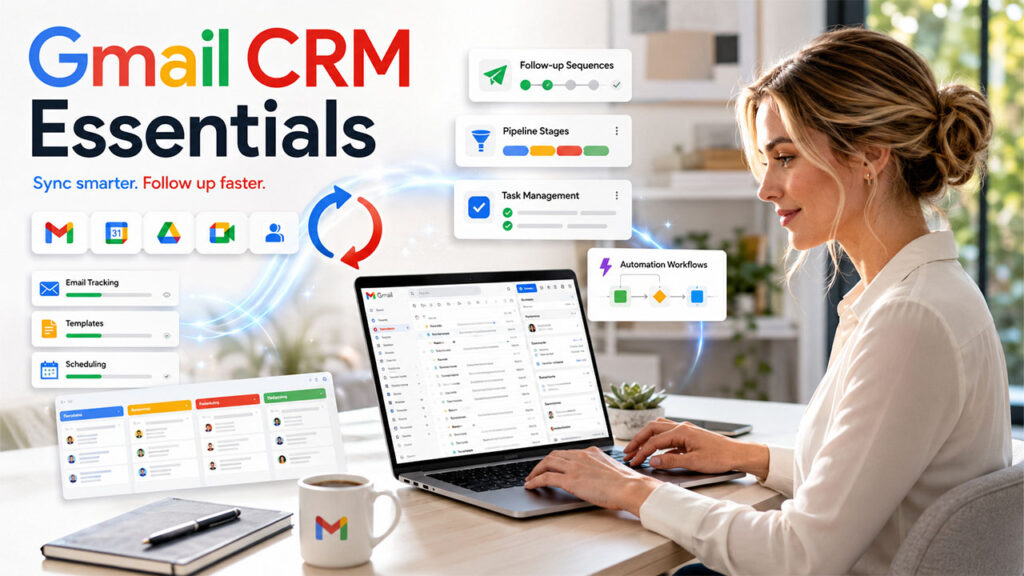
Every Gmail CRM is not built the same way. So, here’s what you need to look for in a CRM for Gmail before you pick one:
- Gmail Integration and Inbox Accessibility: Does the CRM embed fully inside Gmail, or does it work as a sidebar? The deeper the integration, the less time your team spends switching between tools.
- Two-Way Sync: Emails, contacts, and calendar events should stay aligned between Gmail and the CRM automatically, without manual forwarding or BCC workarounds.
- Email Tracking, Templates, and Productivity Tools: Templates, email open and click tracking, scheduling, and follow-up sequences should be accessible directly from your inbox.
- Pipeline and Task Management Features: You need to see deal stages and assign follow-up tasks without leaving the conversation you're in.
- Sales Automation and Follow-Up Workflows: The best Gmail CRMs can tag new leads, assign tasks, move deal stages, and trigger timed follow-ups automatically based on set conditions.
- Scalability and Third-Party Integrations: The tool should grow with your team and connect beyond Gmail to other tools like Google Calendar, Google Drive, and third-party platforms.
7 Best Gmail CRM Tools Explained
Compare the top Gmail CRM platforms based on features, pricing, and business use cases before making your decision.
| CRM | Best For | Free Plan | Starting Price |
|---|---|---|---|
| NetHunt CRM | Teams working fully inside Gmail | No (14-day trial) | $24/user/month |
| Streak | Solo users and small teams | Yes (limited) | $15/user/month |
| Copper | Google Workspace teams | No | $25/user/month |
| Salesflare | B2B sales with minimal manual logging | No | $29/user/month |
| HubSpot CRM | Small teams wanting a free starting point | Yes | $45/month |
| Zoho CRM | Full-featured sales ops with Gmail sync | Yes (up to 3 users) | $14/user/month |
| Pipedrive | Visual pipeline management | No | $14/user/month |
If your team relies on Microsoft's ecosystem instead, it's worth weighing an Outlook CRM option alongside these, since the right fit often depends on which inbox your business already runs on.
Now, let’s see a detailed breakdown of each so that you can make an informed decision before committing to one:
1. NetHunt CRM
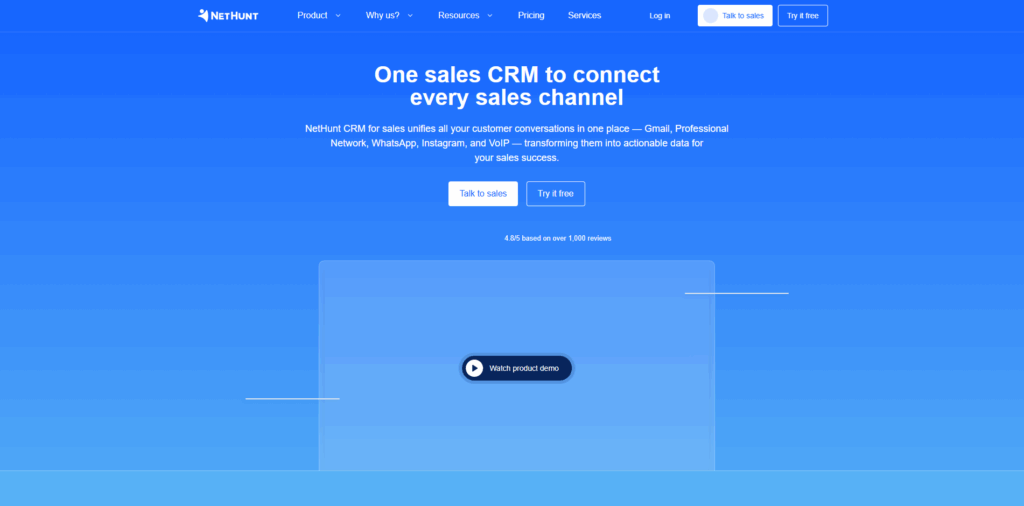
NetHunt is more than just an integration with Gmail. It lives inside it. When you install it, it doesn’t appear in the form of a sidebar or a pop-up channel. The entire CRM moves to your inbox. You don’t have to open a new tab as you can do everything from within your Gmail. You can move deals between stages, make changes in contact records, filter leads, assign tasks, trigger automation workflows, and send timely follow-ups.
Key Features:
- Fully embedded Gmail interface (not sidebar-based)
- Multi-step workflow automation with conditional logic
- Email templates, sequences, and open/click tracking
- Customizable pipelines and contact fields
- Multi-channel communication, such as email, WhatsApp, Telegram, Instagram, and more, all in one customer timeline
- Two-way sync with Google Workspace
Best for: It is best for those teams that want to manage their entire sales cycle without having to leave Gmail.
2. Streak
Streak seamlessly integrates with Gmail, and you won’t even notice that it’s a separate tool. You can see pipelines inside your inbox and turn emails into deal stages with just a couple of clicks. When you open an email thread, you can see exactly where that contact sits in your pipeline while also adding a task reminder without even switching screens.
Key Features:
- Fully embedded pipelines inside Gmail
- Email open tracking and read notifications
- Snippets for quick, reusable email responses
- Deal stage tracking from inside email threads
- Basic contact and lead management
- Task reminders linked to specific emails
Best for: It is the best CRM for solopreneurs and small teams that are looking for lightweight pipeline management directly inside Gmail without any setup friction.
3. Copper
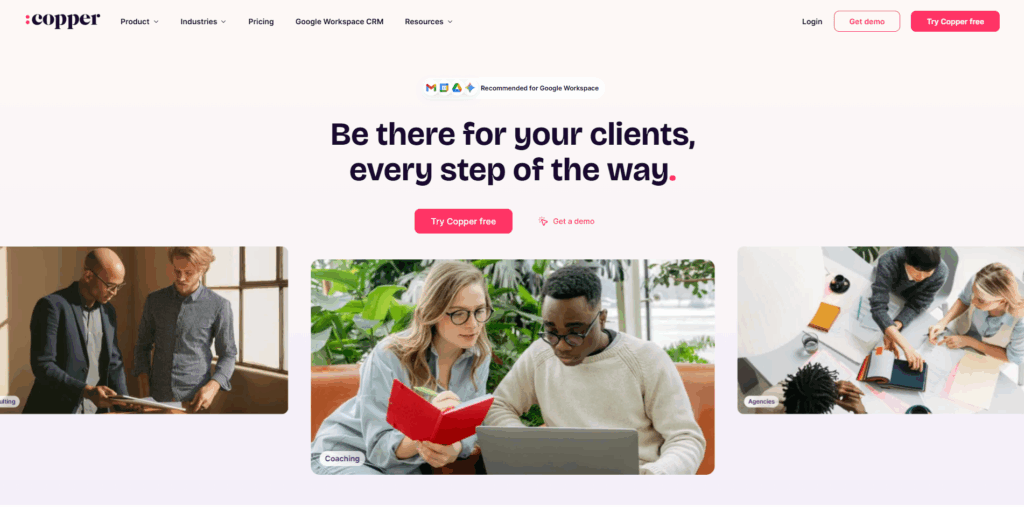
Copper was built specifically for Google Workspace. The moment you connect it to Gmail, it starts working quietly in the background. It automatically pulls new contacts from incoming emails, logs conversations, and syncs calendar events to the right contact records. There is no manual forwarding or BCC tricks needed.
Key Features:
- Automatic Gmail and Google Calendar sync
- Auto-creation of contact records from email conversations
- Pipeline management with a Google-style interface
- Email templates and basic task workflows
- Lead routing and assignment
- Google Workspace Marketplace integration
Best for: It is best for teams that work with Google Workspace and want reliable Gmail and Calendar sync without doing much manual configuration.
4. Salesflare
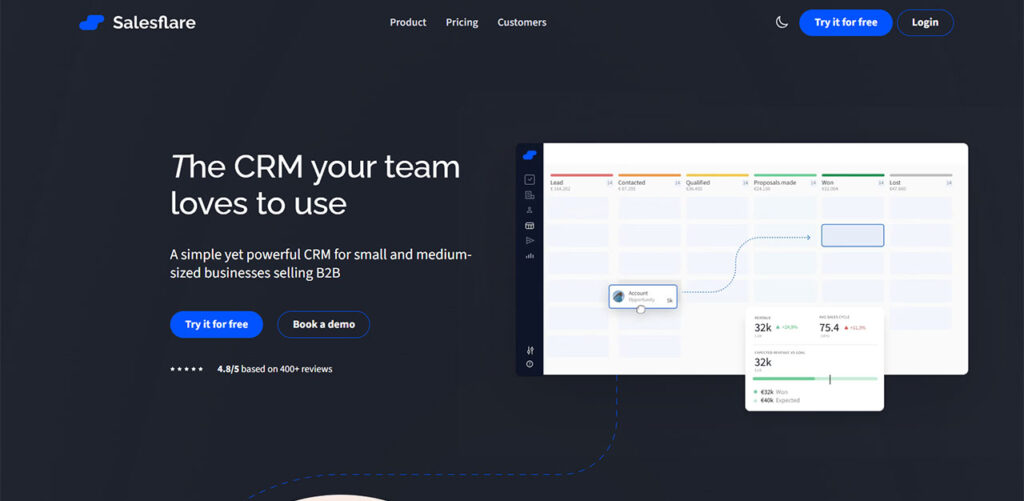
Salesflare connects your Gmail account and immediately starts creating records of contacts and interaction timelines from your existing emails, calendar events, and even email signatures. You don’t have to lift a finger as most of the logging happens automatically. With this, your team saves time spent on entering data and focuses more on selling.
Key Features:
- Automatic contact and company data capture from emails and signatures
- Email open and click tracking
- Website visit tracking (with tracking script)
- Smart follow-up reminders when leads go quiet
- Gmail Chrome extension sidebar for CRM access mid-email
- Clean Kanban pipeline view
Best for: It is suitable for B2B teams that want maximum CRM automation with minimal manual input.
5. HubSpot CRM
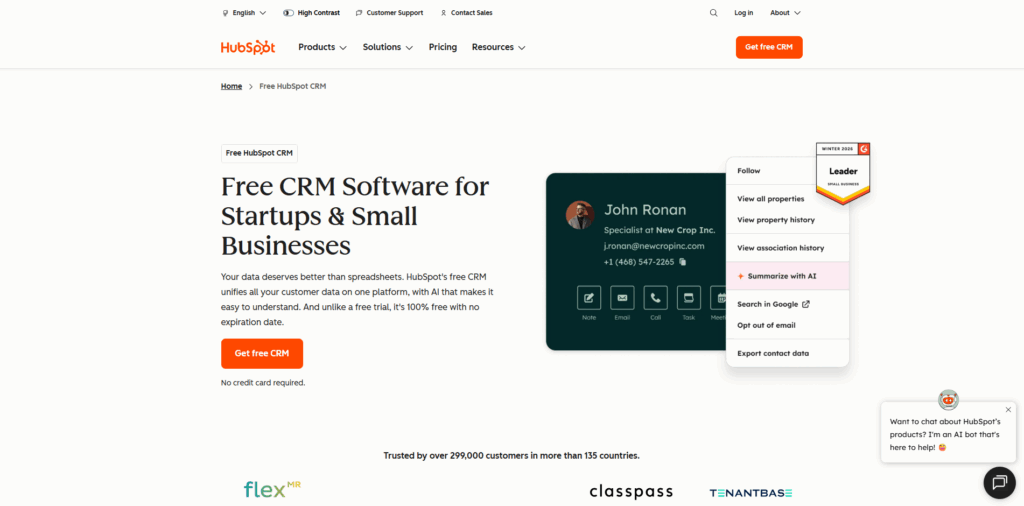
Unlike Streak or NetHunt, HubSpot doesn’t live inside your Gmail. However, its Chrome extension is really useful. You can pull up contact records mid-thread and track email opens without leaving your inbox. And the good news is that HubSpot is free to use and offers generous, useful features.
Key Features:
- Gmail sidebar for contact records, templates, and open tracking
- Free pipelines, contact management, and activity logging
- Basic sales automation and follow-up sequences
- Meeting scheduling tools
- Mobile app with deal and note management
- Scales into a full sales and marketing suite
Best for: It works well for small teams that are looking for a free, capable entry point that can grow into a full sales and marketing platform.
6. Zoho CRM
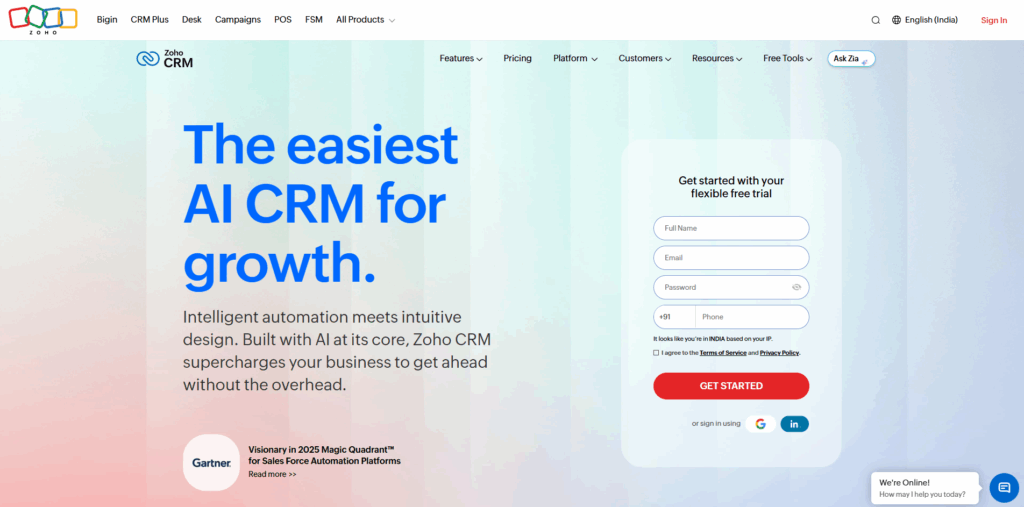
Zoho takes what's called a "sidecar" approach to Gmail. When you install the Chrome extension, a sidebar appears in your inbox that surfaces CRM data, open tracking, and follow-up scheduling without forcing you to leave Gmail entirely. Additionally, most of the serious functionality, such as automation, forecasting, and complex pipelines, happens inside the Zoho dashboard itself.
Key Features:
- Gmail Chrome extension with email tracking and sidebar CRM access
- Blueprint-style process automation to enforce deal stage rules
- Lead scoring and automated lead routing
- Sales forecasting and detailed reporting
- Extensive third-party integrations
- Free plan for up to three users
Best for: It works well for those teams that need a full-featured sales engine with Gmail sync and are willing to invest time in setup.
7. Pipedrive
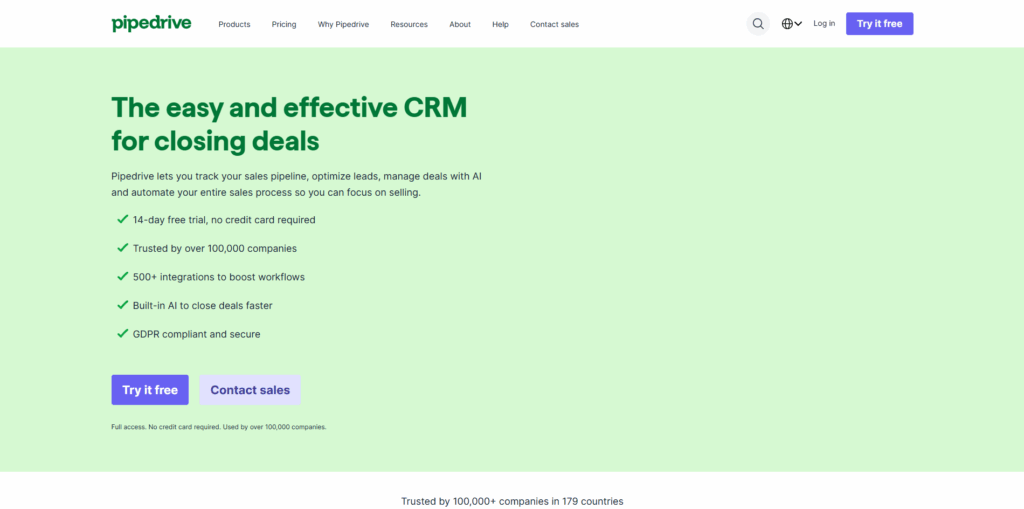
The kanban boards are clean, and it is built to make it immediately known which deals are moving and which are struck. When you install its Chrome extension, a sidebar appears in your inbox where you can track email opens, drop in templates, and even schedule outreach without having to leave the thread that you’re reading.
Key Features:
- Visual drag-and-drop Kanban pipeline
- Gmail sidebar with email tracking, templates, and scheduling
- Smart reminders and activity scheduling
- Two-way email and contact sync
- Sales sequence automation
- LeadBooster add-on for advanced lead capture
Best for: It is ideal for sales teams that want structured pipeline discipline with Gmail-aware support and clear deal visibility. Teams that are also evaluating HubSpot alongside Pipedrive can refer to Pipedrive vs HubSpot to see where each tool pulls ahead.
Conclusion
Email is still the most used platform where all business conversations happen, and for many teams, Gmail is genuinely the center of their workspace. Gmail was never the problem. It was using Gmail without any memory, structure, or follow-up logic built around it. A Gmail CRM changes that. It doesn’t change how you work; rather, it meets you where you’re already working and adds the layer that turns communication into a functioning sales process.
The right choice depends on what your team needs the most. If you want everything inside Gmail with no tab-switching at all, NetHunt CRM or Streak are your closest options. If seamless Google Workspace sync matters more, Copper is hard to beat. For B2B teams who hate admin, Salesflare's automatic logging is genuinely impressive. HubSpot is the smartest free starting point for small teams still figuring out their process. Zoho suits teams that need serious sales depth. And if visual pipeline clarity is the priority, Pipedrive delivers.
Choose CRM for Gmail that fits how your team already works; not the one with the longest feature list.
FAQs About Gmail CRM
Q. What is a Gmail CRM?
A. It's a customer relationship management tool that integrates with Gmail so you can manage leads, contacts, and deals directly from your inbox.
Q. Is Gmail CRM safe to use?
A. Yes. Reputable tools use Google's secure APIs and require explicit permissions; you can revoke access at any time.
Q. Can I use a Gmail CRM for free?
A. Yes. HubSpot, Streak, and Zoho CRM all offer free plans, though with limited features.
Q. Do Gmail CRMs track email opens?
A. Most do. Open and click tracking is a standard feature across nearly all major Gmail CRM tools.
Q. Will a Gmail CRM work if I switch away from Gmail later?
A. Not always. Tools like Streak and NetHunt are Gmail-specific; if you might switch email providers, choose a cross-platform CRM like HubSpot, Zoho, or Pipedrive.
%201.png)

%201.png)

%201.png)