
Scaling LinkedIn prospecting manually hits a wall fast. You can work through your saved searches, send connection requests one by one, and follow up in your inbox — but somewhere around 30 to 50 active conversations, the whole system starts to crack. Things slip. Follow-ups get missed. Good leads go cold because you were busy with other good leads.
The best LinkedIn prospecting tools don't just save time. They turn scattered outreach activity into a repeatable system — one where lead discovery, enrichment, outreach, and tracking each have a defined place and a tool doing the heavy lifting.
This guide is built around that system. Rather than ranking tools arbitrarily, we'll walk through each stage of a modern LinkedIn prospecting workflow, match the right tools to each stage, and show you how they work together in practice.
What LinkedIn Prospecting Actually Means
The term "prospecting" gets used loosely. In practice, it covers three distinct activities that require different tools and different thinking:
- Scraping and discovery — finding the right people based on role, company size, industry, seniority, geography, or technographic signals. This is the top of your prospecting funnel.
- Outreach and sequencing — making contact, following up, and nurturing conversations until a prospect either engages or opts out. This is where most people focus their automation effort.
- Tracking and iteration — understanding which messages, segments, and timing patterns generate replies and pipeline. Without this, you're running campaigns in the dark.
Modern prospecting is the combination of all three. Data without outreach is a spreadsheet. Outreach without data is spray and pray. And neither matters much if you're not tracking what's working.
The tools covered in this article address all three layers — and the most useful part of this guide will be showing you how to combine them into a stack that matches your actual situation.
The LinkedIn Prospecting Workflow: Four Stages
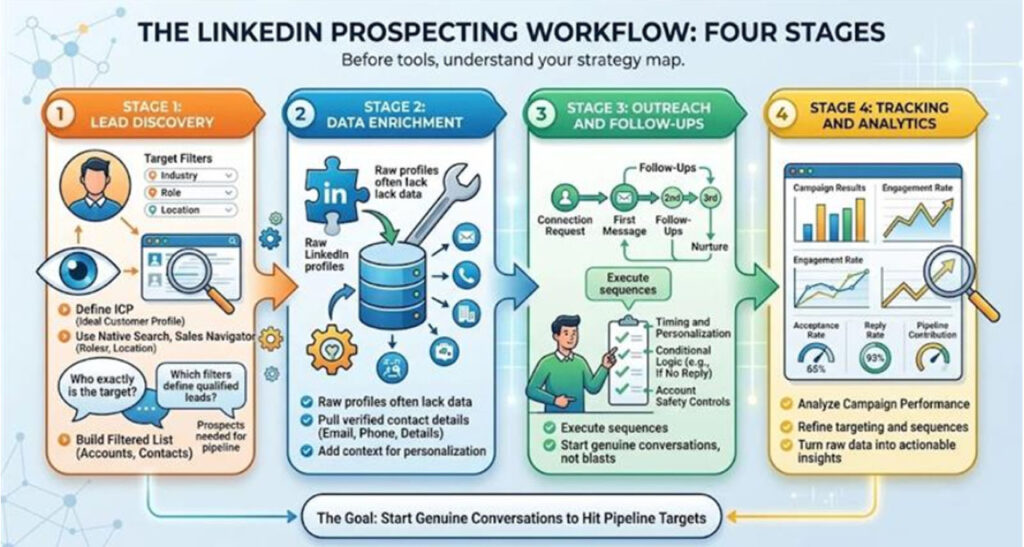
Before getting into specific tools, it helps to have a clear map of the workflow you're trying to support.
Stage 1: Lead Discovery
You're defining your ICP (Ideal Customer Profile) and finding people who match it on LinkedIn. This typically means using LinkedIn's native search, Sales Navigator, or third-party prospecting databases to build a filtered list of target accounts and contacts.
Key questions at this stage: Who exactly are you targeting? What filters define a qualified lead? How many prospects do you need in the funnel to hit your pipeline targets?
Stage 2: Data Enrichment
Raw LinkedIn profiles don't always give you everything you need — especially if email outreach is part of your strategy. Enrichment tools pull verified contact data (email addresses, phone numbers, company details) and layer it onto your prospect list.
This stage bridges discovery and outreach, ensuring you have enough context to personalize and enough data to reach out through multiple channels if needed.
Stage 3: Outreach and Follow-Ups
This is the execution layer. You're sending connection requests, first messages, follow-ups, and nurture messages in a defined sequence. The goal is to start genuine conversations — not to blast as many people as possible.
Good outreach automation handles timing, personalization variables, conditional logic (e.g., only send follow-up if no reply within 3 days), and safety controls that keep your account in good standing.
Stage 4: Tracking and Analytics
Which campaigns are generating replies? Which messages are getting ignored? What's your acceptance-to-reply rate? This stage closes the loop — turning raw activity data into actionable insights you can use to improve sequences, refine targeting, and report on pipeline contribution.
Best LinkedIn Prospecting Tools by Use Case
All-in-One Prospecting Platforms
These tools cover multiple stages of the workflow — often combining data, outreach, and analytics in a single interface. They're not always best-in-class at every individual function, but they reduce the number of tools you need to manage and keep data synced across stages.
LinkedIn Sales Navigator
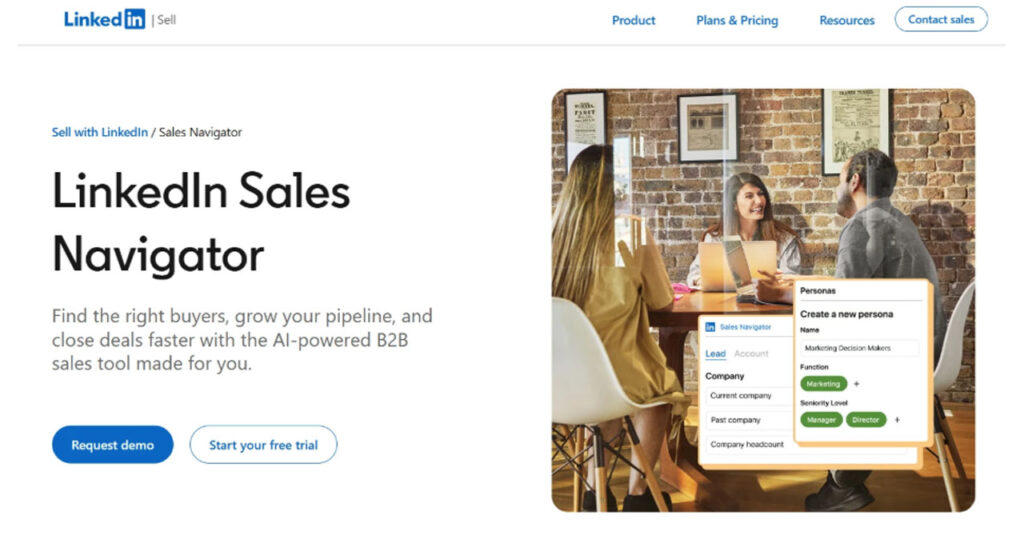
Sales Navigator is the starting point for most serious LinkedIn prospecting workflows. Its advanced search filters — by job function, seniority, company headcount, growth signals, and recent activity — are significantly more powerful than free LinkedIn search.
It also surfaces intent signals like job changes, posts, and profile updates, which can inform more timely and relevant outreach. Most outreach automation tools integrate directly with Sales Navigator lists, making it a natural foundation for any prospecting stack.
It's worth noting that Sales Navigator is a discovery and intelligence tool, not an outreach tool. You'll need to pair it with something else to actually run sequences.
Apollo.io
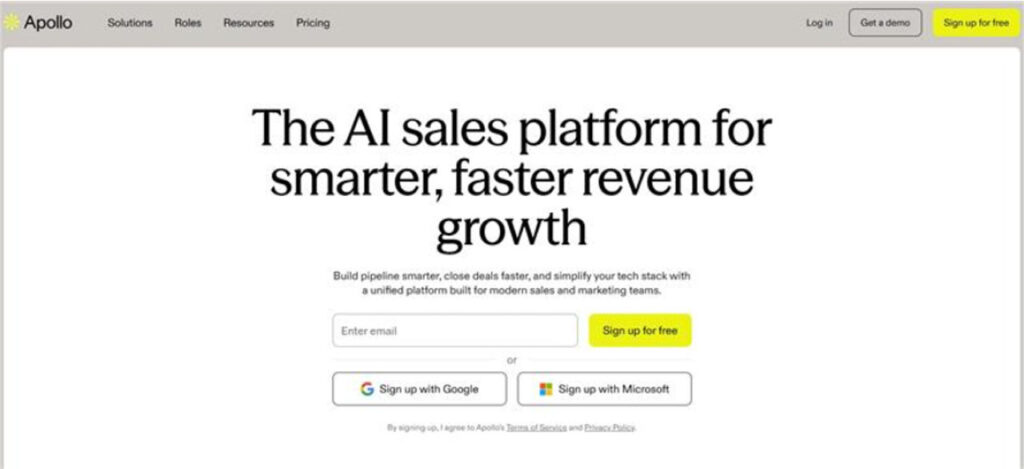
Apollo is a comprehensive B2B prospecting database with built-in email and LinkedIn outreach sequencing. Its contact database covers hundreds of millions of records, with verified emails, direct dials, and technographic data.
For teams that want discovery, enrichment, and outreach in one platform, Apollo is a strong option. Its LinkedIn outreach features are built around the Chrome extension, which introduces some safety trade-offs for heavy LinkedIn users — but for teams where email is the primary channel and LinkedIn plays a supporting role, it works well.
Outreach Automation Tools
These platforms specialize in the execution layer—building and running LinkedIn sequences with personalization, safety controls, and campaign analytics. Modern AI Outreach Tools further enhance these capabilities by automating prospect engagement, optimizing message timing, and improving campaign performance. They're designed specifically for LinkedIn, which typically means more refined features and better account safety than all-in-one tools.
Dripify
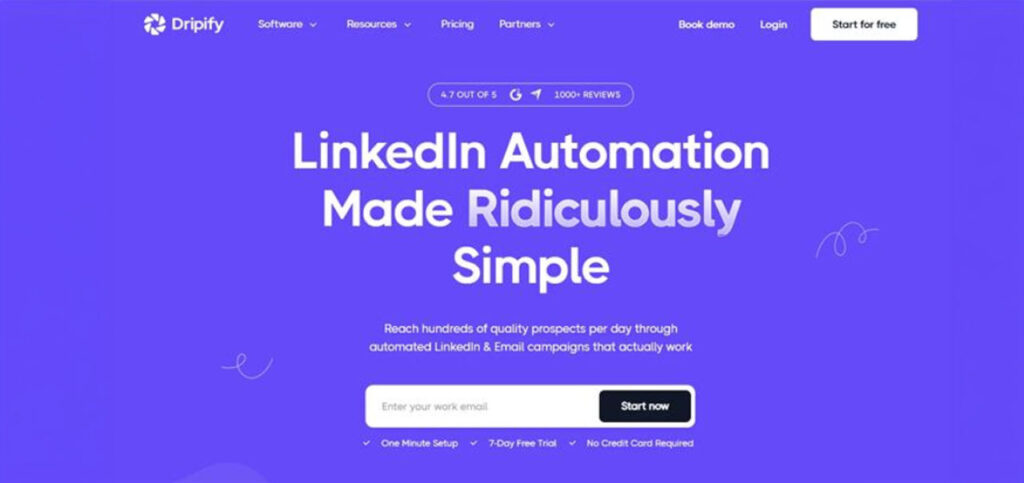
Dripify is a cloud-based LinkedIn outreach automation platform that's built around the idea of running safe, scalable campaigns without compromising your account or your messaging quality.
The core workflow in Dripify works like this: you import a prospect list (from Sales Navigator, a CSV, or a LinkedIn search URL), build a multi-step sequence with connection requests, messages, and follow-ups, define delays and conditions between steps, and let the campaign run in the background — on Dripify's cloud servers, not your browser.
That cloud-based architecture matters. Unlike browser extensions that rely on your local machine and leave detectable fingerprints, Dripify simulates natural human activity patterns with randomized timing and built-in daily limits. For teams using LinkedIn accounts they can't afford to have restricted, this is a meaningful distinction.
Beyond the basics, Dripify's campaign logic supports conditional branching — for example, sending a different follow-up depending on whether a prospect accepted your connection or not. Dynamic personalization variables let you customize messages with first name, company, job title, and other fields at scale.
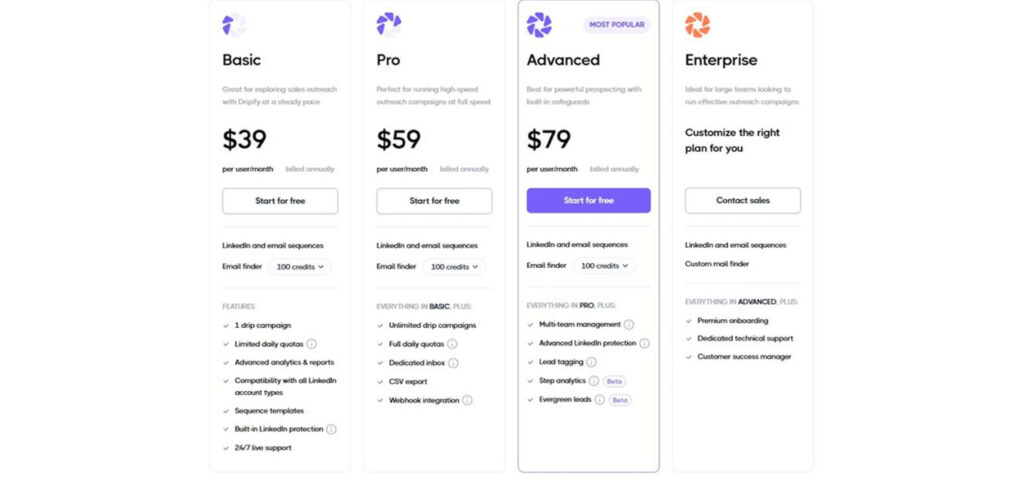
For teams, Dripify includes a centralized management dashboard where managers can monitor individual rep performance, compare campaigns, and track key metrics like acceptance rates and reply rates across the entire team. This makes it more practical for SDR teams and agencies than tools designed for individual users.
It doesn't do email outreach natively, so if multichannel sequences are a priority, you'd pair it with an email tool. But as a dedicated LinkedIn prospecting tool, it covers outreach and analytics comprehensively.
Expandi
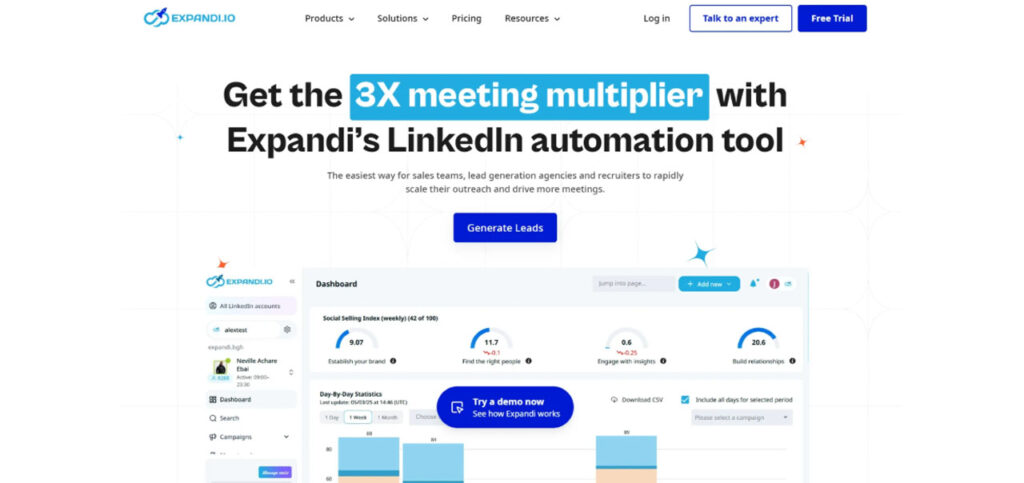
Expandi is another cloud-based option worth considering, particularly for teams that want creative personalization — it supports dynamic images and GIFs personalized with the prospect's name or photo, which can improve reply rates in certain contexts.
It's particularly popular with agencies managing multiple client accounts. The pricing runs higher than some alternatives, and the interface takes some getting used to, but the feature depth is there.
Waalaxy
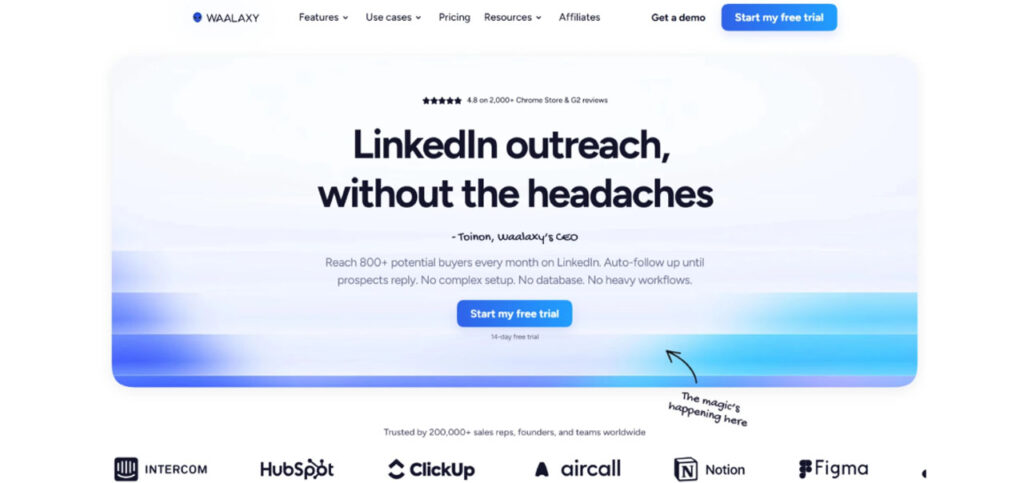
Waalaxy sits at the more accessible end of the market — it's easier to set up, more affordable, and includes a built-in email finder. The Chrome extension dependency does introduce some safety considerations at higher volumes, but for solo prospectors and small teams running moderate outreach, it's a practical starting point.
Data Enrichment Tools
These tools solve the problem of incomplete prospect data — turning a name and LinkedIn URL into a verified email address, direct dial, company details, and sometimes technographic or intent data.
Hunter.io
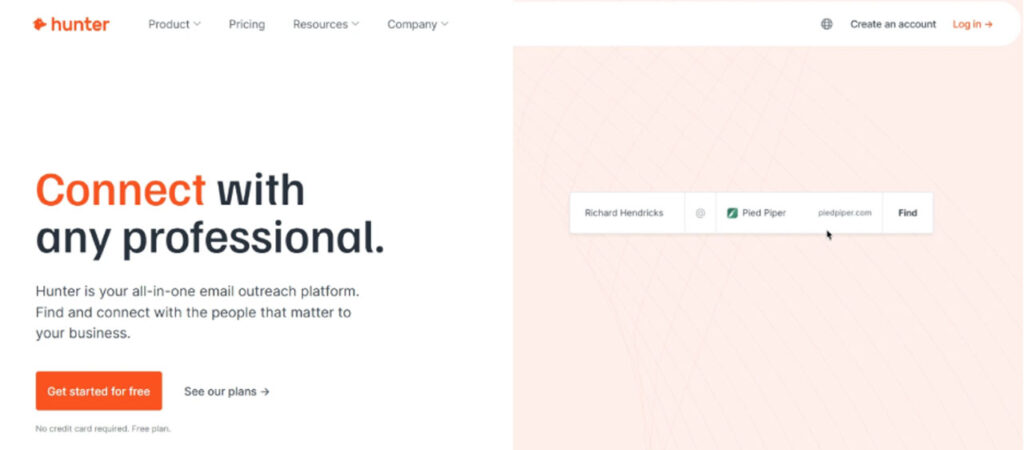
Hunter is one of the most widely used email finding tools, particularly for domain-level searches. You provide a company domain, and Hunter surfaces associated email addresses along with confidence scores. It integrates with most outreach tools and CRMs, and the free tier is generous enough for low-volume prospecting.
Clearbit (now part of HubSpot)
Clearbit provides deep company and contact enrichment — firmographic data, technology stack, funding stage, headcount, and more. It's more powerful than Hunter but also more expensive, and it's best suited for teams where enrichment data feeds directly into CRM-based scoring and segmentation.
Lusha
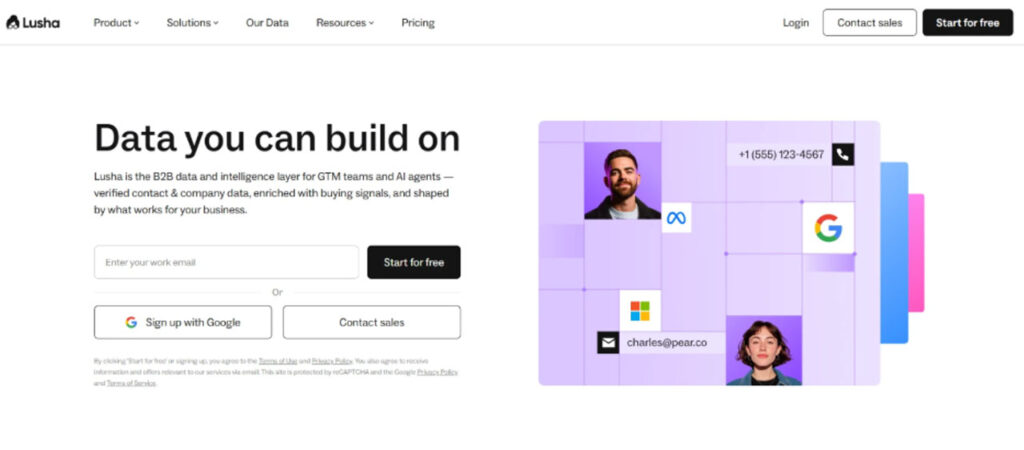
Lusha is a browser extension and API that surfaces direct dials and verified emails directly on LinkedIn profiles. It's particularly valued for its phone number data, making it useful for teams that supplement LinkedIn outreach with cold calling.
CRM and Pipeline Tools
Prospecting tools generate conversations. CRM tools capture and progress them. The connection between the two is often where teams lose data and momentum.
HubSpot CRM
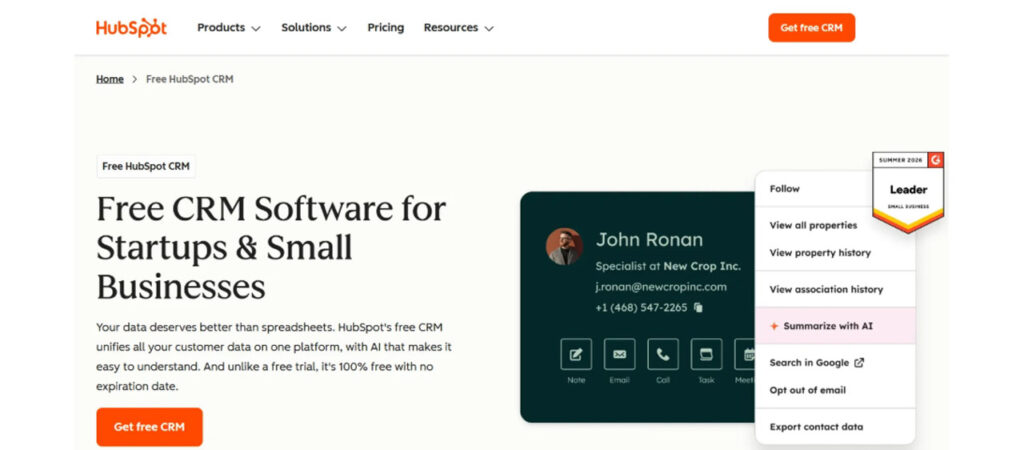
HubSpot's free CRM is a natural home for LinkedIn prospecting data, especially for teams already using HubSpot for marketing. It integrates with Apollo, Dripify (via Zapier/webhooks), and most enrichment tools, and its deal pipeline and email tracking features make it easy to move LinkedIn conversations into formal sales cycles. eams looking to expand their workflow can also explore HubSpot sales prospecting strategies and tools to better understand how HubSpot supports outbound sales processes.
Pipedrive
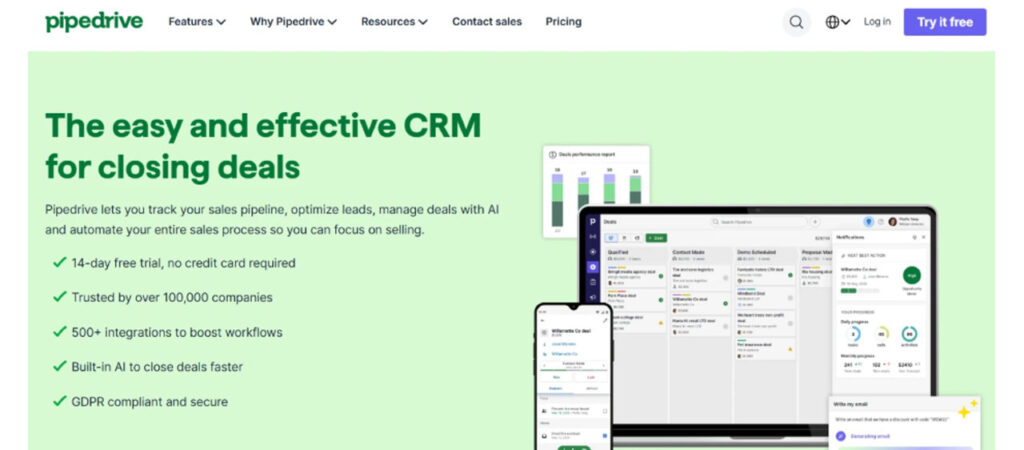
Pipedrive is a sales-focused CRM with a clean pipeline interface. It's popular with smaller B2B sales teams who want simplicity over the full HubSpot stack. Most LinkedIn outreach tools offer native or Zapier-based Pipedrive integration.
Example Prospecting Stacks
Understanding individual tools is useful — but how they fit together matters more. Here are two realistic stacks built around common situations.
Solo Founder Stack
You're doing outbound yourself. Budget matters. You need something that works without requiring you to become a technical expert.
- Discovery: LinkedIn Sales Navigator (Core, ~$100/month) — the filtering is worth it even at this stage
- Outreach: Dripify (Basic plan) — cloud-based safety, easy sequence builder, campaign analytics
- Enrichment: Hunter.io (free tier or Starter) — for finding emails when email follow-up is needed
- CRM: HubSpot CRM (free) — for tracking replies and managing active conversations
This stack covers the full workflow for under $200/month and keeps complexity low. The Dripify + Sales Navigator combination is particularly efficient — you build a filtered list in Sales Navigator, paste the search URL into Dripify, and your campaign starts pulling in new prospects automatically as people match your search criteria.
Sales Team Stack (5–15 SDRs)
You're managing a team, need visibility across reps, and want consistent processes across accounts.
- Discovery: LinkedIn Sales Navigator (Team plan) — shared lists, TeamLink, CRM sync
- Outreach: Dripify (Team plan) — per-seat management, team dashboard, cross-campaign analytics
- Enrichment: Apollo.io or Clearbit — for bulk email enrichment and contact data at volume
- Multichannel: Lemlist — for email sequences that run parallel to LinkedIn outreach
- CRM: HubSpot or Salesforce — with native integration to sync LinkedIn activity and pipeline stages
At this scale, the Dripify team dashboard becomes genuinely valuable. Managers can see which reps are running campaigns, compare performance across the team, and identify which sequences are generating the best reply rates — without chasing individuals for updates.
How to Choose the Right LinkedIn Prospecting Tool
The right choice depends on four variables more than anything else:
- Team size. Individual sellers can often get everything they need from a lightweight stack — Sales Navigator plus a single outreach tool. Teams need platforms with user management, role-based access, and consolidated reporting. Evaluate tools through both lenses.
- Budget. Entry-level tools like Waalaxy start under $40/month. Full team plans from platforms like Dripify, Expandi, or Apollo can run $100–$150+ per seat. Factor in the full stack cost, not just the outreach tool in isolation.
- Volume. Low-volume, highly personalized outreach (fewer than 20 new connections per day) has different requirements than high-volume campaigns. Higher volume demands stricter safety controls, cloud-based operation, and more robust analytics.
- Level of personalization. If your sequences rely heavily on custom context — referencing recent posts, mutual connections, specific company news — you need tools that support flexible personalization variables and manual touchpoints alongside automation. If you're running more segmented but less individually customized campaigns, simpler tools work fine.
One trade-off worth calling out explicitly: all-in-one platforms offer convenience but rarely excel at everything. Many experienced teams prefer best-in-class tools at each stage — a dedicated prospecting database, a purpose-built outreach tool, and a proper CRM — connected through native integrations or Zapier. The trade-off is setup complexity versus capability.
Common Mistakes in LinkedIn Prospecting
Even with good tools, these patterns consistently undermine results:
- Treating automation as a volume game. Sending 150 connection requests a day isn't a strategy — it's a shortcut to account restrictions and low-quality replies. Sustainable LinkedIn outreach stays within realistic activity limits and prioritizes message quality over raw volume.
- Skipping personalization. Mass templates with only a first name variable perform poorly and damage your brand with prospects who don't respond. The more relevant your opening message is to a specific person's situation, the higher your reply rate — and the higher the quality of the conversations you start.
- Using unsafe LinkedIn Automation Tools on important accounts. Browser extensions that operate through your LinkedIn session are inherently more detectable than cloud-based platforms. The risk isn't theoretical—LinkedIn does restrict and ban accounts for automation that falls outside their terms of service. If your LinkedIn profile is a core business asset, invest in a cloud-based tool.
- Ignoring campaign data. Most outreach tools provide acceptance rates, reply rates, and sequence-level analytics. Most people don't review them consistently. Running campaigns without checking performance data is the equivalent of running paid ads without looking at click-through rates. Review your metrics monthly at minimum and test one variable at a time.
- Moving too fast with new accounts. A LinkedIn profile with 200 connections that suddenly sends 80 connection requests per day is a pattern LinkedIn's systems notice. New accounts and new automation setups should be warmed up gradually — starting at 10–15 daily actions and increasing over several weeks.
The difference between LinkedIn prospecting that generates a consistent pipeline and LinkedIn prospecting that burns time is rarely about effort — it's about structure. The best LinkedIn prospecting tools give you a system where each stage of the workflow is handled deliberately, data flows between tools, and you can see clearly what's working.
No tool replaces judgment about who to target, what to say, or how to run a real sales conversation. But the right stack removes the friction between strategy and execution — so your team spends time on high-value activities instead of administrative follow-up.
Start with your workflow, not your tool list. Map out where your current process breaks down — is it discovery, outreach consistency, data quality, or visibility? Then find tools that solve those specific problems. Build the stack incrementally, connect your data, and review performance regularly.
The teams getting the most out of LinkedIn prospecting in 2026 aren't the ones using the most tools. They're the ones using the right tools consistently, with a clear process underneath them.
%201.png)

%201.png)

%201.png)