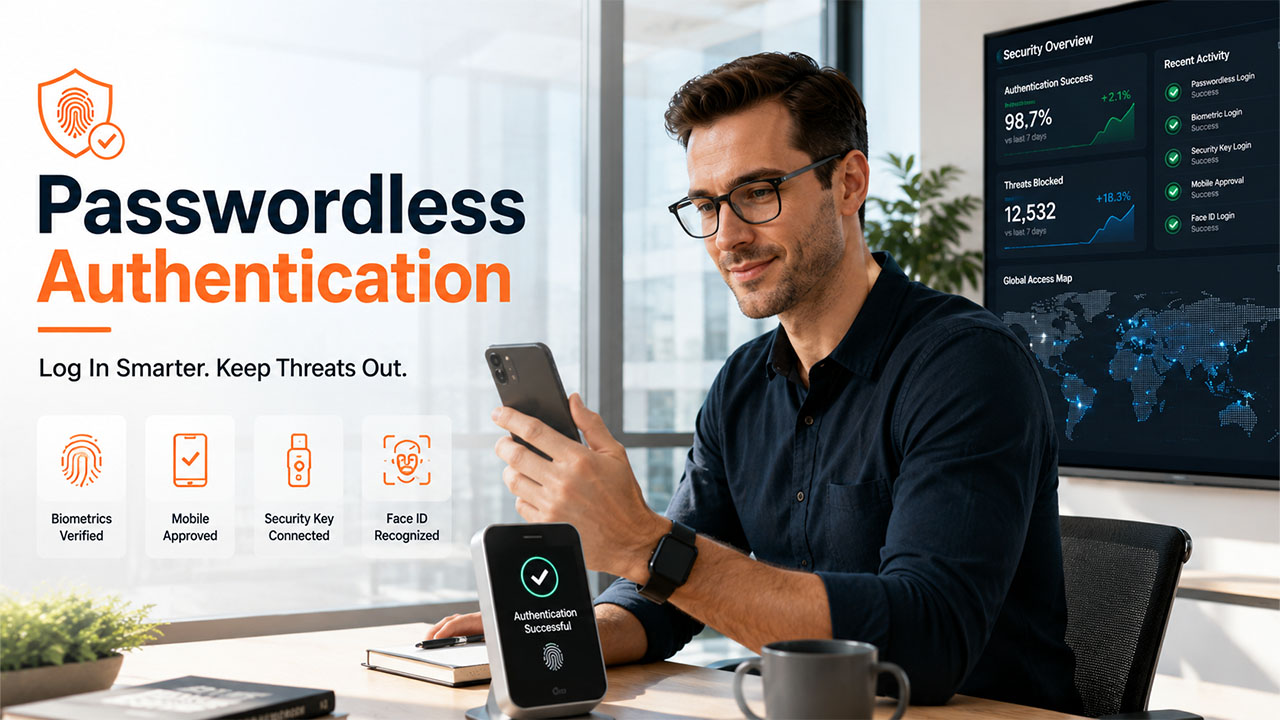

Passwordless authentication is rapidly becoming the preferred way for organizations to secure user access. Passwords still anchor many login processes, yet they often fail under pressure. People forget them, reuse them, or hand them over during convincing phishing attempts. Security teams then spend hours on resets, incident reviews, and account recovery. A safer model is taking hold across business systems, cloud tools, and internal services: this approach to authentication verifies identity without requiring a memorized secret, thereby reducing risk and making everyday access more reliable.
Why Passwordless Authentication Is More Secure
Many organizations now treat passwordless authentication as a direct answer to the weaknesses associated with relying on memory. Instead of trusting recalled characters, these systems verify a person through a device, a biometric trait, or a short-lived credential. This is important because stolen login data can be used for account misuse, service interruption, and unauthorized entry across critical environments.
Additionally, anyone who discovers passwords can impersonate the user. Passwordless access changes that equation. The system looks for proof based on possession or presence, rather than knowledge alone. A phone prompt, hardware key, fingerprint, or face scan offers evidence that is difficult to replicate at scale. This straightforward change addresses one of the oldest vulnerabilities in access control.
How Passwordless Authentication Works
Most passwordless systems rely on public key cryptography. A private key stays on a trusted device and never leaves it. During sign-in, the server checks for a matching public key and confirms the response came from the right source. Some tools add local biometric verification as well. That means identity is verified in layers, without sending a reusable secret across the network.
Why Attackers Lose Ground
Phishing becomes less effective when there is no password to capture. Credential stuffing is also less impactful because there are no recycled secrets in the login path. Brute-force guessing becomes pointless for the same reason. Attackers must then target the device or session, which usually requires more effort. While removing passwords does not eliminate all risks, it does close a common vulnerability.
Lower Cost, Less Friction

Security improvements are most effective when they are user-friendly. Employees can sign in more quickly when they do not need to stop and recall a phrase. Help desks deal with fewer lockouts, resets, and recovery tickets. Managers also gain benefit from a more streamlined onboarding and offboarding process because access depends less on manual management. In practice, that means tighter control with less daily drag on staff and support teams.
Passwordless Authentication and Zero-Trust Access
Zero-trust models, often referred to as the Zero Trust Security Model, assume no network location is safe by default. Every request must validate both the identity of the user and the device before access is granted. Passwordless methods fit that approach well because they rely on direct verification. Short-lived certificates strengthen the approach further by limiting the duration of a session. If a laptop is lost, access can be revoked quickly.
Passwordless Authentication Across Modern Infrastructure
Business systems now stretch across cloud platforms, internal dashboards, developer tools, and administrative consoles. Passwordless controls support tighter governance across these environments and strengthen Identity and Access Management by ensuring only verified users can access critical resources. They are especially useful for privileged access, where one stolen secret can compromise production servers, sensitive records, or high-impact management functions.
Common Verification Methods
Fingerprints and facial recognition speed up routine sign-ins. Their effectiveness depends on secure device hardware, protected local storage, and reliable fallback options. Good implementations confirm the biometric data on the device itself, rather than transmitting raw traits elsewhere. That design helps reduce privacy exposure while delivering a quick user experience.
Physical keys verify that the user possesses an approved device. They are effective against many phishing schemes because the authentication response is bound to the legitimate service. High-risk roles often benefit most from this method, especially administrators, finance staff, and engineers with production access. However, there are operational challenges, as organizations must develop strategies for issuing keys, handling loss, and establishing backup procedures.
Implementation and Adoption
Older software can hinder the rollout because some legacy tools still require passwords. Additionally, the transition must be managed carefully. Staff require clear instructions, recovery options, and device rules. Many organizations implement the change in phases and expand after assessing the results. This approach reduces disruption and can demonstrate measurable improvements in login safety.
Decision-makers should track reset volume, failed login attempts, phishing success rates, and time spent on credential support. They should also compare incident counts before and after rollout across different teams. It is also important to analyze adoption data, as uneven usage can conceal gaps in protection.
Conclusion
Passwordless authentication reduces phishing exposure, lowers IT support costs, and aligns closely with zero-trust security goals. They also improve the daily experience for staff who need reliable entry into essential systems. As organizations manage more distributed infrastructure, stronger access will depend on proof of identity, not recall.
%201.png)

%201.png)

%201.png)