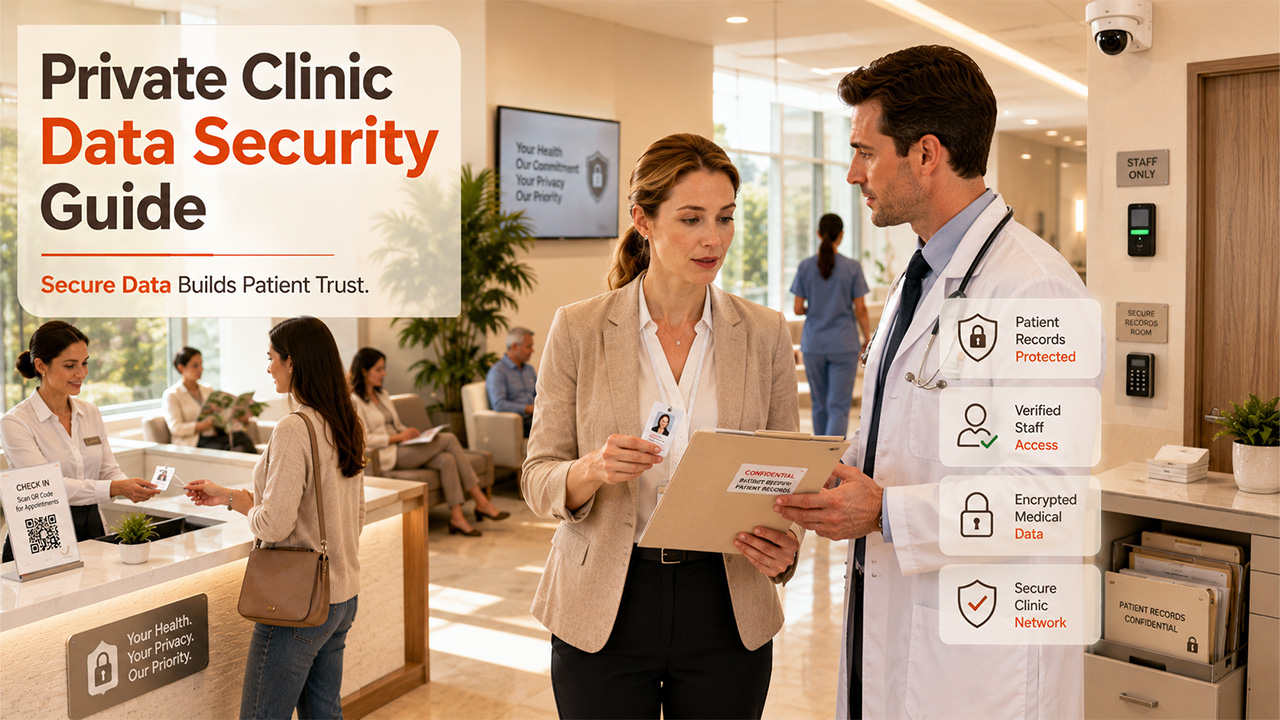

Keeping patient data safe isn’t just something for hospital IT teams to worry about anymore. Now, every private practice even a one-person clinic needs to treat it as a daily responsibility. If you’re offering online bookings, video consultations, or storing files in the cloud, you’re handling the same sensitive information as big hospitals do.
This guide gets straight what really happens when data security fails, which rules you need to watch out for, and which steps actually make a difference for your practice and the specific controls that reduce real risk rather than generating paperwork.
The short answer
Hackers go after small clinics because they store special sensitive health data and usually don’t have their own security teams. But honestly, you don’t need a massive budget to keep things safe. What you really need is a simple, consistent routine: use strong authentication, keep access tight, make sure backups actually work, run the latest software, teach your staff to spot phishing, work with vendors you’ve checked out yourself, and have an incident plan you’ve already read; don’t wait until there’s a problem to open it. That’s what makes the difference
Key takeaways
- Healthcare remains the costliest sector for data breaches worldwide, and attackers increasingly reach clinics through suppliers rather than head-on.
- UK and EU practices face a 72-hour breach notification deadline and fine ceilings tied to turnover, and enforcement has become substantially more aggressive.
- Your practice management system, booking tool and video platform are part of your risk surface, so vendor questions belong in procurement rather than after signature.
- Independent testing is what turns assumptions about security into evidence, and it is increasingly expected by insurers, commissioners and regulators.
- Most successful attacks exploit basic gaps: no multi-factor authentication, unpatched software, shared logins, and backups nobody has ever restored.
Why small practices are being targeted
A lot of practice owners still think hackers only go after big companies. That’s not true. Small practices face the same data security threats as major hospitals, just with fewer resources to catch them. The numbers back it up, and if you think about it, it makes sense. Attackers look for easy wins such as places where the payoff is high, but the effort is low. Health records are valuable because they’re packed with personal details you can’t just change; medical info hackers can use to blackmail, and even financial data; all in one place. Small practices look especially tempting because they’re usually not guarded well. They don’t have a dedicated security team, their tech setup is a mix of managed and unmanaged devices, and they tend to stick with a few cloud services that were set up ages ago and rarely checked again. In other words, small practices are prime targets, that’s what makes them valuable and easy to hit.
IBM’s 2026 Cost of a Data Breach study, published at the end of July, again found healthcare the most expensive sector, averaging 6.64 million dollars per breach and holding the top position for the thirteenth consecutive year, even though the figure fell around ten percent year on year. Verizon’s 2026 Data Breach Investigations Report tracked 1,492 healthcare incidents, with initial access split between exploitation of vulnerabilities at roughly 20 percent, phishing at 14 percent, stolen credentials at 11 percent and staff error at 11 percent. Around 32 percent of healthcare breaches involved a third party. That final number reframes the problem: your security posture now includes the security posture of everyone who processes data on your behalf.
What enforcement actually looks like now
Regulatory patience has thinned considerably, and the recent cases involve exactly the sort of basic failures that occur in small organisations.
In March 2025 the Information Commissioner’s Office fined Advanced Computer Software Group just over 3 million pounds after a 2022 ransomware attack on its CareNotes system compromised data belonging to nearly 80,000 people and disrupted NHS 111 services. It was the first monetary penalty the ICO had issued against a data processor rather than a controller, which matters for every practice that outsources record keeping: your supplier’s failures are now directly enforceable, and that does not remove your own obligations as controller.
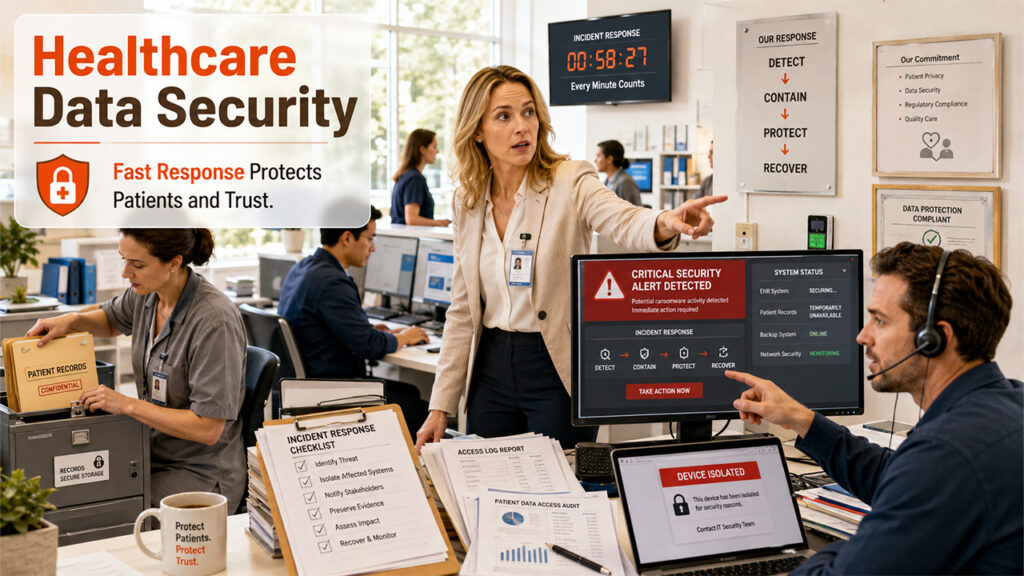
In October 2025, the ICO issued a £14 million settlement to Capita following a 2023 ransomware attack that impacted 6.6 million people. The primary failure was straightforward: a high-priority alert was triggered within ten minutes of the malicious download, but the affected device was not quarantined for 58 hours. This delay enabled nearly a terabyte of data to be exfiltrated.
The clinical impact is also well documented. The June 2024 ransomware attack on Synnovis, a pathology provider for southeast London trusts, delayed over 11,000 outpatient and elective appointments, according to NHS England. A government statement later estimated the financial impact at £32.7 million and confirmed the attack contributed to a patient death. Security in healthcare is fundamentally a patient safety issue, not just a compliance matter.
The rules your practice is judged against
Practice managers frequently discover that four or five separate frameworks apply at once, each administered by a different body. Here is the map for UK and EU private practice, followed by the position for practices treating patients in the United States.
UK GDPR and the Data Protection Act 2018
Health data is special category data, which attracts the strictest conditions for processing and the highest penalty ceiling: up to 17.5 million pounds or 4 percent of global annual turnover, whichever is higher. At its core, UK GDPR exists to protect patient data privacy, not just to avoid fines.
If a personal data breach puts people at risk, you’ve got to report it to the ICO within 72 hours of finding out. If patients are in real danger, you need to tell them straight up. Most of the important stuff boils down to three things: keep track of all your data processing, do a data protection impact assessment before rolling out any big new system, and get written agreements with every supplier that handles patient data.
The Patient Data Security and Protection Toolkit
The DSPT is the yearly self-assessment for anyone using NHS patient data, and version 8 kicked off in September 2025. This cycle’s deadline is 30 June. If you’re doing NHS contracted work, it’s not optional. And honestly, even when it’s not required, insurers and commissioners often look for it as a reference point. Practices that approach the DSPT honestly usually see it as a way to spot gaps, not just check boxes. Its evidence asks about things that really matter like keeping an inventory of your assets, controlling access, making sure staff training’s up to date, patching systems, backing up, and being ready to respond when something goes wrong.
Cyber Essentials and NHS procurement
Cyber Essentials is a government-backed standard for five technical controls: boundary firewall, secure configuration, access control, malware prevention, and patching. This standard is increasingly seen as essential for NHS procurement and cyber insurance. Cyber Essentials Plus involves the independent technical assessment of these controls. As a small practice, achieving this standard is both achievable and worthwhile; it is important, however, to understand exactly what Cyber Essentials is and is not. The standard is a statement that there are five types of controls. It is not testing your ability to prevent an attacker from getting access to your booking site.
CQC, Caldicott and clinical safety standards
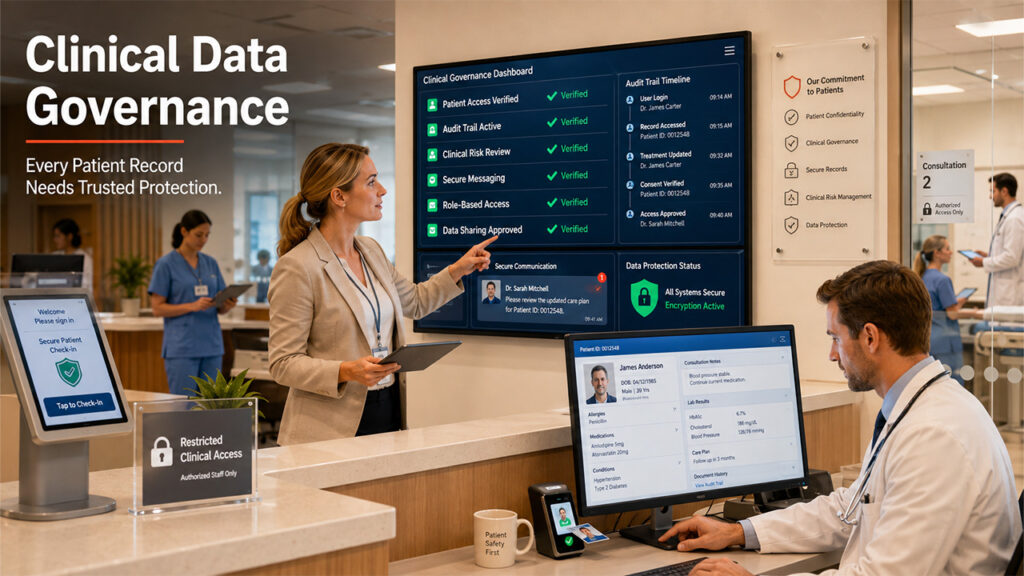
The Care Quality Commission Inspection considers the governance of digital systems, and they do consider how patient information is dealt with and the people who can access that information. Caldicott Principles regulate the handling and sharing of confidential patient information, whether this is on paper or in digital format. If your practice uses any of the above clinical systems, then they will also fall under the scope of DTAC and the clinical risk management standards of DCB0129 and DCB0160.
If you treat patients in the United States
HIPAA’s Security Rule requires a documented security risk analysis and periodic evaluation of safeguards, but as currently in force it does not prescribe a testing schedule. That may change. In a Notice of Proposed Rulemaking announced in December 2024 and published in the Federal Register on 6 January 2025, the HHS Office for Civil Rights proposed substantial modernisation of the Security Rule, including mandatory encryption of electronic protected health information at rest and in transit, multi factor authentication, removal of the distinction between required and addressable safeguards, vulnerability scanning at least every six months and penetration testing at least every twelve months. Two caveats matter. The proposal is not final law, and the timetable has slipped more than once, with recent regulatory agendas pointing well beyond 2026. The current Security Rule remains in effect meanwhile. Practices should treat annual testing as the likely direction of travel rather than a present obligation.
Map your practice’s data footprint
You cannot protect what you have not listed. Most clinics underestimate the number of places patient data sits.
Clinical records and practice management
Your practice management and records system is the primary store and usually the best defended, because reputable vendors invest in encryption, backups and access controls that a small practice could never build alone. The risk here is rarely the platform itself. It is configuration: shared logins between reception staff, clinicians who retain access after leaving, permissions granted generously at setup and never reviewed, and integrations connected years ago to systems nobody uses now.
Booking, reminders and patient messaging
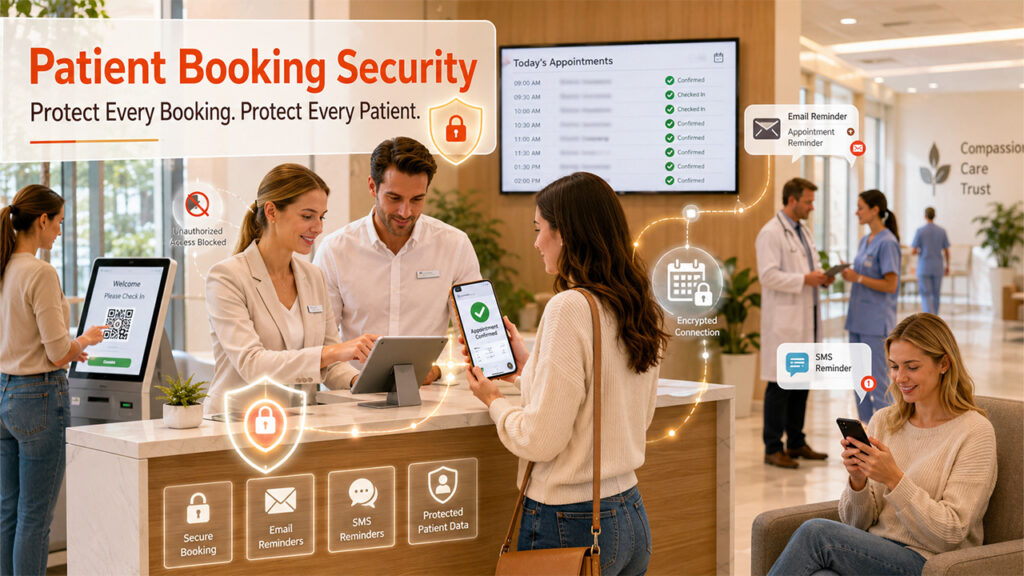
Online booking pages, reminders through SMS and email, and patient portals all sit right out in the open on the internet. That’s how they’re built; they need to accept input from anyone, but it also makes them the easiest target for outsiders poking around. The ways things can go wrong are pretty clear: people can guess appointment links, stumble onto other patients’ info, or abuse password reset tools to find out if someone’s info is on file. Sometimes, reminder messages include way too much clinical detail, which invites trouble. Honestly, automated scanners usually miss these issues, but human testers spot them fast.
Telemedicine and video consultation
Remote consultation introduces questions about where recordings and notes are stored, whether the platform is a clinical tool or a repurposed conferencing product, and whether data stays in an appropriate jurisdiction. General purpose video tools often lack the audit trails, access controls and processing agreements that health data requires, which is why choosing a telemedicine platform built for private practice is a security decision rather than only a convenience one. Ask for data residency in writing, confirm encryption in transit and at rest, and establish who at the vendor can access session content.
Everything around the edges
Then there’s everything else: diagnostic imaging systems, connected devices, card terminals, the practice’s email, the accounting software, shared drives stuffed with scanned referrals, staff phones carrying clinical apps, and now AI transcription tools popping up in consultations. Each can be a new door for trouble. The AI scribes need special attention. When a clinician uses a consumer transcription app, patient conversations can end up stored by some random company that the practice has never signed an agreement with, which isn’t just a productivity shortcut, but actually a big data breach with sensitive medical info.
The baseline that actually prevents incidents
The controls below prevent the overwhelming majority of real world attacks on small practices. None require a security team.
- Enforce multi factor authentication on every system holding patient data, and on the practice email account above all, since email is the recovery route to everything else.
- Give every staff member a named account with permissions matched to their role, and never allow shared reception logins.
- Remove access the same day someone leaves, using a written offboarding checklist that covers systems, devices, email and building access.
- Keep backups that are automated, encrypted, held separately from the live system, and restored in a test at least twice a year. An untested backup is a hope, not a control.
- Patch operating systems, browsers and clinical software on a defined schedule, and replace anything the vendor no longer supports.
- Configure email authentication with SPF, DKIM and DMARC so criminals cannot spoof your practice domain to patients.
- Encrypt every laptop, tablet and phone that can reach patient data, and enable remote wipe.
- Train staff briefly and often on the specific scams aimed at clinics: fake supplier invoices, fake patient records requests, and login pages imitating your own systems.
- Turn on audit logging in the clinical system and review access anomalies, including staff viewing records without a care relationship.
- Write a one page incident plan naming who decides, who contacts the ICO, who contacts patients, and which number to call at 8pm on a Saturday.
Your suppliers are part of your risk

Given that roughly a third of healthcare breaches now involve a third party, vendor assessment is no longer optional diligence. Ask these questions before signing, and keep the answers on file as evidence for the DSPT and for your own accountability obligations.
- Where is patient data physically stored, and does it remain in the UK or EEA?
- Is data encrypted in transit and at rest, and who at the vendor can access it?
- What independent assurance exists, such as ISO 27001 certification, and when was it last renewed?
- When was the platform last independently penetration tested, and can you share a summary or attestation?
- How are backups run, how often are restores tested, and what is the recovery time objective?
- What is the breach notification commitment, and within how many hours will you be told?
- Does the contract include a compliant data processing agreement with defined subprocessors?
- How is access granted and revoked for the vendor’s own support staff?
- What happens to your data if you leave, and in what format can you export it?
- How are product changes assessed for clinical safety and data protection impact?
A vendor that answers these clearly and in writing is doing its job. Vague or evasive answers about data residency, encryption or testing are a meaningful signal. It is reasonable to ask any provider to publish or share its security and data protection position before you commit patient records to it.
Where testing fits, and what each type actually tells you
These three activities are often confused, and buying the wrong one is a common and expensive mistake.
| Activity | What it answers | Frequency | What it does not do |
| Risk assessment or DPIA | Which data we hold, what could go wrong, what controls we have chosen | Annually and before major changes | Prove any control actually works |
| Vulnerability scanning | Which known, published weaknesses exist in our systems today | Monthly to quarterly, automated | Find logic flaws, broken access control or chained weaknesses |
| Penetration testing | Whether a skilled attacker can actually reach patient data, and how | Annually and after significant change | Replace day to day patching and monitoring |
The distinction matters because most damaging findings in healthcare applications are logic problems rather than missing patches: a booking reference that returns another patient’s appointment when the number is changed, an API that returns full records where the interface shows partial ones, or a staff role that can escalate to administrator. Automated tools do not find these. Experienced human testers do, which is why practices with a patient portal, custom booking flow or bespoke integration commission Penetration Testing Services rather than relying on scanning alone. The output is a report you can hand to an insurer, a commissioner or a regulator that says something concrete about your defences instead of describing your intentions.
Buying a test as a small practice
Scope first. Most private clinics do not need an enterprise engagement. The realistic scope is the patient facing web application and booking flow, any public API, the practice website, the external network perimeter, and optionally a phishing simulation aimed at staff. If your clinical system is a cloud product from a third party, you generally cannot test it yourself and should instead request the vendor’s own testing evidence, since testing another company’s platform without written authorisation causes legal problems for everyone.
On price, resist quotes that seem far below the market. Genuine manual testing is priced on tester days, so a small single application engagement occupies a specialist for several days and is quoted accordingly, while anything offered at the price of a scanning subscription is almost certainly a scan with a report template. Get three quotes, compare what is included rather than the headline figure, and check specifically whether retesting after remediation is bundled or billed separately. Reviewing how established providers differ on methodology, reporting and pricing is worth an hour before you take calls, and roundups of the Top Penetration Testing Companies give a reasonable orientation to the market.
Be alert for the following red flags: absence of a recognized methodology such as OWASP testing guidance or NIST SP 800 115, lack of a sample report, no retest offered, findings provided only as raw scanner output, and unwillingness to discuss the qualifications of the testing personnel. Always ask who will conduct the testing, not just which company will invoice.
The first 72 hours after an incident

Decide this in advance, because judgement degrades badly under pressure.
- Isolate the affected device or account immediately rather than investigating first. The Capita case turned on a 58 hour delay in exactly this step.
- Preserve evidence by leaving systems powered on where possible and capturing logs before anything is rebuilt.
- Convene the small group who will decide: the practice owner, whoever holds the data protection role, and your IT support.
- Assess whether personal data has been affected and whether risk to individuals is likely, since this determines your notification duty.
- Report to the ICO within 72 hours of becoming aware where the threshold is met, even if the picture is incomplete, and follow up with detail later.
- Notify affected patients directly where risk to them is high, in plain language, with practical advice on what to watch for.
- Continue care safely using your business continuity plan, since the clinical impact usually outweighs the data impact in the first days.
- Record decisions and timings throughout, because your documentation is what the regulator assesses afterwards.
An annual security calendar
| When | Task |
| Monthly | Review user accounts and remove leavers, check patching status, confirm backups completed |
| Quarterly | Restore test from backup, review third party and integration access, short staff training refresher |
| Twice yearly | Vulnerability scan of external systems, review audit logs for unusual record access |
| Annually | Risk assessment and DPIA review, penetration test of patient facing systems, incident plan walkthrough, supplier assurance refresh, DSPT submission where applicable |
Put these in the practice calendar with named owners. Security work that lives in someone’s head does not survive a busy quarter.
Closing thought
Security in a private practice succeeds through consistency rather than sophistication. The clinics that avoid serious incidents are not the ones running advanced technology. They are the ones where every member of staff has their own login, backups get restored on a schedule, software is current, suppliers have been asked hard questions in writing, and someone independent has tried to break into the patient-facing systems and reported what they found. That is an achievable standard for a practice of any size, and patients notice the difference in how their information is handled long before a regulator does. Strong patient data security isn't built overnight; it's built through habits like these.
Frequently asked questions
Q1. Does a small clinic really need a penetration test?
If you operate a patient portal, online booking, or any custom integration, yes, because those systems are reachable from the internet and hold health data. If you only use a vendor’s cloud platform with no custom components, request the vendor’s testing evidence instead and focus your own budget on identity, backups and training.
Q2. How often should we test?
Once a year is the working standard, plus a test after any significant change to authentication, patient facing functionality or hosting. The proposed HIPAA Security Rule update points to annual testing for United States entities, and UK insurers and commissioners increasingly ask the same question.
Q3. Is Cyber Essentials enough on its own?
It is a strong baseline and worth achieving, but it verifies that five categories of control exist rather than testing whether your applications can be broken into. Treat it as the floor, with testing and staff training built on top.
Q4. What is the single most common cause of clinic breaches?
Credential compromise through phishing, followed by unpatched internet-facing software. Multi factor authentication and a patching schedule address most of it, which is why they come first on every serious checklist.
Q5. Are we responsible if our software vendor is breached?
As controller you retain accountability for the data, including choosing suppliers with appropriate safeguards and holding a compliant processing agreement. The ICO has now fined a processor directly, so responsibility is shared rather than transferred. Document your vendor assessment.
Q6. How quickly must we report a breach?
Within 72 hours of becoming aware, to the ICO, where the breach is likely to result in a risk to individuals. Report on time with partial information rather than late with a complete picture.
Q7. Can we use AI transcription during consultations?
Only with a tool covered by a data processing agreement, with clear retention terms and appropriate data residency, and with patients informed. Consumer AI tools used ad hoc create an unlawful disclosure of special category data.
%201.png)

%201.png)

%201.png)