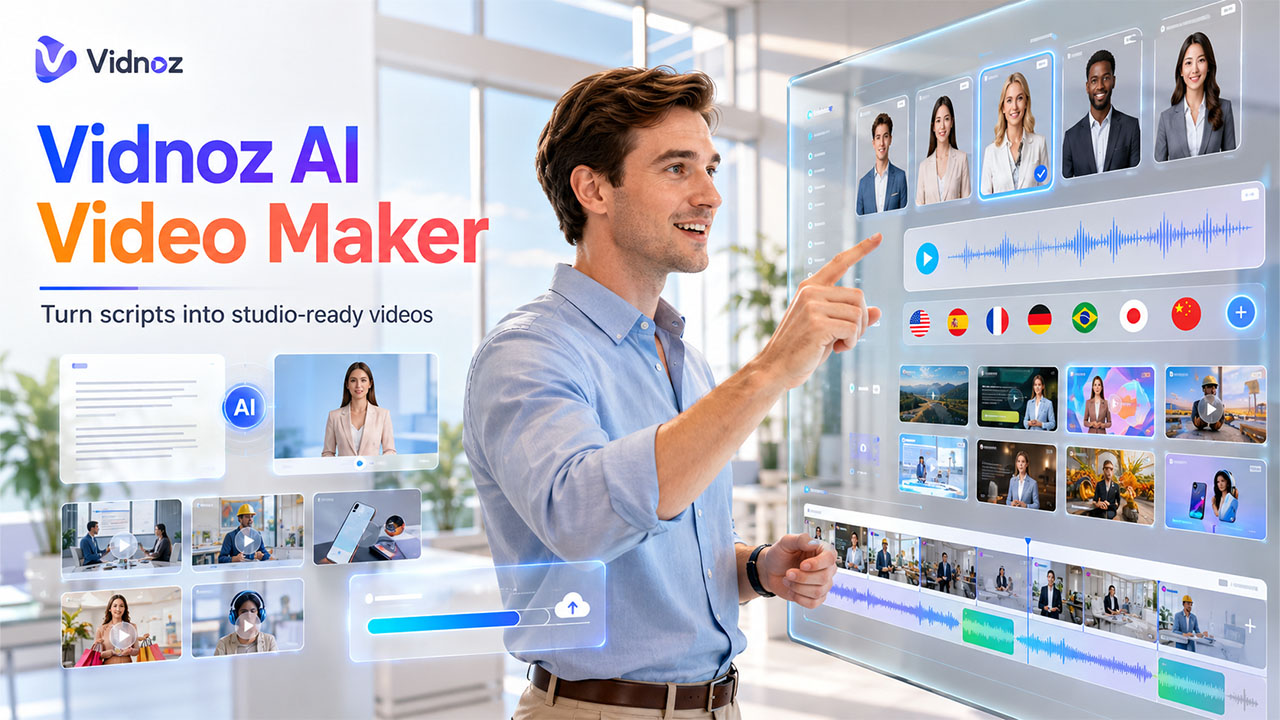

It is no secret that videos have now become an integral part of online communication, regardless of the purpose - marketing, training, education, or customer interaction. However, for ordinary individuals and organizations, it has always been difficult and expensive to produce professional-looking videos. And that is precisely what Vidnoz AI intends to change. Being a free AI video creation service. Vidnoz AI allows users to create professional-level videos in minutes without using cameras, actors, or even editing skills.
Vidnoz AI has become the go-to solution for video creation for both startups and enterprises.
What is Vidnoz AI?
Vidnoz AI is a cloud-based video AI tool that enables you to produce professional videos using AI avatars, AI voices, and various templates. Launched in 2023, this platform strives to provide everyone with access to video generation, irrespective of their skills and financial limitations.
Vidnoz AI brings together three fundamental elements:
- AI Avatars: Over 1,900 lifelike AI avatars for any video subject and industry imaginable.
- AI Voices: Over 2,000 AI voices in 140+ languages including the voice cloning feature, which creates your voice clone instantly.
- Video Templates: The largest collection of over 2,800 pre-designed video templates for a wide range of purposes such as sales, marketing, e-learning, news, training, and so on.
The company is proud of its certification of conformity to ISO/IEC 27001:2022, meaning that Vidnoz prioritizes its customers’ data protection and privacy.
Key Features of Vidnoz AI
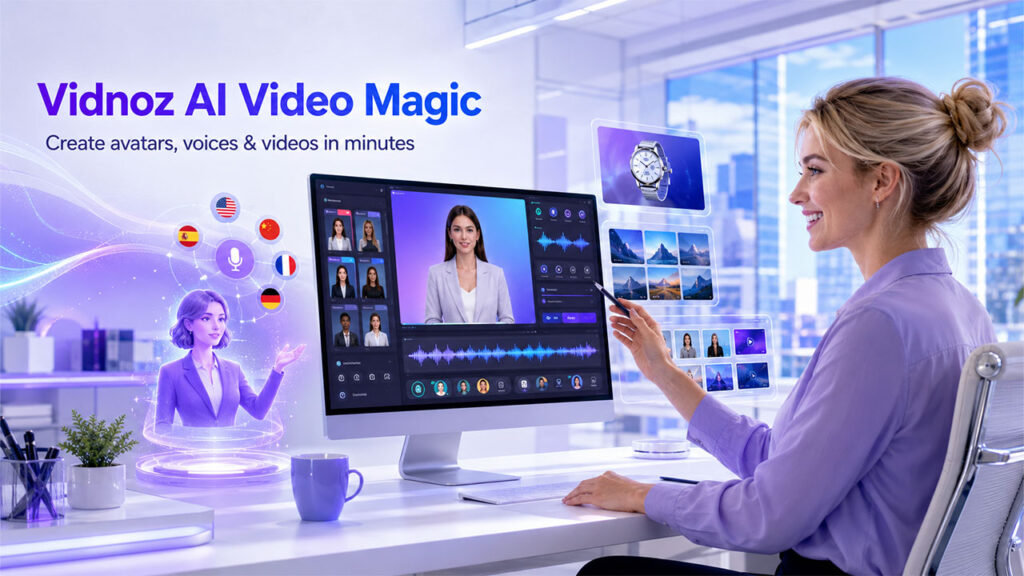
1. Expressive AI Avatars with Natural Body Language
Among the best features of Vidnoz AI are the unique avatars that it provides. Over 1,900 AI avatars, including the new Expressive Avatar technology, which displays natural gestures, expressions, and body language depending on the script. Furthermore, customers may design an AI avatar based on their own video recordings and use them to create their brand image. Some of the important features of an avatar include:
- Lip sync that can support over 140 different languages
- Facial and body movements that correlate with the script
- Custom avatars created by uploading user video footage
- Product Avatar that will feature your products in video scenes
2. AI Voice Tools
The Vidnoz AI tools set includes various voice solutions for creating videos:
- Text-to-speech software that can convert any text to voice-over audio
- Voice cloning to create a copy of your voice in just 10 seconds
- AI voice changer and translator that changes or localizes voices
- AI dubbing and lip-sync services that translate or dub videos
All these solutions together help users avoid hiring voice actors and recording studios.
3. Vidnoz Gen – AI Image & Video Generation
Apart from avatar–based videos, Vidnoz AI also comes with Vidnoz Gen – the all-purpose image and video generation studio that supports state-of-the-art AI models such as Google Veo, Kling 2.6, Seedance, Hailuo, and Luma Ray. Features of Vidnoz Gen include:
- Text to Video & Image to Video
- AI Photo Editor
- AI Image Generator with Models like Google Imagen and Flux
- AI Clothes Changer & AI Photo Dance
4. Pre-Built Video Templates
In total, there are 2,800+ templates available based on the type and industry, which will help save considerable amounts of time while creating any video. These templates include:
- Sales & Lead Nurturing
- Investor Pitch Decks
- E-learning Courses
- Corporate Training Videos
- News & Marketing Campaigns
Every template is completely customizable, where users can customize layouts, transitions, add music to their video, and everything else.
Use Cases: Who Benefits from Vidnoz AI?
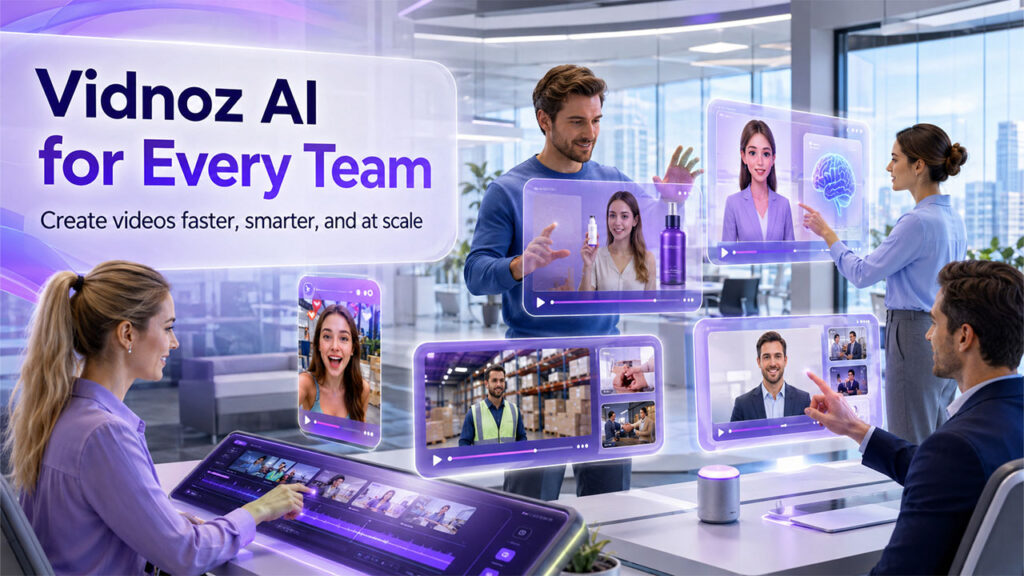
Vidnoz AI serves a wide range of professional and creative purposes:
- Marketing Teams can produce product videos, social media ads, and brand campaigns at scale — without outsourcing to production agencies.
- Educators and E-Learning Creators use the platform to build interactive, avatar-led video lessons that improve learner engagement.
- Sales Professionals leverage AI-generated videos to personalize outreach, demonstrate products, and improve conversion rates.
- HR and Training Departments create onboarding and compliance videos quickly, with consistent messaging across teams.
- Content Creators and YouTubers use Vidnoz AI to generate talking-head videos, translated content, and viral short-form clips without on-camera appearances. Content creators looking to scale their output will find that Vidnoz AI pairs well alongside other AI tools for content generation to build a full end-to-end workflow.
According to platform data, businesses using Vidnoz AI report an average monthly saving of approximately $10,000 in video production costs, a 52% increase in viewer engagement, and a 74% improvement in conversion rates.
How to Get Started with Vidnoz AI
- Select a Template or Avatar — Choose from the extensive library or start from scratch.
- Enter Your Script — Type the text you want the AI avatar to deliver on screen.
- Customize the Video — Add music, transitions, branding elements, and personal touches.
- Generate and Share — Click Generate, then download or share the finished video directly.
The platform is available via web browser, a mobile app on Android, and supports API credentials for business integrations.
Vidnoz AI: Pros and Cons
Before committing to any tool, it helps to weigh its strengths against its limitations. Here is an honest assessment of Vidnoz AI based on its current feature set and user feedback.
Pros:
- Free to start — No credit card needed, with daily credits available on the free plan.
- Massive asset library — 1,900+ avatars, 2,000+ voices, and 2,800+ templates give users a wide creative range.
- Multilingual support — With 140+ languages, Vidnoz AI is well-suited for global content strategies.
- Fast turnaround — Videos can be generated in minutes, making it ideal for teams with high content demands.
- Enterprise-grade security — ISO/IEC 27001:2022 certification ensures data protection for business users.
- No technical expertise required — The intuitive interface makes it accessible to non-editors and first-time creators.
Cons:
- Customization limits on the free plan — Advanced editing options and higher video output are gated behind paid tiers.
- Best suited for straightforward formats — Highly complex or heavily branded productions may require additional post-editing outside the platform.
- AI model access varies by plan — Premium AI models like Kling 2.6 and Google Veo may not be fully available on the free tier.
Overall, Vidnoz AI delivers strong value for the majority of video creation needs, particularly for teams prioritizing speed, scalability, and cost efficiency.
Conclusion
The emergence of Vidnoz AI marks a paradigm shift in the world of video production. With its cutting-edge avatars, multilingual voices, and an extensive library of templates, it eliminates the usual obstacles of price, skills, and time associated with video production. Regardless of whether you are a single creator, a startup firm, or an existing company, Vidnoz AI offers a practical and realistic solution to create high-quality videos. For those who are interested in AI video generation, Vidnoz AI is a platform worth exploring.
FAQs About Vidnoz AI
Q1. Is Vidnoz AI free to use?
Yes, Vidnoz AI offers a free plan with daily credits, including access to AI avatars, voices, and templates — no credit card required.
Q2. How many languages does Vidnoz AI support?
The platform supports over 140 languages for voiceover, video translation, and lip-sync dubbing.
Q3. Can I create a custom avatar on Vidnoz AI?
Yes, Vidnoz AI allows users to upload their own video footage to generate a personalized custom AI avatar.
Q4. Is Vidnoz AI suitable for business use?
Absolutely, Vidnoz AI is ISO/IEC 27001:2022 certified and offers enterprise plans with dedicated support, custom avatar creation, and scalable video production capabilities.
Q5. What AI models does Vidnoz Gen support?
Vidnoz Gen supports models including Google Veo, Kling 2.6, Seedance, Hailuo, Luma Ray, Google Imagen, and Flux, among others.
%201.png)

%201.png)

%201.png)