

Introduction
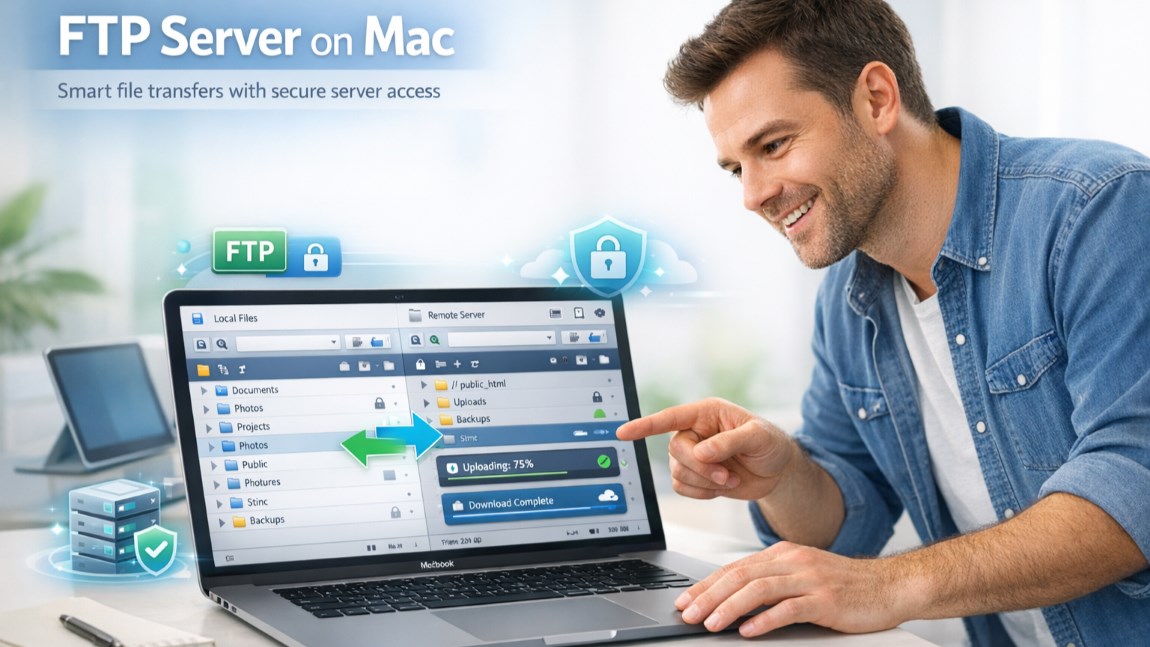
For people who want to transfer files between their local computer and a remote server, FTP client is the best option. Mac users can also use FTP clients because of the increase in growth of cloud-based platforms. These clients are used for various purposes.
Like, website management, uploading and downloading large files, maintaining server backups, and more. Developers, designers, and businesses use FTP connections to gain full control over their server files. Additionally, Commander One is a reliable and modern FTP client. It is built especially for macOS and offers a clean, easy-to-use interface. This amazing app supports FTP, FTPS, and SFTP.
All this allows secure and flexible file transfers for everyone. Along with FTP access, Commander One also works as a complete file manager. It lets you manage local files, remote servers, and cloud storage smoothly from one simple app.
Let’s explore more about how to connect to an FTP server on Mac using Commander One and more. So keep reading!
Connecting to an FTP Server with Commander One
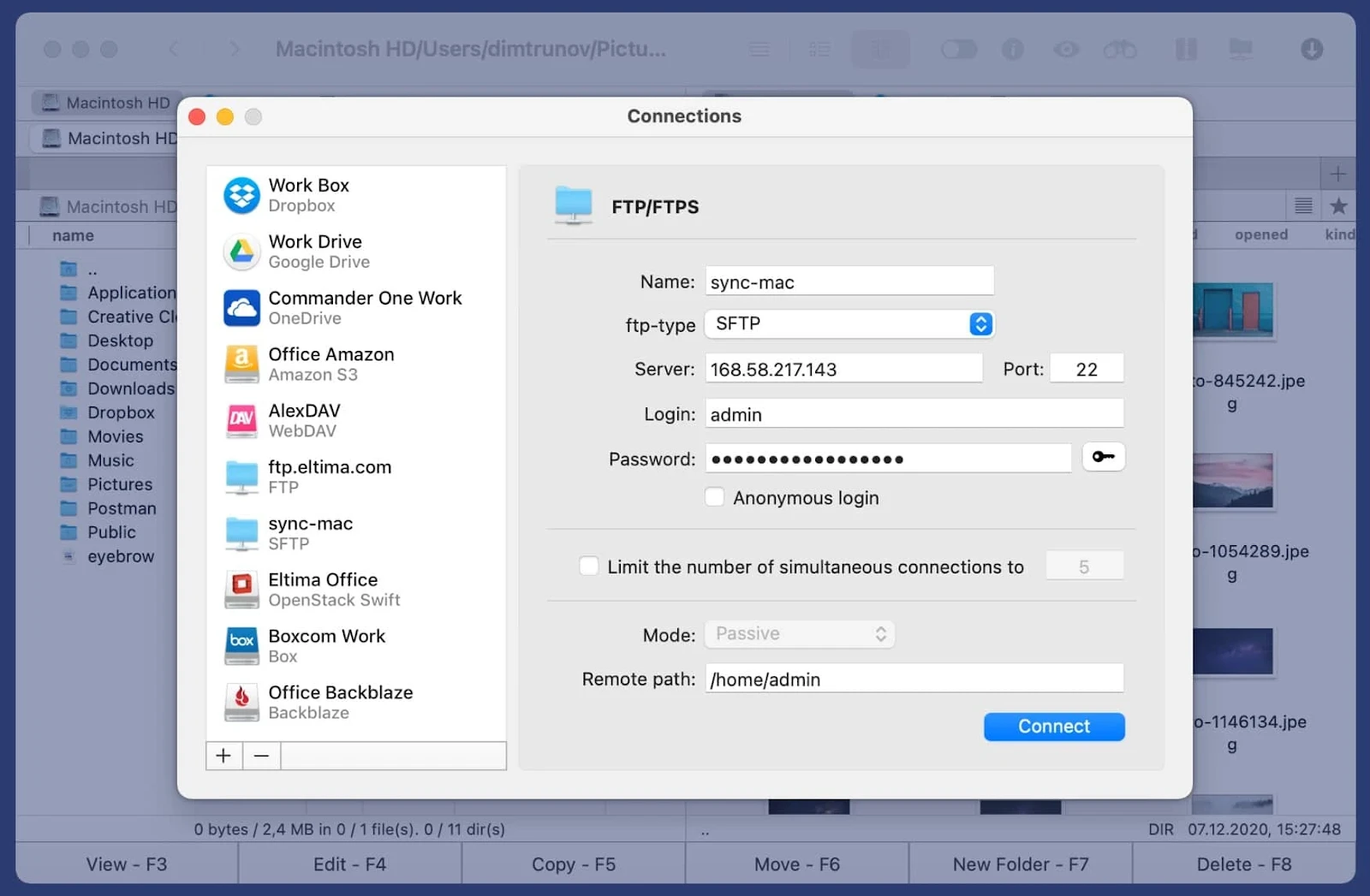
The steps to connect to an FTP server with Commander One are quick and simple. This is how you can connect to an FTP server using a Commander One app.
- First, download and install the app on your Mac.
- Once the app opens, you will see a clean dual-pane layout. With this clean design, you can work faster by showing two folders at the same time.
- Now, to start an FTP connection, open the Connection Manager from the top menu.
- After that click on the option to add a new connection.
- Now enter your FTP server details. This includes the server address, username, password, and port number. After that, choose the protocol you want to use.
You should also know that Commander One supports FTP, FTPS, and SFTP. FTP is useful for basic file transfers. FTPS and SFTP are more secure because they encrypt your data. This means your files and login details stay protected while transferring, especially when working over public or shared networks.
Once you connect, your server files appear in one panel. Your local Mac files stay visible in the other panel. So, you can easily upload, download, or move files using simple drag-and-drop actions. You don't need any technical knowledge to understand it.
Moreover, Commander One also allows you to save your FTP connections. This makes future access faster. You can even connect to multiple FTP servers at the same time, which is helpful when managing more than one website or project.
Another helpful feature of Commander One is cloud integration. With the Commander One FTP app, you can manage cloud storage services along with FTP servers from one place. This keeps everything organized and easy to access.
Key Features of Commander One
Here are some unique features of the Commander One app for mac users. You must explore all these features:
Dual-pane interface
With the dual-pane design, you can use two folders at the same time. You can easily view local files on one side and FTP servers on the other side. All this makes file transfer faster and easier.
File management
The Commander One app also includes strong file management tools. You can easily move, copy, rename, and organize files with ease. With the bulk actions, you can easily work on many files at a time. Moreover, the search and quick preview features save time.
Advanced security
Security is a key focus. Commander One supports SFTP and FTPS. These smart protocols encrypt all your data. So, your files remain safe during transfer.
Cloud integration
Commander One also works with cloud services like Google Drive, Dropbox, and OneDrive. You can manage cloud files and FTP servers in one app. Moreover, the Commander One FTP app brings local files, servers, and cloud storage together in one place.
Commander One’s Advantages Over Other FTP Clients
Many Mac users often compare Commander One with apps like Cyberduck or FileZilla. All these tools perform the same job, but they mostly focus only on FTP transfers. However, Commander One is an advanced tool.
Its interface looks modern and fits well with macOS. Moreover, beginners can start using it easily, while advanced users still get access to powerful features.
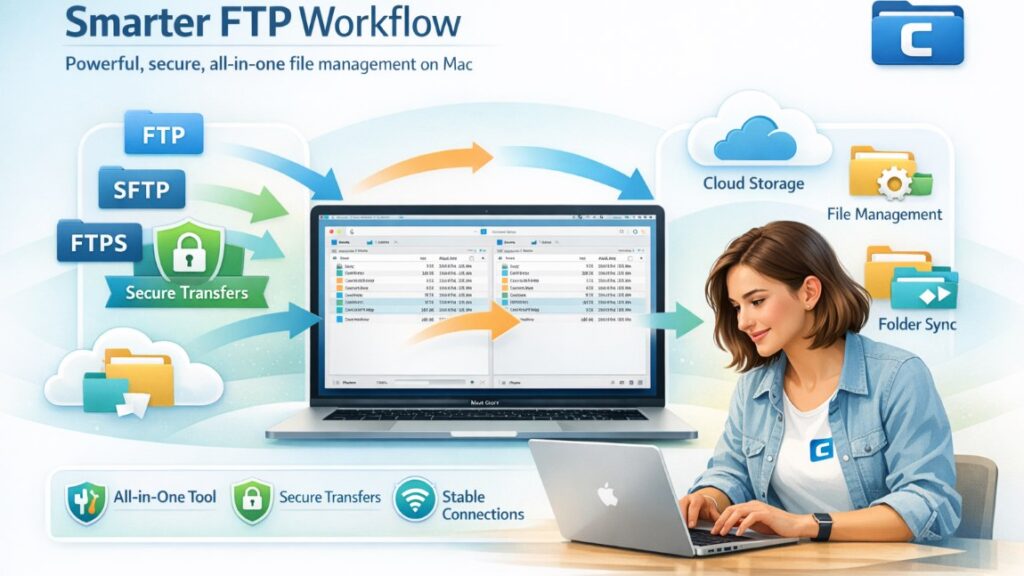
Commander One offers many features in a single app. Like you can access FTP, cloud storage, and file management at a single place. You don’t need to switch between different tools anymore. This helps save time and keeps your workflow simple.
The app supports FTP, SFTP, and FTPS and delivers fast and secure file transfers. Connections stay stable, and data remains protected. That’s why Commander One works well for both everyday users and professionals. FTP clients like Commander One are widely used by developers and technical teams who regularly work with remote servers and large project files. These tools help streamline workflows by allowing fast, secure, and organized file transfers between local systems and live environments. This is especially important for teams offering custom software development companies services, where frequent updates, testing, and server-level access are required to deliver high-quality, scalable solutions efficiently.
Security and Usability of Commander ne App
Security is essential when you are working with FTP servers. That’s why Commander One takes security very seriously. This app basically supports secure protocols such as SFTP and FTPS.
These systems use encryption to protect your files and login details during transfers. This helps keep your data safe, especially when using public or shared networks. Commander One is also built for ease of use. File transfers are fast and straightforward.
You can upload or download files using simple drag-and-drop actions between your Mac and the FTP server. The app also allows batch processing, so you can transfer multiple files at once. This is especially useful when managing large folders or ongoing projects.
If a transfer is interrupted due to a weak or unstable connection, Commander One can automatically reconnect and continue the process. This reduces the risk of failed uploads or downloads.
Another advantage is a simple and secure login information handling. All FTP credentials are stored securely on your Mac, not on remote servers. This gives you better control over your data and adds an extra layer of privacy when using FTP connections on macOS.
Conclusion
Commander One is a reliable and modern FTP client for Mac users. It makes connecting to FTP, SFTP, and FTPS servers simple and secure. You can easily handle local files, remote servers, and cloud storage at a single place.
However, everyone can use this app as it is suitable for both beginners and experienced users. Commander One is the ideal choice, as it offers security, speed, and usability. Download it today and explore its full features to manage your FTP connections effortlessly.
%201.png)

%201.png)

%201.png)

