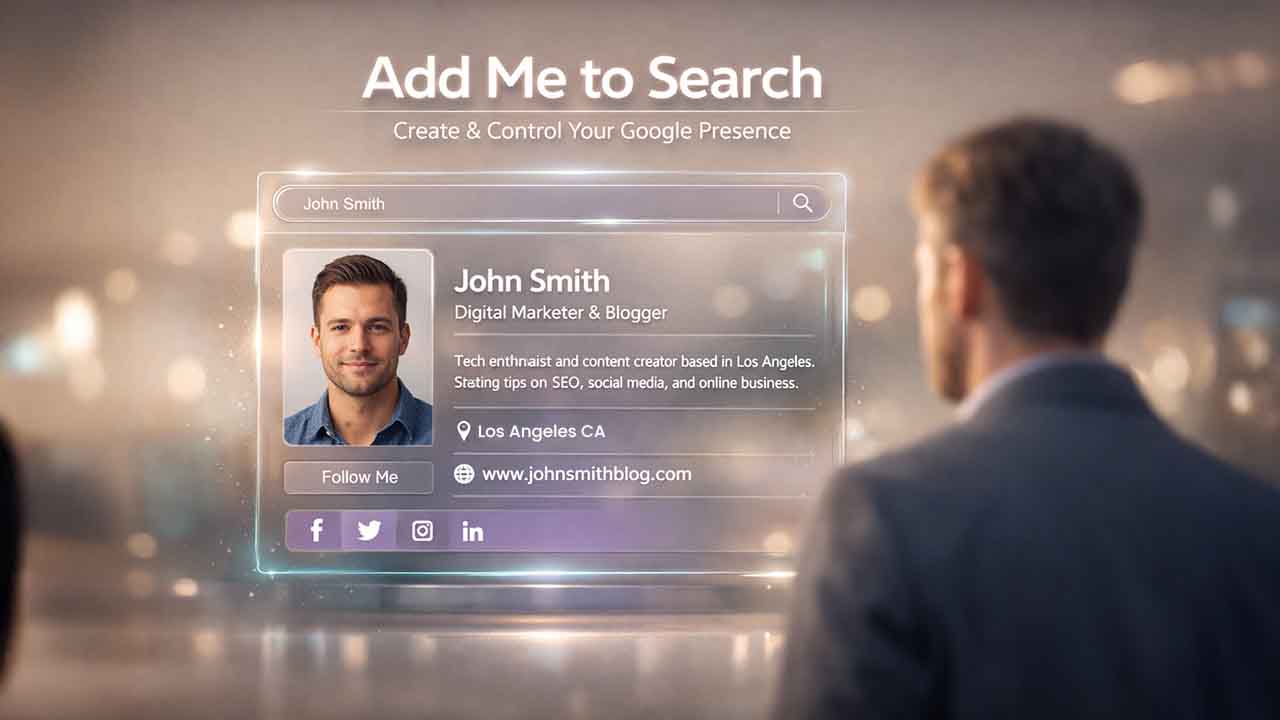

There is a special feature in Google known as “Add Me to Google.” It is one of the simplest methods to get your name to appear correctly in Google search results. We all have searched our names before, only to see old accounts, random names, or someone else with whom we share the name. With the help of Google People Card, you can finally take total control of what appears when people search for you. This feature enables you to develop a mini profile on Google Search, complete with your bio, photo, and links. This is just like a business card that anyone can find.
In this guide, you will understand all key details related to “Add Me to Google.” You will understand how it works and how you can easily create, edit, or delete your Google People Card.
What Is Add Me to Search (Google People Card)
“Add Me to Search” is a special Google feature that allows people to create public profiles directly on Google Search. When someone looks for your name, your Google People Card can give people:
- Your Photo
- Your Name
- Your Job Title or Profession
- Location
- Short Bio
- Social Links or Websites
- Contact Information (Optional)
You can consider it as a digital visiting card on Google. Instead of people guessing who you are, they can immediately see verified information from you. Google revealed this feature in August 2020, first in Kenya, India, Nigeria, and then in South Africa. Then, later, it expanded into more regions. In 2026, it will grow continuously with more countries getting access. If you are currently in a region that provides support to the “Add me to Search” feature, you can just type “Add Me to Search in Google,” and you will find a form that you have to fill out to create your “Google People Card.”
Its main purpose is to make you visible. There can be hundreds of Jon Does in this world. However, to distinguish yourself, you need to fill out the “Google People Card” form and improve your visibility on Google.
Also Read: What Is Fast People Search? Data Sources, Risks & Opt-Out Guide 2026
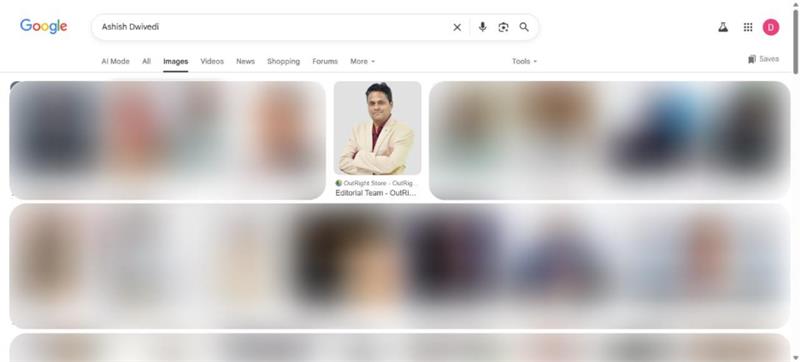
Advantages of Creating a Google People Card
Before we discuss the detailed steps to create a Google Play Card, it is important to discuss a few of its advantages:
1. Develop a Professional Online Identity:
In the internet-driven, highly digitized world, people search for everything on Google. Even people. Irrespective of whether it is employers, clients, or new connections, they will try to find out information about you. And one of the first things they do is do a Google search. Having a Google People Card allows you to control what people see once they find you on the internet.
2. Improve Your Google Visibility:
Your name can be common, but to stand out, you need to make full use of a specialized feature known as “Add Me to Google.” It allows Google to understand who you are, so your profile shows right at the top when people search for you. Combining your People Card with effective Image Search Techniques, like optimizing the filename of your profile photo and alt attributes online elsewhere, can boost how you show up in Google results.
3. Control Your Personal Data:
You can decide what you need to show and what you do not want to show. You can include your social media, work information, or website links while ensuring that your email or phone remains silent if you want.
4. Show Your Links and Work:
Freelancers, creators, and professionals can use this feature to show LinkedIn profiles, highlight portfolios, or create visibility for their YouTube channels. It is almost like saying “Yes, this is my name” to Google. An authentic way to create all-around visibility.
5. Boost Your Network:
Irrespective of whether you are building your brand or hunting for a job, visibility is important. Your Google People Cards can attract clients, opportunities, or even press coverage.
6. It's Fast and Free:
Contrary to a website, there is no complicated setup or a website. You can be live in just under five minutes, needing nothing more than a Google account.
Google People Cards (Add Me to Search) Prerequisites
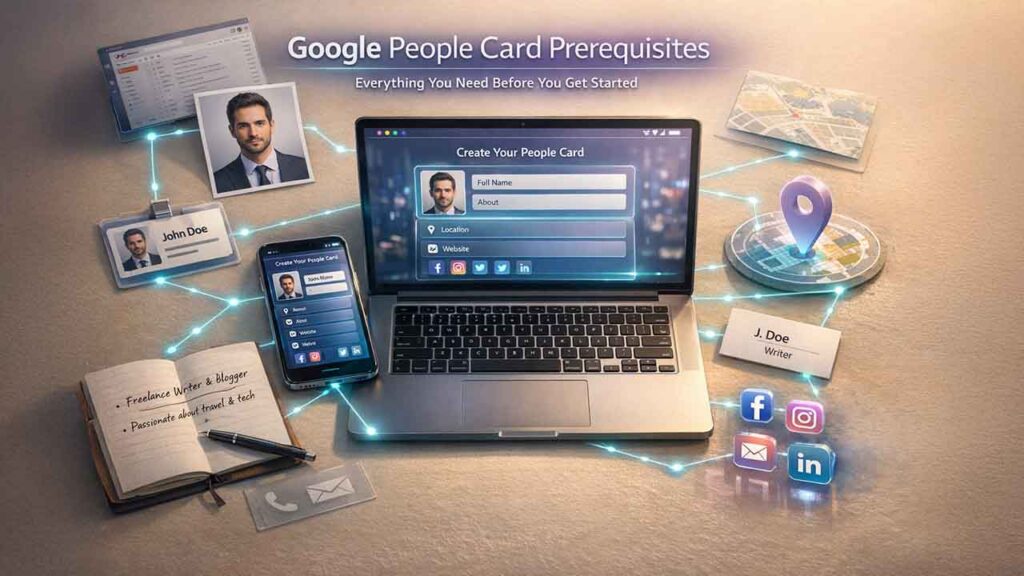
Before you go all in, you just have to keep a few things ready. These are simple things that you can easily provide to Google:
- Your Full Name: The name that you want to search for. Ideally, you must use your legal name, but you are not legally bound to do so.
- Profile Image: Your clear and recent photograph.
- Active Google Account: You must have an active Gmail account, and you must be signed in.
- Short Bio: You can use a bio that can be as simple as “Students passionate about CRM” or “SEO allowing brands to grow online.”
- Professional or Work Title: Your field of work or role.
- Location: Country or city where you are currently residing.
- Links: Personal website, social media, or portfolio links.
- Optional: Contact details (phone number and email) only if you want people to connect with you.
And that’s all. Once you are ready with these prerequisites, you can proceed further.
Detailed Steps to Create a Google People Card
Creating your “Google People Card” is extremely easy. You do not require any coding or technical skill sets. Just implement the following steps:
Step 1: Search the Keyword:
Open Google on your laptop or phone while you are still signed in with your Gmail. Search the keyword “Add Me to Google” or “Add Me to Search” and select “Enter.” If this feature is working in your region, you will see options such as “Add Yourself to Google” or “Get Started.”
Click on that option.
Step 2: Provide Your Personal Details
Next, a form will appear on your screen which you have to fill it. You can provide details such as:
- Your Name
- Location
- About
- Links
- Job or Profession
- Contact Details
Tip: Make sure your name is consistent with what you use across other digital platforms. Do not write too much. Just make sure that your name is professional and clean.
Step 3: Add Your Profile Picture
Upload a photo that looks professional and clean. You do not have to make it overly formal. Just make it friendly and clean. Avoid blurry selfies, informal poses, or group pictures. Keep in mind that your Google People Card will determine how people will perceive you online.
Step 4: Preview Your Card:
Before you publish it, Google will make you see a preview. Check grammar, spelling, and all URLs. If everything is correct, you can proceed to select “Save and Publish.”
Step 5: Wait Till Indexing and verification are completed:
Once you hit publish, it might take some time, anything between a few minutes and a few hours, for the Google Search Card to show results. You can test it by searching for your name again.
Sometimes, you might hit the “Publish” button, but the results do not appear right away. You can wait for some time and then check again. Google verifies and updates the results automatically.
How Can You Edit Your Google People Card?
Whether you have made a mistake while creating your Google People Card or you need to update details, you can ensure smooth editing with some simple and quick steps:
Step 1: Select “Edit My People Card” on Google
Sign in with the same Google account that you have used before. Search for the buttons “Add Me to Search” or “Edit My People Card” and select them. An existing card will appear along with an Edit button.
Step 2: Update Data
Change your links, bio, image, or anything else. For instance, you can update details if you have recently changed jobs or created a new YouTube channel. Just edit the required fields and then save them again.
Step 3: Save Changes
Once you have updated, select “Save.” Your card will then be resubmitted, and you will start to see the updates being reflected within a few hours.
What Are the Google Guidelines and Policies for Add Me to Search?
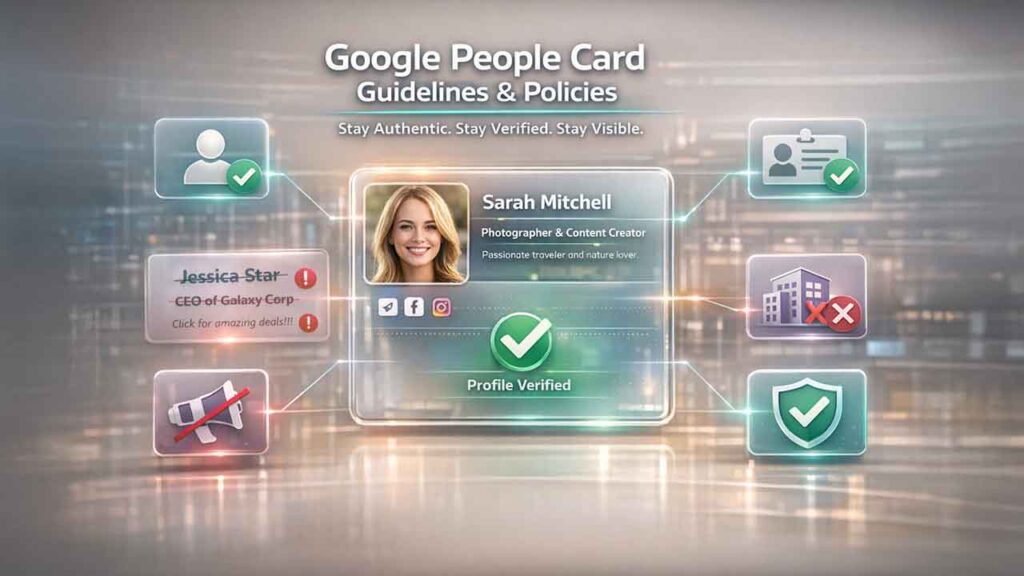
Google is quite strict about Google People Cards, as providing authentic and legal information to people is the duty of the top tech giant. Thus, in order to protect users and prevent spam, you need to follow a few rules:
Here is what you can remember:
- You can create only one card per account.
- You must use your real name. You should avoid using fake names or celebrity names.
- Do not post promotions or false information.
- Keep your content SFW and related to ethical practices.
- Do not add fake companies or misleading job titles.
Conclusion
Your digital presence is important, and creating and optimizing your Google People Card is extremely important. By utilizing “Add Me to Search,” you get a quick, free, and professional way to show yourself on Google exactly how you want to. You can further strengthen your online identity by using Reverse Image Search to verify your profile images, ensure authenticity, and check where your photos appear across the web. Irrespective of whether you are a job seeker, freelancer, or a professional developing your personal brand, it is a preferable tool that can expand your visibility.
Creating your Google People Card will take you no more than five minutes. However, the impact that it will create can last longer. It changes the first impression that clients, employers, and new connections get when they search for your name. Ensure that your card remains updated whenever your links, role, or information evolves. The more complete or accurate your card is, the better impression it leaves on the audience. With “Add Me to Search,” you have complete control over how your audience can perceive you.
FAQs for Add Me to Search
What does “Add Me to Search” mean?
The “Add Me to Search” refers to a Google feature that allows individuals to create a customized card. It shows up when people search for you by your name.
How do I add myself to the search?
To add yourself to Google search, you can use the “Add Me to Search” feature. Fill out your actual details, such as name, bio, and social links.
How do I avoid Google penalties?
To avoid Google penalties, always optimize your internal links, make mobile usability a priority, track negative SEO, avoid bad user signals, and prevent spammy structured markups. If you can use “Add Me to Search,” you must follow Google guidelines to avoid penalties.
Has “Add Me to Search” been discontinued?
Yes, “Add Me to Search” has been discontinued since June 2024.
Which country was “Add Me to Search” first released?
The “Add Me to Search” was first released in India. Later on, it was expanded into countries such as Nigeria, Kenya, and South Africa.
Related:
The Most Accurate Ways to Track Your Profile Growth
%201.png)

%201.png)

%201.png)