

Every LinkedIn automation tool stores your prospect data somewhere. With cloud platforms, that data sits on a vendor server you do not control. With browser extensions, it lives in Chrome's local storage, tied to your active session. With desktop applications, every record stays on your own machine.
That storage question leads to a larger one: where does the tool run, and what does LinkedIn see? Desktop apps like Linked Helper operate their own embedded browser on your computer. LinkedIn registers activity from your residential IP through a standalone session.
Cloud tools route actions from vendor servers. Chrome extensions inject code into your browser, leaving fingerprints that LinkedIn's detection scripts can identify.
The architectural split controls ban probability, data compliance, and long-term cost. Monthly pricing ranges from $15 on Linked Helper to over $150 on cloud tools. For B2B outreach, industry benchmarks place a solid connection acceptance rate between 30 and 45%.
Select your deployment model before comparing features:
- Recruiters: InMail automation for 2nd and 3rd-degree contacts.
- Agencies: per-client campaign isolation.
- SDRs: native CRM connectors for pipeline sync.
- Founders: safe, affordable automation under $50/month.
Linked Helper ranks first here based on safety profile, cost, and data control.
Download Linked Helper and start your free trial. Your IP, your data, your machine. No credit card required.
Best LinkedIn Automation Tools 2026: Side-by-Side Comparison
This ranking covers 10 tools across deployment models, pricing, CRM integration, and ban reports, sourced from G2 and Reddit. Linked Helper leads based on safety architecture, pricing, and data ownership.
| Platform | Architecture | Entry Price | Free Trial | Safety Level | Session Origin | CRM Depth | User-Reported Bans | Best Fit | G2 Rating |
| Linked Helper | Desktop (own browser) | $15/mo | 14 days, all features | Highest: desktop + residential IP | Your residential IP | 11 native + webhook triggers | Rare | SDRs, founders, agencies | 4.5/5 (149 reviews) |
| Skylead | Cloud server | $100/mo, $19.98/mo for agencies | 7 days | Moderate: dedicated cloud IP | Dedicated IP | HubSpot, Salesforce, Pipedrive, API access, Zapier | Uncommon | Agencies and sales teams | 4.5/5 (127 reviews) |
| HeyReach | Cloud server | $79/seat | 14 days | Moderate: cloud with proxy | Dedicated proxy (Growth plan) | HubSpot, Pipedrive, Clay | Common | Multi-account agencies | 4.6/5 (69 reviews) |
| Expandi | Cloud server | $99/seat | 7 days | Moderate: dedicated cloud IP | Vendor-assigned dedicated IP | Zapier, HubSpot | Common | Growth marketers | 4.2/5 (141 reviews) |
| Dripify | Cloud server | $39/mo | 7 days | Moderate: shared cloud IP | Vendor cloud IP | HubSpot, Zapier | Common | Sales managers | 4.5/5 (338 reviews) |
| PhantomBuster | Cloud server | $56/mo annual | 14 days | Moderate: shared cloud IP | Cloud IP | Zapier, API access | Uncommon | Data-focused marketers | 4.4/5 (139 reviews) |
| Waalaxy | Cloud + Chrome ext. | Free (80/mo cap) | Free plan | Moderate: cloud backend + extension | Cloud-managed IP | HubSpot, Zapier | Common | Solo users on a budget | 4.5/5 (1,207 reviews) |
| MeetAlfred | Cloud server | $59/mo | 14 days | Moderate: shared cloud IP | Cloud IP | Built-in CRM included | Common | Small teams, no CRM yet | 3.4/5 (37 reviews) |
| Octopus CRM | Chrome extension | $9.99/mo | 7 days | Low: detectable in-browser | User IP via Chrome | CSV only | Common | Beginners testing automation | 4.3/5 (118 reviews) |
| Dux-Soup | Cloud + Chrome ext. | $14.99/mo | Free basic | Low: detectable in-browser | User IP via Chrome | CSV, Zapier | Common | Light-touch prospecting | 4.3/5 (87 reviews) |
Linked Helper: Desktop Architecture, Lowest Price, Strongest Safety Record
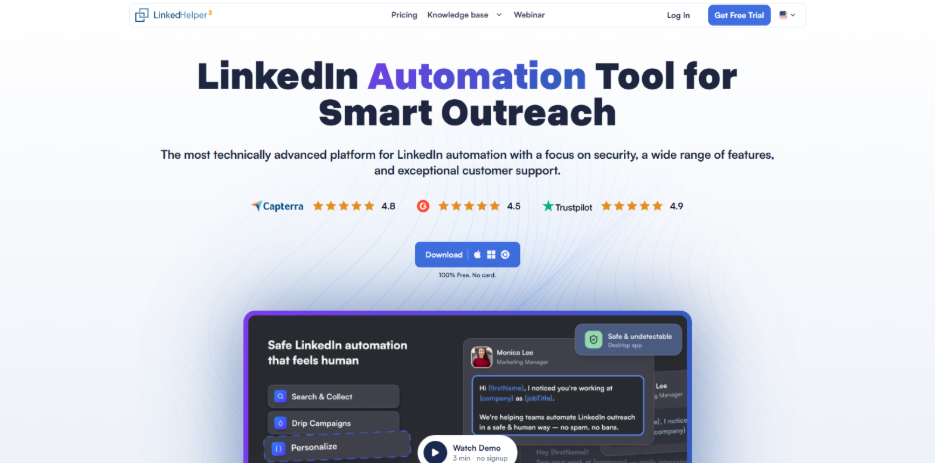
Linked Helper is a desktop LinkedIn automation application. On your local machine, it runs its own embedded browser engine. Standard costs $15/month, Pro costs $45/month, and annual billing reduces Standard to $8.25/month. The 14-day trial unlocks every feature and requires no credit card.
Because the tool creates an authenticated session on your device, LinkedIn registers activity from a consistent residential IP. No third-party server participates in the process. Chrome and Firefox on your machine stay completely unaffected.
With Linked Helper, you control the IP layer. For multiple accounts, assign an ISP or residential proxy to each profile individually. ISP proxies come with genuine provider associations. Through actual home connections, residential proxies route traffic that LinkedIn reads as normal behavior.
Datacenter proxies lack ISP fingerprints and face faster detection. Before linking any proxy, validate its fraud score, country, and history of bot activity.
Since 2016, over 500,000 users in 180+ countries have used Linked Helper. G2 records a 4.5/5 rating (May 2026, 149 reviews). Capterra shows 4.9/5 (May 2026, 258 reviews). On Trustpilot, the score is 4.8/5 (May 2026, 447 reviews).
From its Delaware (US) headquarters, the company runs 24/7 support with an average 15-minute first response.
Cloud competitors carry documented ban reports across review platforms:
- Trustpilot, Expandi (2025): "Within just a few hours of connecting to Expandi, my account was frozen."
- Trustpilot, Expandi (2025): "This software got me banned several times."
- G2, Expandi (2025): "Account got restricted twice in three months."
- Capterra, Dripify (2025): "Billing issues with no recourse" after a LinkedIn restriction.
- G2, Dripify (2025): users report "LinkedIn warnings and temporary restrictions" despite safety controls.
- Reddit (2024): "I just started to use an automated tool and got banned today."
Capabilities that typical roundup articles skip:
- 50+ custom personalization variables, spintax, and AI message generator
- 11 native CRM connectors: HubSpot, Pipedrive, Salesforce, Close.io, Zoho CRM, Zoho Recruit, ActiveCampaign, HighLevel, Streak, Capsule CRM, Instantly
- Outgoing webhooks after each campaign step: connection accepted, reply detected, message sent
- Team workspaces with role-based access on all license tiers
- Mouse movement emulation with organic physics: acceleration, micro-pauses, path variance
- VPS installation for running campaigns 24/7 without tying up your personal PC
All prospect data stays on your local machine.
No tool removes ban risk entirely. LinkedIn's Terms of Service prohibit all third-party automation. Linked Helper reduces detection probability through its architecture, not through marketing language.
At $15/month, Linked Helper undercuts cloud competitors that typically charge $79 to $150 per seat. Expandi asks $99/seat/month for a dedicated-IP model that the desktop architecture of Linked Helper provides by default.
Try Linked Helper free for 14 days. Full safety architecture at $15/month, not $99+. No credit card required.
Skylead: All-in-One LinkedIn Automation and Cold Email Platform for Agencies and Sales Teams
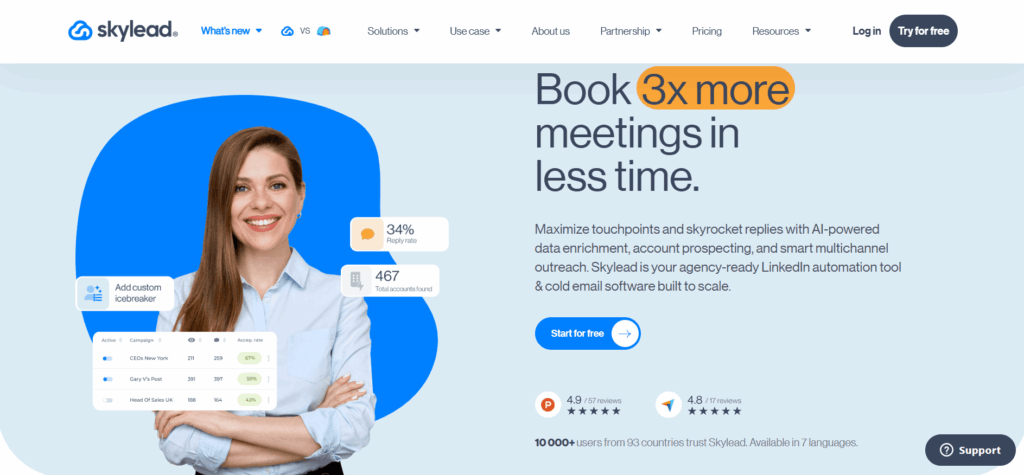
Skylead is a cloud-based LinkedIn automation tool and cold email platform built for agencies and sales teams. The all-in-one plan costs $100/seat/month. Agency plans use flat pricing instead: $999/month for 50 seats or $1,999/month for unlimited seats. That brings the effective cost of the 50-seat plan to $19.98 per seat, while the unlimited-seat option gives larger operations room to scale without the per-seat pricing used by platforms such as Expandi.
Skylead covers the entire outbound process from start to finish. Its built-in B2B database supports prospecting, while AI Data Enrichment combines 20+ providers and 10+ signals across companies and contacts to surface relevant data and narrow lists toward the right ICP. Smart Sequences then automate LinkedIn and email outreach, and the AI SDR manages conversations from the first reply through to a booked call.
AI Data Enrichment and AI SDR usage costs $1 per 100 credits, based on third-party provider costs without an added Skylead margin.
Key agency features:
AI Training Sets let agencies train the AI SDR with feedback until its replies reflect their own sales approach. The training set remains the agency's protected expertise when applied to client campaigns, which clients can view but can’t edit or delete.
The Agency Dashboard provides a single overview of every seat, including account activity, campaign progress, performance statistics, and high-risk seats that may need attention.
Unibox brings LinkedIn and email conversations into one place, with filters for specific teams and seats, so agencies can monitor client communication and step in where needed without moving between accounts.
Expandi: One Dedicated IP per Account in a Cloud Model
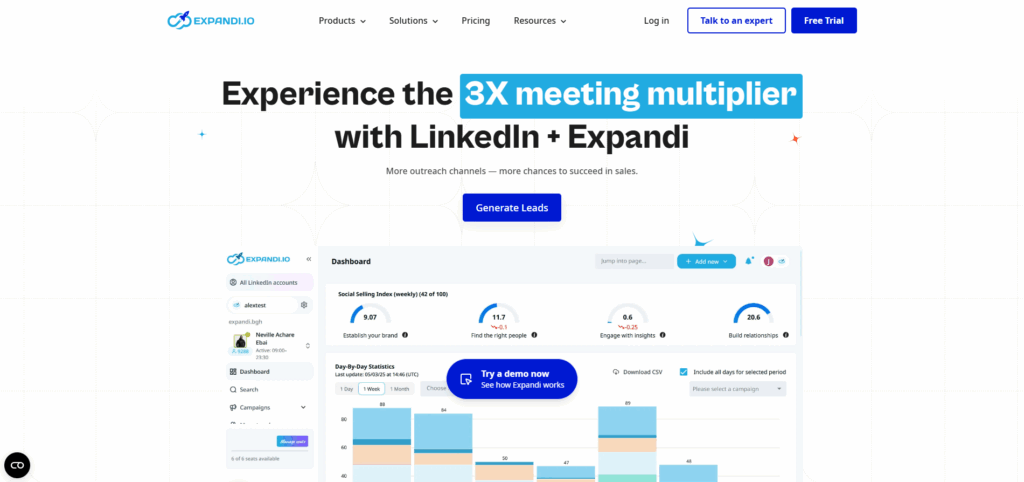
Expandi is a cloud platform at $99/seat/month ($79 on annual billing). Within the cloud tier, its safety differentiator is a dedicated IP assigned to each account instead of a shared pool.
A cost detail most reviews skip: GIF and image personalization requires add-ons (Hyperise at $69/month, Sendspark at $49/month). A full Expandi seat runs $197+/month. On G2: 4.2/5 (May 2026, 139 reviews), with billing and rigidity complaints.
For $99/month, Expandi assigns an IP you cannot verify. At $15/month, Linked Helper uses your own residential connection. For teams where $99/seat works, Expandi provides a 7-day trial with no credit card.
HeyReach: Multi-Sender Cloud Platform for Agency Teams
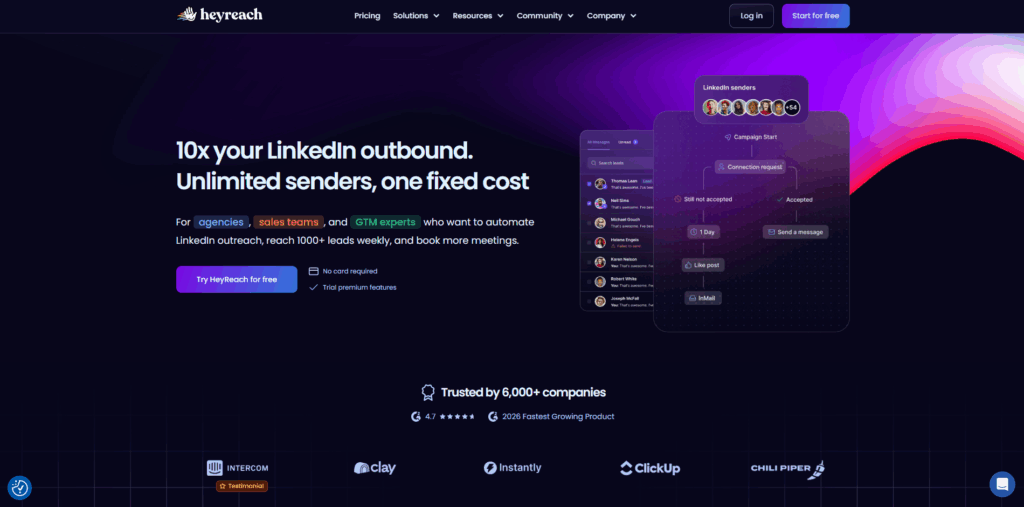
HeyReach operates as a cloud LinkedIn outreach platform for agency workflows. Pricing: $79/seat/month (Growth), $999/month for Agency (50 senders), $1,999/month for Unlimited. Growth includes a 14-day free trial.
Unibox pulls messages from every connected LinkedIn account into a single inbox. Within one campaign, multi-sender rotation distributes requests across profiles.
Key cost and architecture details:
- Growth includes a dedicated residential proxy per sender
- Agency and Unlimited require your own proxies ($5 to $15/account/month extra)
- Email outreach not included (needs a separate Instantly license)
- Integrations: HubSpot, Pipedrive, Clay, Zapier, Make
Because multi-sender rotation violates LinkedIn's Terms of Service, ban exposure rises. At $79/month per seat, HeyReach justifies its cost only at agency volume. Solo users get more value from Linked Helper at $15/month.
At scale, the Agency plan covering 50 senders costs $20/sender/month, $79 less than Expandi's $99/seat.
Additional LinkedIn Automation Tools on the Market
Waalaxy: Cloud-First Platform with Chrome Extension Interface
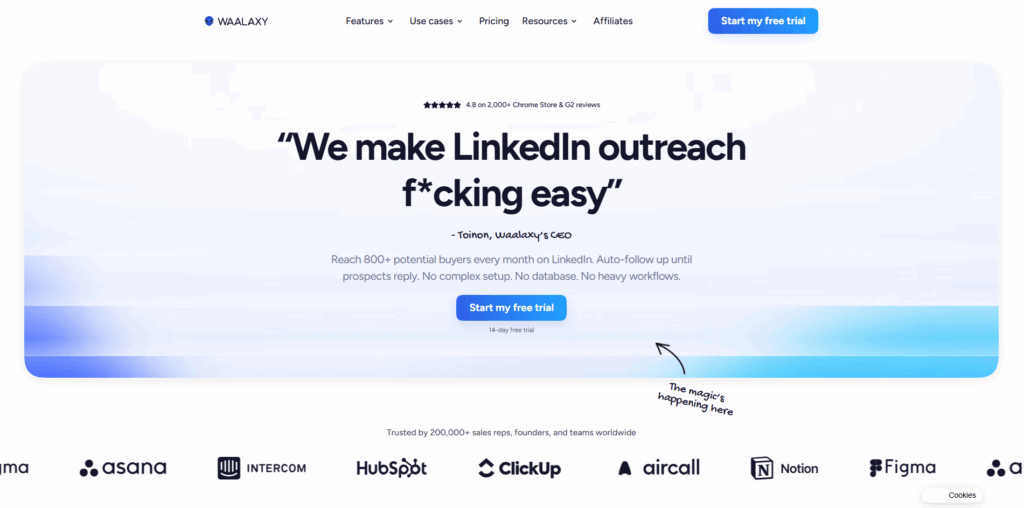
Waalaxy pairs a cloud backend with a Chrome extension that serves as the execution layer. A free plan allows 80 invites/week, and paid tiers scale up to €139/month (Business). Because the extension operates inside Chrome, your session stays visible to LinkedIn's in-browser detection scripts. G2 rating: 4.5/5 (May 2026, 1,180 reviews).
Dripify: Always-On Cloud Sequences for Sales Managers
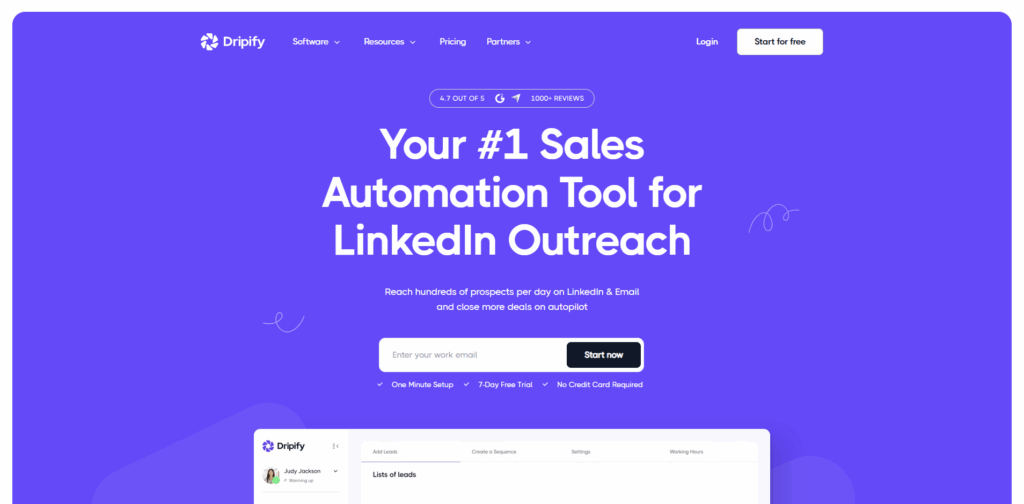
Dripify charges $39/month (Basic), $59/month (Pro), $79/month (Advanced) on annual billing. At $59/month, the Pro plan opens unlimited campaigns, full daily quotas, and a shared inbox. Main limitation: vendor-controlled IPs without a dedicated proxy option.
PhantomBuster: Execution-Hour Model for Multi-Platform Scraping
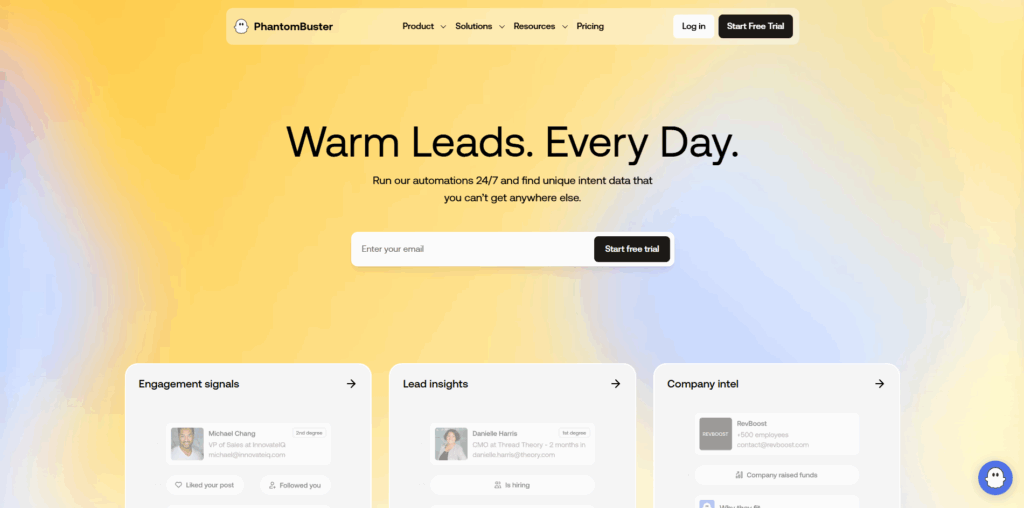
PhantomBuster charges $69/month for 20 hours (Starter) and $159/month for 80 hours (Pro). Over 100 code-free "Phantoms" cover LinkedIn, Sales Navigator, Google Maps, and Twitter. Heavy users spend hours in 2 to 3 weeks.
MeetAlfred: Multi-Channel Outreach with a Bundled CRM
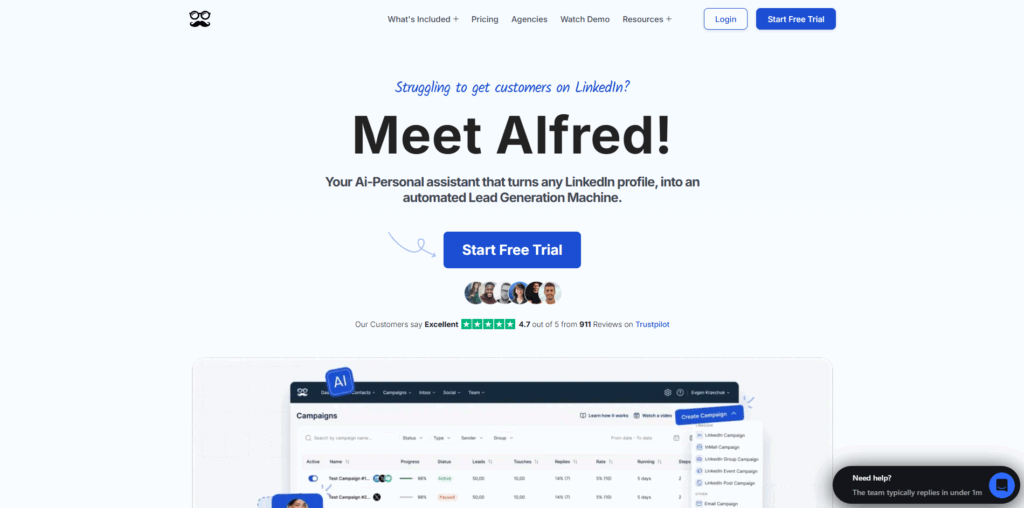
For $59 to $345/month, MeetAlfred bundles a CRM alongside LinkedIn, email, and Twitter sequences. G2 rating: 3.4/5 (May 2026, 36 reviews). Setup complexity exceeds that of most single-channel tools.
Octopus CRM: Sub-$10 Chrome Extension for Basic Automation
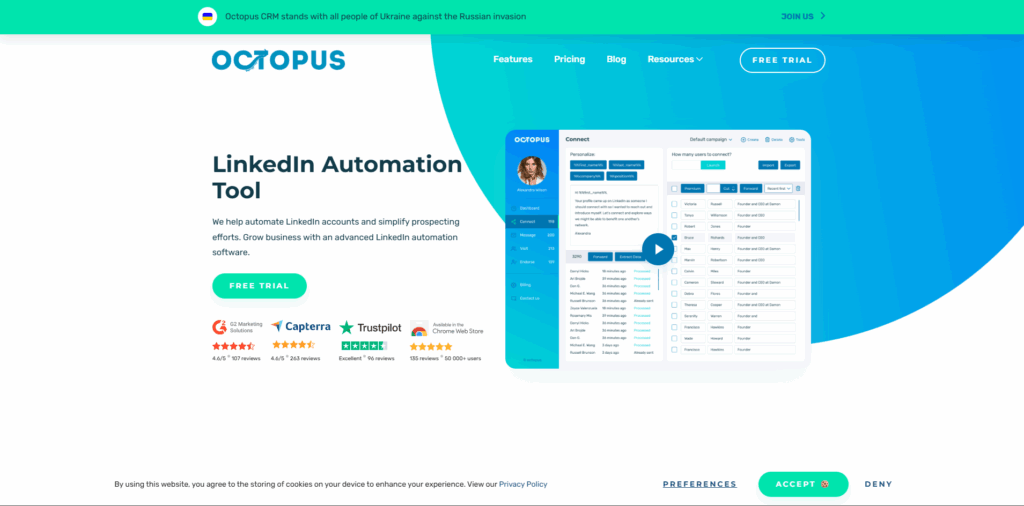
At $9.99 to $39.99/month, Octopus CRM is a Chrome extension with the lowest paid entry in the category. User reviews flag unreliable safety mechanisms. Despite the name, no pipeline views, deal tracking, or meaningful contact management exists.
Which LinkedIn Automation Tools Fit B2B Lead Generation
A standard B2B LinkedIn funnel covers five steps: Sales Navigator search, list import, connection sequence, reply detection, CRM handoff. Personalized notes produce acceptance rates of 15 to 30%. Without personalization, rates fall to 5 to 15%.
Five features define serious SDR outreach tools:
- Sales Navigator list import (saved searches with 50+ filters, or CSV)
- Personalization tokens ({first_name}, {company}), spintax, AI drafts
- Auto-reply detection that pauses the sequence on response
- Daily limit enforcement (20 to 40 connections/day)
- CRM sync via native connector or webhook on acceptance
Picks by team size:
- Solo SDR under $50/month: Linked Helper Standard at $15/month covers the core outreach cycle[Text Wrapping Break]
- 5-person sales team needing always-on cloud: Dripify Pro at $59/month[Text Wrapping Break]
- Agency billing 10+ clients: HeyReach Agency at $999/month for 50 senders[Text Wrapping Break]
At a $2,000 average contract value, one closed deal covers 11+ months of Linked Helper at $15/month.
Does automation replace an SDR? No. The tool handles volume. The SDR owns messaging strategy, reply qualification, and deal closure.
With 50+ custom variables and spintax, Linked Helper generates unique text for every recipient. AI-drafted per-prospect messages paired with spintax outperform blank invitations by a measurable margin.
Which LinkedIn Automation Tools Support Recruiting Workflows

Four capabilities separate recruiting-grade automation from general outreach:
- InMail delivery to 2nd and 3rd-degree connections
- Boolean search string support
- Candidate profile export (CSV or direct CRM push)
- ATS sync via Zapier to Greenhouse, Lever, or Workable
Linked Helper Standard and Pro, HeyReach, MeetAlfred Business, and Skylead all include InMail automation. Waalaxy basic plans and Octopus CRM lack InMail support.
One LinkedIn constraint applies: InMail reaches only 2nd/3rd-degree contacts and open profiles. If a prospect accepts your connection mid-campaign, Linked Helper cannot send InMail to that now-1st-degree contact.
Through direct Salesforce connectors, both Linked Helper and HeyReach serve recruiting CRM workflows. Linked Helper covers Recruiter Lite and Recruiter Pro. Expandi supports Recruiter-level campaigns. On Octopus CRM, only Recruiter Lite works.
For in-house recruiters: Linked Helper Pro at $45/month. For recruiting agencies at scale: HeyReach Agency at $999/month for 50 seats.
Which LinkedIn Automation Tools Work at Agency Scale
At agency scale, automation demands three capabilities: per-client campaign isolation, role-based team dashboards, and white-label reporting.
HeyReach delivers multi-sender rotation, Unibox, API campaign management, and white-label on Agency/Unlimited plans. Linked Helper provides team workspaces with granular access control (Owner, Admin, Member, Guest) and cross-workspace license transfers. Through a web interface, remote campaign monitoring stays accessible. Workspaces come with all tiers, not only Pro.
Agency pricing at scale: HeyReach Agency covers 50 accounts for $999/month. At $99/seat, 50 Expandi accounts total $4,950/month.
With the 30% bulk discount, 50 Linked Helper Pro accounts cost $1,575/month, or $865/month annually. Fifty Standard licenses cost $525/month, or $288/month annually. Bulk and duration discounts stack on one invoice.
Choose based on priority: Linked Helper for IP control and lower cost, or HeyReach for zero-setup multi-sender rotation.
How LinkedIn Automation Tools Operate Across Three Architectures
A LinkedIn automation tool handles repetitive platform actions on your behalf. Core functions include connection requests, message sequences, InMail, profile visits, data scraping, engagement, post scheduling, and CRM sync.
Three deployment models define the safety spectrum. On your device, desktop apps (Linked Helper) run an isolated browser engine. From remote servers, cloud tools (Expandi, Dripify, HeyReach) execute. Inside Chrome, extensions (Octopus CRM, Dux-Soup) inject JavaScript into your session.
Extensions alter the Chrome page directly, creating detectable signals. Desktop tools avoid this vector because they never operate inside your everyday browser.
LinkedIn's Terms of Service prohibit all third-party automation. Free accounts get ~100 invitations/week. Premium gets ~200/week. Basic members receive only 5 personalized notes per month.
Five Ways LinkedIn Detects Automation and How to Counter Each

LinkedIn relies on five documented detection mechanisms. Each maps to a specific countermeasure.
- IP pattern analysis. A session jump from residential to datacenter IP triggers a mismatch flag. Counter: keep a stable residential IP. By default, desktop tools do this.
- Click interval uniformity. Clicks at uniform 3-second gaps register as non-human. Counter: randomized delays and variable pauses. Linked Helper adds micro-jitter to every action interval.
- Volume spikes. An overnight jump from 5 connections/day to 80 triggers an alert. Counter: gradual warm-up over 3 to 4 weeks.
- Session origin mismatch. When IPs rotate between requests, LinkedIn reads a red flag, not a safety measure. Counter: the same residential IP every session.
- Extension fingerprinting. Client-side scripts from LinkedIn scan for installed extensions. Desktop tools bypass this entirely.
Two restriction tiers exist. Temporary (24 to 72 hours, lifts after you reduce volume) and permanent (requires a support appeal, risks profile removal).
When an identical copy reaches hundreds of profiles, a sixth signal fires: content-pattern detection. With spintax, 50+ variables, and AI drafts, Linked Helper creates per-prospect message uniqueness.
Linked Helper runs its own browser session. LinkedIn cannot distinguish automated activity from a normal login.
Desktop or Cloud: Choosing the Right Deployment Model
Cloud tools promise a "dedicated IP" per account, but no vendor lets you view or verify that IP.
| Attribute | Desktop (Linked Helper) | Cloud (Expandi, Dripify, HeyReach, Skylead) | Extension (Octopus CRM, Dux-Soup) |
| IP origin | Your residential IP or self-assigned proxy | Vendor-assigned (unverifiable) | User IP (extension injects into Chrome) |
| Requires PC | Yes, or VPS for 24/7 | No | Yes (Chrome must be open) |
| Ban risk level | Lower (residential IP + isolated session) | Medium to higher (server IP patterns) | High (detectable DOM modifications) |
| 24/7 operation | VPS required (one-time setup) | Built-in | Not possible without active browser |
| Data ownership | Local: your machine or VPS | Vendor server (provider-controlled) | Local (Chrome storage) |
| Price range | $15 to $45/month | $39 to $199/month per seat | $9.99 to $39.99/month |
| Best for | SDRs, founders, compliance teams | Agencies scaling 10+ accounts | First-time testers |
A desktop tool on a VPS with a residential proxy delivers identical 24/7 uptime with full IP control. Before each session, Linked Helper validates proxy quality: fraud score, country, prior bot usage.
Desktop apps keep all prospect records on your machine. Cloud tools store data on vendor servers. A breach exposes your contacts. A shutdown may destroy them.
For GDPR, CCPA, or internal security policies, local storage removes that risk. If company policy blocks prospect data on external servers, the desktop is the only compliant option.
Connecting LinkedIn Automation to Your CRM: Integration Tiers Explained
Three tiers of integration depth exist:
- Native API: bi-directional sync, no middleware. Linked Helper connects to HubSpot, Salesforce, Pipedrive, Close.io, Zoho CRM, Zoho Recruit, ActiveCampaign, HighLevel, Streak, Capsule CRM, and Instantly.
- Webhook (Zapier/Make/Automatic.ai): HTTP request on trigger, middleware required.
- CSV: manual file transfer, no automation.
Across all natively connected CRMs except Instantly, Linked Helper pushes conversation history and links records to Contact and Company objects. On reply detection and after each campaign step, webhooks trigger automatically.
"Can Linked Helper connect to Salesforce?" Yes, natively. "Does it auto-create CRM contacts?" Yes, through native sync or a webhook on connection acceptance.
Before trusting any tool's "native HubSpot" label, confirm whether the link runs as a direct API sync or a Zapier relay.
Setting Up Your First Campaign in Linked Helper
Step 1: Download Linked Helper for Windows, macOS, or Ubuntu. Open the built-in browser and log into LinkedIn. Your Chrome stays untouched.
Step 2: Create the campaign container. In Linked Helper, campaigns exist before you add leads.
Step 3: Add prospects from Sales Navigator saved searches (50+ filters), standard LinkedIn search, or CSV import. Target 200+ leads per campaign.
Step 4: Configure your sequence. Personalized connection request ({first_name}, {company}, spintax). Wait 3 days after acceptance, then send Message 1. If no reply in 5 days, send Message 2.
One constraint: if a lead becomes 1st-degree during the workflow, Linked Helper will not send InMail to that contact.
Step 5: Daily limits. New accounts: 20 to 30 connections/day. Established accounts: 30 to 40/day.
Step 6: Check metrics weekly. Acceptance target: above 25%. Reply target: above 8%.
Free vs Paid LinkedIn Automation: Where the Value Gap Sits
Free tiers consistently lack safety throttling, residential session isolation, conditional branching, and CRM sync through native connectors.
At a $2,000 average contract value, one deal funds over 11 years of Linked Helper Standard at $15/month. The same deal covers over 3 years of Pro at $45/month. Free tools work for testing. Paid tools produce a pipeline.
Linked Helper Standard at $15/month covers automated connections, message sequences, profile scraping, CSV export, and CRM sync. Without automation, manual prospecting takes 3 to 5 hours per day.
For teams moving past free options, Linked Helper's 14-day trial offers the lowest-risk path. Every feature works, no credit card needed.
Conclusion: Deployment Model First, Feature List Second
Decide on a deployment model before comparing features. Desktop delivers safety and data control. Cloud delivers always-on convenience at a premium. Match your persona:
- SDRs and founders: Linked Helper Standard, $15/month
- Sales teams needing 24/7 cloud: Dripify Pro, $59/month
- Agencies with 5+ client accounts: HeyReach Agency, $999/month, or Linked Helper with team workspaces
- In-house recruiters: Linked Helper Standard, $15/month
- Solo testers: Linked Helper 14-day free trial or Waalaxy free plan
Follow the warm-up protocol. Set conservative daily caps. Write a unique copy for every message.
Track acceptance rates weekly. All third-party automation carries LinkedIn ToS risk. Minimize it through architecture, volume discipline, and careful behavior.
Get Linked Helper free for 14 days. All features, no credit card.
FAQs About LinkedIn Automation Tools
Q. Which LinkedIn Automation Tool Carries the Least Detection Risk?
Linked Helper carries the lowest detection risk. The tool runs its own isolated browser session (not Chrome) and emulates mouse movements at the UI level. Configurable daily limits and randomized delays add further protection.
Actions route through your residential IP, which reduces detection probability. With cloud tools, vendor IPs increase that exposure. No tool is 100% safe.
Q. How Many Connections per Day Can I Safely Send?
New accounts: 20 to 30 connections/day. Established accounts: 30 to 40/day. LinkedIn caps free accounts at ~100 invitations/week and Premium at ~200/week. Scale up gradually over 4 weeks.
Q. Can I Run LinkedIn Automation on a Free Account?
Free accounts face hard restrictions. Basic members get 5 personalized messages/month with a 200-character cap. Blank invitations bypass the limit but produce higher rejection rates. Serious B2B outreach requires Premium or Sales Navigator.
Q. Which LinkedIn Automation Tools Connect to HubSpot Natively?
Linked Helper, HeyReach, Expandi, Dripify, and MeetAlfred support HubSpot through native connectors or webhooks. On acceptance or reply, Linked Helper pushes data automatically. Always confirm whether "native HubSpot" means direct API sync or a Zapier relay.
Q. What Is the Best Spacing Between Follow-Up Messages?
Between acceptance and Message 1: 3 to 5 days. Between Message 1 and follow-up 2: 5 to 7 days. Third touch (InMail or closing message): 10 to 14 days. Shorter intervals trigger spam reports and account flags.
Q. Do Free LinkedIn Automation Tools Deliver Enough Value?
Waalaxy's free plan allows 80 actions/week. PhantomBuster provides 1,000 free credits (~50 to 100 actions). Linked Helper's 14-day trial opens every feature at no cost. No free plan supports teams sending 50+ messages/week.
%201.png)

%201.png)

%201.png)